1:28
Explore
00:00:00 / 01:13:08
- Length
- 1:13
- Scenes
- 20 · 3.7 s avg
- Product on screen
- 0:02
- Features shown
- 3
- Call to action
- 1:01 · 84%
- Voiceover
- Yes
- Views
- 1.1M on X
as of November 9, 2026
Pexo AI’s 1:13 launch film runs 20 scenes, about 3.7 s each. The product shows up at 0:02 and 3 features are revealed. The call to action lands at 1:01 (84% in), over a voiceover. The video alternates a founder talking to camera in a sunlit loft with flat cream UI and motion-graphics inserts, cutting at a relaxed six cuts per minute in sync with the voiceover. Signature moves: oversized white headlines that scale in over live action, dark pill captions, and a self-referential close where a laptop mockup squashes and its lid closes to leave the pexo.ai wordmark.
Footage neededEstimated needs: 2 capture groups — your screens or recordings · 1 official logo — reused across the film · 11 filmed passages — shoot, supply or replace · 1 graphic passage — draw or supply · 1 3D passage — build or supply
Is this your launch? to your site or press kit.
More like this

0:59
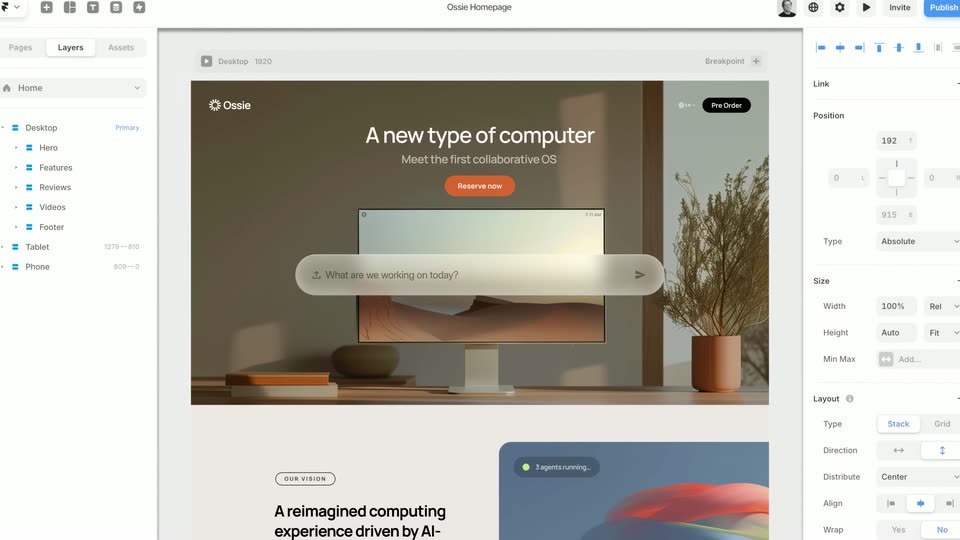

Framer Design: Design on an intuitive Canvas
Framer · Design · Jul 2024
1:28
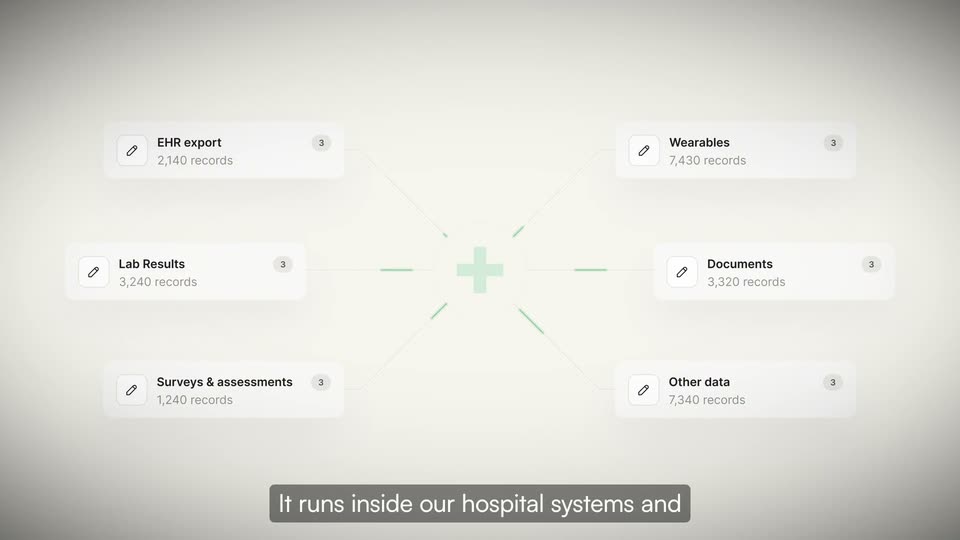
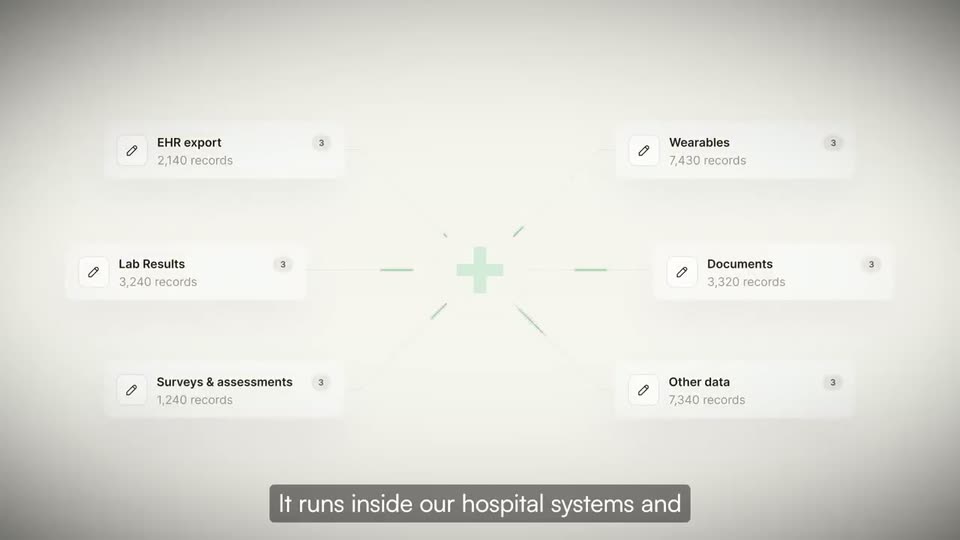
Supratik Panuganti - Today we’re launching Sutrix (YC F26): AI software that turns patient
Sutrix · Healthcare · Nov 2026
Pexo - Now you can create videos the way you vibe-code. Meet Pexo, your A, scene by scene
· 20 scenes as text
01 · Hook · 0:00–0:02
A man in a black cap and black t-shirt with a small white logo sits at a wooden table in a bright, plant-filled office, speaking to camera and gesturing. A white name lower-third fades in on the right while subtitle captions appear in a dark pill at the bottom.
On-screen text: “Now you can create videos”, “Evan”, “FOUNDER & CEO”, “the way you vibe-code.”
Camera: Static
02 · Product intro · 0:02–0:04
A man in a black cap and Pexo t-shirt sits at a wooden table in a bright office, speaking to camera. A large white headline scales in across the frame while a small caption line cycles at the bottom.
On-screen text: “Meet Pexo”, “the way you vibe-code.”, “The AI video agent that works”
Techniques: Kinetic type
Camera: Push in
03 · Product intro · 0:04–0:09
A man in a black cap and Pexo t-shirt sits at a wooden table in a sunlit loft, gesturing while speaking to camera. White subtitles in a dark bar track his words at the bottom, and a large Meet Pexo title scales in near the end.
On-screen text: “The AI video agent that works”, “like a creative partner.”, “Tell it what you want.”, “Pexo handles the production.”, “Meet Pexo”
Camera: Static
04 · Demo · 0:09–0:13
A white chat box on a light gray field cycles through three prompts: a website chip, three file attachments, and a typed sentence, then clears as the sent message lands in a blue bubble at the top right. Dark caption pills run along the bottom.
On-screen text: “everydayobjects.co”, “Start with your website, your assets,”, “or even a half-formed idea.”, “Pexo understands what you do,”
Camera: Static
05 · Demo · 0:13–0:15
A light interface panel expands to reveal a checklist and planning notes beneath a blue asset box at top right. A dark rounded caption pill at the bottom swaps phrases in sync with the voiceover.
On-screen text: “Pexo understands what you do,”, “shapes the creative direction,”
Camera: Static
06 · Demo · 0:15–0:16
A light interface displays a checklist document that scrolls upward. A new action row with a sparkle icon and an OK button appears at the bottom of the panel.
On-screen text: “and turns it into a plan.”
Camera: Static
07 · Demo · 0:16–0:17
A light interface shows a checklist under the header “Turn the direction into a production plan.” A second checklist item fades in below the first, and a dark caption pill reading “and turns it into a plan.” at the bottom center fades out.
On-screen text: “and turns it into a plan.”
Camera: Static
08 · Feature reveal · 0:17–0:21
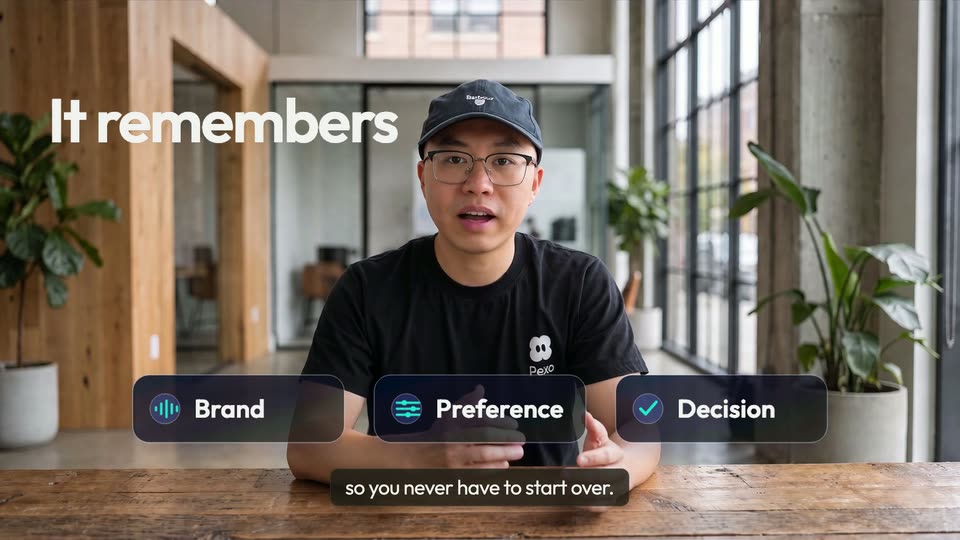
A man in a black Pexo tee and cap sits at a wooden table in a bright office, speaking and gesturing to camera. The white headline It remembers holds top left while three dark chips labeled Brand, Preference and Decision slide in across the lower third, then all fade out.
On-screen text: “It remembers”, “It remembers your brand voice,”, “Brand”, “preferences, and decisions,”, “Preference”, “Decision”, “so you never have to start over.”
Camera: Static
09 · Feature reveal · 0:21–0:22
A man in a black cap and glasses talks at a wooden table while a white chat panel sits on the right. The panel swaps its message and the bottom input updates, the camera pushes in tighter on him, and a dark caption pill reads at the bottom.
On-screen text: “Need to change a scene? Just ask.”
Camera: Push in
10 · Feature reveal · 0:22–0:25
A man in a black tee and cap talks to camera at a wooden table while a white feedback panel overlays the right side, then dissolves away to center him. Two dark captions swap at the bottom.
On-screen text: “Need to change a scene? Just ask.”, “Want to extend the story? Keep going.”
Camera: Pull out
11 · Feature reveal · 0:25–0:27
A man in a black t-shirt and cap sits at a wooden table in a bright office, hands clasped, speaking to camera. Large white text reads Skip the Timeline on the left. A caption at the bottom reads If something feels off, skip the timeline.
On-screen text: “Skip the Timeline”, “If something feels off, skip the timeline.”
Camera: Pull out
12 · Feature reveal · 0:27–0:30
A video editor UI fills the frame. A cursor with a pen tool draws an orange circle around the alarm clock in the preview, then a comment card with a timestamp and note slides into the right panel as a caption line updates below.
On-screen text: “If something feels off, skip the timeline.”, “Circle what you want changed,”, “and leave a comment.”
Techniques: Cursor demo
Camera: Static
13 · Feature reveal · 0:30–0:31
A flat editor screen shows a video frame of hands on a laptop keyboard with white and orange text overlays, plus a lower-third caption. In the right comments panel, an existing note fades out and a Send button appears.
On-screen text: “Like Google Docs, but for video.”
Techniques: Cursor demo
Camera: Static
14 · Feature reveal · 0:31–0:35
A man in a cap and glasses sits at a wooden table in a bright office, speaking to camera. Large white words “Editing” and “without Editing” float on either side of him, scaling and sliding out, then the frame holds on him as he gestures.
On-screen text: “Editing”, “without”, “Editing”, “You can call it editing without editing.”, “Pexo doesn’t just generate clips.”
Techniques: Kinetic type
Camera: Pan
15 · Feature reveal · 0:35–0:43
A thin black line crosses a light background. Icons, scissors with film strip, microphone, spinning top, caption card, vinyl with headphones, stopwatch, delivery card, slide in from the right, each under a bold label that turns purple when active. A dark caption box below cycles through the list.
On-screen text: “Pexo doesn't just generate clips.”, “Edit”, “Voiceover”, “It builds the complete video:”, “Motion Graphics”, “the edit, voiceover, motion graphics,”, “Captions”, “Music”, “Captions, music, pacing,”, “Pacing', 'Final Delivery', 'and final delivery.”
Techniques: Kinetic type
Camera: Pan
16 · Other · 0:43–0:45
A man in a black cap and glasses sits at a wooden table in a bright office, speaking to camera. Bottom captions swap lines, and a social-post mockup with a video thumbnail slides in from the left over the office.
On-screen text: “Pacing”, “Final Delivery”, “Whether you're launching a product,”, “selling something, explaining an idea,”
Techniques: Kinetic type
Camera: Static
17 · Other · 0:45–1:01
A man in a Pexo cap sits at a wooden table in an office, speaking to camera. Floating social and YouTube mockups on both sides cycle through content, then clear as large white list lines with an arrow stack up on the left, each pushing the last into the background.
On-screen text: “selling something, explaining an idea,”, “or telling a story,”, “You stay focused on what”, “you want to say.”, “Pexo handles how it gets made.”, “And if you're wondering what that looks like...”, “you're already watching it.”, “Everything in this video:”, “The visuals.”, “The product demo. The visuals. The product demo. The voiceover. Every scene. Every edit. The visuals. The product demo. The voiceover. Every scene. Every edit.→”
Techniques: Kinetic type
Camera: Pull out
18 · CTA · 1:01–1:09
A man in a cap and glasses talks to camera at a wooden table in a bright office, shown inside a front-facing laptop mockup on a cream background. A dark caption bar at the base swaps four lines of text, then the laptop screen squashes into a short wide shape.
On-screen text: “All made with Pexo.”, “Pexo is now available to everyone.”, “You vibe-coded what you built.”, “Now vibe-create how the world sees it.”
Techniques: Morph
Camera: Pull out
19 · CTA · 1:09–1:10
A silver laptop in side profile rests on a cream background, its screen swapping from a man at a desk to a woman in a bright room, then the lid closes and the device fades out, leaving the URL centered.
On-screen text: “Now vibe-create how the world sees it.”, “pexo.ai”
Techniques: 3D mockup
Camera: Static
20 · Outro · 1:10–1:13
A black lowercase wordmark for pexo.ai holds centered on a flat cream background. The frame is locked off with no motion across the shot.
On-screen text: “pexo.ai”
Camera: Static