0:29
deepsilicon launch
deepsilicon · Industrials · Jun 2025
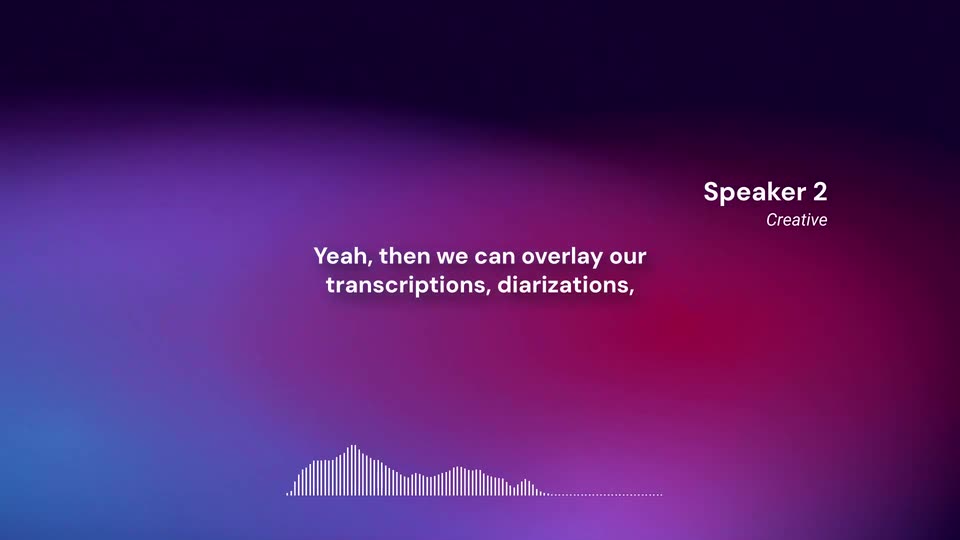
Panels’s 0:30 launch film runs 5 scenes, about 6.0 s each. The product shows up at 0:10. The call to action lands at 0:20 (67% in), over a voiceover. One unbroken gradient card carries a meta-conversation that demos the product live: captions type in word by word, speaker tags flip between the corners with mood words, and the audio waveform pulses along the bottom. The pacing is slow and conversational around 110 BPM, the typewriter text synced to the voice is the signature move, and the video closes on the logo and URL.
Is this your launch? to your site or press kit.
deepsilicon · Industrials · Jun 2025
Pollen Robotics · Aug 2026
Apple · Hardware · Jan 2026
A soft blue, purple and red gradient fills the frame while speaker labels pop into the corners and dialogue types out word by word in the center. A thin white waveform pulses along the bottom in sync with the voice, ending on a blinking text cursor.
On-screen text: “Speaker 1”, “Inquisitive”, “Hey, Aaron. Um.”, “We're launching today, right?”, “Speaker 2”, “Curious”, “Yeah. What should we do”, “for our launch video?”, “Thoughtful”
Techniques: Kinetic type
Camera: Static
A blurred purple-to-red gradient fills the frame. A speaker tag sits upper-left while centered subtitles type in word by word, each line fading out as the next enters. A white audio waveform pulses along the bottom edge.
On-screen text: “Speaker 1”, “Thoughtful”, “I don't know. I was thinking we could”, “just show them, like, an actual sample”, “from our data set. Like, we could just”, “record a real conversation like the one”
Techniques: Kinetic type
Camera: Static
A blue-to-magenta gradient fills the frame while a white transcript builds word by word in the center. A speaker label and mood word sit in the top corner, switching from left to right as the second speaker takes over, and a thin audio waveform pulses along the bottom.
On-screen text: “Speaker 1”, “Thoughtful”, “from our data set. Like, we could just record a real conversation like the one we're having right now, and just show them that.”, “Speaker 2”, “Creative”, “Yeah, then we can overlay our transcriptions, diarizations, and maybe even emotional tags, just like we do for our customers.”
Techniques: Kinetic type
Camera: Push in
A blue-to-magenta gradient fills the frame while white captions build the dialogue word by word in the center, in sync with the voiceover. Speaker labels sit in the upper corners at the start, and a thin audio waveform pulses along the bottom.
On-screen text: “Speaker 1”, “Helpful”, “Speaker 2”, “Creative”, “Yeah, and maybe even emotional tags, just like we do for our customers.”, “Yeah, and then it'd be sick if even at the end, we just had them”, “to usepanels.com if they're actually,”, “actually interested in audio data sets.”
Techniques: Kinetic type
Camera: Push in
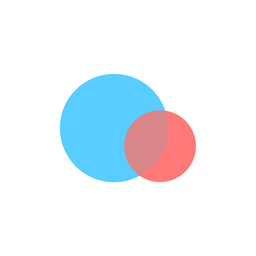
The Panels logo, two overlapping blue and coral circles beside a white wordmark, fades in centered over a soft purple-red-blue gradient, then holds static with a small white tagline below.
On-screen text: “To learn more, visit usepanels.com”
Camera: Static