4:35

WeatherNext 3: More accurate, timely, and local weather forecasts
Google · AI · Sep 2026
Microsoft’s 1:40 launch film runs 42 scenes, about 2.4 s each. The product shows up at 0:22 and 6 features are revealed. The call to action lands at 1:23 (83% in), over a voiceover. Built as a slow, humanist argument: a sketched opening promise, a philosophical problem block, a brand reveal, then a clean run of five model reveals plus a tuning feature, each introduced by a serif title card and shown with a single animated demo. Signature moves are the self-drawing brown arrow, the drifting pastel squares on a cream graph-paper grid, crossfading hand-drawn figures, cards that pop to the front and rotate, and the Microsoft AI to MAI wordmark condense.
Is this your launch? to your site or press kit.
Google · AI · Sep 2026
Reception (by ElevenLabs) · Sep 2026
HeroUI · Oct 2026
Films whose music sounds like this one, voice left out
Muse · Modern electronic, folk-pop
Meta · Modern electronic
Replit · Modern, ambient electronic
A sketched woman in a pink dress walks right across a cream field, then cross-dissolves into a man in black taking the same step, both drawn over a faint grid of small squares.
Techniques: Morph
Camera: Static
Watercolor and pencil-sketch figures walk in place on a cream background as a faint grid scrolls behind them. A man, a woman, and a man with a phone crossfade in turn, ending on a close-up sketch of a woman's face with an earbud.
Techniques: Parallax
Camera: Static
A hand-drawn pencil sketch of a man's profile faces right on a cream background with a faint grid. The face crossfades into a second sketched profile, a bearded man in a green shirt, same orientation and style.
Camera: Static
A sketched profile of a bearded man in green slides off to the left across a cream grid background, leaving the empty grid, then the serif word eap forms in the center.
On-screen text: “eap”
Techniques: Kinetic type
Camera: Static
A dark-brown serif word 'People' rests centered on a cream grid. A thin swash line draws out from the final letter, then the camera pushes in as the line curls into a large looping arc that fills the frame while the word slides off to the left.
On-screen text: “People”
Camera: Pan
A thin dark line draws rightward across a cream graph-paper grid, its tip a lighter segment. A small rounded video thumbnail slides in on the right, showing a library room with bookshelves, a white chair and a person holding a sheet of paper.
Camera: Static
A collage of short video clips on a cream grid background reflows into a scattered layout as a brown arrow draws in from left to right. Small colored squares drift between the clips.
Camera: Pull out
On a cream background with a faint grid, small photos of a cyclist, a park, an older woman and a man looking up drift left while a brown arrow points from the man to a gray sketchy fragmented shape on the right.
Camera: Pull out
A black ink sketch of a jagged mountain range draws itself on a cream background. A two-line italic serif line fades in below, holds, then the sketch dissolves into a single thin contour as a straight arrow line draws diagonally across the frame.
On-screen text: “AI turning tech leaps into human progress”
Techniques: Morph
Camera: Pull out
A thin brown arrow slides in from the bottom edge, pointing up-right on a cream field. A rounded square card holding a man's portrait on a light blue backdrop tilts into the center.
Camera: Static
A man in a dark ribbed sweater looks up and to the side, framed in a rounded card on a cream background. The card expands to fill the frame, the cream border dropping away to a full light blue backdrop.
Techniques: Masking
Camera: Push in
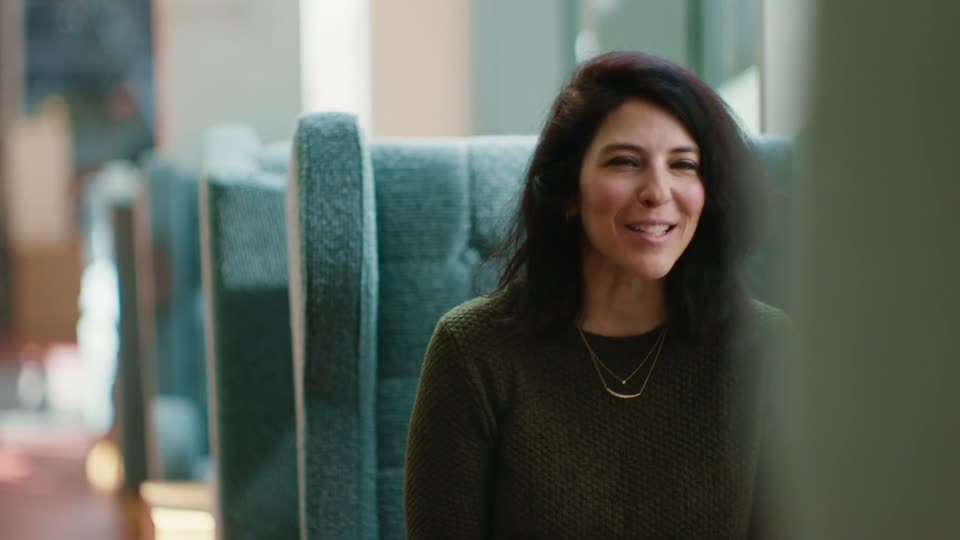
A woman in an olive cardigan and gold necklace stands against a white stucco wall in bright sunlight, smiling and gazing off to the right. The medium close-up holds steady on her.
Camera: Static
A man in a tan polo shirt with a clipped lapel mic smiles and looks off to the right, framed from a low angle against a soft cloudy sky. The shot holds steady on his face.
Camera: Static
A man with a shaved head and a pale shirt moves from left to center in front of tall wooden bookshelves and a white panel. He comes into focus, head turned to the side with a slight smile, while the shelves stay soft in the background.
Camera: Static
A blond man in a gray hoodie stands in a wood-paneled library before a blank white screen. He turns his head to the right and smiles while the locked-off camera holds on him.
On-screen text: “Mic”
Camera: Static
A woman in dark clothing walks to a white armchair in a wood-paneled library and sits as the cream Microsoft AI wordmark across the frame condenses into MAI at left; the shot then shrinks into a rounded card on a cream background.
On-screen text: “Microsoft AI”, “MAI”
Techniques: Kinetic type
Camera: Pull out
Four filmed clips of people in libraries sit on a beige canvas, then scale down and drift to the corners as the serif word Humanist scales in at the center. Small colored squares trail each clip.
On-screen text: “Humanist Superintelligence”
Techniques: Kinetic type
Camera: Pull out
On a beige field, the italic serif title Humanist Superintelligence holds center while four small video clips of people at the corners fade out. A black tile with a blurry handwritten digit scales up, sharpening from 4 to 5 over a faint grid, then a second tile and arrow appear.
On-screen text: “Humanist Superintelligence”, “4”, “5”, “6”
Techniques: Kinetic type, Morph
Camera: Static
A dark brown arrow travels diagonally from the lower right toward the upper center over a faint beige grid, while a white rounded shape slides in from the top edge.
Camera: Static
Five cream cards with serif labels and watercolor icons sit in a row on beige. The row rotates as each card pops to the front in turn: Image, Voice, Transcribe, Thinking, Code. The row then slides down and a dark brown arrow points up.
On-screen text: “Thinking”, “Code”, “Image”, “Voice”, “Transcribe”
Camera: Static
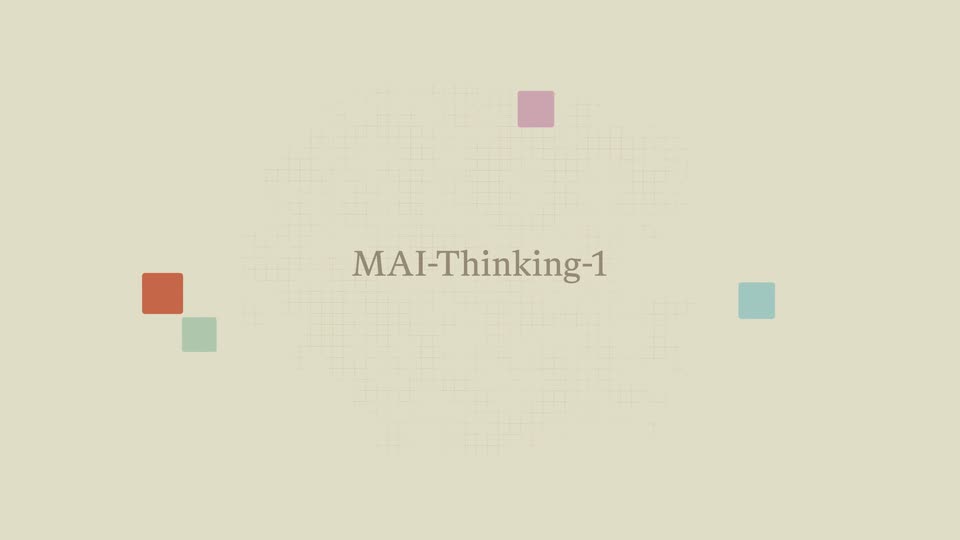
A brown up-arrow on a cream field gives way to a faint grid, where the title MAI-Thinking-1 fades in at the center while small pink, orange and teal squares drift in around it.
On-screen text: “MAI-Thinking-1”
Camera: Push in
A cream card holds the centered serif title MAI-Thinking-1 above a faint line grid, while four small squares in pink, blue, orange and green drift slowly outward around it.
On-screen text: “MAI-Thinking-1”
Camera: Static
A prompt bar with a monospace placeholder sits on a beige grid background as MAI-Thinking-1 slides across. The bar shrinks while serif example labels drift around it, then a cut reveals four generated photos flanking the MAI-Image-2.5 title.
On-screen text: “MAI-Thinking-1”, “Budget spreadsheets”, “Research reports”, “Medical reports”, “Résumés”, “College transcripts”, “Car manuals”, “Insurance policies”, “Bank statements”, “Employment contracts”
Techniques: Kinetic type, Parallax
Camera: Pull out
A cream collage of four generated photos frames a centered serif title. The camera zooms into the tomato photo at the right until it fills the frame, its italic caption settling at the lower left.
On-screen text: “MAI-Image-2.5”, “MAI-Image-2.5-Flash”, “Red wall, woman, hanging laundry”, “Yellow tomato on blue gingham blanket”, “VUCO RUN CLUB flat lay with headphones and cassette”, “People casting shadows on playground”
Techniques: UI zoom
Camera: Push in
A photograph of a yellow tomato on a blue gingham blanket morphs into a painterly oil version with visible brushstrokes, the crop tightening and a second tomato appearing at the right edge. A serif caption below updates with the new style.
On-screen text: “Yellow tomato on blue gingham blanket”, “Tighter crop, oil painting, textured, painterly”
Techniques: Morph
Camera: Pull out
Three vertical panels on a cream background show a yellow tomato on a blue gingham blanket: a photo, a tighter oil-painting version, and a close-up of the painting. Italic captions sit under each panel; a small dark logo mark rests at the bottom center. The frame is static.
On-screen text: “Yellow tomato on blue gingham blanket”, “Tighter crop, oil painting, textured, painterly”, “Close-up”
Techniques: Split screen
Camera: Static
On a flat beige background, the title MAI-Transcribe-1.5 sits still in the center as two audio waveforms of thin vertical bars pulse and reshape on the left and right.
On-screen text: “MAI-Transcribe-1.5”
Camera: Static
A beige card with a play button and waveform types out a caption, flanked by edge waveforms; it then slides away to a wavy-line field where a serif title appears and three portrait photos pop in around a second title.
On-screen text: “With the best transcription model in the world.”, “MAI-Transcribe-1.5”, “MAI-Voice-2”, “MAI-Voice-2-Flash”
Techniques: Kinetic type, Masking
Camera: Push in
On a cream wavy-line background, three portrait photos flank the centered title MAI-Voice-2 as colored waveform tiles pop in around them and a flat player card with a progress bar slides into the middle.
On-screen text: “MAI-Voice-2”, “MAI-Voice-2-Flash”
Camera: Static
A white media card with a pause control, progress bar and the quote “Speak and break through with Voice model.” floats center on a cream topographic-line background. Pastel rounded squares with waveform icons drift around it at different speeds, the card rising slightly faster for a parallax depth effect.
On-screen text: “MAI-Voice-2-Flash”
Techniques: Parallax
Camera: Static
Pastel rounded tiles with audio waveforms drift from scattered positions into a centered row on a wavy beige background, then a dark serif title M-AI-Code-1-Flash appears across them.
On-screen text: “M-AI-Code-1-Flash”
Camera: Pull out
Small dark plus marks drift slowly across a cream field while the serif title MAI-Code-1-Flash holds centered and static. The camera stays fixed on the title.
On-screen text: “MAI-Code-1-Flash”
Techniques: Particles
Camera: Static
A serif title, MAI-Code-1-Flash, holds center on a pale beige ground, settling from a soft blur at the start, while small plus signs drift slowly across the frame.
On-screen text: “MAI-Code-1-Flash”
Techniques: Particles
Camera: Static
Gray monospaced code on a cream background, tilted diagonally with shallow depth of field so the edges blur. The snippet scrolls vertically, swapping one block of functions for another while the plane stays angled.
Techniques: Kinetic type
Camera: Pull out
A tight close-up of dark brown monospace code on a cream surface pulls back to reveal a rounded square tile in isometric 3D, resting on a faint grid.
Techniques: 3D mockup
Camera: Static
A beige grid backdrop holds the serif title Frontier Tuning centered between two pairs of stacked isometric slabs. The terracotta and mauve slabs above drift up off frame while the sage and brown slabs below drift down, and the title settles into a soft rounded band.
On-screen text: “Frontier Tuning”
Techniques: Kinetic type
Camera: Static
On a cream background, two thin hand-drawn ellipses trace a loop around a centered serif 'Your Models' as five teal label chips slide into place around the ring. The shot then pushes in, enlarging the chips while the ellipses drift off frame.
On-screen text: “Institutional memory”, “Your Models”, “Distribution”, “Tacit Knowledge”, “Workflows”, “Brand”
Techniques: Kinetic type
Camera: Push in
On a plain beige background, the headline builds word by word in the center: “An” scales in, then “AI” and “that's” slide in, each with a large ghosted echo of the word fading behind it, and “truly yours” lands on a second line. A small right-pointing arrow appears beside the text at the end.
On-screen text: “An AI that's truly yours”
Techniques: Kinetic type
Camera: Static
On a flat beige background, a serif headline with a long arrow trailing right. The text slides left off frame while the arrow extends, and a blurred portrait of a smiling man in a white shirt scales up from the right edge.
On-screen text: “An AI that's”, “truly yours”
Camera: Static
Motion-blurred headshots of people slide off to the left along a thin horizontal arrow line on a beige background. The tagline then fades in and scales up word by word beside the arrow, settling into two centered lines.
On-screen text: “Let's build it”, “together”
Techniques: Kinetic type
Camera: Pan
An italic serif line in brown on a beige field reads Let's build it together, trailed by a thin arrow pointing right. The arrow grows to fill the frame as the line scales away and a faint Microsoft AI wordmark fades in at center right.
On-screen text: “Let's build it together”, “Microsoft AI”
Techniques: Kinetic type
Camera: Static
On a flat beige background, the brown wordmark Microsoft AI sits centered. The middle letters fade out while M and AI slide together to form MAI, which then holds still.
On-screen text: “Microsoft AI”, “MAI”
Techniques: Kinetic type
Camera: Static