0:44


Doruk - Introducing: 0 - the open-source AI security harness by @0securitylab
0.security · Nov 2026
Luma AI’s 0:58 launch film runs 34 scenes, about 1.7 s each. The product is on screen from the first frame and 3 features are revealed. The call to action lands at 0:57 (97% in). The film interleaves cinematic VFX shots, black-card taglines that type in word by word, and dark node-graph or timeline UI demos, with each feature announced by a sentence and then shown inside the interface. Signature moves are slice-strip title resolution, the recurring hooded hero re-rendered from live action to 3D clay to product swap, and a fast cut rhythm that keeps the demos propulsive.
Is this your launch? to your site or press kit.
Films whose music sounds like this one, voice left out
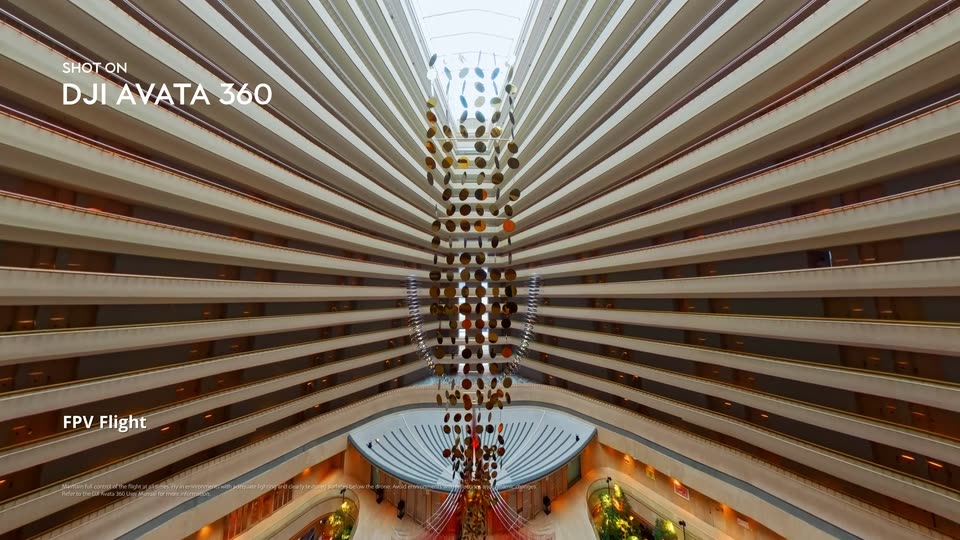
DJI · Cinematic trailer music
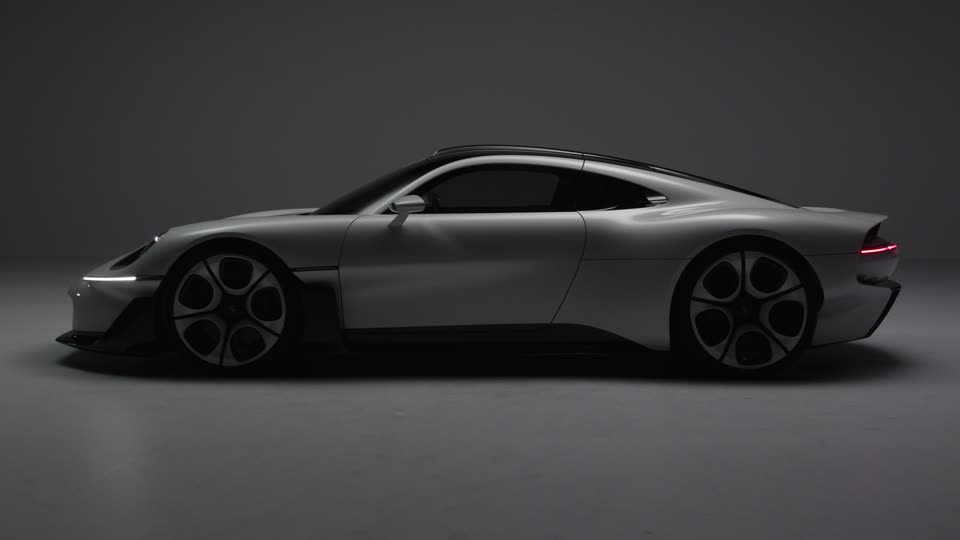
Porsche · Cinematic trailer music, hybrid orchestral and electronic
Antigravity A1 · Cinematic electronic
A hooded rider crouches low on a galloping white tiger, dust billowing, as the camera tracks close alongside. The scene cuts to a locked-off wide view of a desert of ruined rock spires, the rider now a small figure on a trail, while the title appears at center.
On-screen text: “Introducing”, “RAY 3.2”
Camera: Push in
On black, a thin gray 'Introducing' sits above a large white 'RAY 3.2 API' that resolves from offset vertical slice strips into clean type. A dark rounded code panel then fades in over the dimmed title, showing a two-line API call.
On-screen text: “Introducing”, “RAY 3.2 API”
Techniques: Masking
Camera: Static
A dark code editor panel on a black background types out an API call, lines appearing one by one with a highlight bar on the active line. The panel scrolls as lines are added, then settles centered to show the full snippet.
Techniques: Kinetic type
Camera: Static
A white sentence types out word by word on a black background, then clears back to black. The frame stays locked off throughout the short clip.
On-screen text: “Direct the cut, frame by frame.”
Techniques: Kinetic type
Camera: Static
A black card holds one centered line of white text that types on word by word, then holds still for the rest of the beat.
On-screen text: “Direct the cut, frame by frame.”
Techniques: Kinetic type
Camera: Static
On a black background, a small rounded pill labeled Model widens into a full-width field, the label sliding up to the top-left as Luma | Ray 3.2 and a chevron appear inside. The frame stays locked.
Camera: Static
On a black interface, a rounded-rectangle drop zone marked Input Video sits left of center. A small video card showing a man gripping a pole slides in from the right and settles into the frame, a white cursor arrow resting at its lower corner.
Camera: Static
A rounded video window on a black background scales up slightly, showing a woman in a black shirt gripping a wooden staff in a studio with a silver reflector and white backdrop. The label sits above the window.
On-screen text: “Input Video”
Camera: Static
On a black field, a white tick-mark ruler spans the top while a teal horizontal strip fills with a filmstrip of a braided woman holding a pole, her crouched poses and close-up face sliding into the band.
Camera: Pan
A dark timeline bar holds a horizontal filmstrip of live-action footage. A white cursor drags a vertical playhead line, marked by a teal diamond, from left to right, scrolling the strip. Ruler ticks line the top edge.
Techniques: Cursor demo
Camera: Pan
A dark editing timeline holds a filmstrip of fitness frames under a tick ruler, with a vertical playhead and teal diamond. A white cursor taps a Modify button; the button vanishes and a rounded thumbnail of a masked woman slides in below as the frames scroll left.
Techniques: Cursor demo
Camera: Pull out
A dark editor timeline with a filmstrip of thumbnails overlays a studio shot of a woman gripping a staff. The playhead travels right, and the preview wipes left to right from the studio to a sandy desert, matching the selected clip.
Techniques: Masking
Camera: Pull out
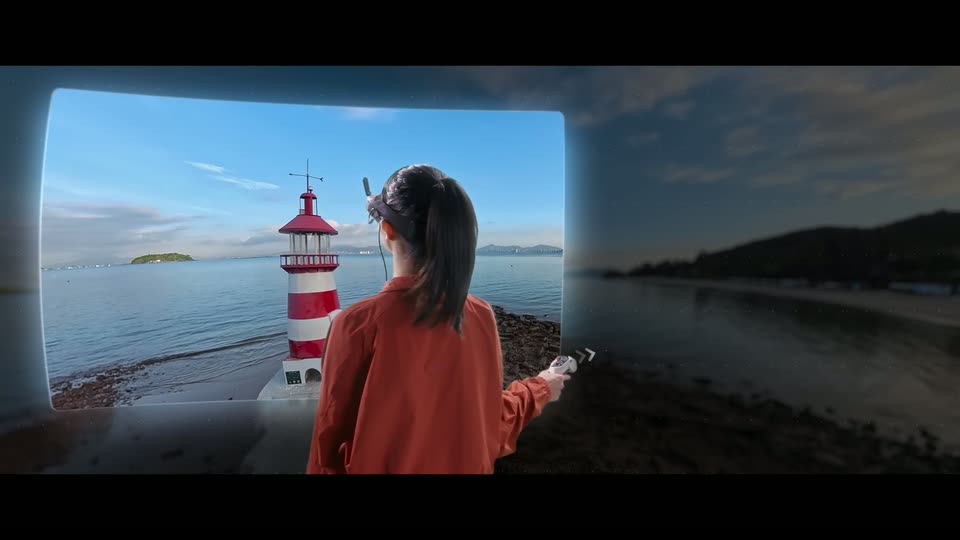
In a desert, a hooded woman holding a glowing staff turns her head, and the focus racks to a pale iguana behind her. A dark timeline of clip thumbnails sits below, its playhead tracking right as a cursor drags it along.
Techniques: Cursor demo
Camera: Static
A hooded figure faces a clawed, red-eyed metal creature in a dusty desert ruin. A video-editing timeline with a thumbnail filmstrip and a moving playhead overlays the lower frame, then shrinks and vanishes as the creature rears up and roars, sending dust flying.
Techniques: Particles
Camera: Static
White words type in one by one across the center of a black frame, scaling up as they land, while a thin white wireframe grid recedes in 3D perspective behind them like a tunnel.
On-screen text: “Build cinema into your pipeline.”
Techniques: Kinetic type, Parallax
Camera: Static
In a dark 3D Video Studio interface, a cursor clicks the orange Render with Ray3.2 button beside a grayscale hooded-character render. The right panel shows Generating.., then fills with a warm color version of the character as the view slowly zooms in.
On-screen text: “Build cinema into your pipeline.”
Techniques: Cursor demo, UI zoom
Camera: Pull out
A 3D studio interface shows two panels side by side: a gray clay viewport and a fully rendered dark-metal warrior with glowing orange eyes and a fiery blade. The character holds a crouched stance, shifting pose slightly. A timeline runs along the bottom.
Techniques: Split screen
Camera: Static
A split-screen interface shows a grayscale 3D model of a hooded warrior on the left and a fully colored fiery render on the right. The view zooms into the colored image as a cursor hovers over it.
Techniques: Split screen, UI zoom, Cursor demo
Camera: Push in
A hooded figure with a glowing staff and white outline shrinks toward the center as the warm backdrop fades to black. White text 'Scale one shoot' sits left of the figure and 'into every variant.' right; a cursor hovers over the figure.
On-screen text: “Scale one shoot”, “into every variant.”
Techniques: Kinetic type
Camera: Static
A dark product card labeled Product rotates flat into the center of a black frame, revealing a purple hoodie print. A hooded character cutout holding a glowing sun staff sits to its right, and a cursor hovers over the card.
On-screen text: “into every variant.”
Techniques: 3D mockup, Cursor demo
Camera: Static
A rounded video player frame sits centered on a black background, showing footage of a woman in a white hoodie with a play button overlay; a small tag slides in near the top of the frame.
On-screen text: “Product”
Camera: Static
A dark rounded prompt box floats on a black background, the label Prompt at its top left. Inside the inner field the line Swap the clothes to my product reveals left to right, a small teal dot fixed at the right edge.
Techniques: Kinetic type
Camera: Static
Three flat cards (a hoodie photo, a video thumbnail, a prompt box) fly apart from the center on a black dotted canvas, forming a node graph as teal wires curve out and link them to a Ray3.2 | Video to Video node that appears on the right.
Camera: Pan
A node graph on a dark dotted canvas: a hoodie product card and a prompt card connect via teal lines to a Ray3.2 node. The view pans right as the output card fades in, showing a woman walking while wearing the hoodie.
Techniques: UI zoom
Camera: Pan
A live-action clip of a woman in a purple hoodie walks through a sunlit street inside a rounded frame on a black dotted grid. A title slides above the frame while two thin lines with green dots extend from its sides.
On-screen text: “Ray3.2 | Video to Video”
Camera: Static
On a black dotted grid, two video preview cards of a person in a purple hoodie slide left off frame. A green node dot and a curved white connector line trace to the right, where a new card labeled Reframe with a play icon fades into the center.
On-screen text: “Ray3.2 | Video to Video”, “Ray3.2 | Reframe”
Camera: Static
A dark rounded label with a play icon and title sits centered on a black dot grid. Thin lines curve in from the left and branch out to three green points on the right while the label slides into place.
On-screen text: “Ray3.2 | Reframe”
Techniques: Kinetic type
Camera: Static
On a black dotted grid, a vertical card with a street photo of a walking woman scales up at center. Two green handles sit on the photo's edges, a curved line trails from the left one. The title 'Ray3.2 | Reframe' slides in above, a ratio field reads '1:1' below.
On-screen text: “Ray3.2 | Reframe”
Techniques: Kinetic type
Camera: Static
On a black dotted grid, a dark UI card labeled Ray3.2 | Reframe holds a street clip of a woman walking. The video window stretches from square to 9:16 portrait as the ratio value flips from 1:1 to 9:16, with two green dots and a thin teal curve resting on its top edge.
Techniques: Morph
Camera: Static
Three photo cards of a walking woman, each tagged with a ratio, float on a dark dotted grid and link to a central card by thin lines. The camera pulls back as the cards scale and reposition around the central node.
Camera: Pull out
A dark node graph on a faint starfield: a central gray pill labeled Globalization links by thin teal-tipped lines to scattered video thumbnails of people walking in streets and markets. The whole network drifts slowly across the frame.
On-screen text: “Globalization”
Camera: Pull out
A network of video thumbnails, each showing a person in a hooded jacket on city streets, is linked by thin white curves on a black field. A central rounded node reads Globalization. The whole graph drifts slowly to the right.
On-screen text: “Globalization”
Camera: Pull out
Dozens of small video clips of a man walking through a market form a loose cluster that tightens into a rotating sphere on a starry black background. Near the end, the white word Bui fades in at the center.
On-screen text: “Bui”
Techniques: Particles, Kinetic type
Camera: Push in
On a black background, the white headline starts as 'Build with' at center, then 'Ray3.2' joins it to complete the line. The small URL 'lumalabs.ai/api' fades in near the bottom. The frame stays locked off throughout.
On-screen text: “Build with Ray3.2”, “lumalabs.ai/api”
Techniques: Kinetic type
Camera: Static