0:28


50 ans de machines · Cleavr TV
Cleavr · Nov 2026
Linear · Sep 2026 · 0:28 · AI-annotated
Linear’s 0:28 launch film runs 10 scenes, about 2.9 s each. The product shows up at 0:20. There is no explicit call to action. A single continuous arc of light carries the story: a glowing dot rides a tick-marked gauge while trigger and action labels sharpen from blur into focus, then the Loops and Linear marks fade up on black. Pacing is slow and smooth at roughly 108 BPM, built on blur-to-sharp text reveals, a traveling light streak, and long holds on the wordmarks.
Is this your launch? to your site or press kit.
Cleavr · Nov 2026
Anthropic · AI · Sep 2026
Linear · Productivity · Jul 2026
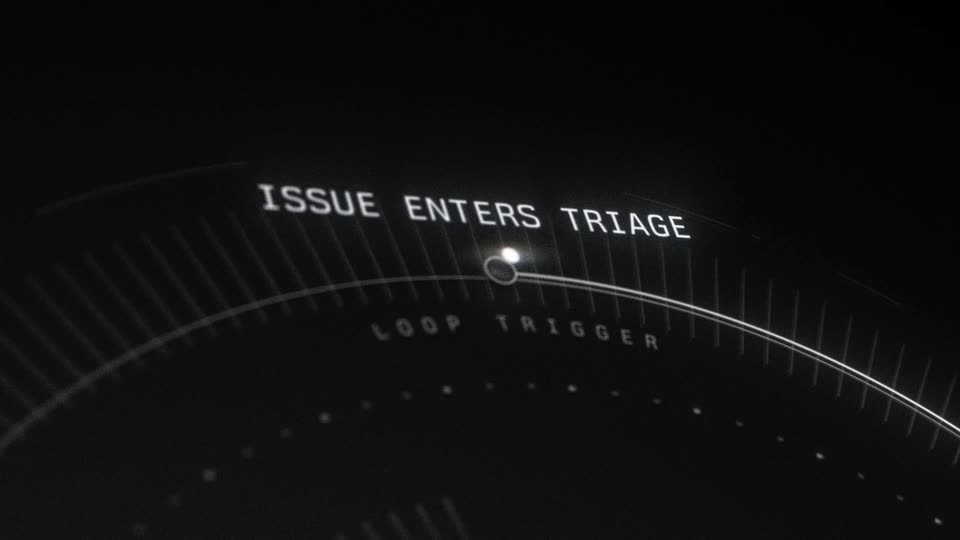
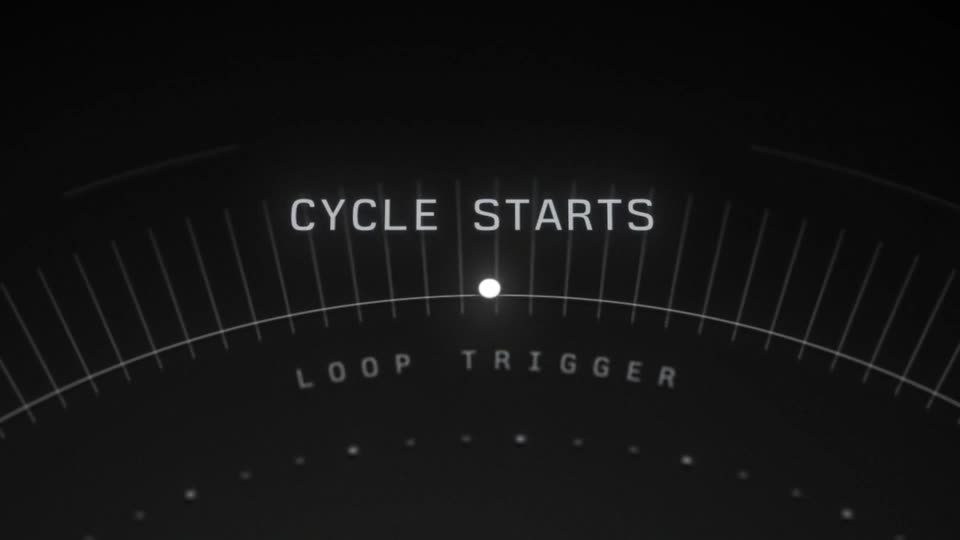
A glowing white dot sits at the top of a dark curved gauge with tick marks and a faint LOOP TRIGGER label. Headlines cycle above the dot, each zooming from blur to sharp. Finally the dot stretches into a bright arc that sweeps right as the frame tilts.
On-screen text: “ISSUE IS ASSIGNED”, “LOOP TRIGGER”, “PROJECT STATUS CHANGES”, “INITIATIVE UPDATE POSTED”, “CYCLE STARTS”
Techniques: Kinetic type, Morph
Camera: Pull out
A dark 3D scene of a curved, ribbed surface with faint concentric rings. A bright arc glides along the rim, ending in a small glowing dot, as the words FIND RELATED ISSUES slide into focus in perspective. The motion is slow and smooth.
On-screen text: “FIND RELATED ISSUES”
Techniques: Kinetic type, 3D mockup
Camera: Static
A dark, ribbed curved surface sits in 3D perspective with a glowing dot and ring icon at left. White all-caps text slides across the surface, first FIND RELATED ISSUES, then READ SLACK CHANNEL, while faint dotted lines trace the curve.
On-screen text: “FIND RELATED ISSUES”, “READ SLACK CHANNEL”
Techniques: Kinetic type
Camera: Pull out
On a dark 3D surface shaped like a curving road with dashed lane lines, the white headline READ SLACK CHANNEL lies in perspective and slides into place. A bright light streak sweeps along the lower left edge.
On-screen text: “READ SLACK CHANNEL”
Techniques: Kinetic type, Light sweep
Camera: Static
A glowing dot moves along a large curved arc, its bright beam sweeping across a black backdrop of faint tick marks and dotted rings. White italic task labels appear one after another on the left, each sharpening from blur: SEND SLACK DM, SEND INBOX MESSAGE, UPDATE PRD DOCUMENT.
On-screen text: “SEND SLACK DM”, “SEND INBOX MESSAGE”, “UPDATE PRD DOCUMENT”
Techniques: Kinetic type, Light sweep
Camera: Pan
On a black field, a faint circular gauge with tick marks and a glowing dot sits at right while two italic white captions slide in from the left in sequence, then the frame cuts to black and a dim React mark fades up in the center.
On-screen text: “UPDATE PRD DOCUMENT”, “POST UPDATE TO SLACK”
Techniques: Kinetic type
Camera: Static
The Loops wordmark and looped icon sit centered on a black field and fade in, brightening from dim gray to full white over the two seconds.
On-screen text: “Loops”
Camera: Static
A black background displays the white text “Automate product work with new triggers and actions” in the center. A faint “Loops” logo is positioned above the text, and the text sharpens from a blur.
On-screen text: “Loops”, “Automate product work with”, “new triggers and actions”
Camera: Static
A gray two-line headline sits centered on a black background, then the text blurs and fades as the Linear logo appears, still soft and out of focus.
On-screen text: “Automate product work with new triggers and actions”
Camera: Static
On a black background, the white Linear mark and wordmark fade up from dim to full brightness, then hold still in the center of the frame.
Camera: Static