0:44
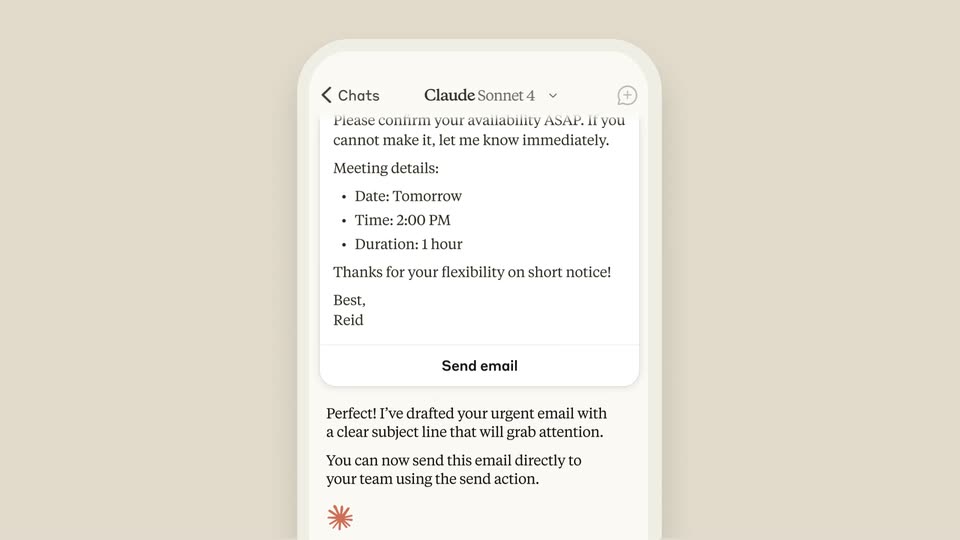

Anthropic - New on mobile: Draft and send emails, messages, and calendar invites
Anthropic · AI · Jul 2025
Item’s 0:46 launch film runs 13 scenes, about 3.6 s each. The product shows up at 0:29 and 1 feature is revealed. There is no explicit call to action; a voiceover carries the film. The video opens on a sunlit loft with a caption that types itself onto the wall, holds on a locked-off talking head, then cuts to a rapid montage of UI panels that slide, snap and fill in on the beat before a static logo card. Signature moves are the self-typing caption, the settings panel rotating in 3D over a landscape, and cards that settle into place with a snap at roughly 118 bpm.
Is this your launch? to your site or press kit.
Anthropic · AI · Jul 2025
Workers IO · B2B · Oct 2026
Films whose music sounds like this one, voice left out
AgentSky · Upbeat electronic
Gem · Upbeat electronic
A locked-off wide shot of a sunlit loft office; window light throws grid shadows on the wall and a potted plant. One person lowers a blind, another works at a desk. The frame fades up from black as a caption types itself onto the left wall.
On-screen text: “introducing: more connectors”
Techniques: Kinetic type
Camera: Static
A man in a black t-shirt and glasses sits in a sunlit office, speaking to the camera and gesturing with both hands. White subtitles on black bars run along the bottom as he talks. The shot stays locked off on a medium frame.
On-screen text: “If you think about it, your CRM knows who your customer is”, “But doesn't really know your customer”, “That part lives in all the moments around it,”, “A call you had last week, a payment that went through,”, “A message said during the last meeting”, “And every time you need that context,”, “You have to go put all of the pieces together”, “So we started bringing that context into item”, “And people loved it”, “So today we're launching More connectors”
Camera: Static
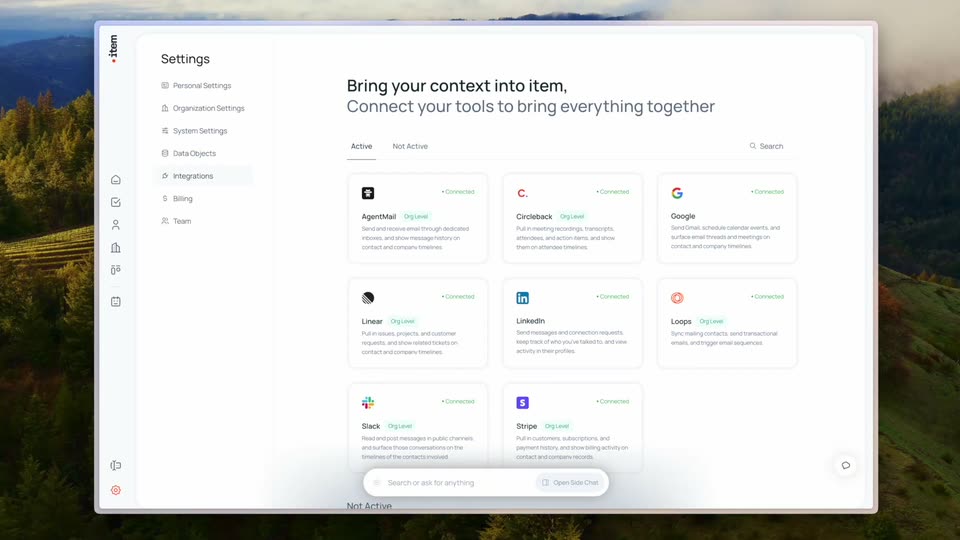
Sunlit aerial hills and vineyards fill the frame. A white settings panel rotates into view in 3D perspective, tilted over the landscape, displaying a grid of connected integration cards and a More connectors button.
Techniques: 3D mockup
Camera: Static
A white activity panel floats over an orange-to-blue gradient. The dated feed scrolls upward past entries and a bottom search bar, while a black cursor rests at the right edge.
Camera: Pan
A desk monitor filmed at an angle shows an email composer. The body types out on its own, adding the line “lets find a” after the greeting, while the coastline wallpaper and desktop icons sit to the right.
Camera: Static
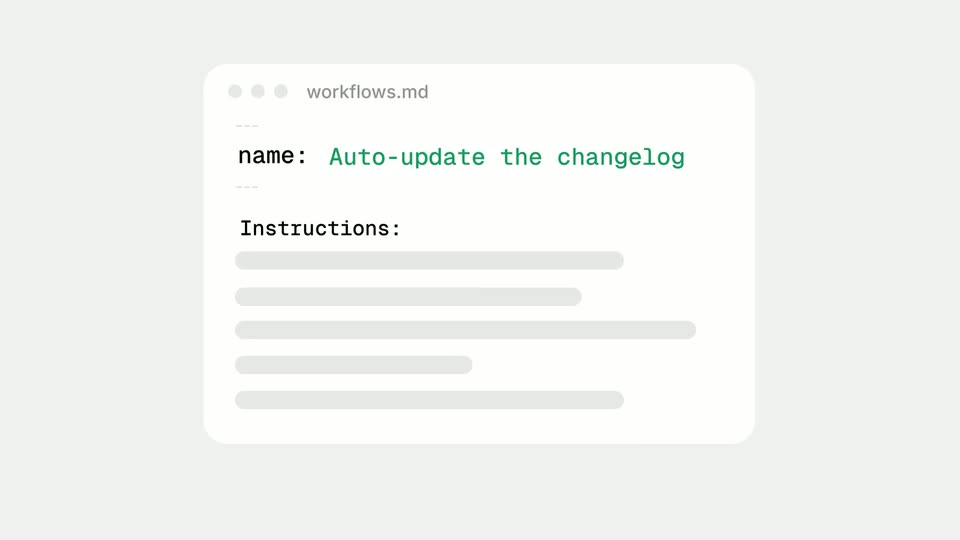
A workflow document lists numbered steps with action chips. A dropdown menu opens over step two, the cursor moves to Send Email and clicks it, and the chip snaps into the step line.
Techniques: Cursor demo
Camera: Static
A light workflow builder screen shows a left panel titled Mid market Outbound with triggers and instructions, while a LinkedIn action card slides in from the right and settles into place.
Camera: Static
A hand types on a black laptop keyboard set on a light wooden desk. The screen shows a settings page with an AgentMail panel, where a domain field fills in letter by letter as the person types.
Camera: Static
A gray chat message sits top right above an item row. A white issue card labeled NEW-1765 slides up from the bottom, revealing its title, Backlog and High tags, and a View Issue button.
Camera: Pan
A filled New Calendar Meeting form (title, start and end dates, participant, notes) sits in a light chat panel, then shrinks into a compact summary card labeled Event created. A dark code editor and desktop wallpaper flank the right edge.
Techniques: Morph
Camera: Static
A browser window shows the Item integrations settings page over a blurred forest backdrop. The cursor drifts from the Fireflies card down to Granola, which lights up with a pale blue outline as it is selected.
Techniques: Cursor demo
Camera: Static
A blurred forest sits behind a browser window on the App.useitem settings page. A cursor glides to the Granola card in the integrations grid, and the right-hand detail panel refreshes to add a Team-wide connection row above the personal option.
Techniques: Cursor demo
Camera: Static
On a plain off-white background, the brand wordmark item with a small orange dot to its left sits centered. It fades in from pale gray to full dark gray, the dot deepening to orange, on a locked-off frame.
On-screen text: “item”
Camera: Static