
0:38
Explore
00:00:00 / 00:17:00
- Length
- 0:17
- Scenes
- 8 · 2.1 s avg
- Product on screen
- 0:00
- Voiceover
- No
- Views
- 89 on X
as of November 17, 2026
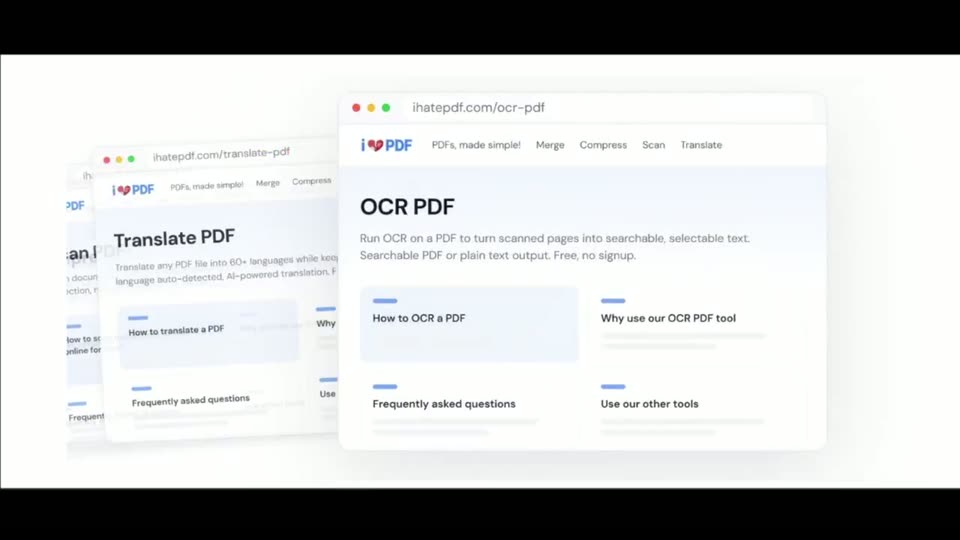
ihatepdf’s 0:17 launch film runs 8 scenes, about 2.1 s each. The product is on screen from the first frame. There is no explicit call to action. The clip is one continuous montage of flat and 3D browser-window mockups that carousel left across a white field, holding each tool page in sharp focus while its neighbors blur and recede. Its signature move is the depth-of-field swap between a crisp center window and blurred side windows, driven by a steady slide rhythm with no cuts or on-screen captions.
No filming indicatedEstimated needs: 1 capture group — your screens or recordings · 4 3D passages — build or supply
Is this your launch? to your site or press kit.
More like this
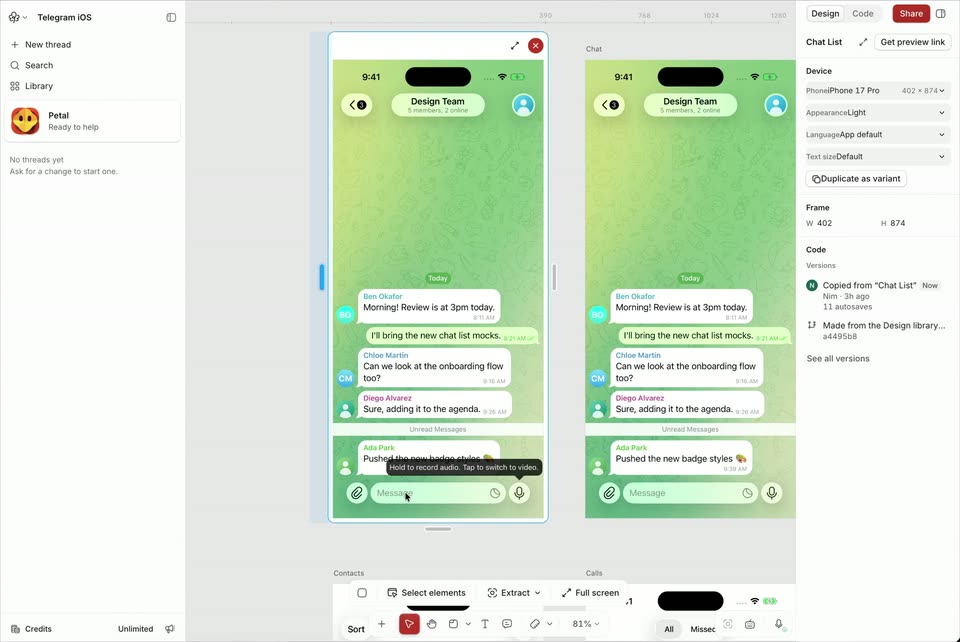
0:08
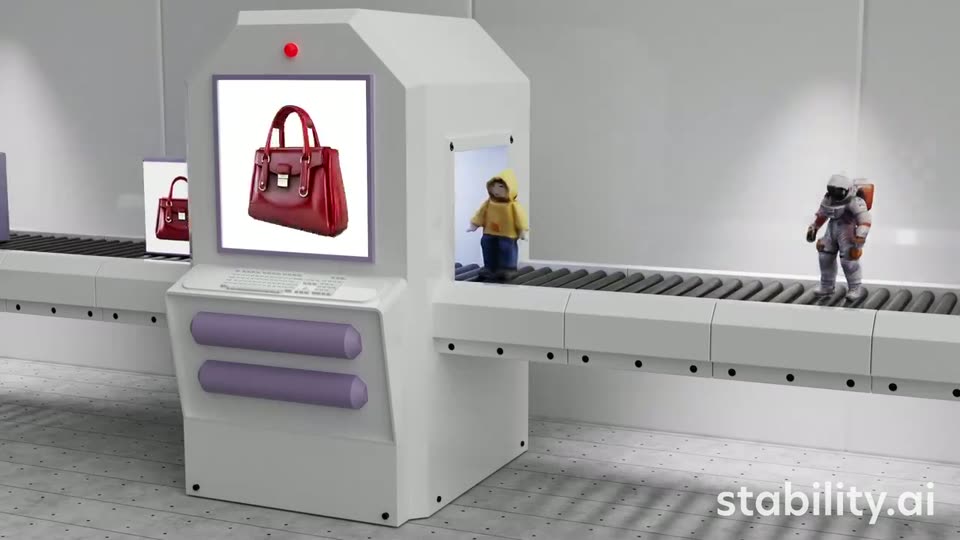
Stability AI - Today, we are releasing Stable Video 3D, a generative model based on
Stability AI · Mar 2024
0:49
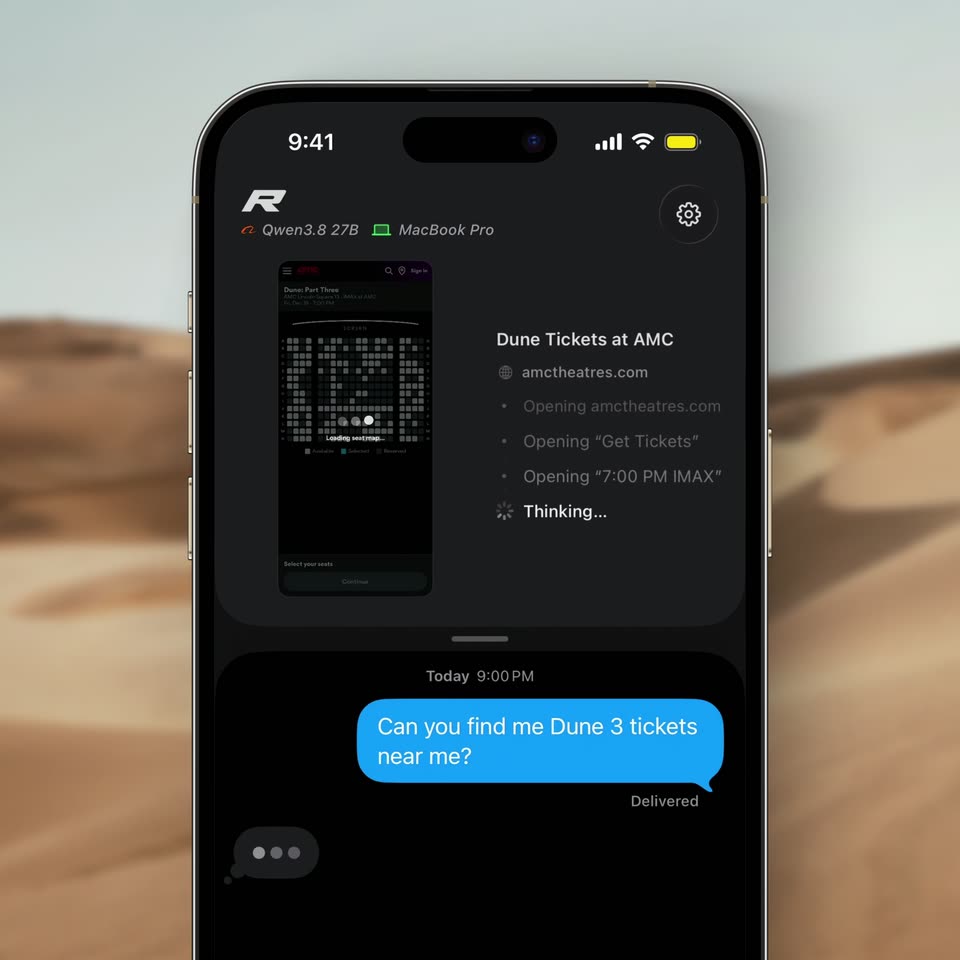

Result - Cloud VMs keep getting hacked, so we built the first on-device iPhone
Result · Consumer · Nov 2026
iHatePDF.com - Features in > 35+ Professional PDF tools > Browser mode: 25 of, scene by scene
· 8 scenes as text
01 · Demo · 0:00–0:08
A stack of flat browser windows slides left across a plain white background. Each new iHatePDF page enters from the right while the previous one blurs and exits to the left, cycling through merge, compress, scan, translate, OCR, edit, split and sign pages.
Camera: Push in
02 · Demo · 0:08–0:08
A horizontal row of overlapping browser windows, each showing a different iLovePDF tool page, slides left across a white background. The leftmost window fades out at the edge as the next one takes its place.
Techniques: Parallax
Camera: Pan
03 · Demo · 0:08–0:09
Two tilted browser windows of the iLovePDF site float on a plain white background. The sharp front window swaps its page from PDF to Word to Word to PDF to PDF to JPG, while the blurred back window drifts and changes behind it.
Techniques: 3D mockup
Camera: Pan
04 · Demo · 0:09–0:13
A row of iLovePDF browser windows sits in 3D perspective, the center one sharp and the sides blurred. The stack slides left, bringing each converter page into focus in turn.
Techniques: 3D mockup, Parallax
Camera: Push in
05 · Demo · 0:13–0:14
Three tilted browser window mockups sit in 3D perspective on a white field, the center one in front and the two behind angled outward. They drift into alignment, revealing product pages for the PDF service.
Techniques: 3D mockup, Parallax
Camera: Pan
06 · Demo · 0:14–0:15
A browser window mockup of the i hate PDF site sits centered on a white background, with a blurred duplicate floating behind it. The address bar and page content swap from the QR Code Generator view to the Protect PDF view.
Camera: Pan
07 · Demo · 0:15–0:16
Three browser windows sit in 3D perspective on a white background. The stack rotates so the front page changes from a Protect PDF tool to an Unlock PDF tool, the others sliding back.
Techniques: 3D mockup
Camera: Static
08 · Demo · 0:16–0:17
A row of iLovePDF browser windows, each showing a different tool page, slides left across the frame. The leftmost Unlock PDF card is angled in perspective and exits as the Rotate PDF and Crop PDF cards come into view.
Camera: Pan