2:26
Explore
00:00:00 / 00:46:24
- Length
- 0:46
- Scenes
- 17 · 2.8 s avg
- Product on screen
- 0:06
- Features shown
- 6
- Call to action
- 0:40 · 87%
- Voiceover
- Yes
- Views
- 1.2M on X
as of November 15, 2026
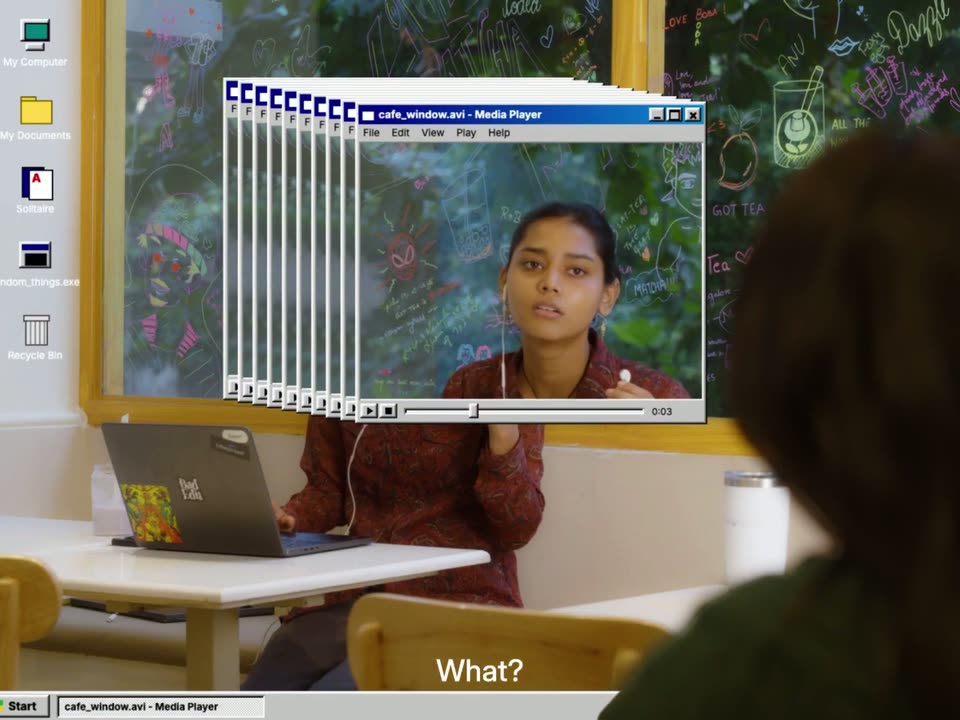
HeyGen’s 0:46 launch film runs 17 scenes, about 2.8 s each. The product shows up at 0:06 and 6 features are revealed. The call to action lands at 0:40 (87% in), over a voiceover. The video is built as a linear workflow: a live-action quote inside a rounded player, a promise headline, then each step (upload, rules, generate, search, tracking, publish) as a left-headline / right-demo split, closing on a tagline and the spinning logo. Signature moves are blur-in and blur-out text, 3D phone cards settling from a fan, and a purple blob cursor tapping the interface over pastel gradient blobs.
Footage neededEstimated needs: 4 capture groups — your screens or recordings · 1 official logo — reused across the film · 4 filmed passages — shoot, supply or replace · 2 graphic passages — draw or supply · 2 3D passages — build or supply
Is this your launch? to your site or press kit.
More like this



HeyGen - Your 90-min video has 15 clips hiding in it Instant Highlights V2 fi, scene by scene
· 17 scenes as text
01 · Hook · 0:00–0:04
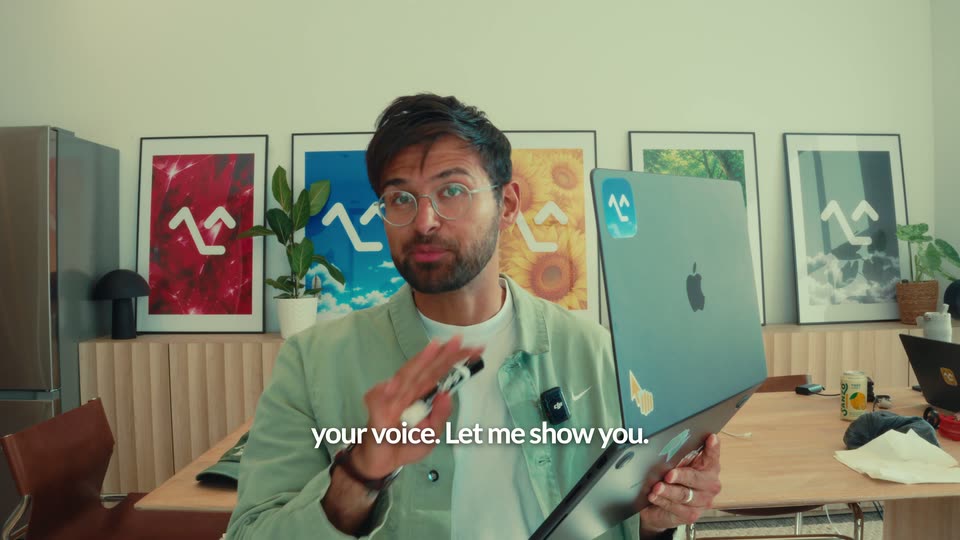
A man in a dark polo shirt stands on a dim stage holding a clicker, framed inside a rounded video player with a green progress bar and a white timestamp at the bottom. He looks up and gestures while speaking.
Camera: Push in
02 · Hook · 0:04–0:04
A man in a black polo holds a microphone on a dark stage, framed inside a rounded video player on a light background. A green progress bar and a white timecode run along the bottom edge as the player card scales up slightly.
Camera: Static
03 · Hook · 0:04–0:06
Centered headline on a cream field: 'Transform your' in black over 'long video into', with 'long video' in cyan, the words sharpening in from a blur while a soft blue-to-purple gradient shape rises from the bottom edge.
On-screen text: “Transform your”, “long video into”
Techniques: Kinetic type
Camera: Static
04 · Feature reveal · 0:06–0:08
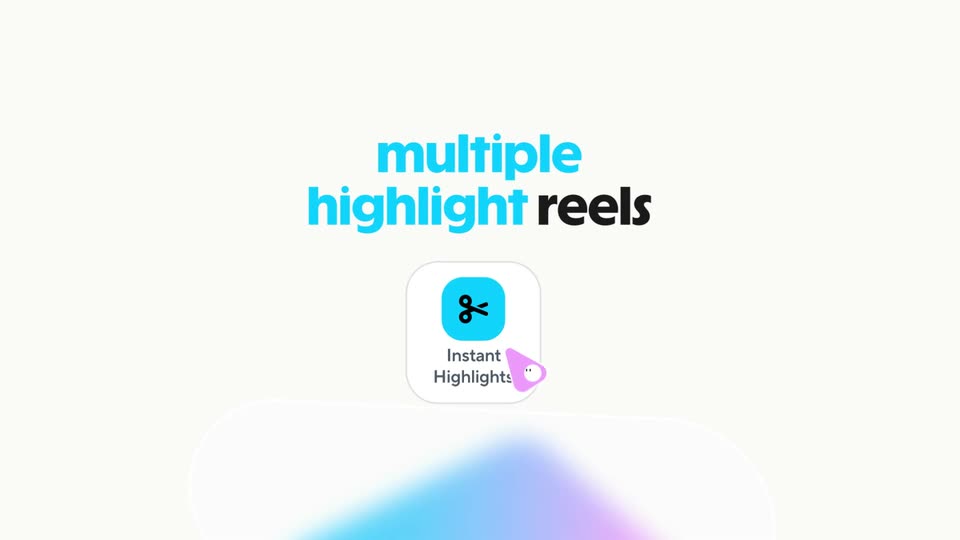
On a cream background, a cyan and dark-gray headline reads “multiple highlight reels” above a white app icon tile with a scissors glyph and an “Instant Highlights” label. A small blurred pink shape drifts around the icon while a soft blue-purple glow sits at the bottom. The headline then blurs and slides off to the right, leaving the icon centered.
On-screen text: “Transform your”, “long video into”, “multiple”, “highlight reels”
Techniques: Kinetic type
Camera: Static
05 · Feature reveal · 0:08–0:09
A small blue play badge and wireframe cone sit centered on a white field with soft pastel gradient blobs. Three phone mockups in 3D perspective rise from the bottom, each showing a man in a dark polo with caption text, settling into a row.
On-screen text: “highlight reels”, “Instant”, “Highlights”
Techniques: 3D mockup
Camera: Static
06 · Feature reveal · 0:09–0:12
Three vertical phone frames labeled V1, V2, V3 sit side by side on a pastel gradient, each showing a man in a black polo giving a talk. White caption lines cycle through different wordings in each frame as the frames settle from a slight fan tilt to flat.
On-screen text: “a guy named Fom”
Camera: Static
07 · Feature reveal · 0:12–0:13
Three phone mockups stand in 3D perspective on a white background with soft green and blue gradient shapes, each playing a captioned clip with a version tag and timer. The phones and shapes then fade out to a plain white frame.
Techniques: 3D mockup
Camera: Static
08 · Feature reveal · 0:13–0:14
A product upload screen sits on a light background with a bold black headline at left. A 3D phone holding a video and a purple magnet flies in from the left, tilting toward the upload icon.
On-screen text: “Upload or drop the URL of your video”
Techniques: 3D mockup
Camera: Static
09 · Feature reveal · 0:14–0:15
A flat light-gray layout pairs a bold black headline on the left with a vertical toolbar and a rounded video frame of a man in a black polo on a dark stage. A purple blob and a white cloud float over the footage, then the whole composition blurs and slides down out of frame.
On-screen text: “Upload or drop the URL of your video”
Techniques: Kinetic type
Camera: Static
10 · Feature reveal · 0:15–0:25
A white settings panel on the right scrolls through Clip duration, Output format and Caption style as a pink triangular cursor taps each option. The bold black headline “You set the rules” holds on the left. The cursor types an instruction and rests on the Process video button.
On-screen text: “You set the rules”
Techniques: Cursor demo
Camera: Pull out
11 · Feature reveal · 0:25–0:27
On a plain white background, a two-shape gradient logo rotates and morphs into a four-part diamond above static text and a filling gradient progress bar.
On-screen text: “Generating multiple highlights”
Techniques: Morph
Camera: Static
12 · Feature reveal · 0:27–0:29
A white layout with soft green and blue gradient blobs. On the left, a small gray label above a large black headline; on the right, a tall rounded card holds a vertical feed of short clips: a person doing push-ups on a stage in front of an audience, then a man speaking against a yellow backdrop. The left text swaps from Prompt-based Precision search to Multi Speaker tracking.
On-screen text: “Generating multiple highlights”, “Prompt-based”, “Precision search”, “Multi Speaker”, “tracking”
Camera: Static
13 · Feature reveal · 0:29–0:31
A light gradient background holds a bold dark headline at left and two rounded vertical video panels at right, each showing a separate interview clip. Subtitles appear at the bottom of the left panel as the speaker changes.
On-screen text: “Multi Speaker tracking”
Techniques: Split screen
Camera: Static
14 · Feature reveal · 0:31–0:34
Three vertical video cards labeled V1, V2, V3 settle into a row on a pastel gradient, each showing a man in a dark polo shirt with a blue timecode pill. White Translate, Upscale, Publish buttons fade in below as a small purple teardrop shape glides across the cards.
Camera: Static
15 · Feature reveal · 0:34–0:40
A flat phone mockup on a pastel gradient plays a vertical talk clip with shifting subtitles. A purple cursor blob taps the Translate, Upscale, and Publish buttons in turn; a split line divides the video when Upscale is pressed. The mockup exits and the headline blurs into focus.
On-screen text: “Get platform-ready highlights in minutes”
Techniques: Cursor demo, Kinetic type
Camera: Static
16 · CTA · 0:40–0:42
A bold two-line headline sits centered over a soft pastel wash of pink, blue and green with angular white panels. Near the end, a blurred rounded cube with green, pink and blue edges sweeps left to right in front of the text.
On-screen text: “Get platform-ready”, “highlights in minutes”
Camera: Static
17 · Outro · 0:42–0:46
A four-petal iridescent glass mark spins and flattens on a white background, then shrinks toward the right as the black wordmark 'Hey Gen' appears beside it.
On-screen text: “Get platform-ready”, “highlights in minutes”, “Hey”, “Gen”
Techniques: Morph
Camera: Static