0:29

something - Updates/features will be dropping daily. Early Adopters have access:
Something · May 2025
Google Chrome · Apr 2026 · 0:29 · Full motion · AI-annotated
Google Chrome’s 0:29 launch film runs 18 scenes, about 1.6 s each. The product shows up at 0:01 and 1 feature is revealed. There is no explicit call to action; a voiceover carries the film. Built as a rapid title-card relay: stacked type, blur-to-focus reveals and 3D perspective flips of UI panels alternate with flat type cards, cutting on a steady 120 bpm pulse. Signature moves are the camera push into browser windows, the soft-focus sharpening of headlines, and the slash-key prompt motif that ties the demo together.
Is this your launch? to your site or press kit.
Three stacked lines of the word NEW fill the frame, the center one solid white, the top and bottom outlined. The background jumps from purple to orange as the framing widens to show the full word.
On-screen text: “NEW”
Camera: Static
Three stacked NEW words sit on a plain background that flips from green to black. The middle word is a solid white bold sans, the top and bottom rows are thin white outlines, and all three stay locked in place.
On-screen text: “NEW”, “NEW”, “NEW”
Camera: Static
A dark title card. A thin browser address bar with back, forward and refresh icons floats above the headline. The top line slides down into place while the second line and the small Chrome logo below hold still.
On-screen text: “Keeping Tabs”, “in Chrome”
Techniques: Kinetic type
Camera: Static
A dark frame holds a Chrome address bar chip reading Skills above a white headline and the Chrome logo. The chip scales up into a large blue rounded card while the headline slides down out of frame.
On-screen text: “Keeping Tabs”, “in Chrome”
Techniques: Kinetic type, Masking
Camera: Static
A solid blue field holds three lines of white type. 'Introducing' rests at the top, 'Skills' with a small lightning glyph scales up in the center, and 'in Chrome' fades in beneath it.
On-screen text: “Introducing”, “Skills”, “in Chrome”
Techniques: Kinetic type
Camera: Static
“Introducing” sits above a scaling “Skills in Chrome” lockup with a lightning bolt on a near-black background. The block crossfades to “No more”, then “retyping” types out behind a blue caret as “frequent prompts” appears below.
On-screen text: “Introducing”, “Skills”, “in Chrome”, “No more”, “retyping”, “frequent prompts”
Techniques: Kinetic type
Camera: Push in
The white headline “retyping frequent prompts” sits centered on a black background, then the white app screen slides in from the left, revealing a two-column grid of prompt cards with colorful icons and a row of filter chips below.
On-screen text: “retyping”, “frequent prompts”
Techniques: Masking
Camera: Pan
A skills marketplace web page, tilted in 3D perspective, rotates until it faces the camera flat. Rows of pastel skill cards with icons and a strip of filter chips fill the frame.
Techniques: 3D mockup
Camera: Pan
A light-themed Chrome Skills page pans left from a close crop of the skill cards to the full layout, showing a left sidebar with Browse skills and My skills, plus a content area of colorful skill cards and filter chips.
Camera: Pull out
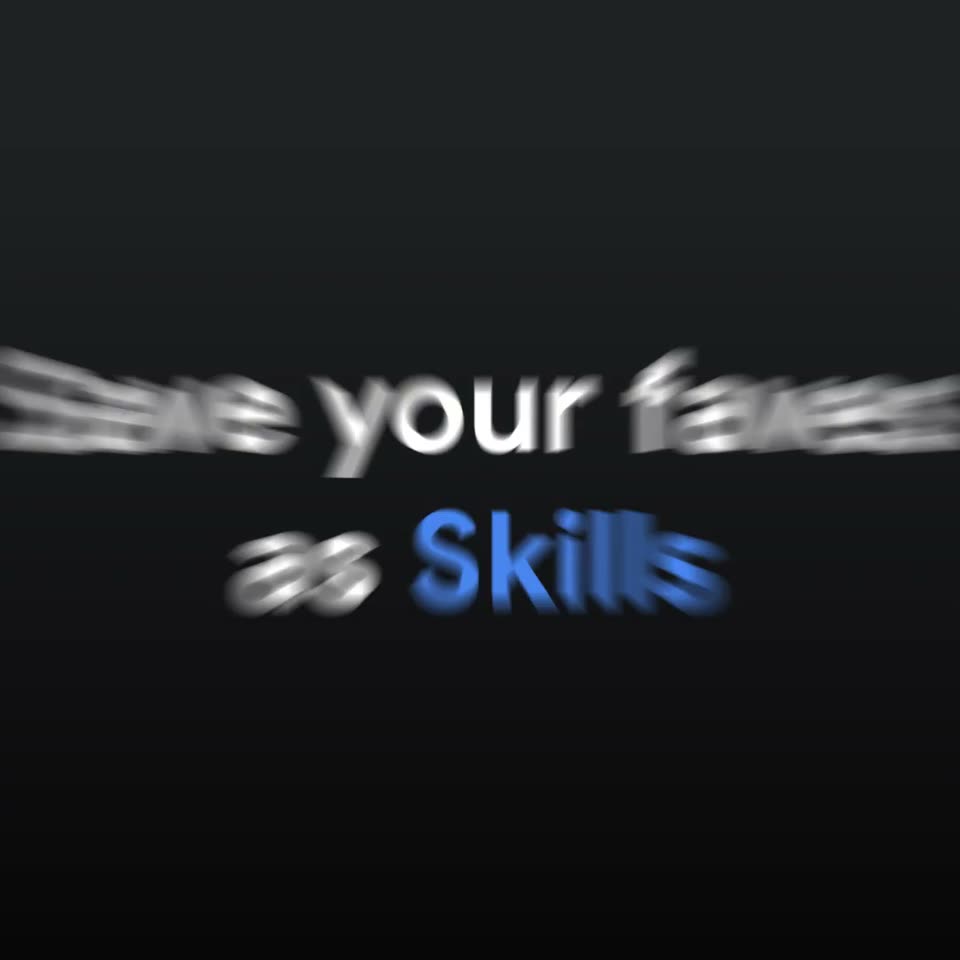
On a near-black background, the headline “Save your faves as Skills” sits centered and static, sharpening from a soft blur into focus. Oversized blurred letters, “YOUR” in white and “Skills” in blue, drift slowly behind it as a depth layer.
On-screen text: “Save your faves”, “as Skills”
Techniques: Parallax
Camera: Static
A laptop on a wooden desk in a bright room shows a recipe page. A white card with a headline and Buy Now button floats upper left, an Ask Gemini pill lower left. The camera pushes into the screen, ending on a close-up of the salad recipe title.
On-screen text: “The laptop that fits your work”, “Ask Gemini”
Techniques: 3D mockup, Parallax, UI zoom
Camera: Push in
A pink recipe page in a 3D browser window rotates from a tilted angle to face the camera, then blurs and drops away as a white Type label with a slash key cap slides in at the top.
On-screen text: “Type”, “/”
Techniques: 3D mockup
Camera: Push in
A white headline reads Type / to open your saved Skills on a black background while a flat browser window with an Ask Gemini bar slides up from the bottom. Its salad thumbnail and greeting sharpen as the window rises and covers the headline.
On-screen text: “Type”, “to open your”, “saved Skills”
Techniques: Kinetic type
Camera: Pan
A tilted, blurred 3D card of the Gemini in Chrome greeting settles flat as a Skills dropdown scales in; a cursor hovers over Protein maximizer, highlighting it and typing the command into the input field below.
Techniques: 3D mockup, Cursor demo
Camera: Push in
A recipe article view splits the frame: a vertical salad photo on the left, a white text panel on the right. The body copy scrolls upward while the photo column holds nearly still, a small circular close button resting on the image.
Techniques: Parallax
Camera: Pan
A grid of white feature cards with flat icons and short captions fills a black background. The camera zooms in and drifts across the cards, settling on the Check commute card with its blue car and motorcycle illustration.
Techniques: UI zoom
Camera: Pull out
Centered headline “Prompt like a pro” on white, “pro” in light blue, as a soft dark gradient on the left edge fades out. The phrase crossfades to “with Skills in Chrome”, then the Chrome logo appears behind the text, which turns dark blue.
On-screen text: “Prompt like a pro”, “with Skills”, “in Chrome”
Techniques: Kinetic type
Camera: Static
The Chrome logo, a circle of red, yellow and green segments around a blue center, sits centered on a plain white background, locked off and motionless for the full clip.
Camera: Static