1:15

Framer 3.0 with Agents, Branching, and a new Community
Framer · Design · Jun 2026
Gem · Dec 2021 · 1:18 · Full motion · AI-annotated
Gem’s 1:18 launch film runs 22 scenes, about 3.5 s each. The product shows up at 0:11 and 5 features are revealed. There is no explicit call to action; a voiceover carries the film. Tone is confident and clean, a corporate SaaS explainer that stays upbeat without being loud. The build is a tight feature montage: a striking avatar hook, a spinning product title, then five back-to-back feature beats (forecast, pipeline visibility, DEI, pipeline forecasting, dashboards) each introduced by a one-line voiceover and shown as white cards that draw, fill, tilt in 3D and rack from blur to focus. Signature moves are the diagonal spin-in of titles, the spotlight cone that tints and re
Is this your launch? to your site or press kit.
Framer · Design · Jun 2026
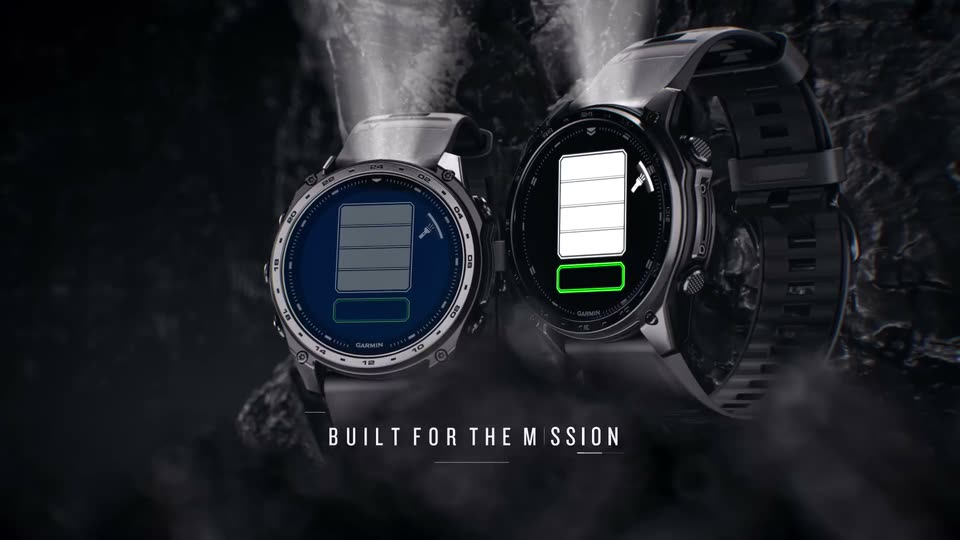
Garmin · Feb 2025
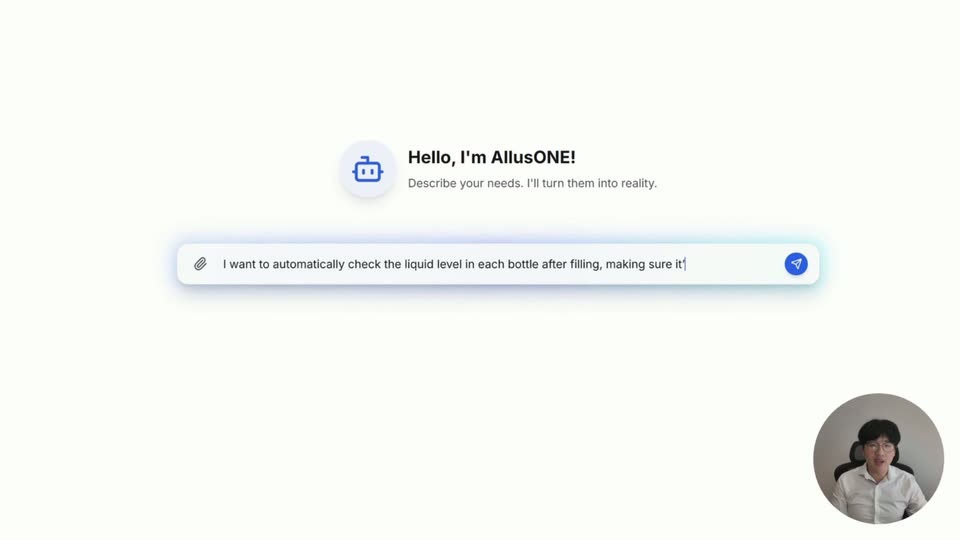
Allus AI · Industrials · Nov 2025
Films whose music sounds like this one, voice left out
Praxis · Modern electronic
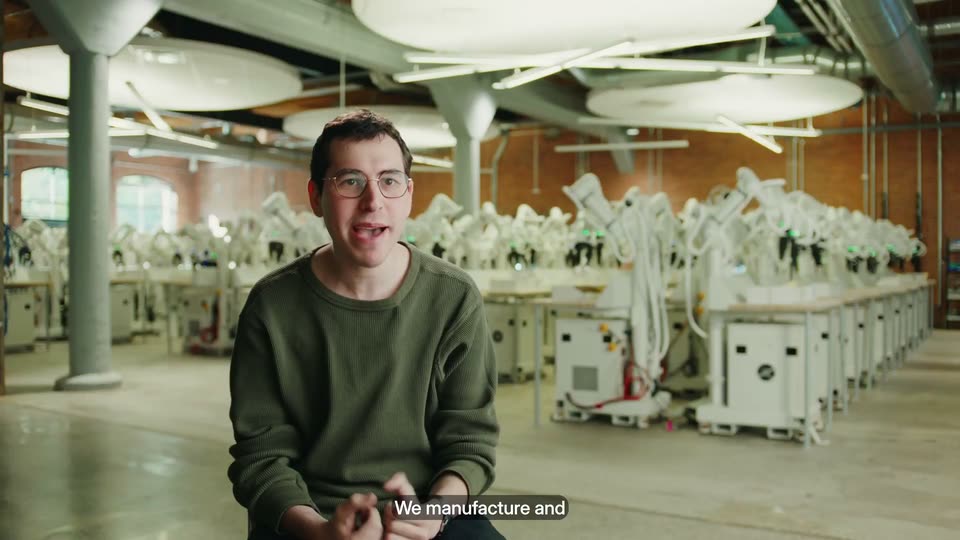
Tutor Intelligence · Modern electronic
Dyson · Modern electronic
Colored-ring photo avatars float on a blue gradient, some sharp, some blurred. The navy headline 'Great People' snaps into focus, then the frame blurs and pans to new avatars as small colored dots pop in around them and flatten into gray question-mark circles.
On-screen text: “Great People”
Techniques: Parallax, Morph
Camera: Push in
Dark navy title Talent Compass spins in from a steep diagonal and settles horizontal on a soft blue gradient. The Gem logo fades in below, then five feature labels with thin dividers fade in under the title; a blurred forecast word washes over at the end.
On-screen text: “Talent Compass”, “Gem”, “Visibility | Forecasts | Performance | Reporting | DEI Insights”, “forecast”
Techniques: Kinetic type
Camera: Static
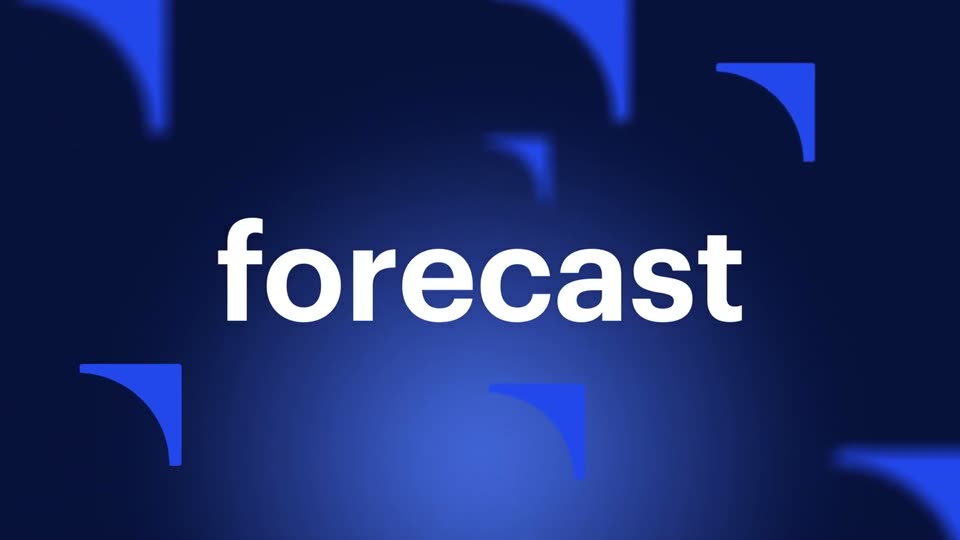
The word forecast in white bold lowercase sits centered on a dark navy field. It starts out of focus and sharpens as the scene plays, while blue quarter-circle shapes in the background come into view. A blurred Talent Compass title and Gem logo fade out behind it at the start.
On-screen text: “forecast”
Techniques: Kinetic type
Camera: Static
A blurry white forecast word defocuses on a blue gradient, then a white card with a blue border comes into focus, its line graph drawing across the months. A second card with a yellow border slides in from the right, overlapping the first, showing a gauge with a needle.
On-screen text: “forecast”
Camera: Static
Two floating dashboard cards on a blue gradient: a blue-bordered Goals card with a line chart behind, and a yellow-bordered KPI card with a gauge in front. The cards drift downward as the gauge needle rotates and its yellow arc fills toward 33.
Camera: Pan
A large blue Log In button with a white cube logo sits centered on a soft blue gradient. It scales down toward the middle, settling onto a white dashboard card while KPI labels and numbers slide across it.
Camera: Pull out
A white pipeline table on a blue gradient fades in and sharpens as job rows and percentage pills populate, while a small blue Log In button slides out from the center.
Camera: Static
A white table with a blue border listing job roles and conversion rates rises into the lower frame against a blue gradient. Above it, a circular spotlight with a light cone sweeps left to right, tinting each column, and turns red over the Interview column.
Techniques: Light sweep
Camera: Static
A white card titled Outreach Stats floats in 3D against blue light beams, then the view zooms into its table of job roles and conversion percentages as a red spotlight cone appears at the top right.
Techniques: 3D mockup, UI zoom
Camera: Static
A white rounded card with a blue diamond logo and the title Outreach Stats sits on a dark blue gradient. Four blue bars labeled Contacted, Opened, Replied, Interested grow upward from the baseline, stepping down in height left to right.
Camera: Static
A white card with a descending four-bar funnel chart holds center on a dark blue gradient. Purple and teal outlined panels rotate in and settle as Gender and Race/Ethnicity filter cards on either side. The highlighted options switch from Man and Asian to Woman and Black, and the bars rescale.
Techniques: Split screen
Camera: Static
A white stats card slides in from the left beside a flat white funnel that tapers to the right. Circular headshot avatars with colored rings pop in and drift along the funnel's top edge. A Stage 1 to Hired timeline runs below.
On-screen text: “Stage 1”, “Stage 2”, “Hired”
Camera: Pull out
A white card flips in 3D from a bar chart to a line chart labeled Today; the blue line draws across the months as a gradient fills below. A notification card with a red bell icon scales in at the top right, then the group shrinks and drifts right.
Techniques: 3D mockup
Camera: Pull out
A white dashboard card with a rising line chart and the title Pipeline Forecasting dissolves out on a dark blue field. A white notification pill with a pink person icon, reading 6 New Hires! By Dec 1, scales and stays as the card fades.
Techniques: Masking
Camera: Static
A white card with a blue outline sits centered on a blue gradient. Inside, a list of hiring stages scrolls upward while a shallow depth of field keeps the active row sharp and blurs the rest, the numbers ticking as new rows such as Hired slide in.
On-screen text: “6 New Hires! By Dec 1”
Camera: Static
A white card titled Pipeline Forecasting scales in over a blue gradient, showing funnel rows for Application, Phone, On-Site, Hired. A white ring highlights counting percentages, a pencil pill updates on the right, faint numbers scroll behind, then the card tilts in 3D.
On-screen text: “Pipeline Forecasting”
Techniques: 3D mockup
Camera: Push in
A tilted 3D card listing pipeline stages rotates flat to reveal a hiring dashboard, its gauge, donut and bar charts animating in. The camera then zooms into the top row and pans right as the active tab switches to GTM and the KPI numbers update.
Techniques: 3D mockup, UI zoom
Camera: Push in
A white analytics dashboard card with gauge, donut and bar charts floats on dark blue, settling from a 3D tilt. The board blurs as a location dropdown and two colored department cards pop in, illustrating per-office and per-team filtering.
Techniques: 3D mockup
Camera: Static
Three filter cards labeled Office, Team, and Department float with drop shadows over a blurred dashboard. Selection highlights land on Chicago, New Markets, and Finance, then the whole composition defocuses and blurs out.
Camera: Pull out
A white recruiting dashboard card on a dark blue field shows a summary row plus a gauge, donut and bar chart. The gauge number ticks down and the charts fill in, then the whole card tilts into 3D and blurs out of focus.
Techniques: 3D mockup
Camera: Pull out
A blue gradient backdrop holds a 3D-tilted headline that racks from heavy blur into focus, with a blue Talent Compass chip floating above and a white Gem card with a blue diamond below.
On-screen text: “Insights That Guide Smarter Decisions”
Techniques: 3D mockup
Camera: Pull out
A soft blue gradient holds a blue pill badge reading Talent Compass above the dark headline Insights That Guide Smarter Decisions, with the Gem logo at the bottom. The frame opens out of focus and sharpens into focus over the first second, then holds still.
On-screen text: “Talent Compass”, “Insights That Guide Smarter Decisions”
Camera: Pull out