0:30

Lovable is now in Slack
Lovable · Developer tools · Sep 2026
ElevenLabs · Jun 2025 · 0:52 · AI-annotated
ElevenLabs’s 0:52 launch film runs 23 scenes, about 2.3 s each. The product is on screen from the first frame and 2 features are revealed. The call to action lands at 0:42 (81% in), over a voiceover. Tone: confident, playful, cinematic. Background: soft blurred gradients that shift hue per beat (purple, blue, magenta, then warm orange-yellow). Fonts: clean geometric sans-serif, bold for headlines, regular for UI body. Music mood: upbeat, modern, light electronic pulse. Structure: a single-feature launch built as a rapid chain of self-typing prompt cards, each resolving into a character preview with sliding parameter bars, capped by a 3D thumbnail montage and a collapsing-logo outro. Pacing:
Is this your launch? to your site or press kit.
Lovable · Developer tools · Sep 2026
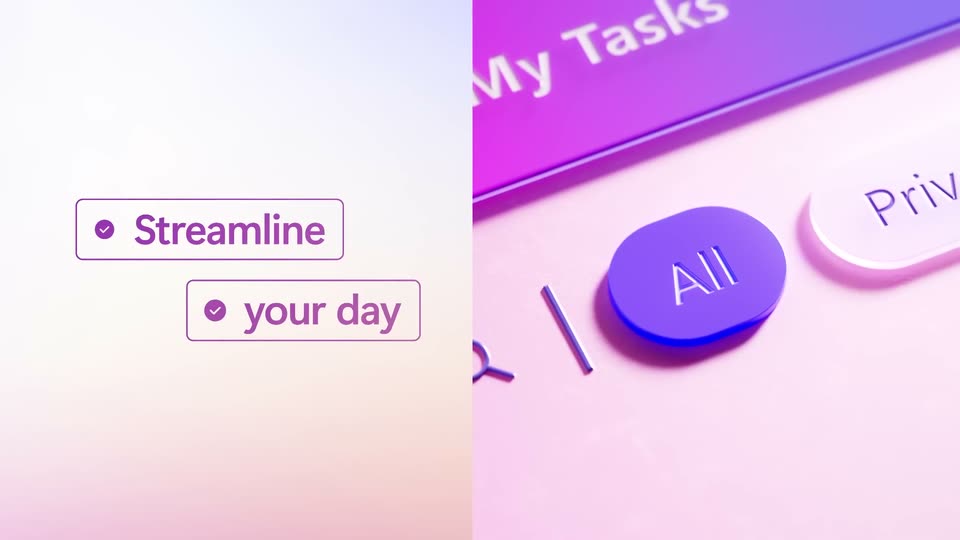
Microsoft · AI · Jun 2024
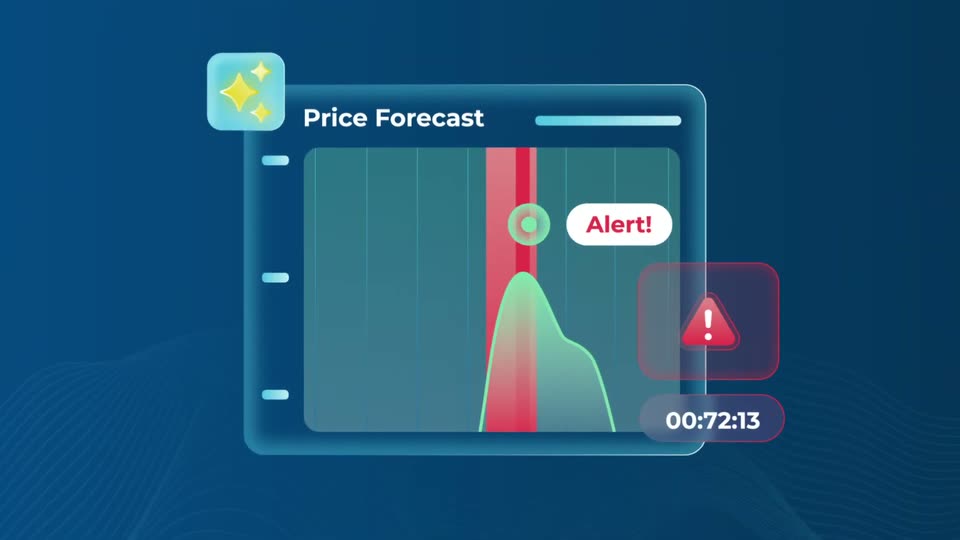
Arcus Power · Jul 2026
Films whose music sounds like this one, voice left out
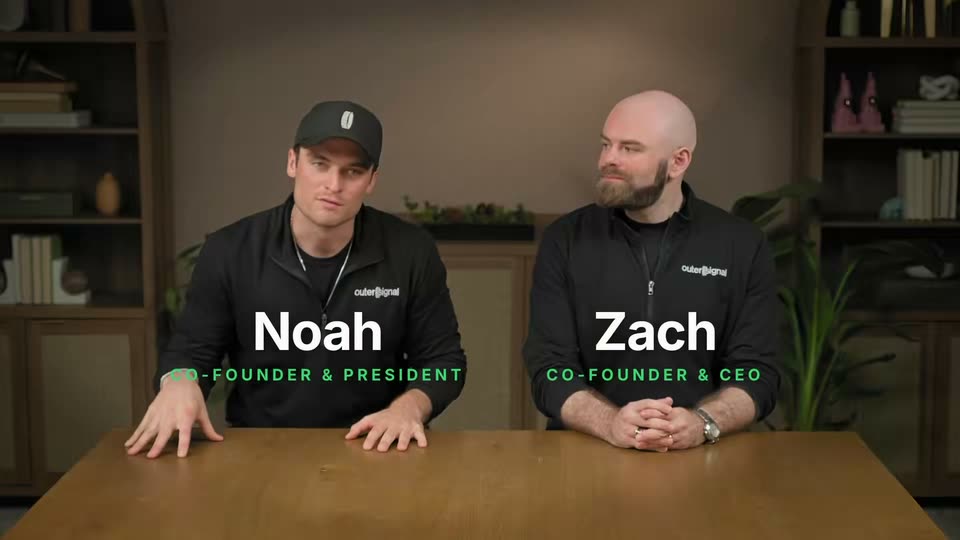
OuterSignal · Electronic
Astra · Electronic, Post-Rock
Replit · Upbeat corporate electronic
Over a blurred yellow-to-purple gradient, a white diagonal bar swings into the letter V at center. The title Voice Design v3 fades in behind the V, then the frame darkens and the name's letters stack vertically along the right edge.
On-screen text: “Voice Design v3”, “VOICE DESIGN”
Techniques: Morph, Kinetic type
Camera: Pull out
A purple gradient holds a voice-tool panel: a small thumbnail of a bearded samurai scales up into a wide card on the left while two sliders and text type in on the right, then the whole layout drifts left.
Techniques: Kinetic type, UI zoom
Camera: Push in
On a purple-to-blue gradient with a red glow in the lower left, a thin glowing white line sweeps in and traces a large capital V with a neon edge and faint fill. A second curve begins at the lower right as the letter completes.
On-screen text: “V.”
Techniques: Kinetic type
Camera: Static
A glowing white V on a purple gradient with a red corner glow; a 3 fades in beside it and a light band sweeps down the letters, then a teal Voice Design panel with Prompt and Text to preview fields and a Generate voice button appears.
On-screen text: “V3”
Techniques: Kinetic type, Light sweep
Camera: Static
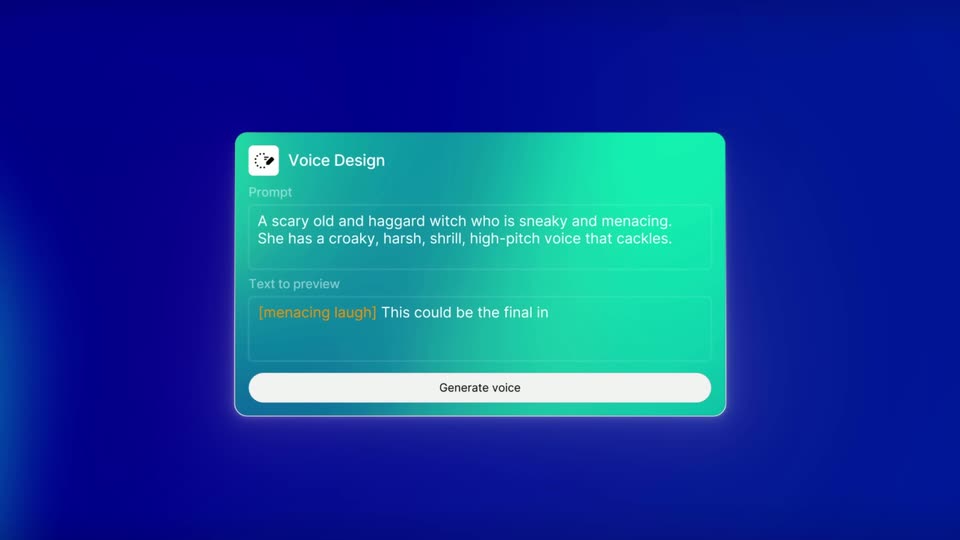
A teal Voice Design card fades in over a blue gradient as a prompt line and a preview line type themselves into the fields, then the whole card scales down and fades away.
Techniques: Kinetic type
Camera: Static
A glowing white pill on a blue gradient slides left and morphs into a round knob. A UI panel fades in on the right with a witch film still in a card, while parameter labels and sliders appear on the left.
Techniques: Morph
Camera: Static
A blue gradient screen splits into a control panel on the left and a rounded preview window on the right. The panel's labels and description fill in line by line while two slider dots slide right, and the 3D witch in the preview cackles with raised hands over an open book.
Camera: Pull out
A blue product screen shows a settings panel with sliders and a rounded card holding a 3D witch at a cauldron. The card slides right out of frame as a blue loading box with a spinner fades in.
Camera: Push in
A glass Voice Design panel fades in at center over a shifting blue and purple gradient. The prompt field holds static body copy while the preview field types out a sentence letter by letter above a white Generate voice button.
Camera: Static
On a blue-to-purple gradient, a dark rounded card widens from a narrow vertical strip into a full frame showing a woman in sunglasses holding a pistol. A white glowing dot sits beside the strip, and partial text types in word by word along the right edge.
Techniques: Masking, Kinetic type
Camera: Static
A product UI panel on a blue-violet gradient shows a framed clip of a woman in sunglasses holding a pistol at left; at right, two sliders, a Text to Preview line with an orange highlight, and a Description field that types out word by word while slider handles drift.
Camera: Static
On a violet gradient, a rounded card holds a film still of a woman in sunglasses holding a revolver, next to a voice panel with sliders and preview text. The layout pans left, sliding the still off-frame and revealing a small empty purple card in the center.
Camera: Pan
A flat UI card sits centered on a blue-to-magenta gradient. A digital glitch warps the title and form fields at the start, then the card resolves to a clean layout as the preview text finishes typing in.
Camera: Static
A white circle expands at center, then wipes right as a mask, revealing a 3D blue alien in a rounded card on the right and a left column of small white text appearing line by line. The blue-purple gradient background stays static while the reveal completes.
On-screen text: “Lo”, “Gu”, “Ta”, “Greetings,”, “De”, “A”
Techniques: Masking, Kinetic type
Camera: Static
A voice-tool panel on a blue-purple gradient: Loudness and Guidance Scale slider handles slide right while the preview and description copy types in. Right side, a rounded card plays a 3D blue alien waving and talking over a bokeh background.
Techniques: Kinetic type
Camera: Pan
A blue-to-magenta gradient fills the frame. A stack of four rounded image cards, each holding a monkey face, cascades in from the top center, while cut-off text on the left and a device edge on the right slide out of view.
Camera: Static
A vertical stack of rounded image cards recedes upward in 3D perspective against a blue-to-pink gradient. The whole column rotates around a vertical axis, and the front card cycles through movie clips: a costumed creature, a tunnel, a mermaid, a penguin, two men, a knight, a snowman.
Techniques: 3D mockup, Parallax
Camera: Static
A scattered grid of rounded video thumbnails on a blue gradient scales up and spreads across the frame, each card revealing an animated character or city scene. The blue backdrop then crossfades to a blurred street shot as the cards enlarge to fill the screen.
Camera: Push in
Rounded movie and show thumbnails float in a 3D field over a blue gradient, some blurred by depth of field. The camera drifts forward, the tiles sliding at different speeds.
Techniques: 3D mockup, Parallax
Camera: Push in
Rounded photo tiles of cartoon characters float at varying depths over a blue gradient that warms to purple. The camera drifts through the field, with near tiles blurring past the frame edges and a single tile centered in the distance.
Techniques: Parallax
Camera: Static
A rounded video card on a shifting pink-to-orange gradient shows an elderly woman reclining in a leather armchair under warm lamplight. White subtitles type in word by word along the bottom of the card.
On-screen text: “[cranky] Back in my day we didn't need all these fancy gadgets.”
Techniques: Kinetic type
Camera: Static
On an orange-to-yellow gradient, a centered phone mockup showing a dim bedroom video fades out as the white headline 'Try Voice Design v3 today' fades in at the center.
On-screen text: “Try Voice Design v3 today”
Camera: Static
White tagline “Try Voice Design v3 today” holds centered on a warm orange-yellow gradient, then the letters collapse into thin bars and re-expand into the ElevenLabs wordmark, which holds as the gradient slowly drifts.
On-screen text: “Try Voice Design v3 today”, “IIElevenLabs”
Techniques: Morph, Kinetic type
Camera: Static