0:42
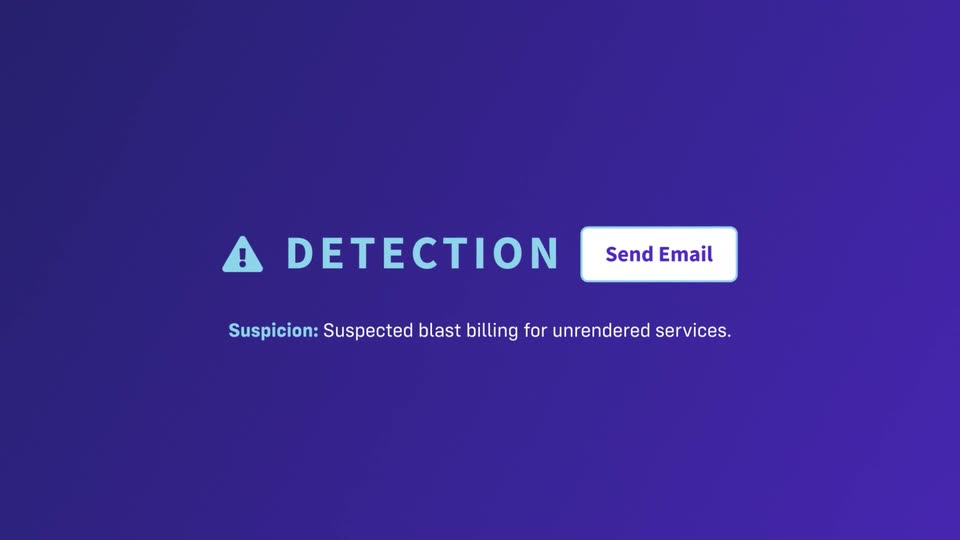

SHIFT_Improper Payment Detection_Integrated Case Management_Video_V4
Shift Technology · Feb 2023
Composio · Jan 2025 · 1:21 · Full motion · AI-annotated
Composio’s 1:21 launch film runs 19 scenes, about 4.3 s each. The product is on screen from the first frame. The call to action lands at 1:08 (84% in), over a voiceover. Built as a dark-stage product tour: a logo-and-integrations montage opens, then stylized black graphics (code panels, status chips) alternate with real dark-UI screen recordings (Sheets, terminal, Gmail, browser) to show the agent being built and run, ending on a docs and GitHub call to action. Signature moves are the converging-lines logo reveal, the cross-dissolve between stylized code and live UI, and the line-by-line highlight of generated email text, all cut to a steady mid-tempo pulse.
Is this your launch? to your site or press kit.
Shift Technology · Feb 2023
Diffusion Studio · Aug 2026
Films whose music sounds like this one, voice left out
Retool · Upbeat electronic
distributed cognition · Electronic
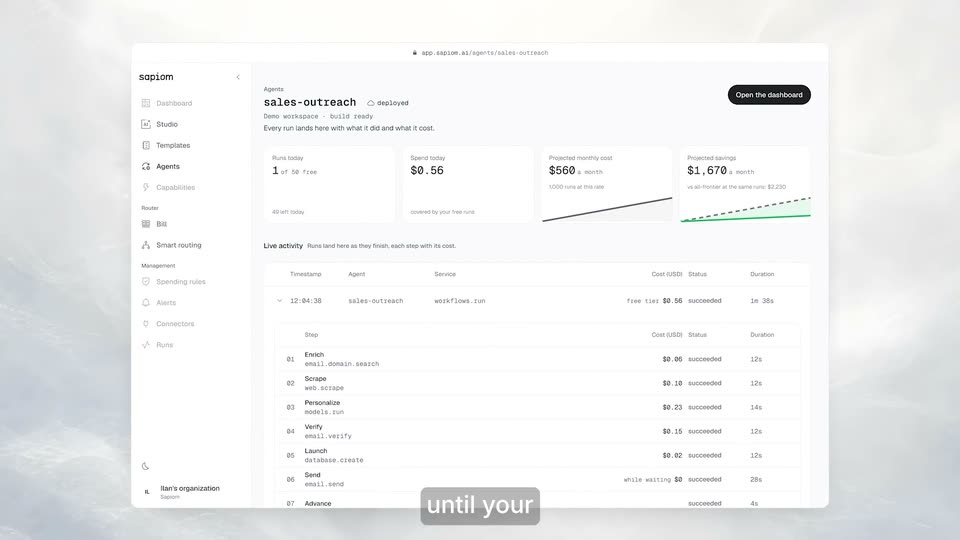
Sapiom · Corporate Tech / Electronic
On a dark stage with purple glow, the composio wordmark sits center, flanked by icon bars above and below. A 5x5 grid of app icons slides in from the left with curved lines converging on the logo, while a template panel slides in from the right; a cursor hovers a card before the scene fades to black.
Techniques: Cursor demo
Camera: Pull out
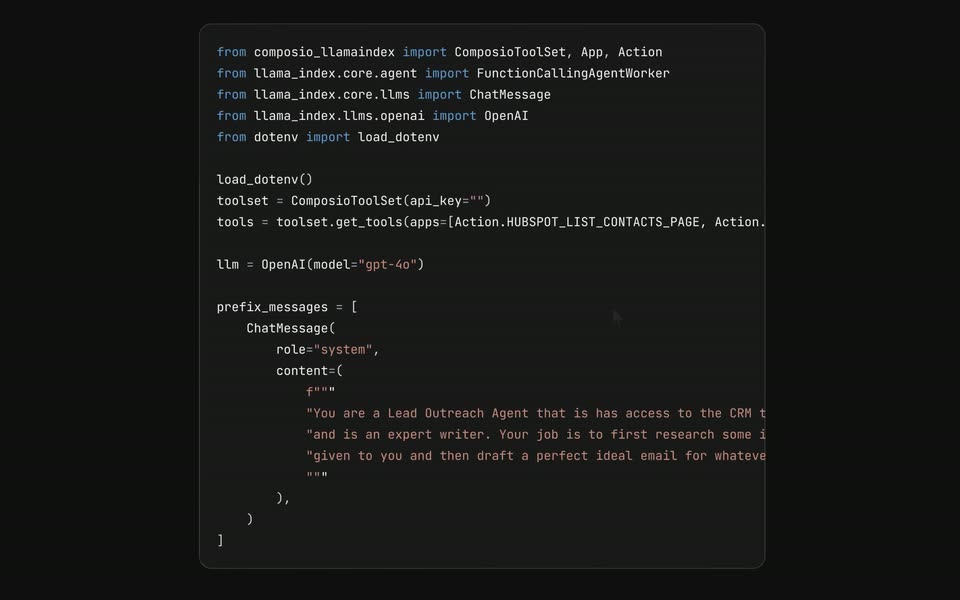
A dark rounded panel of syntax-highlighted Python code fills the center of a black screen, a mouse cursor resting at its right edge. The panel opens as a brief double-exposure and settles into a single frame with a slight zoom.
Techniques: UI zoom
Camera: Pull out
A rounded code editor panel sits centered on a black background, showing Python syntax-highlighted code that imports Composio and LlamaIndex modules to build a lead outreach agent. The panel holds still for the full shot.
Camera: Pull out
A dark rounded chip on black holds white text “Sending Outreach Email” with a Gmail icon at the right. The icon slides left and the text crossfades to “Outreach Email Sent”. The chip fades out, then a bold white headline “Lets See it in Action” appears centered.
On-screen text: “Sending Outreach Email”, “Outreach Email Sent”, “Lets See it in Action”
Techniques: Morph
Camera: Static
A “Lets See it in Action” headline holds over a Google Sheets lead list that zooms from the full browser window to a close-up; the active cell jumps from Rakesh Rai to Travis Lawrence to Eric Grote, then the scene cuts to a dark terminal prompt.
On-screen text: “Lets See it in Action”
Techniques: UI zoom
Camera: Push in
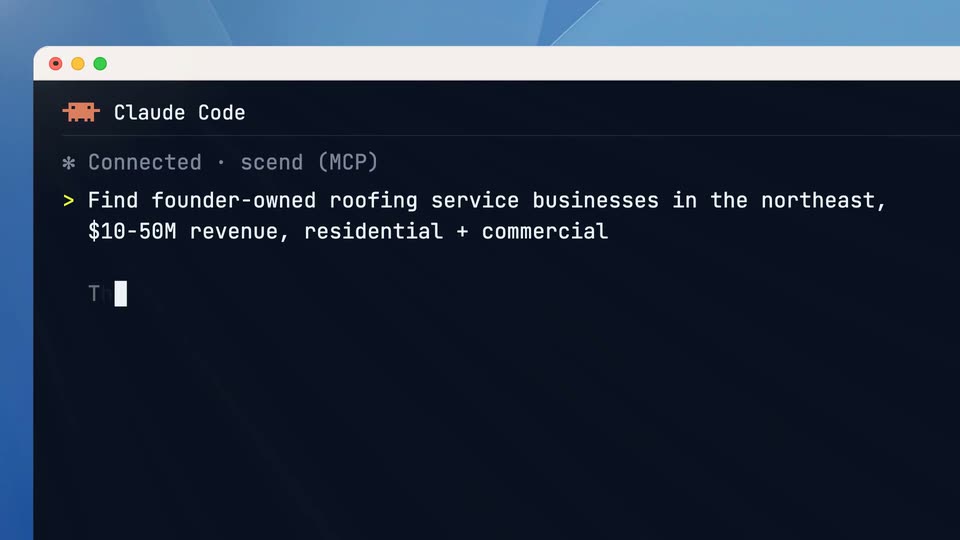
A dark code-editor terminal fills with log lines as a Python agent runs, the prompt and JSON output appearing line by line. The frame then zooms into the log to reveal the drafted email body.
Techniques: UI zoom
Camera: Push in
A dark terminal fills the frame with white monospace log text that scrolls upward, showing function calls and JSON payloads. Near the end, a gray highlight box marks an email address in the data.
Techniques: Kinetic type
Camera: Pan
A dark terminal log of generated email drafts cross-dissolves into a Google Sheets spreadsheet listing prospect names, job titles, and LinkedIn URLs.
Camera: Pull out
A Gmail compose window animates open showing a draft outreach email. The frame then zooms into the body, and a blue highlight selects the text line by line, moving from the greeting to the signature placeholders.
Techniques: UI zoom
Camera: Push in
Gray TV static fills the frame, then snaps into a dense field of tiny white monospaced code and data strings on black, lines of JSON and message metadata packed edge to edge.
Camera: Pan
A blurred close-up of Python code racks into focus, then the camera pulls back to reveal the full code editor window with its tab and status bar. It holds, then pushes in on the toolset line as a hover tooltip pops up showing the function signature.
Techniques: UI zoom
Camera: Pull out
A code editor fills the screen as Python code scrolls vertically, lines blurring and overlapping. A Gmail window with an open draft email then slides in from the left, covering the editor's left half.
Camera: Pull out
A full-screen browser new-tab page on a dark background. The address bar is focused with a blinking caret, then the URL docs.composio.dev is typed in, opening an autocomplete dropdown that highlights the Composio docs link.
On-screen text: “docs.composio.dev”
Camera: Push in
A Mac browser window shows the address bar as docs.composio.dev is typed and highlighted, an autocomplete dropdown of suggestions overlays the dark page, then the dropdown closes to reveal the Composio Overview page.
On-screen text: “docs.composio.dev”
Camera: Push in
A dark documentation page in a browser window. White bold text reading Overview and What is Composio? starts large in the center and scales down to the left as the view reframes to reveal the full sidebar and top navigation.
On-screen text: “Overview”, “What is Composio?”
Techniques: Kinetic type, UI zoom
Camera: Pull out
A dimmed documentation page brightens and reframes outward to reveal the full browser window, while the page scrolls down through the AI SDR Kit tools list, from Contact Data to Sales Engagement.
Techniques: UI zoom
Camera: Pull out
A browser new tab with the Google search field and a row of shortcut icons. A URL is typed into the address bar, and the autocomplete dropdown of GitHub suggestions updates and scrolls to follow the input.
Camera: Push in
A dark browser window fills the frame. A GitHub URL is typed into the address bar, opening an autocomplete dropdown of suggestions. The dropdown closes and a new tab labeled with the same URL appears at the top right.
On-screen text: “github.com/composiohq/composio”
Camera: Pull out
A GitHub repository page for composio loads in a dark browser window. The file list and right sidebar sharpen from blurred placeholders into full text as the page finishes loading.
Camera: Static