0:32
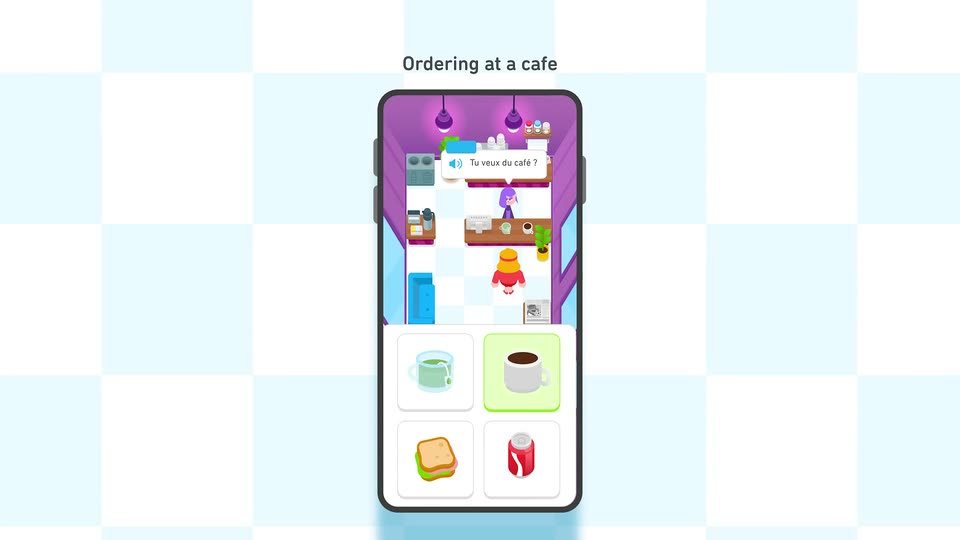

Introducing Duolingo Adventures
Duolingo · Consumer · Sep 2024
Base · May 2026 · 0:31 · AI-annotated
Base’s 0:31 launch film runs 14 scenes, about 2.2 s each. The product shows up at 0:04 and 3 features are revealed. The call to action lands at 0:23 (75% in). The video alternates flat white title beats with dark navy terminal scenes, cutting on a fast 136 BPM grid of roughly 19 cuts per minute. Its signature moves are pixel letters assembling into words, typewriter text in a rounded terminal window, and a googly-eyed blue square mascot that carries the story from hook to logo.
Is this your launch? to your site or press kit.
Duolingo · Consumer · Sep 2024
Higgsfield AI · Sep 2026
On a white background, a blue square sits between the phrases “Every agent has” and “a home on Base”. The square sprouts a pair of cartoon eyes, then stretches into a branching blue shape with four more eye pairs, each pair glancing around.
On-screen text: “Every agent has”, “a home on Base”
Techniques: Morph
Camera: Static
On a plain cream background, the word INTRODUCING assembles in the center as loose blue pixels tighten into a solid dotted typeface, then holds still.
On-screen text: “INTRODUCING”
Techniques: Kinetic type
Camera: Static
On a dark navy field of fine vertical lines, the white word Base sits centered above a row of blue squares that drift together and lock into the letters MCP. The frame stays locked off as the pixels settle into place.
On-screen text: “Base”, “MCP”
Techniques: Particles, Kinetic type
Camera: Static
A dark blue rounded window with three corner dots rests on a striped navy background. A blinking cursor types the line 'Connected to Base Account' letter by letter, then holds on the finished sentence.
On-screen text: “Connected to Base Account”
Techniques: 3D mockup, Kinetic type
Camera: Static
A flat dark terminal window with three dots sits on a scanlined navy field. White monospace text reads the account line, then a prompt types out character by character. A small blue mascot badge in the top-right corner pops in and shifts from a peace sign to a thumbs-up.
Camera: Static
A rounded app icon showing a blue-and-white hand holding playing cards with two peeking faces glows on a dark navy field. Three small squares sit to its right while the icon's artwork shifts subtly.
Camera: Static
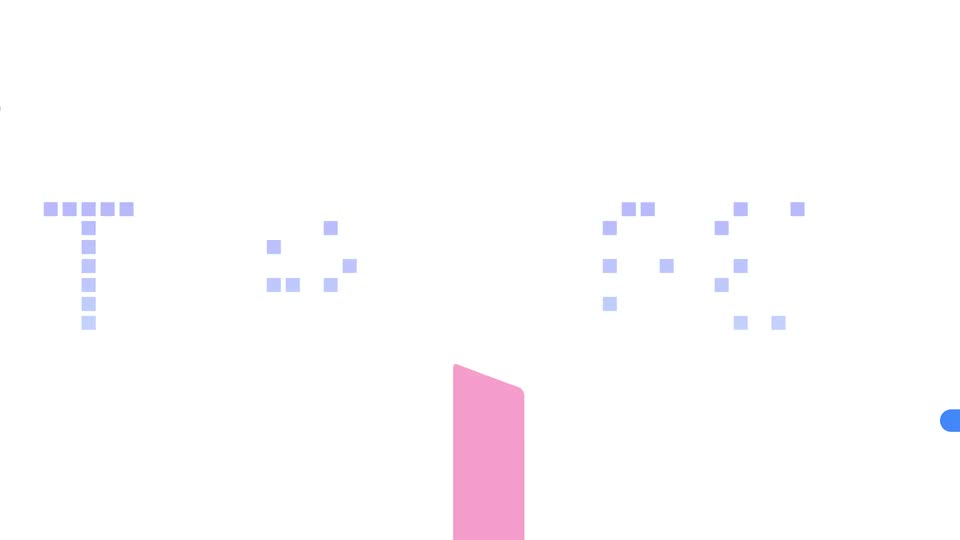
A small blue cartoon character with white hands rides a compass disc from left to right while a large blue double-arrow circle rotates around it. Dotted lavender letters spelling SYNC fade in behind the motion.
On-screen text: “SYNC”
Camera: Static
A blue wallet icon cycles cartoon faces, ending with a money bag, while two gradient arrows push apart left and right. Dotted pixel letters spell TRANSFER behind it on a white background.
On-screen text: “TRANSFER”
Camera: Static
A cartoon blue square with googly eyes sits center on white, swapping a money bag for raised hands, then a laptop it types on. A blue zigzag line draws left to right behind it, ending in an upward arrow, while faint pixel letters spell TRACK in the background.
Camera: Push in
A rounded prompt card on a dark navy field types out a line of text behind a blinking cursor. A second caption card fades in below it, then the camera pulls back to reveal a 3D field of prompt cards floating at different depths, some out of focus.
On-screen text: “all with simple prompts”, “Access leading apps and protocols”
Techniques: Kinetic type, 3D mockup, Parallax
Camera: Push in
On a dark navy field with faint scanlines, an app icon of a blue box with sunglasses and a white peace-sign hand slides from center to the left, the hand popping in and out of the icon. White text “Get Started” and “base.org/agents” appear to its right and hold.
On-screen text: “Get Started”, “base.org/agents”
Camera: Static
A small blue square centered on a black field shrinks to a point across the clip. The headline and the URL sit still on the same locked-off frame, holding position while the square scales down.
On-screen text: “Get Started”, “base.org/agents”
Camera: Static
A small square sits centered on a black field, growing in size and shifting from red to yellow while a dark blue border thickens around it.
Camera: Static
Four blue squares sit on a white background, then slide and merge into a single square as the black lowercase word “base” appears beside it, locking into the brand logo.
Techniques: Morph
Camera: Static