1:48

Zaplar (YC S26) - Today, we’re announcing Summit. A powerful addition to the Zaplar fl
Zaplar · B2B · Nov 2026
Apple · Oct 2026 · 1:03 · Full motion · AI-annotated
Apple’s 1:03 launch film runs 38 scenes, about 1.7 s each. The product is on screen from the first frame and 9 features are revealed. There is no explicit call to action; a voiceover carries the film. The video alternates locked off two line title cards on pale gray with 3D product renders on a seamless light stage, cutting about every three seconds to a steady 126 BPM pop track. Signature moves are headlines that slide in with motion blur, slow orbits around rows of devices, and real hands entering frame to tap and swipe the screens.
Is this your launch? to your site or press kit.
Zaplar · B2B · Nov 2026
Apple · Hardware · Oct 2026
Films whose music sounds like this one, voice left out
Airtable · Modern electronic dance, funk, and disco
Polylane · Electronic dance music with funk and disco elements
HyperFrames · Electronic dance music
On a plain light background, the Apple logo and HomeView wordmark fade in at center, darkening from gray to near black. The mark then clears, leaving the centered tagline Designed for life at home. in dark gray.
On-screen text: “HomeView”, “Designed for life at home.”
Camera: Static
A silver dome speaker with a floating screen on a pale background multiplies into a row of five units, each screen showing a different app view, then the line tilts into a curved 3D arc.
Techniques: 3D mockup
Camera: Static
Five square-screen smart speakers stand in a row on a light gray backdrop, each display showing a different screen: weather, a video call, a photo, a home dashboard and a music player. The camera slowly orbits the row, turning the end units toward the front.
Techniques: 3D mockup
Camera: Static
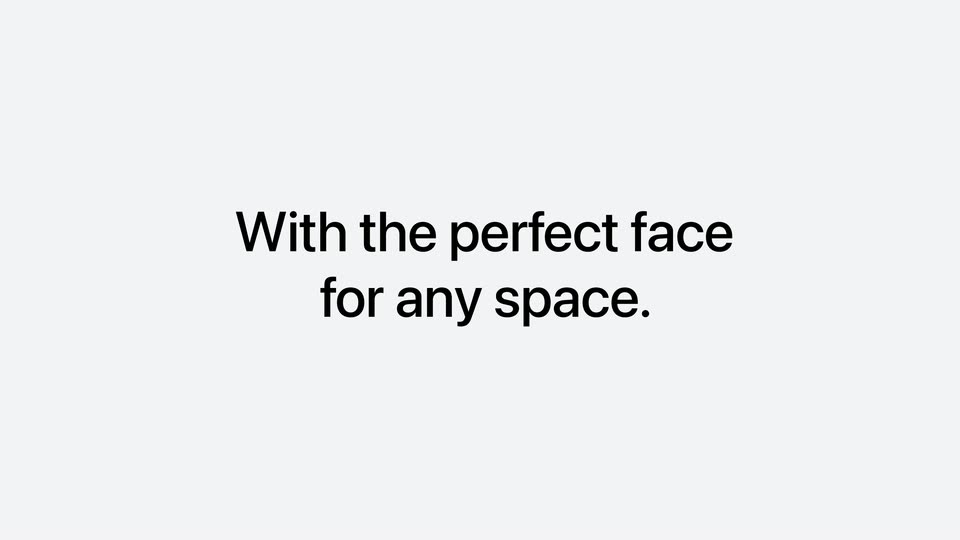
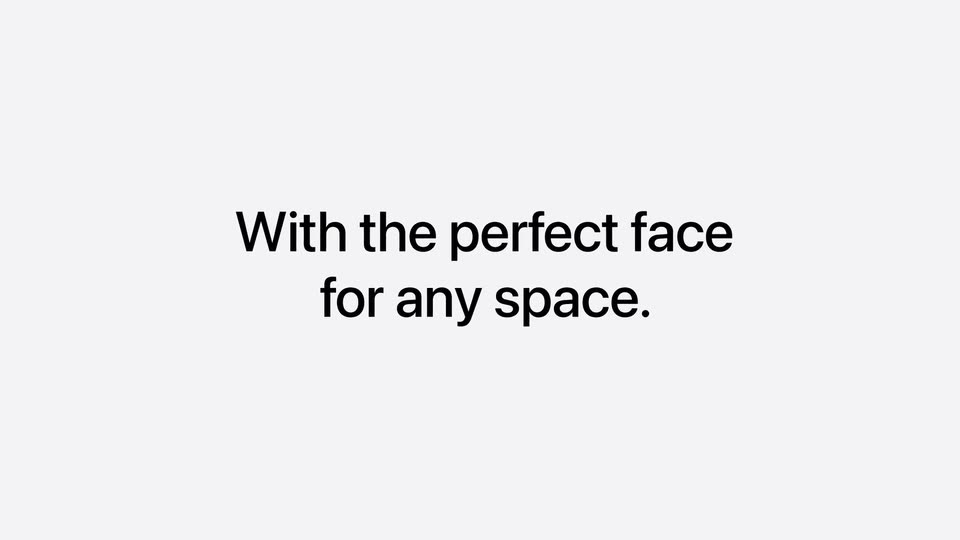
Centered black text on a light gray field reads the headline, then the frame cuts to a full-screen grid of varied Apple Watch faces in color, filling the frame edge to edge.
On-screen text: “With the perfect face”, “for any space.”
Camera: Pan
Three rows of Apple Watch faces pan right to left across a plain light gray background. The slow horizontal move reveals many different face designs, from bold numerals and analog dials to photo and calendar layouts.
Camera: Pan
On a plain light gray background, the line “Recognises up to 6 people.” slides into the center, then “Adapts to each one.” appears beneath it. The frame stays locked off while the two lines settle into a centered stack.
On-screen text: “Recognises up to 6 people.”, “Adapts to each one.”
Techniques: Kinetic type
Camera: Static
Five Memoji faces in colored circles float above the top edge of an iPad and separate into a neat row as the device scales toward the camera. The home screen greets Sophie with app icons and a San Francisco weather widget, while edit captions slide in above the device.
On-screen text: “Recognises up to 6 people.”, “Adapts to each one.”
Techniques: Parallax
Camera: Push in
A plain light gray background holds the centered black title “Siri AI.” with a small gray disclaimer line near the bottom. The frame is static and locked off, with no motion or camera movement.
On-screen text: “Siri AI.”, “Available in English to start. Usage limits may apply.”
Camera: Static
A plain light gray card holds two lines of large black sans text centered, reading “A more powerful personal assistant.” A small gray disclaimer sits at the bottom. The frame is locked off with no motion.
On-screen text: “A more powerful”, “personal assistant.”, “Available in English to start. Usage limits may apply.”
Camera: Static
A dark gray headline slides up above the top of an iPhone that rises into frame on a pale gray background. The lock screen shows a child on a man's shoulders against a blue sky, with oversized pale-blue 10:09 digits.
On-screen text: “Hey Siri, when should I leave for practice?”
Techniques: Kinetic type, Light sweep
Camera: Static
A rounded smart display with a metal speaker grille stands centered on a pale gray backdrop. The screen content fades in from faint to full: a departure reminder above a map card showing a route and a blue 18-minute drive button.
Techniques: 3D mockup
Camera: Pull out
On a plain light gray field, the black line 'Helps you stay organised' enters with a horizontal blur on its left edge, then the line 'and get things done.' appears centered beneath it.
On-screen text: “Helps you stay organised”, “and get things done.”
Techniques: Kinetic type
Camera: Static
A centered black two-line headline on a light gray field gives way to a 3D render of two smartwatches on white charging stands, one screen showing a weekly calendar, the other a recipe card.
On-screen text: “Helps you stay organised and get things done.”
Techniques: 3D mockup
Camera: Push in
Three white smart displays stand in a row on a pale background, tilted in 3D perspective. The center shows a recipe card with a bowl of orange soup; the left a calendar, the right colored reminder tiles. The camera drifts so the center display grows toward the viewer.
Techniques: 3D mockup
Camera: Push in
A black two-line headline sits on a pale gray field. The letters of the sentence drift in from small horizontal offsets and settle into a centered lockup within the first second, then hold still.
On-screen text: “FaceTime keeps everyone”, “perfectly framed.”
Techniques: Kinetic type
Camera: Static
A hand taps the top of a silver phone set in a dome speaker stand. The phone tilts slightly as a rose gold variant and a third unit come into view on a plain white background.
On-screen text: “FaceTime keeps everyone”, “perfectly framed.”
Techniques: 3D mockup
Camera: Pan
A hand taps the screen of the rightmost dome speaker in a row, then the camera pans right and zooms in until the call screen fills the frame, showing two women in a video call with control buttons.
Techniques: UI zoom
Camera: Push in
Two silver Vision Pro headsets on white; left angled to show dome base and glass panel, right facing forward with a video call where a woman and child wave beside an inset of an older woman. The red end-call button scales in and the name label slides in.
Techniques: 3D mockup
Camera: Static
On a plain light gray background, the black headline “Start on iPhone,” slides into the center, then “continue on HomeView.” appears on a second line below it. The frame stays locked off.
On-screen text: “Start on iPhone,”, “continue on HomeView.”
Techniques: Kinetic type
Camera: Static
A hand holds an iPhone in 3D on a light gray field, its music player showing a figure leaping against blue sky. The album art grows out of the screen into a large rounded card behind the phone as the device shrinks and slides down.
On-screen text: “Start on iPhone,”, “continue on HomeView.”
Techniques: 3D mockup, Morph, Parallax
Camera: Pull out
A tablet and a phone held in two hands sit in 3D perspective on a plain light backdrop. The tablet crossfades from a woman in red to a blurred now-playing card, while the phone shows a music player with a jumping figure and controls.
Techniques: 3D mockup
Camera: Static
A smart speaker with a music player screen sits centered on a light gray backdrop, its album art showing a person leaping against blue sky. To the right, a hand lowers a smartphone with the same artwork until it lies flat on the surface.
Techniques: 3D mockup
Camera: Static
A pale gray card holds centered black text. “Incredible audio and” slides in on one line, then “stunning visuals.” appears below it to complete the sentence. The frame stays locked off throughout.
On-screen text: “FEVER DREAM”, “Alex Warren”, “Incredible audio and”, “stunning visuals.”
Techniques: Kinetic type
Camera: Static
Three cylindrical smart speakers with rounded-square screens stand in a row on a white background, each screen showing a different media interface. The devices ease to a frontal angle while a two-line tagline slides in beside them.
On-screen text: “Incredible audio and”, “stunning visuals.”
Techniques: 3D mockup
Camera: Pan
A white speaker with a tilted touchscreen in 3D perspective on a white background. A finger enters from the right and taps the screen, which switches from a track view with album art to a lyrics view.
Techniques: 3D mockup
Camera: Static
A light gray card holds a centered black sans-serif headline that completes on its second line, then a 3D smart-home hub with an orange dashboard screen appears centered on the same plain background.
On-screen text: “Me and you”, “The ultimate dashboard”, “for your smart home.”
Techniques: 3D mockup
Camera: Static
A 3D-rendered smart home display on a white background shows an amber dashboard. A hand enters from the left and swipes across the screen, scrolling the tiles horizontally.
On-screen text: “The ultimate dashboard”, “for your smart home.”
Techniques: 3D mockup
Camera: Static
Five Apple Watch Ultra mockups sit in a row on a light gray background, each displaying a different face: a purple home grid, a blue countdown timer, a video call, a yellow battery gauge, and an orange home grid. The timer numbers tick and the call feed plays while the frame stays locked.
Techniques: 3D mockup
Camera: Static
A plain light gray background holds a centered black tagline. The first line slides in with motion blur, then the second line appears below it, both settling into a static two-line statement.
On-screen text: “The privacy every home”, “and everyone deserves.”
Techniques: Kinetic type
Camera: Static
A black Apple logo sits centered on a pale gray field. A thin black shackle draws in above it and closes, so the logo reads as a padlock.
Camera: Static
A white rotating display panel on a silver dome base sits in 3D perspective on a plain white background. A real hand taps the panel's edge, turning it from a side view to face the camera, while a large numeral 8 scales up behind it.
On-screen text: “8”
Techniques: 3D mockup, Kinetic type
Camera: Static
A rose-gold device, a rounded dome joined to a flat panel by a metallic hinge, fills the frame. The camera tilts up to expose the panel's underside, where a grid of small holes sits near the edge.
Techniques: 3D mockup
Camera: Pull out
A square smart display on a perforated metal base rotates in 3D, showing a lock screen photo of a man with a child on his shoulders. The device turns to reveal its white side, then a control panel with a timeline slides in on the right.
Techniques: 3D mockup
Camera: Push in
Two white smartphones float in 3D on a pale background, one showing a video call, the other a music player. The camera orbits as the call screen, tagged Mari with a small inset of the caller, swings to the front while the music phone slides out.
Techniques: 3D mockup
Camera: Push in
A close-up of the larger display's Snoopy Wednesday watch face pulls back to reveal two HomePod screens on a white background. The smaller one shows a date, analog clock and weather face; the larger shows 10:09 over a portrait with a flower.
Techniques: UI zoom, 3D mockup
Camera: Push in
On a light gray field, a small calendar line, Wed Apr 12 and San Francisco, scales in at the top and crossfades out as the large two-line headline Welcome, HomeView settles into the center and holds.
On-screen text: “Wed Apr”, “12”, “San Francisco”, “Welcome,”, “HomeView”
Techniques: Kinetic type, Morph
Camera: Static
A black Apple logo rests centered on a plain light gray background, with five lines of small gray legal text fixed along the bottom. The frame is locked off and static throughout the clip.
On-screen text: “FaceTime calling requires a FaceTime-enabled device for the caller and recipient, and a Wi-Fi connection. Some features, applications, services, smart home”, “accessories and devices may not be available in all regions or languages, and subscriptions may be required for some content and services. Siri Al is available”, “in beta in HomeView software version 27.2. Personal context requests require a paired Apple Intelligence-enabled iPhone or iPad running the latest software”, “with Siri Al turned on and set to a supported language. Some Apple Intelligence features that rely on server-side models are subject to daily usage limits;”, “expanded access will be available for a fee in the future. Use of these features is subject to the Apple Intelligence Terms and Conditions. Learn more at”, “support.apple.com/en-in/148587.”
Camera: Static
A solid black frame holds for the entire clip. No text, logo, or graphic appears on screen, and there is no motion or camera movement. The frame stays uniformly dark from start to finish.
Camera: Static