0:32
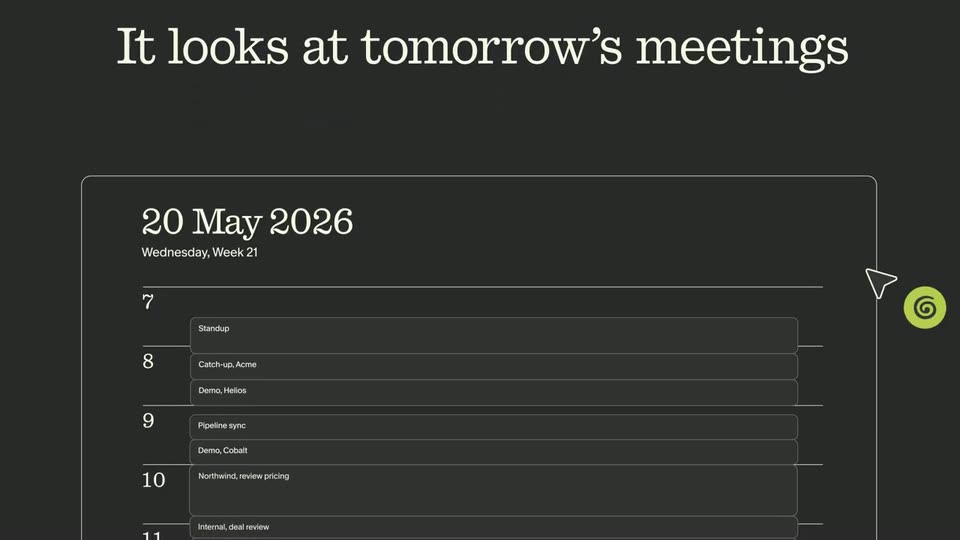

Granola - No more frantic Googling right before a meeting. Introducing Briefs.
Granola · Productivity · May 2026
Antares’s 0:39 launch film runs 23 scenes, about 1.7 s each. The product is on screen from the first frame and 2 features are revealed. There is no explicit call to action; a voiceover carries the film. The video alternates moody live-action studio footage with neon 3D brand montages, cutting at about 12 cuts per minute to a 145 BPM electronic track. Its signature moves are chromatic glitch wipes, floating UI panels over a synthwave grid, and cross-dissolves that layer the interface over the artists.
Is this your launch? to your site or press kit.
Granola · Productivity · May 2026
Delta Intelligence · Sep 2026
Films whose music sounds like this one, voice left out
Dyson · Modern electronic
Bambu Lab · Modern electronic
DJI · Modern electronic
A 3D-tilted Autotune Slice interface floats right of center over a purple gradient with a pink dotted waveform, while white text reads INTRODUCING AUTO-TUNE SLICE on the left. The frame ends in a fast horizontal chromatic blur wipe.
On-screen text: “INTRODUCING”, “AUTO-TUNE® SLICE”
Techniques: 3D mockup
Camera: Push in
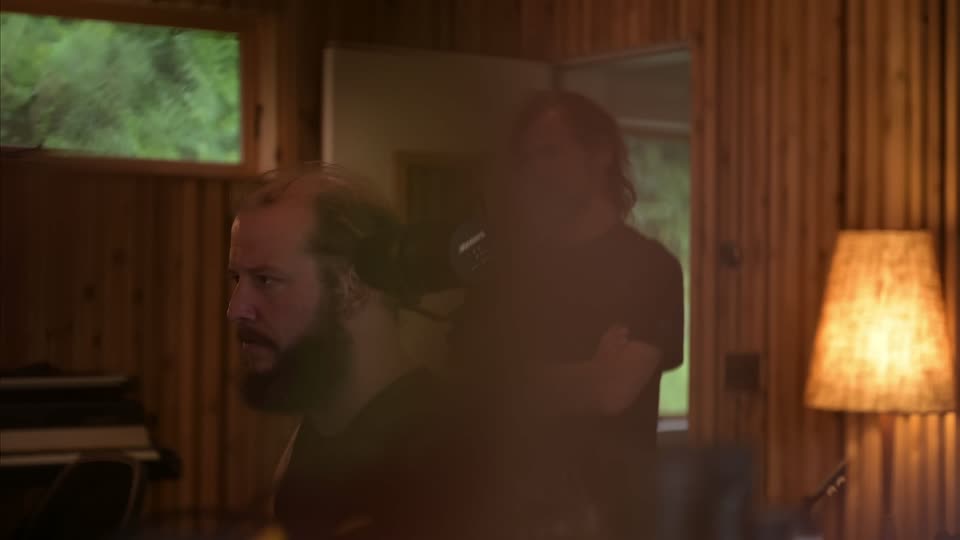
A bearded man in a cap sits in silhouette, profile, speaking into a studio microphone. A bright window behind him fills the frame with green trees, while a warm lamp glows on the right wall. The shot holds steady as his mouth moves.
Camera: Static
A masked man in a black shirt sits at a large mixing console in a dim wood-paneled studio, working the faders and a mouse, with an M-AUDIO keyboard in the foreground as the camera drifts slowly.
Camera: Push in
Over-the-shoulder view of a person seated at a desk, facing a monitor that displays a music production interface with piano roll and mixer. The warm wood-paneled studio blurs behind, with a microphone stand at right. The camera holds shallow focus on the screen.
Camera: Static
On a warm studio desk, a monitor shows a colorful synth interface behind a blurred shoulder. The frame racks focus as the white title AUTO-TUNE SLICE snaps into sharp view at center.
On-screen text: “AUTO-TUNE SLICE”
Camera: Static
The Auto-Tune Slice plugin interface floats in 3D perspective over a blue synthwave grid floor and a purple starfield. The white headline zooms out from a tight crop to full width as the panel tilts, with a chromatic glitch on the type.
On-screen text: “AUTO-TUNE SLICE”
Techniques: 3D mockup, Kinetic type
Camera: Static
A 3D synthwave stage with a glowing grid floor and starfield holds a layered stack of the Auto-Tune Slice interface in perspective, the front panel rotating gently. A large white AUTO-TUNE SLICE title sits static across the center.
On-screen text: “AUTO-TUNE SLICE”
Techniques: 3D mockup, Parallax
Camera: Static
A dark Auto-Tune Slice plugin window sits centered in a purple starfield with a glowing grid floor, flanked by two blurred, angled copies. Large white AUTO-TUNE SLICE title with a dotted waveform behind it fills the center, then disappears, revealing the green perspective grid inside the window.
On-screen text: “AUTO-TUNE SLICE”
Techniques: 3D mockup
Camera: Static
Two men stand in a wood-paneled cabin, a bearded man in front glancing left and a second with arms crossed behind. A dark diagonal wedge with a blue grid wipes away at the lower left, and a small audio panel on the edge fades out.
Techniques: Masking
Camera: Pan
A bearded man in profile sits in a wood-paneled room while a translucent figure dissolves away from his image. The shot cuts to a person seen from behind at a mixing console, a DAW open on a monitor to the left.
Camera: Static
Over-the-shoulder view of a producer seated at a large mixing console in a dim studio. He lifts his right hand and sweeps it across the faders while a DAW screen glows on the left.
Camera: Push in
A dark mixing console blurs across the foreground while a studio monitor behind it racks into focus, revealing a silhouetted artist in a cap and the name Bon Iver over the playing footage.
Camera: Push in
A square artist card showing a silhouetted singer at a mic, labeled BON IVER, sits centered over a blurred stage backdrop. The card shrinks and the row widens, revealing neighboring artist cards sliding in from the left and right edges.
On-screen text: “BON IVER”
Techniques: Parallax
Camera: Pull out
A grid of nine square cover-art tiles, each labeled with an artist name, sharpens and settles into a clean 3x3 layout over a blurred background of warm stage lights.
Camera: Pull out
A three-by-three grid of album covers drifts upward over a blurred, warm studio background, then cross-dissolves into a live shot of a bearded man in a black sleeveless top seated at a keyboard in front of a bright window.
Camera: Static
A bearded man in a black sleeveless top sits in profile before a microphone in a dim studio, warm window light behind him. A rack of gear and guitar strings blur in the foreground. The shot holds nearly still, opening with a faint ghosted double exposure of his face.
Camera: Static
A man in a black mask and glasses sits at an amber-lit mixing console in a dim studio, his tattooed hand resting on a mouse. The camera drifts in slowly as he works the desk.
Camera: Pan
A woman in headphones stands in a vocal booth, gesturing toward a microphone. The Auto-Tune Slice interface fades in as a dark overlay, its waveform track and on-screen keyboard filling the frame.
Camera: Pan
The Auto-Tune Slice interface fills the frame: two rows of cyan waveforms with a magenta-highlighted slice showing play, hand and close buttons. The view pans slowly right as the highlighted slice jumps along the waveform, above a piano keyboard and playback knobs.
Camera: Push in
A close-up of the Auto-Tune Slice interface shows a cursor hovering over a purple slice block above a virtual keyboard. The view blurs and warps into a radial burst of purple and blue light rays.
Techniques: Cursor demo
Camera: Push in
Dark plugin interface panels float in 3D over a synthwave grid floor and a starry purple sky, drifting at different depths. The white title holds centered as the panels pass in front and behind it, then fades out at the end.
On-screen text: “AUTO-TUNE SLICE”
Techniques: 3D mockup, Parallax
Camera: Push in
A mosaic of Auto-Tune interface panels, a piano keyboard and a mixer floats over a purple synthwave grid landscape. A glowing white AUTO-TUNE SLICE headline holds center, then clears as the camera pushes in on the panels.
On-screen text: “AUTO-TUNE SLICE”
Camera: Pull out
On a dark blue field, the teal AUTO-TUNE UNLIMITED wordmark rises from a blurred low position to a centered lockup, sharpening and gaining a soft glow as it settles.
On-screen text: “AUTO-TUNE UNLIMITED®”
Techniques: Kinetic type
Camera: Pull out