1:01
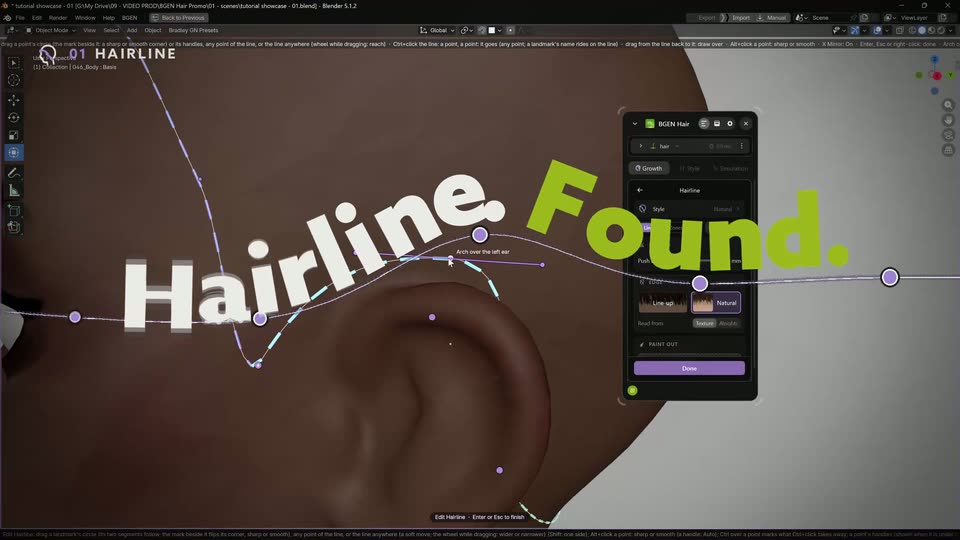
M2ky - We just made creating hair in Blender ridiculously easy. Introducing
BGEN Hair · Oct 2026
AKUR8 · Nov 2026 · 1:10 · Full motion · AI-annotated
AKUR8’s 1:10 launch film runs 17 scenes, about 4.2 s each. The product shows up at 0:07 and 1 feature is revealed. There is no explicit call to action; a voiceover carries the film. The video is built as a question, a product name, a tilted-card UI walkthrough, and a closing brand promise, with slow cuts and blur-to-focus text reveals. Its signature moves are drifting cyan dots, pulsing blue rings, and gentle 3D tilts on interface cards.
Is this your launch? to your site or press kit.
BGEN Hair · Oct 2026
Discord · Consumer · May 2023
Films whose music sounds like this one, voice left out
Fish Audio · Electronic, cinematic
Taste Labs · Modern electronic
Convey · Corporate electronic
Soft white gradient with a blurred blue ring and a few small drifting dots. The question appears centered in two lines that fade in and out in sequence, then a dotted circle draws itself around the text.
On-screen text: “Does every closing”, “feel like a race”, “against the clock?”
Techniques: Kinetic type, Particles
Camera: Push in
Centered on a soft lavender radial gradient, the question reads in a light indigo sans. A cyan dot pulses behind the text, expanding into faint concentric rings like clock ticks, while a smaller dot fades in and out at the lower right.
On-screen text: “feel like a race against the clock?”
Camera: Static
A blurred, oversized “Meet” pulls into focus and scales down to center, then “ReservingOne” builds letter by letter beneath it, its O carrying a cyan dot, before both lines dissolve into the pale gradient.
On-screen text: “Meet”, “ReservingOne”
Techniques: Kinetic type
Camera: Pull out
Blue lowercase sans-serif lines appear centered on a soft, blurred white background. 'the cloud-native' fades in, 'AI platform' joins below it, then both are replaced by 'built to change' as small cyan dots drift in the background.
On-screen text: “Meet”, “ReservingOne”, “the cloud-native”, “AI platform”, “built to change”
Techniques: Kinetic type
Camera: Static
A pale blue-white gradient background holds a centered line of lowercase blue text reading “the way you do reserving”, static on a locked-off frame. Two soft cyan dots drift slowly near the top right corner.
On-screen text: “built to change”, “the way you do reserving”
Camera: Static
A single line of blue lowercase text sits center-left on a soft blue-and-white gradient, then fades out to leave the empty gradient behind.
On-screen text: “the way you do reserving”
Camera: Static
A data-import screen on a tilted card fades in, its stepper marking Review active. A file card and segment table populate below. A cursor ticks four rows, then the view reframes right as the cursor hovers the Edit Triangle Structure button.
Techniques: 3D mockup, Cursor demo, UI zoom
Camera: Pull out
A loss-analysis table is reframed into a slight 3D tilt, focusing on the Paid and Incurred loss columns. In the AvE column, pink and blue horizontal bars extend from a center axis, comparing actual against expected figures row by row.
Techniques: UI zoom, 3D mockup
Camera: Push in
A faint data table with loss columns and a side toggle fades as a loose scatter of small pastel dots, diamonds and squares drifts across the white frame, then dissolves to empty.
Techniques: Particles
Camera: Static
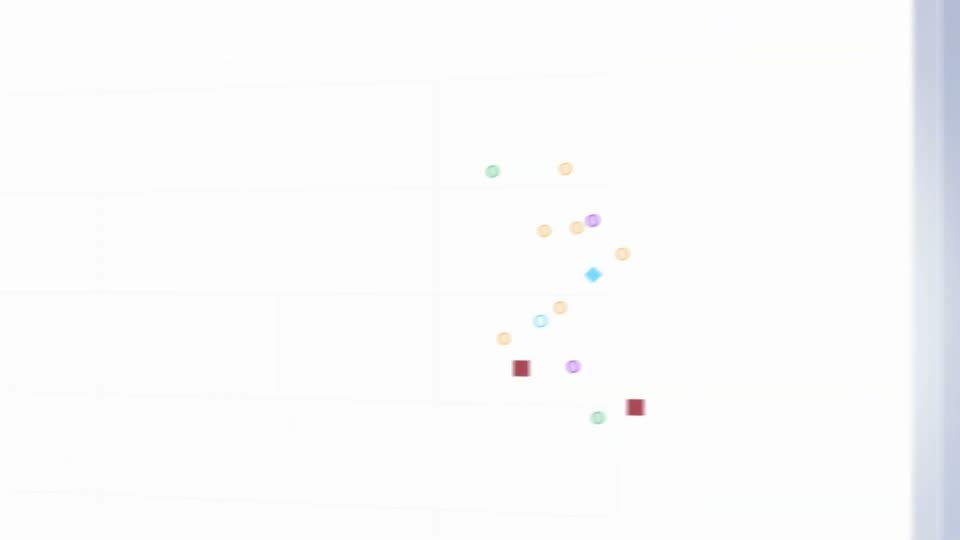
A cloud of small colored circles, squares and diamonds resolves from blur into a sharp scatter plot on a white grid. A left axis with tick marks and a right-hand legend of method names fade in around the cluster.
Techniques: Particles
Camera: Pull out
A tilted 3D view of an analytics dashboard shows a strip plot of colored circles and squares with a methods legend at right. The camera glides from the angled perspective to a flat frontal framing, revealing the Strip and Beeswarm toolbar above the chart.
Techniques: 3D mockup, UI zoom
Camera: Pan
A blurred close-up of a row of colored markers pulls into focus, revealing a full analytics interface. A cursor hovers over Settings as red squares get circled, then fade while blue diamonds light up with rings. The view zooms out to show the labeled rows.
Techniques: Cursor demo, UI zoom
Camera: Pull out
A white analysis screen fades in, showing a segment table with purple heatmap cells and a threshold slider. The view zooms to the top row, the cursor clicks a cell, and the screen switches to a detail grid where the cursor toggles purple triangle flags into X marks.
Techniques: UI zoom, Cursor demo
Camera: Push in
On a soft white-to-lavender gradient, a two-line indigo sans-serif headline builds word by word. Each word sharpens out of a blur as it lands, settling into the centered phrase by the end of the clip.
On-screen text: “Stop chasing”, “deadlines at closing”
Techniques: Kinetic type
Camera: Static
On a soft light-gray background, the blue headline fades in, then gives way to the AKUR8 Reserving One logo assembling in the center. The logo clears to reveal the word in the same blue type, all on a locked-off frame.
On-screen text: “Stop chasing deadlines at closing”, “The future”
Camera: Static
On a soft pale blue gradient, a dark blue sans-serif headline reads “The future”, centered. A second line, “of actuarial work”, fades in beneath it, then the locked-off frame holds.
On-screen text: “The future”, “of actuarial work”
Techniques: Kinetic type
Camera: Static
A centered two-line headline in muted blue-gray sans sits on a soft light gray gradient, held static, then the frame fades to black.
On-screen text: “The future”, “of actuarial work”
Camera: Static