0:28


Jitter is now in public beta! · Jitter
Jitter · Feb 2025
Treg · Oct 2026 · 0:52 · AI-annotated
Treg’s 0:52 launch film runs 19 scenes, about 2.8 s each. The product shows up at 0:41 and 2 features are revealed. The call to action lands at 0:48 (92% in). A numbered two-step walkthrough (Step 1, Step 2) over a blurred pastel gradient, where tilted 3D browser windows straighten and data tables populate row by row. Signature moves are the pixel-font title cards, center-out card graphs, and rolling counters (sources, replies, rank #9 to #1) that punctuate each step.
Is this your launch? to your site or press kit.
Jitter · Feb 2025
Ramp · Finance · Apr 2026
A locked-off white title card. A gray “Introducing” scales in at the top, above a large black pixel-font line “Open-source AI SEO” and a “for” line with four small cartoon icons. A faint swirl logo fades in beside “Introducing”.
On-screen text: “Introducing”, “Open-source AI SEO”, “for”
Techniques: Kinetic type
Camera: Static
Three AI logos (black knot, orange asterisk, rainbow four-point star) sit centered on white. Below, the line recommend your competitor types in word by word, then But not you? drops in with a red pill highlighting you?.
On-screen text: “Introducing”, “Open-source AI SEO”, “for”, “recommend your competitor”, “But not you?”
Techniques: Kinetic type
Camera: Static
On white, a black line reads 'recommend your competitor', then 'But not you?' with a pink highlight over 'not you', then 'here is the fix' with an orange highlight on 'fix'. A cut lands on a pastel gradient with a gray 'Step 1' pill over 'Reverse engineer AI answers.'
On-screen text: “recommend your competitor”, “But not you?”, “here is the fix”, “Step 1”, “Reverse engineer AI answers.”
Camera: Static
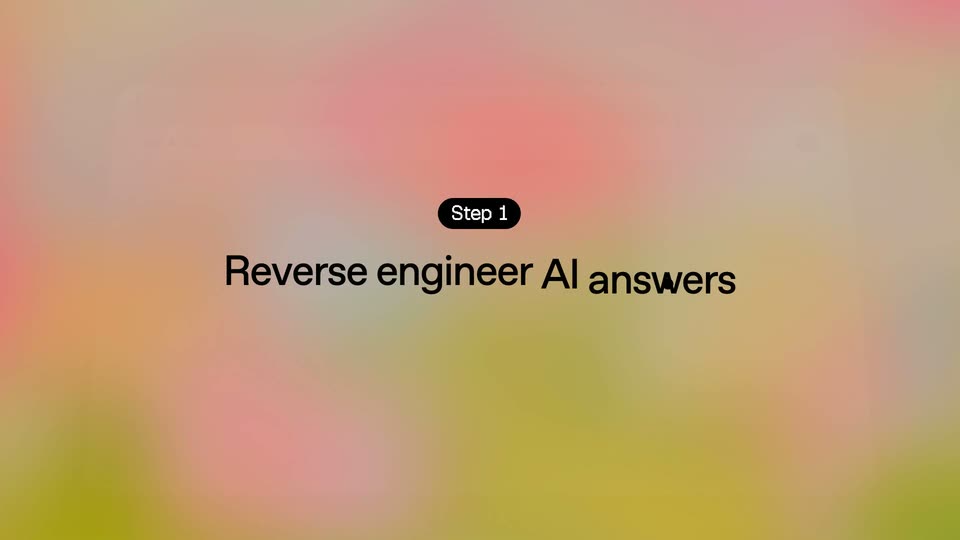
A black pill badge reads Step 1 above a black headline that completes from Reverse engineer to Reverse engineer AI answers, the last word blurring in as the white background fades to a soft pastel gradient.
On-screen text: “Step 1”, “Reverse engineer AI answers”
Techniques: Kinetic type
Camera: Static
A black pill badge reading Step 1 and the headline Reverse engineer AI answers. hold centered on a blurred pink-and-yellow gradient. A translucent app window rotates into view in 3D perspective, its input bar typing What's the best.
On-screen text: “Step 1”, “Reverse engineer AI answers.”
Techniques: 3D mockup
Camera: Static
A tilted browser window floats on a soft pastel gradient. A query types itself into the AI search bar, building up to the full question, as the frame slowly pushes in.
On-screen text: “Step 1”, “Reverse engineer AI answers.”
Techniques: 3D mockup
Camera: Static
A tilted browser window on a soft gradient straightens as four AI answer cards fill in, then a cited-sources table populates row by row. The interface ghosts out and a black Step 2 pill fades in at center.
On-screen text: “Step 2”
Techniques: 3D mockup
Camera: Pull out
A blurred source list dissolves into a soft pink-to-green gradient as a black Step 2 pill and the headline hold center. A white source card tagged 46 cited sources pops in at the top, then clears, leaving the gradient with faint dots.
On-screen text: “Step 2”, “Get into the sources AI trusts.”, “46 cited sources”
Camera: Static
On a blurred pink-to-green gradient with faint white specks, a graph of white cards builds row by row. The center column stays sharp while side columns blur; source cards, author cards with avatars, and found-contact cards fill in from the middle out, black instruction pills popping in above each step.
On-screen text: “46 cited sources”, “1 Grab the author”, “2 treg / AEO toolkit finds email & profile”, “3 Send email”
Camera: Static
A flat diagram of source, author, and contact cards on a pink-to-yellow gradient, annotated with numbered black step labels. The email card types its body and a Send button appears, then the cards switch to waiting-for-reply states and a white pill caption slides up.
On-screen text: “46 cited sources”, “Grab the author”, “treg / AEO toolkit finds email & profile”, “Send email”, “17 authors emailed in parallel”
Camera: Static
A grid of workflow cards on a pink-to-green gradient, center column highlighted. The bottom pill counts from 38 to 14 of 46 added as reply cards flip from spinners to green checkmarks with quotes, then the grid fades into an empty browser window frame.
On-screen text: “46 cited sources”, “Grab the author”, “treg / AEO toolkit finds email & profile”, “Send email”, “38 authors emailed in parallel”, “0 of 46 added Acme CRM”, “14 of 46 added Acme CRM”
Camera: Static
A blurred pastel gradient hides a faint chat window while the black headline builds word by word in the center. The ChatGPT reply window then snaps into focus, tilted in 3D perspective, as the headline fades out.
On-screen text: “Now you are who AI trusts.”
Techniques: Kinetic type, 3D mockup
Camera: Static
A tilted ChatGPT window floats over a soft pink and green gradient. The cursor clicks the Sources pill, the frame zooms onto a numbered source list, and a highlighted Acme CRM row appears as the list scrolls to center it.
Techniques: 3D mockup, Cursor demo, UI zoom
Camera: Push in
A tilted ChatGPT results panel on a warm gradient background reorders its list, moving a pink-highlighted Acme CRM row to the top beside a yellow-highlighted row, then the panel fades out.
Techniques: 3D mockup
Camera: Pull out
A centered black headline reads “Your product ranks #9 in AI answers.” over a soft blurred pink-and-green gradient with a faint chat interface behind. The number rolls down through #8 and #4 to #1 while the rest of the line stays fixed.
On-screen text: “Your product ranks #9 in AI answers.”, “Your product ranks #1 in AI answers.”
Techniques: Kinetic type
Camera: Static
A black rounded-square logo and a pixelated monospace title sit on a plain white field. A counter rolls up from 854 to 4,000+ Data & Services, a ring of small service icons fades in around the edges, and a line reads No subscription, cents per call with the last words on a pink-to-green highlight.
On-screen text: “treg / AEO toolkit”, “4,000+ Data & Services”, “No subscription, cents per call”, “Your product ranks #1 in AI answers.”
Techniques: Kinetic type, Masking
Camera: Static
A white screen holds a centered monospace title with a logo, above a two-column header. A list row for Profound at $99 per month fades in on a gray pill, then fades out as a second row for Semrush AI Toolkit fades in below it.
On-screen text: “treg / AEO toolkit”
Camera: Static
A white comparison table lists four AI visibility tools with monthly prices, rows fading in from the top. A pink-to-green gradient row for treg appears at the bottom reading '-1¢ per prompt was no subscription', then the table fades out, leaving the centered treg logo lockup.
On-screen text: “treg / AEO toolkit”, “AI visibility tools”, “what it costs”, “Profound”, “$99 / month”, “Semrush AI Toolkit”, “$99 / month”, “Ahrefs Brand Radar”, “$199 / month”, “AthenaHQ / month $295”
Camera: Static
White background: a small treg / AEO toolkit label with a black square logo sits above a large pixel heading that types in. Four small pixel icons pop in one by one beside the word for. A dark terminal bar holds the setup command with a blinking cursor, then the card fades out.
On-screen text: “treg / AEO toolkit”, “Open-source AI SEO”, “for”, “$ set up treg - treg.to/llms.txt”
Techniques: Kinetic type
Camera: Static