0:38


Agentmuxer Launch Video
Amorphic Labs · B2B · Aug 2026
Single Brain · Sep 2026 · 0:52 · AI-annotated
Single Brain’s 0:52 launch film runs 16 scenes, about 3.3 s each. The product is on screen from the first frame and 1 feature is revealed. The call to action lands at 0:48 (93% in). Built on a faint cream grid with a strict two-font system: a high-contrast serif for big claims and a clean sans for labels, accented by a single burnt-orange that highlights one word per headline and draws every connector line. The rhythm is a slow, locked-off beat of full-screen title card followed by one UI card that fills in row by row, with a hard orange full-bleed flash as the only punctuation, so the whole piece reads as a calm, precise slide deck rather than a fast cut.
Is this your launch? to your site or press kit.
Amorphic Labs · B2B · Aug 2026
Polar Analytics · Sep 2026
Twelve white app-icon tiles fade in over a faint grid on a cream field, above the serif line “50 tools. One key.” and the caption “Single Brain Gateway”. The scene cuts to the gray sans line “Why one key changes the answer”.
On-screen text: “50 tools. One key.”, “Single Brain Gateway”, “Why one key changes the answer”
Techniques: Kinetic type
Camera: Static
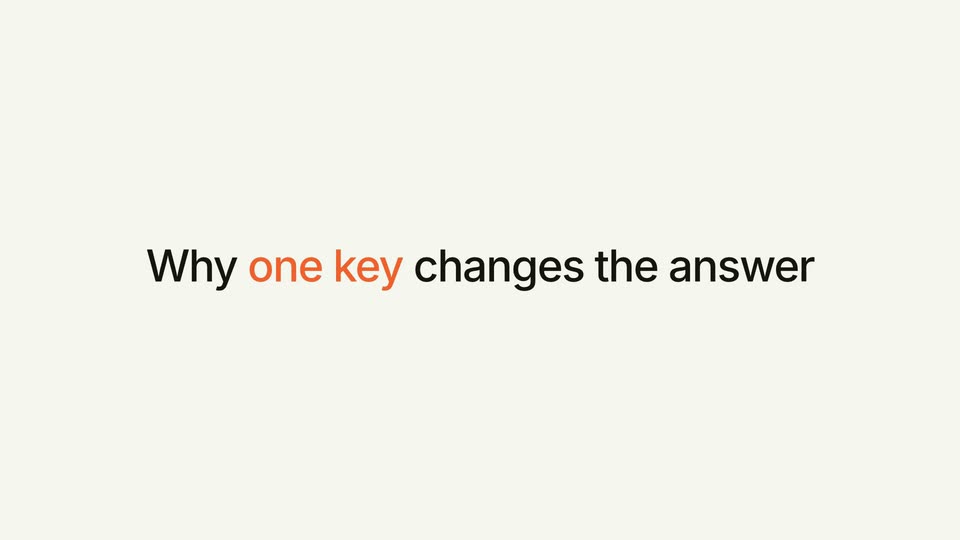
A static headline holds centered on a plain cream background for the full clip. The words “one key” render in orange while the rest of the line stays black, with no movement or animation.
On-screen text: “Why one key changes the answer”
Camera: Static
On a pale cream grid, three white rounded cards fade in one after another from left to right, each marked with a small orange numeral and a short phrase, joined by thin orange arrows. The sequence settles into a static row.
On-screen text: “Every account, one key”, “More context, better answers”, “Your login, never ours”
Techniques: Kinetic type
Camera: Static
A plain cream background holds a single centered line, “One real question,” which fades in, holds, then fades out. The word “real” is set in orange while the rest is dark gray, and the frame stays locked off throughout.
On-screen text: “One real question”
Techniques: Kinetic type
Camera: Static
On a cream grid background, a dark rounded prompt bar with a red arrow button holds white text that types out 'What should we write about next?' behind a blinking caret; small gray 'ASKED IN CLAUDE' sits below.
On-screen text: “ASKED IN CLAUDE”
Techniques: Kinetic type
Camera: Static
A dark rounded input field with a blinking cursor and an orange arrow button sits on a cream grid, with a small caption below. The field then clears to a centered headline, the last two words in orange.
On-screen text: “ASKED IN CLAUDE”, “Where every number came from”
Camera: Static
A single centered line of text sits on a plain off-white background, held static in a locked-off frame. The phrase reads in two colors: the first half in black and the final two words in orange, with no motion or camera movement.
On-screen text: “Where every number came from”
Camera: Static
A dark prompt pill on a cream grid canvas branches via drawn orange lines to DataForSEO, Google and OpenAI nodes with green captions; result cards slide in below in turn. A still headline, Where every number came from, closes the scene.
On-screen text: “Where every number came from”
Camera: Static
A centered headline on a plain off-white background reads “What the agent wrote back”, with “wrote back” in orange. The line eases in from a soft blur to sharp focus, then holds on a locked frame.
On-screen text: “What the agent wrote back”
Camera: Static
A white rounded card sits centered on a pale grid background. It opens with a large headline, then fills in row by row: a recommendation line, then three icon rows with monospace values on the right. The completed card holds for the rest of the clip.
On-screen text: “What the agent wrote back”
Camera: Static
A white product card listing writing suggestions sits on a light grid, then the grid and card clear to a centered headline reading “What those four calls cost” with the final word in orange.
On-screen text: “What those four calls cost”
Camera: Static
A centered headline sits on a plain cream background, reading “What those four calls” in black with “cost” in orange. The frame is locked-off with no motion throughout the clip.
On-screen text: “What those four calls cost”
Camera: Static
Solid orange field. A small heading appears, then a large white serif $0.16 pops in centered with a small letter-spaced sans caption below it; the price briefly dips in opacity around 2.6 s.
On-screen text: “What those four calls cost”, “$0.16”, “FOUR REAL CALLS, MARKUP INCLUDED”
Techniques: Kinetic type
Camera: Static
A centered title card on a flat cream background. The phrase reads “How you” in dark gray and “start” in orange, set in a clean sans-serif. A soft drop shadow under the letters fades out as the frame holds steady.
On-screen text: “How you start”
Camera: Static
A dark Claude chat card sits flat and centered on a pale grid background under the headline One paste. A user message bubble appears, then a reply names connected apps in orange, the input bar fades in, and a gray caption slides in below the card.
On-screen text: “One paste”, “no terminal. same paste in Cursor or Codex.”
Camera: Static
On a cream grid background, a small orange app icon sits above two serif lines: black “One key. Your own accounts.” and orange “Any agent you use.” A small sans-serif subline fades in, then an orange pill button with the URL appears below and the frame holds.
On-screen text: “One key. Your own accounts.”, “Any agent you use.”, “Single Brain Gateway · $5 of calls to start”, “singlebrain.com/gateway”
Camera: Static