1:09
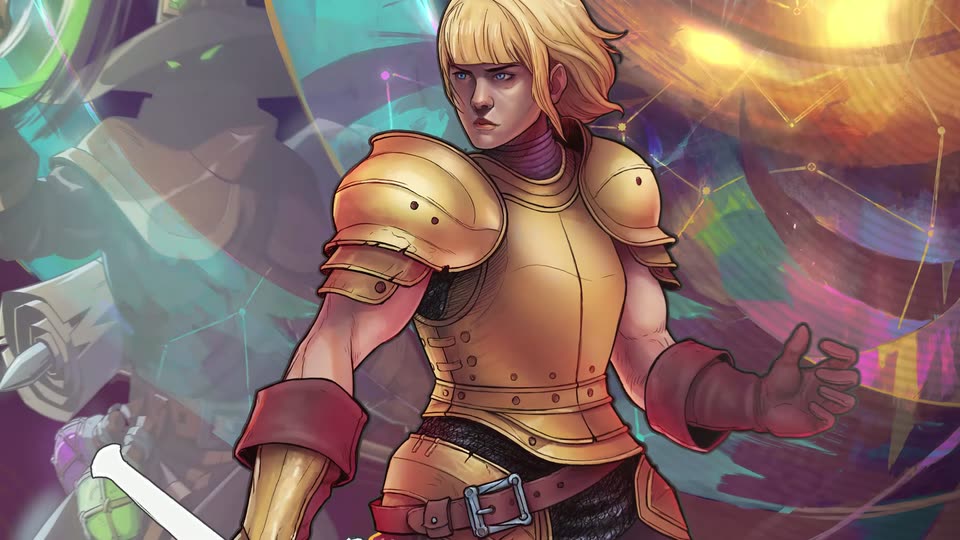
To Kill A God - Official Early Access Release Date Trailer
Glitch Factory · Nov 2026
Screenpipe · Jan 2026 · 0:43 · AI-annotated
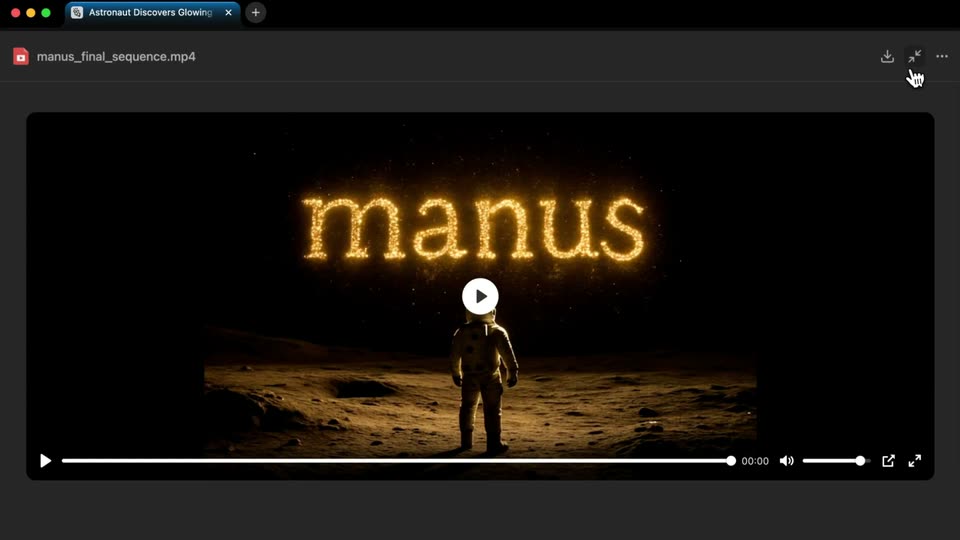
Screenpipe’s 0:43 launch film runs 14 scenes, about 3.1 s each. The product shows up at 0:06 and 1 feature is revealed. The call to action lands at 0:40 (93% in), over a voiceover. The video opens with a live-action metaphor and a particle logo animation, then cuts to a locked-off screen recording with a webcam inset and yellow caption bars that drive the demo. It closes on a low-angle live-action shot holding the URL, keeping the pace brisk with hard cuts between live action, graphics, and UI.
Is this your launch? to your site or press kit.
Glitch Factory · Nov 2026
Webflow · Design · Sep 2026
Films whose music sounds like this one, voice left out
Vercel · Corporate tech launch
A high-angle shot follows a man in a black jacket and green cap walking across a grassy park. Two captions appear in a white box at the top, one after the other.
On-screen text: “A bicycle for the mind.”, “That was the original vision.”
Camera: Push in
A torn dark S-shaped cutout rests on a light rounded panel, then the background inverts to black and the shape dissolves into a glowing white particle outline with rays radiating behind it. A caption box stays locked at the top.
On-screen text: “That was the original vision.”
Techniques: Morph, Particles
Camera: Static
A white ribbon of particles on black rotates and disintegrates, scattering into a swarm that fades to a thin vertical line. A rounded caption box at the top reads “That was the original vision.”
On-screen text: “That was the original vision.”
Techniques: Particles
Camera: Static
A white 3D logo mark glows on a dark background, bursting into shards and light particles, then settling into a solid form as rays of light radiate outward and a horizontal beam crosses it.
Techniques: Particles, Light sweep
Camera: Static
A man in a plaid shirt stands at a desk facing a monitor in a poster-covered bedroom, framed by a white lamp shade in the foreground. The shot is locked off while a white caption sits at the bottom.
On-screen text: “So I built one.”
Camera: Static
Locked-off screen recording of the screenpipe interface: a meeting-recall panel with a four-tile video grid and a question field, plus a rounded live-action inset of the presenter at bottom left. Yellow caption bars read 'Everything I see, see or hear' then 'becomes searchable.' The view cuts to a two-man podcast clip above a serif 'rewind your screen' heading.
On-screen text: “Everything I see, see or hear”, “becomes searchable.”, “programming here.”
Techniques: Split screen
Camera: Static
A screen recording of the screenpipe site shows the Key benefits grid and FAQ list, with a webcam of a man in a blue shirt in the lower left. A yellow caption box slides up across the bottom as the man gestures.
On-screen text: “This conversation I had last week,”
Techniques: Kinetic type
Camera: Static
A screen recording of the screenpipe site shows a Key benefits grid and an FAQ list. A rounded video inset of a man in a blue shirt sits at the lower left, his head shifting between frames. A yellow caption bar reads “I can retrieve it.” across the bottom.
On-screen text: “I can retrieve it.”
Camera: Static
A face-cam anchors the lower-left over a dimmed site. A yellow caption sits at the bottom, then the view zooms into the Pipe AI window. A query is typed with filter suggestions and submitted; the cursor idles while an AI summary types out.
On-screen text: “I can retrieve it.”
Techniques: UI zoom, Cursor demo
Camera: Push in
A man in a blue shirt sits at the left edge as a white Pipe AI window floats on the right. Inside, a chat prompt and a long summary scroll upward past a static cursor. A darkened benefits list and the title Key benefits frame the window.
On-screen text: “Key benefits”
Camera: Static
A man in a blue shirt talks to camera in a bright room, gesturing with his open hand. A dark download-list overlay dissolves away at the start. A yellow caption box with black text sits across the lower frame.
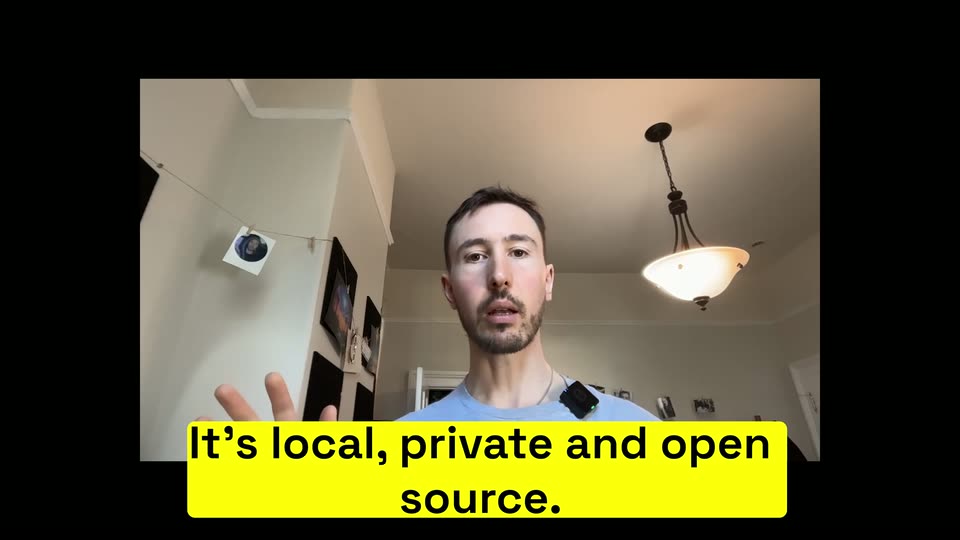
On-screen text: “It's local, private and open source.”
Camera: Pull out
A bearded man in a blue shirt talks to a low-angle camera in a room with a hanging lamp and wall photos, raising his hand. A yellow caption box with black text holds the line at the bottom of the frame.
On-screen text: “It's local, private and open source.”
Camera: Static
A bearded man in a light blue t-shirt stands in a room, filmed from a low wide angle, and speaks to the camera. A semi-transparent dark gray rounded banner with the white URL stays fixed across the top of the frame.
On-screen text: “https://screenpi.pe”
Camera: Static
A dark gray rounded pill holding a white URL sits in the upper third of a black frame. The frame is locked off with no motion throughout the clip.
On-screen text: “https://screenpi.pe”
Camera: Static