1:50

Scaler Field | Agentic Trading Desk
Scalar Field · Fintech · Jul 2026
Rive’s 1:30 launch film runs 34 scenes, about 2.7 s each. The product shows up at 0:01 and 3 features are revealed. The call to action lands at 1:12 (80% in), over a voiceover. The video opens on abstract network graphics and the Rive wordmark, then runs a long text-feature walkthrough that alternates clean 3D-tilted editor shots with full-bleed animated demos, and closes on a use-case montage plus a community call to action. Its signature moves are the floating tilted-screen framing of the interface, the magenta-on-black neon palette, and the playful cartoon characters that punctuate the tech UI.
Is this your launch? to your site or press kit.
Scalar Field · Fintech · Jul 2026
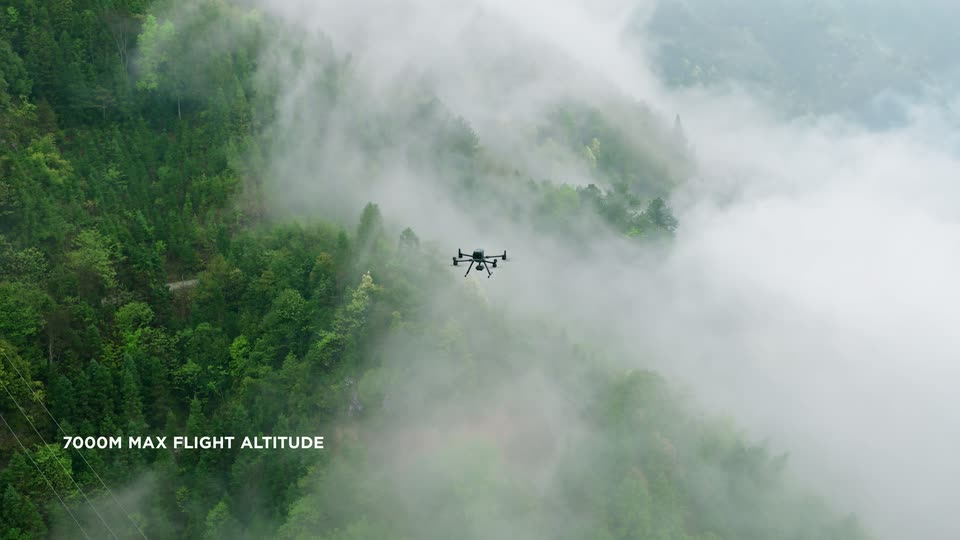
DJI · Hardware · May 2023
Rive · Design · Jan 2026
Films whose music sounds like this one, voice left out
Monako Glass · Cinematic electronic
ElevenLabs · Modern electronic
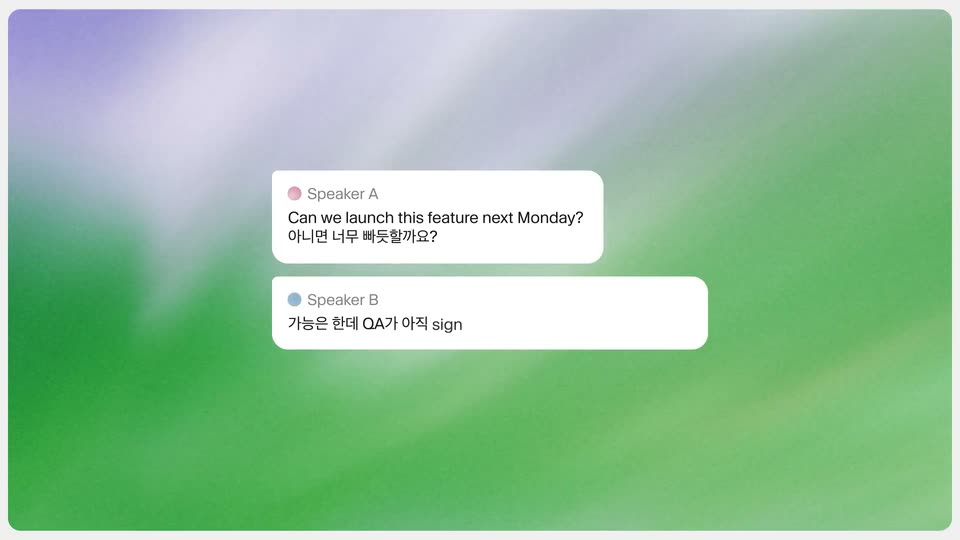
Figma · Upbeat electronic
A dark background displays a network of glowing blue lines, circles, and nodes. The camera slowly pans across the abstract digital structure.
Camera: Pull out
An abstract 3D wireframe of nested diamonds and curved lines sits on black, studded with glowing orange, blue, pink and green orbs at the nodes. The structure rotates slowly, the orbs shifting position and brightness.
Camera: Pull out
On a near-black background, the thin white wordmark RIVE assembles from loose line strokes while small pink, blue and teal particles drift around it. The letters settle into a clean static lockup that holds to the end.
On-screen text: “RIVE”
Techniques: Kinetic type, Particles
Camera: Static
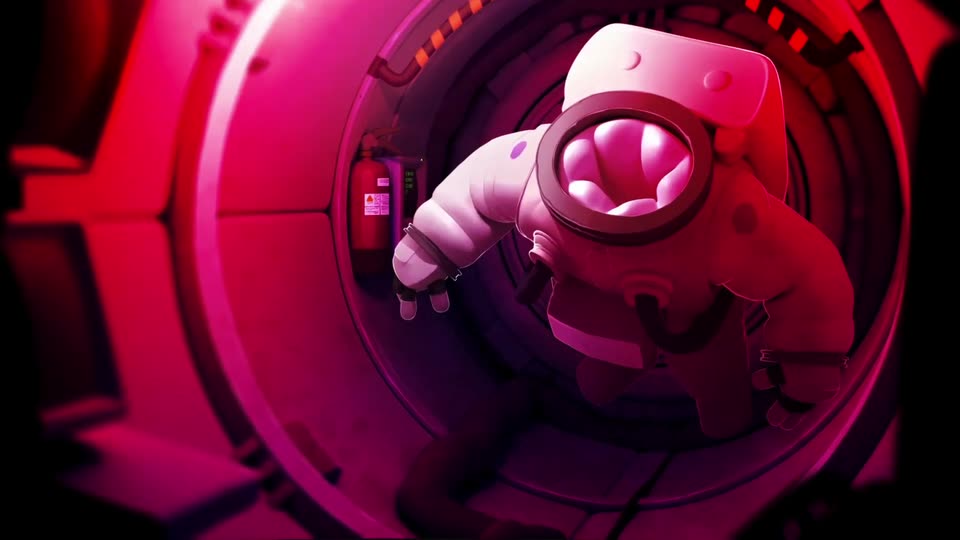
A stylized 3D astronaut in a white suit and glowing pink visor hovers in a circular, red-lit tunnel, arm stretched toward a wall fire extinguisher. A horizontal dark band across the middle opens to reveal the full frame.
Techniques: Masking
Camera: Static
A white astronaut suit lies on the floor of a red-lit circular chamber, its helmet glowing pink with petal shapes. At the bottom left, a magenta outlined bar types out a welcome line word by word.
On-screen text: “Welcome, Username, to your new adventure”
Techniques: Kinetic type, 3D mockup
Camera: Static
A 3D astronaut floats in a red-lit circular tunnel, a fire extinguisher on the left wall. A magenta-outlined caption box sits at the bottom reading “Welcome, Robert, to your new adventure”, the name in cyan. The scene and text hold still.
On-screen text: “Welcome, Robert, to your new adventure”
Camera: Static
A 3D astronaut in a white suit leans over the rim of a circular shaft, lit in pink, while a caption bar sits at the bottom. The character shifts slightly as the camera holds a high angle looking down the tube.
On-screen text: “Welcome, Madison, to your new adventure”
Camera: Static
Close-up of the editor canvas: a pink robot with a round helmet sits inside a red circular tunnel. A selected text layer reads “Welcome, Username, to your new adventure” in pink Orbitron. A right-hand panel lists Orbitron Bold and color FC1C94. The frame drifts slightly.
Camera: Static
The Rive editor fills the frame: a hierarchy panel on the left lists text layers, and the canvas shows an astronaut with the line Welcome, Username, to your new adventure in 3D perspective. The cursor hovers over a layer as the view zooms onto the canvas.
Techniques: Cursor demo, UI zoom
Camera: Static
Close-up of the Rive editor: a red astronaut scene with editable text on the canvas, a text panel on the right. The cursor moves over the panel, selects the Username field, and the content switches to an Arabic name, updating the canvas text.
Techniques: Cursor demo
Camera: Static
A red 3D capsule interior with a white two-fingered robotic arm on the right and a fire extinguisher in the back. A black banner at the bottom holds pink text where the cyan name cycles from Robert to Emily.
On-screen text: “Welcome, Emily, to your new adventure”
Techniques: Kinetic type
Camera: Static
A magenta-lit 3D interior with a curved wall, a wall-mounted extinguisher and a white robotic hand on the right. A black caption bar at the bottom carries pink text that doubles and slides horizontally. The frame then snaps to a flat yellow zigzag line on a green field with a small black oval at its center.
On-screen text: “Welcome, Emily, to your new adventure”
Techniques: Kinetic type, Morph
Camera: Static
A tilted 2D game screen with a green zigzag hill and blue sky. A hooded white-bearded character pops in at center right and draws a sword, while a dark dialog box at the bottom types out dialogue that morphs through variable font weight and width.
Techniques: Kinetic type
Camera: Static
A tilted 3D view of a design tool canvas shows the word FLOW in a purple-to-pink gradient italic face inside a selection box. A cursor drags sliders in the Font Options panel on the right, raising weight, condensing width, and shifting slant and optical size as the letters reshape.
Techniques: 3D mockup, Cursor demo
Camera: Static
On a flat pink background, a small closed mouth with two dot eyes grows into a wide open smile with white teeth. Above it, the words HOW ABOUT appear, then A BIG SMILE scales in to complete the headline.
On-screen text: “HOW ABOUT”, “A BIG SMILE”
Techniques: Kinetic type, Morph
Camera: Static
Head-on close-up of a motion graphics app, shallow depth of field blurring the left and right edges. In the pink comp on the left, white words build up: HOW ABOUT appears, then A BIG SMILE scales larger. The Text Modifiers panel on the right stays static.
Camera: Static
A 3D-angled view of a motion graphics app shows a magenta canvas with extruded white 3D text and a dot-eyed smiley face. A blue transform box highlights one word, a timeline runs along the bottom, and a dark properties panel lines the right edge.
Techniques: 3D mockup
Camera: Static
A tilted 3D view of a motion graphics app: on a pink canvas the white extruded headline HOW ABOUT A BIG SMILE sits in a selection box while a cartoon toothy smile scales up beneath it; a dark properties panel and timeline frame the screen.
Techniques: 3D mockup, Kinetic type
Camera: Static
A pink backdrop holds a white headline above a cartoon mouth that snaps shut from a wide open grin to a thin line. A small cursor drifts near the lips.
On-screen text: “HOW ABOUT A BIG SMILE”
Techniques: Morph
Camera: Static
Two black dots sit above a soft shadow on a flat pink field. Bold white Spanish text pops in on two lines, then a wide open mouth with white teeth scales open below. The lines swap to French and the mouth pops open again.
On-screen text: “QUÉ TAL”, “UNA SONRISA”, “QUE DIRIEZ-VOUS”, “UN GRAND SOURIRE”
Techniques: Kinetic type
Camera: Static
Three rounded cards tilt in 3D perspective on a dark background, each holding a glossy heart with cartoon eyes. A vertical light beam sweeps across the middle card, then the right card, as the hearts pop in with their labels. A cursor arrow drifts along the right edge.
On-screen text: “QUE DIRIEZ-VOUS”, “UN GRAND SOURIRE”
Techniques: 3D mockup, Light sweep, Kinetic type
Camera: Push in
On a dark backdrop, a brush-script heading swaps from “THINGS YOU CAN DO FOR FREE” to “YOU ARE AMAZING!” above a pink pill button that fills when a cursor hovers it. Tilted cards reading “BE NICE” and “TAKE CARE” rest at the bottom.
Techniques: Kinetic type, Cursor demo
Camera: Pull out
A dark editor interface tilts in 3D perspective with soft focus, a blue robot figure suspended in the glowing panel above. A tooltip, “Testing, attention please,” fades in over the tab row while the camera drifts slowly.
Techniques: 3D mockup
Camera: Static
A glossy blue pill button sits centered on a light gray gradient, a cursor hovering below it. The label cycles from Okay to Well done!, then the pill widens to fit Your account has been confirmed.
Techniques: Kinetic type, Morph
Camera: Static
A night aerial 3D render of an illuminated stadium drifts slowly as a broadcast scoreboard builds at the bottom: a small pill with 1, 20:15, 1 expands into a full orange bar, HOME and VISITORS labels slide in and the away score ticks to 2.
On-screen text: “Your account has been confirmed”, “1”, “20:15”, “HOME”, “VISITORS”, “2”
Techniques: Morph, Parallax
Camera: Push in
A stylized neon game menu sits over an illustrated rooftop scene with a character and a pink aircraft. The four menu lines dim and fade out from the top as the cursor drifts down, leaving only the hexagon panel and the flowing hair.
Camera: Static
A neon game settings menu materializes through a hexagonal honeycomb mask on the left, tabs and option list fading in as a cursor hovers, while an animated rider in a red jacket grips a glowing handle on the right. The frame stays locked off over a pink city grid.
On-screen text: “119”
Techniques: Masking, Cursor demo
Camera: Static
A neon game settings menu on the left switches its language row from English to Spanish as a cursor hovers it, while an illustrated woman with pink and blue hair holds a glowing red tablet on the right over a hexagon cyberpunk backdrop.
Techniques: Cursor demo
Camera: Static
First-person game view of a red industrial corridor with a rifle and laser sight in the lower right. A cyan HUD builds up around the crosshair: corner brackets and side arcs draw in, then a circular reticle locks on with TURBO GUNNER and 560/800 readouts.
On-screen text: “INITIALIZING”, “TURBO GUNNER”, “560/800”
Camera: Pull out
A dark 3D bar chart builds on a black background. Three translucent cyan bars labeled 2000, 2010 and 2021 grow upward in sequence, and the values 20,6mm, 53,1mm and 100,8mm fade in above them. The title sits fixed in the top left.
On-screen text: “Global sea level rise”, “(2000-2021)”, “2000”, “2010”, “2021”, “20,6mm”, “53,1mm”, “100,8mm”
Techniques: 3D mockup
Camera: Static
A dark instrument cluster in 3D perspective: the large tachometer number counts down from 78 to 64 as the red needle sweeps, the MPH figure climbs from 034 to 058, and the gear indicator shifts from 1 to 2.
On-screen text: “Global sea level rise”, “(2000-2021)”, “2010”
Techniques: Kinetic type
Camera: Pull out
On a black background, a bold white EXPLORE sits over the same word in wide tracking. The bold copy fades as a thin ring with a warm light flare blooms around the center, and a cursor drifts around it.
On-screen text: “EXPLORE”
Techniques: Kinetic type, Light sweep
Camera: Static
A browser window showing the Rive homepage tilts in 3D over an orange abstract background, then rotates upright. A cursor hovers the Community nav item, a dropdown with three links drops down, and the page scrolls down a few lines.
Techniques: 3D mockup, Cursor demo
Camera: Push in
A near-black screen holds the white text Rive.app centered, locked off and static for the full duration as a closing card.
On-screen text: “Rive.app”
Camera: Static