
0:24
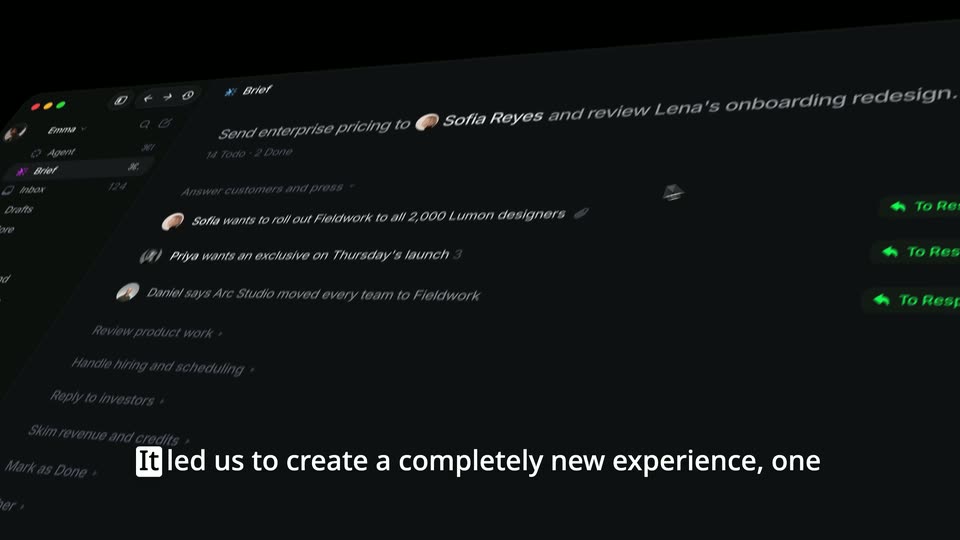
Krijn - Announcing @InputSystems. A new way to email ✨ It handles your messa
Input Systems · Oct 2026
Result · Nov 2026 · 0:24 · AI-annotated
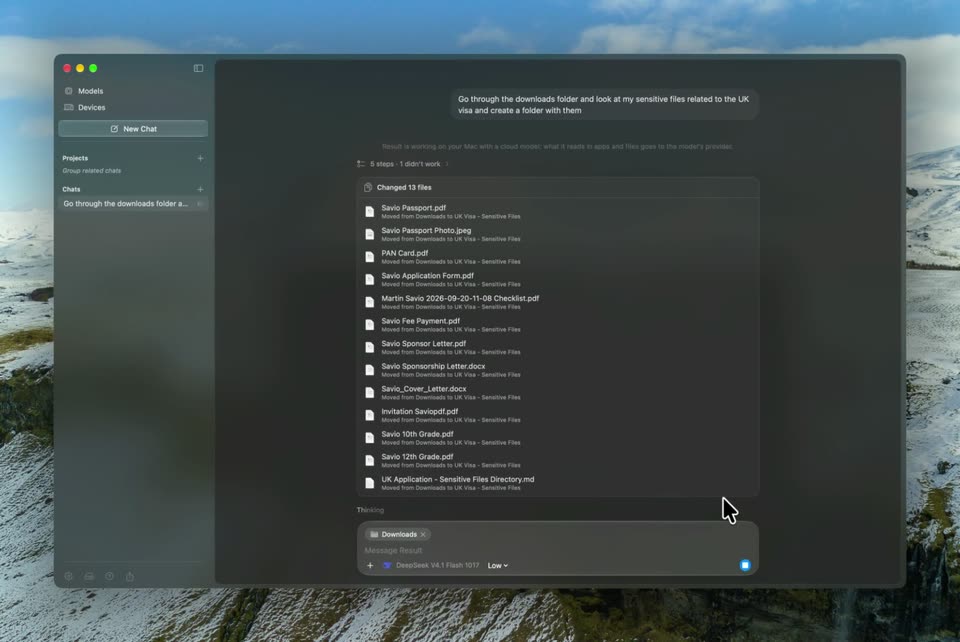
Result’s 0:24 launch film runs 3 scenes, about 8.3 s each. The product shows up at 0:05. There is no explicit call to action. The video follows one task end to end, moving from a single prompt bar to the chat window and finally to Finder, with each step shown in a dark, glassy interface. Camera moves carry the story: blurs, zooms, and a 3D flatten shift focus between the prompt, the assistant's steps, and the resulting folder.
Is this your launch? to your site or press kit.
Input Systems · Oct 2026
Zaplar · B2B · Jul 2026
A dark blurred backdrop frames a rounded prompt bar under the question “What can I do for you?”. A cursor taps in, then a prompt about UK visa files types itself in character by character. The frame blurs as the bar slides down and the text drops into a message line.
Techniques: Cursor demo, Kinetic type
Camera: Static
A dark chat app window floats over a snowy mountain desktop. The view zooms into a permission dialog, the cursor clicks Allow, then zooms out as the assistant logs steps. A file-change panel and a summary appear, then the camera pulls back to the full window.
Techniques: Cursor demo, UI zoom
Camera: Pull out
A macOS Finder window in dark mode opens in 3D perspective over a mountain backdrop, then flattens to a front-on close-up. A cursor clicks the UK Visa - Sensitive Files folder to expand it, then opens the overflow menu in the top-right corner.
Techniques: 3D mockup, UI zoom, Cursor demo
Camera: Static