
0:31
Explore
00:00:00 / 00:28:05
- Length
- 0:28
- Scenes
- 17 · 1.7 s avg
- Product on screen
- 0:01
- Features shown
- 2
- Voiceover
- No
- Views
- 4.5K on X
as of November 25, 2026
Palmier’s 0:28 launch film runs 17 scenes, about 1.7 s each. The product shows up at 0:01 and 2 features are revealed. There is no explicit call to action. The video opens with a 2-second live-action hook, then a flat gray title card where the brand badge and red gradient headline snap in over a drifting pigeon flock, and closes on the same wordmark-and-birds card. The body alternates plain white text cards with 3D-tilted device mockups that zoom, rotate and stack to demo the headless and multiagent workflows, capped by a counting agent counter and a two-device spread.
Footage neededEstimated needs: 1 capture group — your screens or recordings · 1 official logo — reused across the film · 1 filmed passage — shoot, supply or replace · 1 graphic passage — draw or supply · 9 3D passages — build or supply
Is this your launch? to your site or press kit.
More like this


1:01

Akash Anand - We just killed Loom and Screen Studio. Clueso agent can capture any
Clueso · B2B · Aug 2026
1:16

A first look at Pitch
Pitch · Productivity · Mar 2020
Similar soundtrack
Films whose music sounds like this one, voice left out
2:19

Youn Hwang - We raised $5.4M to make paid ads run themselves. Introducing Playad,
Playad · Upbeat electronic
1:26
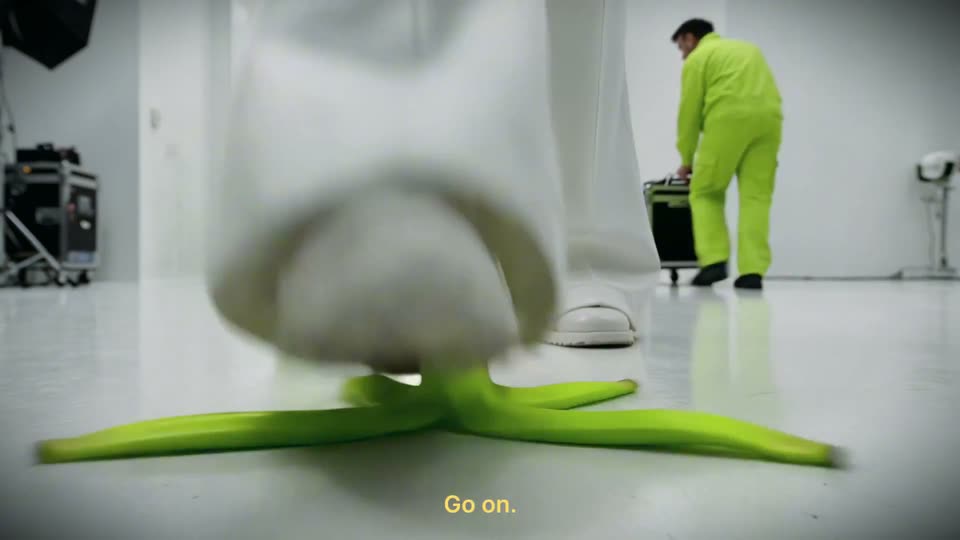
Meet Kling Image 4.0
Kling AI · Electronic dance music
0:38
Palmier - Introducing Palmier Headless + Multi-agent A full video editor that, scene by scene
· 17 scenes as text
01 · Hook · 0:00–0:01
Low-angle close-up of a bearded man with long blond hair in brown leather armor, looking down against a pale sky. A blurred arm holding a raised sword enters the left foreground while the camera holds steady.
Camera: Static
02 · Product intro · 0:01–0:04
A flock of pigeons flies across a flat gray sky as the palmier badge drops in at the top. The word HEADLESS scales up in red-to-white gradient type, then a torn red banner with + MULTIAGENT snaps in below, flanked by two star sparkles.
On-screen text: “palmier”, “HEADLESS”, “+ MULTIAGENT”
Techniques: Kinetic type, Masking
Camera: Static
03 · Product intro · 0:04–0:04
A light gray title card holds the palmier badge, large red HEADLESS lettering and a torn red + MULTIAGENT banner, with bird silhouettes drifting across. The view zooms out to reveal the card inside a dark video editor.
On-screen text: “palmier”, “HEADLESS”, “+ MULTIAGENT”
Techniques: Kinetic type
Camera: Pull out
04 · Feature reveal · 0:04–0:05
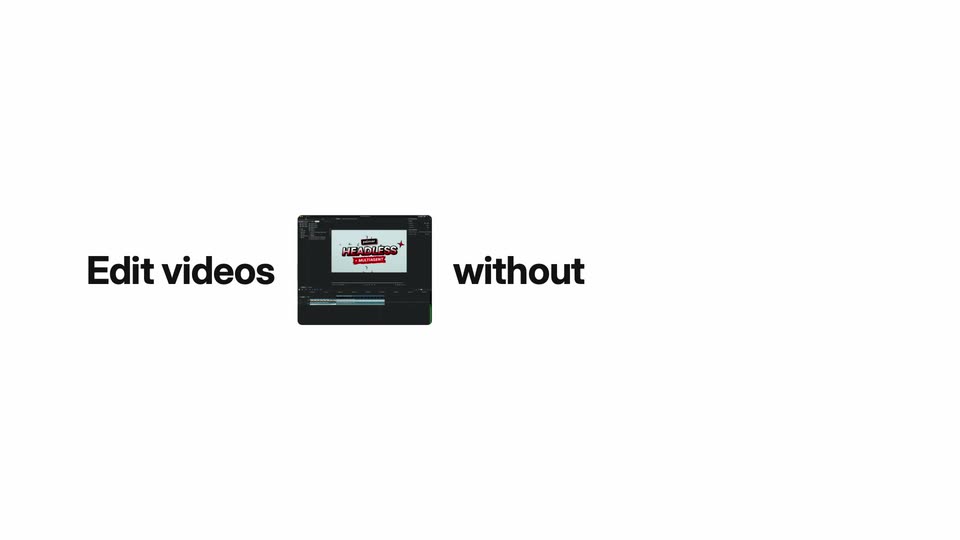
A dark video-editor window with a timeline and a red HEADLESS banner sits centered on white, then shrinks and shifts right as the headline Edit videos drops in on the left and without opening the app. fills the right.
On-screen text: “Edit videos”, “without opening the app.”
Camera: Static
05 · Feature reveal · 0:05–0:06
White screen with the centered line “Edit videos without opening the app.” A small video player card showing a title and a red subscribe button pops in over the middle of the line, then slides out, leaving the text alone.
On-screen text: “Edit videos without opening the app.”
Camera: Static
06 · Feature reveal · 0:06–0:07
A dark laptop screen in 3D perspective shows a video editing workspace with a chat panel, file list and timeline. A faint duplicate of the windows drifts on the left as the preview monitor fades from black to a desk shot with sticky notes.
Techniques: 3D mockup, Parallax
Camera: Pan
07 · Feature reveal · 0:07–0:07
A dark project interface shows two side-by-side panels, the right one listing folders and files under Media, Captions, and Templates tabs. A white hand cursor hovers over the red close button at the top left of that window while the caption sits centered.
On-screen text: “Close the window”
Techniques: Cursor demo
Camera: Static
08 · Feature reveal · 0:07–0:09
A laptop mockup in 3D perspective shows a macOS desktop with two dark app windows over a mountain wallpaper and a visible cursor. The view zooms into the screen, blurring the content, while the caption holds centered.
On-screen text: “Close the window”
Techniques: 3D mockup, UI zoom
Camera: Static
09 · Feature reveal · 0:09–0:11
A tablet mockup floats on a pale background, its screen showing a macOS desktop with a snowy mountain wallpaper. A cursor glides to the Apple icon and a dropdown menu opens, listing a recent podcast project and options.
Techniques: 3D mockup, Cursor demo
Camera: Push in
10 · Feature reveal · 0:11–0:12
A laptop in 3D perspective on a purple backdrop shows a macOS desktop. A menu dropdown with project options opens under the cursor, then the screen switches to two dark app windows as the white caption and agents continue working locks on.
On-screen text: “and agents continue working”
Techniques: 3D mockup, Cursor demo
Camera: Pull out
11 · Feature reveal · 0:12–0:13
A laptop on a white background shows a dark editing interface with a file list, a preview still, and a purple waveform timeline. A white headline sits across the lower half of the frame while a cursor rests at the top right; the camera is locked off.
On-screen text: “and agents continue working”
Techniques: 3D mockup
Camera: Static
12 · Feature reveal · 0:13–0:18
On a plain white background, the centered line “Edit with one agent” fades in from light gray to black. The number then counts up through 2, 15, 31 and 63, each new figure fading in before settling.
On-screen text: “Edit with one agent”, “Edit with 2 agents”, “Edit with 15 agents”, “Edit with 31 agents”, “Edit with 63 agents”
Techniques: Kinetic type
Camera: Static
13 · Feature reveal · 0:18–0:20
A tablet floats in 3D perspective on a white field, its screen packed with app windows: terminal, chat, file list, video timeline. The device rotates to a side angle while the headline holds center.
On-screen text: “Edit with one agent”, “Run multiple agents at once.”
Techniques: 3D mockup
Camera: Static
14 · Feature reveal · 0:20–0:21
A dark Claude tablet and a light Codex laptop sit side by side on white, each with its brand mark below. The overlapping Codex window slides left behind the tablet while the laptop eases right, spreading the two devices apart before the frame locks off.
On-screen text: “Run multiple agents at once.”, “Claude”, “Codex”
Techniques: 3D mockup, Parallax
Camera: Static
15 · Feature reveal · 0:21–0:23
A laptop mockup floats in 3D perspective, its screen stacked with overlapping app windows: a code editor, a chat panel, a design canvas and a video timeline. The camera pushes in on the stack as a white headline, Across time and projects, fades over the interface.
On-screen text: “Across time and projects.”
Techniques: 3D mockup, UI zoom
Camera: Push in
16 · Feature reveal · 0:23–0:25
A tilted 3D mockup of a video editing interface, with purple and orange timeline clips and a file panel, sits on a plain light background. A white headline reads Across timelines and projects. centered over the timeline. The camera is locked-off.
On-screen text: “Across timelines and projects.”
Techniques: 3D mockup
Camera: Static
17 · Outro · 0:25–0:28
A loose flock of dark pigeons drifts and blurs through a pale gray sky around the centered palmier wordmark, which scales in with the bold tagline beneath it. Locked-off frame, birds pass in front of and behind the text.
On-screen text: “Across timelines and projects.”, “Finally, a video editor built for AI.”
Techniques: Kinetic type
Camera: Static