2:19
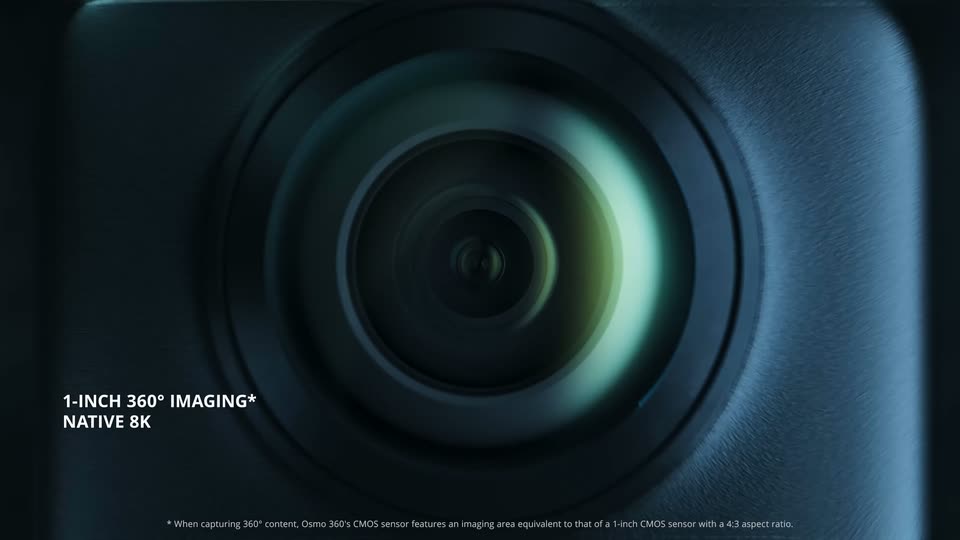

Meet DJI Osmo 360 - 8K Revolutionary 360° Camera
DJI · Hardware · Jul 2025
nunu.ai’s 0:53 launch film runs 30 scenes, about 1.8 s each. The product shows up at 0:03 and 3 features are revealed. The call to action lands at 0:47 (89% in). The video alternates kinetic type lockups on a near-black field with purple-framed gameplay grids: each feature is announced by a 3D spinning text card, then proven in a 2x2 montage that can expand into a 4x4 wall of clips. Signature moves are the letter flips and 3D rotations, the expanding grid reveals, and the magenta and violet accents held against a locked-off dark navy background.
Is this your launch? to your site or press kit.
DJI · Hardware · Jul 2025
Insta360 · May 2026
Enrich Labs · Mar 2026
Films whose music sounds like this one, voice left out
Boston Dynamics · Electronic dance music, transitioning to a cinematic sound effect
Agent Tincan · Electronic dance music, hip-hop
Grammarly · Electronic dance music, blending UK Garage, 2-step, and tech house elements with Afrobeat and Latin
On a dark navy field, a thin vertical bar blinks at center, then the word INTRODUCING scales up in muted gray caps, the bar crossing the letter O.
On-screen text: “INTRODUCING”
Techniques: Kinetic type
Camera: Static
Bold white INTRODUCING sits centered on a dark navy field, bracketed by two thin outline copies of the same word stacked above and below. The three-line stack scales gently in place on a locked-off frame.
On-screen text: “INTRODUCING”
Techniques: Kinetic type
Camera: Static
The word INTRODUCING in white sans sits inside a horizontal band on a near-black background, then scales and fades out, leaving only a faint centered logo.
On-screen text: “INTRODUCING”
Techniques: Kinetic type
Camera: Static
On a dark navy field, the pink sail-shaped mark and white nunu.ai wordmark hold center. The wordmark letters form in, then a blurred curved copy of the text whirls in an arc to the left of the mark.
On-screen text: “nunu.ai”
Techniques: Kinetic type
Camera: Static
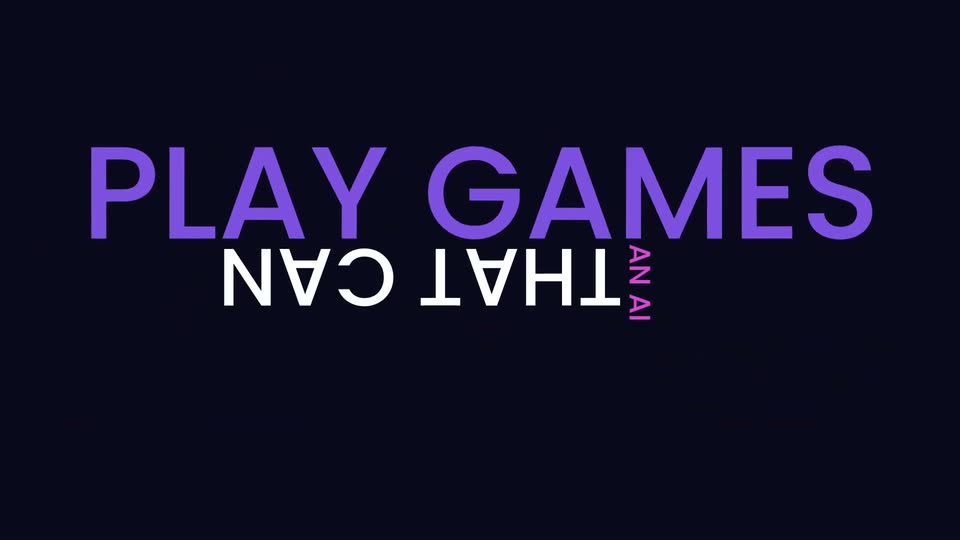
On a dark navy background, the white words THAT and CAN blur and fly apart as PLAY GAMES streaks in diagonally. The line flips from upside down to upright under the purple headline, and the small magenta AN AI tag settles vertically at the right edge.
On-screen text: “THAT CAN”, “AN AI”, “PLAY GAMES”
Techniques: Kinetic type
Camera: Pan
A locked-off dark game view inside a purple border: a glowing blue shield bubble expands in the center while two sword-wielding figures stand on either side, framed by a top health bar and bottom ability slots.
On-screen text: “AN AI”, “THAT CAN”, “PLAY GAMES”, “*Actual AI Footage”
Camera: Static
A dark game arena framed by a purple border. A blue energy bubble shields a red-robed figure at center, then pops as the figure crouches, while a glowing white statue stands at right. The label *Actual AI Footage sits top right.
On-screen text: “*Actual AI Footage”
Camera: Static
A dark game clip in a purple bar expands into a 2x2 grid, each panel playing different AI footage: a temple duel, a lantern street, a neon city drive, an underwater flower field. A small caption reads top right.
On-screen text: “*Actual AI Footage”
Techniques: Morph, Split screen
Camera: Pull out
On a dark navy field, the magenta word UNDERSTAND snaps together from scattered letters, then a white AND lands beneath it. The stacked text tilts and spins as it scales up.
On-screen text: “UNDERSTAND”, “AND”
Techniques: Kinetic type
Camera: Pull out
On a near-black field, a vertical magenta UNDERSTAND and a huge white AND INTERACT fly in from the left, scale up, then the whole line rotates clockwise, tilting down as it slides toward the lower left.
On-screen text: “UNDERSTAND”, “AND”, “INTERACT”
Techniques: Kinetic type
Camera: Pull out
On a dark navy field, the white word INTERACT spins in from a blurred diagonal and flips to horizontal, joining a vertical magenta UNDERSTAND and small white AND on the right. A purple WITH THE AI line sits above as the lockup settles and locks off centered.
On-screen text: “INTERACT”, “UNDERSTAND”, “AND”, “WITH THE AI”
Techniques: Kinetic type
Camera: Pan
A dark indigo chat panel fills the frame. A magenta bubble slides in at the right and types a question, a purple bubble on the left types a longer answer word by word, then a second magenta bubble pops in below it.
On-screen text: “INTERACT”, “TAND”, “WITH THE AI”, “How would you”
Techniques: Kinetic type
Camera: Pull out
Four dark chat panels sit in a 2x2 grid on a near-black background. Pink and purple speech bubbles type out short Q&A conversations, each panel completing its exchange over the clip.
Techniques: Kinetic type
Camera: Pull out
On a near-black background, three lines of type rotate in from a tilted 3D angle and settle flat into a centered stack: magenta QUALITY ASSURANCE on top, white AND in the middle, violet BEYOND below. The motion slows and locks off by the end.
On-screen text: “QUALITY ASSURANCE”, “AND”, “BEYOND”
Techniques: Kinetic type
Camera: Static
Dark game footage inside a purple rounded frame: a robed figure stands before a rocky wall as the first checklist item, Open the chest, ticks green. The QA Testing title holds top right while a coin counter pops in beneath it.
On-screen text: “QA Testing”, “Open the chest”, “Walk to the door”, “Pass the door”, “waiting for the next task”
Camera: Static
A dark game interface displays a character moving through a stone corridor. A checklist of tasks is positioned on the left, while the title QA Testing remains static in the top right corner.
On-screen text: “QA Testing”
Camera: Static
A game screen in a purple frame shows a character walking through a stone dungeon toward a door. A task checklist in the top left gains a green checkmark on 'Walk to the door' as the player approaches, under the title 'QA Testing'.
On-screen text: “QA Testing”, “Open the chest”, “Walk to the door”, “Pass the door”, “waiting for the next task”
Camera: Push in
A tan-coated character walks forward through a dark tunnel toward a large bronze door inside a purple rounded frame. A task checklist sits at the top left and a white QA Testing title sits at the top right.
On-screen text: “Open the chest”, “Walk to the door”, “Pass the door”, “waiting for the next task”, “QA Testing”
Camera: Push in
A third-person game screen sits inside a purple rounded border on a dark navy field. A task checklist in the top left updates as the third row flips to a red cross, while the player character in a tan coat follows a figure through a dim tunnel.
On-screen text: “QA Testing”
Camera: Static
A single purple-bordered game window zooms out to reveal a two-by-two grid of product screens on a dark background. Top-left shows a dim stone room with a task list, top-right a blocky avatar, bottom-left a portal-style character, bottom-right a sky with a humanoid figure.
On-screen text: “QA Testing”, “QA Testing”, “Player Simulation”, “De”
Techniques: UI zoom, Split screen
Camera: Pull out
A 2x2 grid of gameplay clips, each framed by a purple border with a white corner label. A dark first-person quest, a blocky airport with two suited avatars, a Fortnite character by a teddy bear, and a gray humanoid on a purple grid play inside the fixed panels.
On-screen text: “QA Testing”, “Smart NPCs”, “Player Simulation”, “Dev Assistant”
Techniques: Split screen
Camera: Static
A 2x2 grid of bordered game clips plays on a dark background: a dark third-person level, blocky avatars by an airplane, a battle-royale scene with a teddy bear, and two metallic figures in a 3D viewport. Each panel carries a white corner label.
On-screen text: “QA Testing”, “Smart NPCs”, “Player Simulation”, “Dev Assistant”
Techniques: Split screen
Camera: Static
The word TOWARDS in magenta sits centered on a near-black field, scaling gently in place. A soft blur on the letters sharpens as the type settles to its final size.
On-screen text: “TOWARDS”
Techniques: Kinetic type
Camera: Static
On a black background, the pink word TOWARDS spins in from a diagonal blur, then AGI drops in above in violet and FOR GAMES lands below in white as TOWARDS flips upright.
On-screen text: “TOWARDS”, “AGI”, “FOR GAMES”
Techniques: Kinetic type
Camera: Static
A 3D game world of mossy stone ruins, a robed figure walks ahead while a brown-coated character follows along the path. A large headline scales in over the footage as the camera tracks the moving character.
On-screen text: “TOWARDS”, “AGI”, “FOR GAMES”
Techniques: Kinetic type
Camera: Push in
A framed gameplay clip of two robed figures walking a rocky cliff path sits alone, then the layout breaks into a three-panel grid: the main clip left, a night castle view right, a third view below, on a dark navy field.
Techniques: Split screen
Camera: Static
Four gameplay clips play in a 2x2 grid, each framed by a purple border on a dark background, with in-game subtitles and HUD visible. Near the end the view pulls back, revealing a larger grid of many more clips.
On-screen text: “Opex Caden”
Techniques: Split screen
Camera: Pull out
Sixteen game clips play at once in a 4x4 grid on a dark navy background, each panel outlined in thin purple. Scenes include RPG dialogue, first-person shooting, a city racing game and voxel terrain. The frame is locked off for the full duration.
Techniques: Split screen
Camera: Static
A thin horizontal light beam sweeps across a dark navy frame, revealing the white nunu.ai wordmark with a pink and purple triangle mark at center. “follow us” and the X and LinkedIn handles fade in below, hold, then fade out as the beam passes again.
On-screen text: “nunu.ai”, “follow us”, “X @nunudotai”, “in /nunu-ai”
Techniques: Light sweep
Camera: Static
A solid black screen holds for the full duration of the clip. No text, logo, graphic, or motion is visible; the frame stays uniformly dark throughout.
Camera: Static