1:27


Glen - Glen is now open to the public!
Glen · B2B · Oct 2026
Monid AI · Oct 2026 · 0:53 · AI-annotated
Monid AI’s 0:53 launch film runs 11 scenes, about 4.8 s each. The product is on screen from the first frame and 1 feature is revealed. The call to action lands at 0:49 (93% in). The video runs as one continuous product demo: a typed prompt, a source table, and a four-column pipeline that fills in place while headlines swap and a cost badge ticks up. Pacing is fast and rhythmic, built on monospace typing, snapping selection outlines, and counting numbers over a flat off-white field with indigo and pink accents.
Is this your launch? to your site or press kit.
Glen · B2B · Oct 2026
Software Mansion · Nov 2026
Plain off-white background. The Jev and Monid wordmarks with a small gray x fade in at center, then a gray monospace line below types out letter by letter, ending on People/{.
On-screen text: “People/{”
Techniques: Kinetic type
Camera: Static
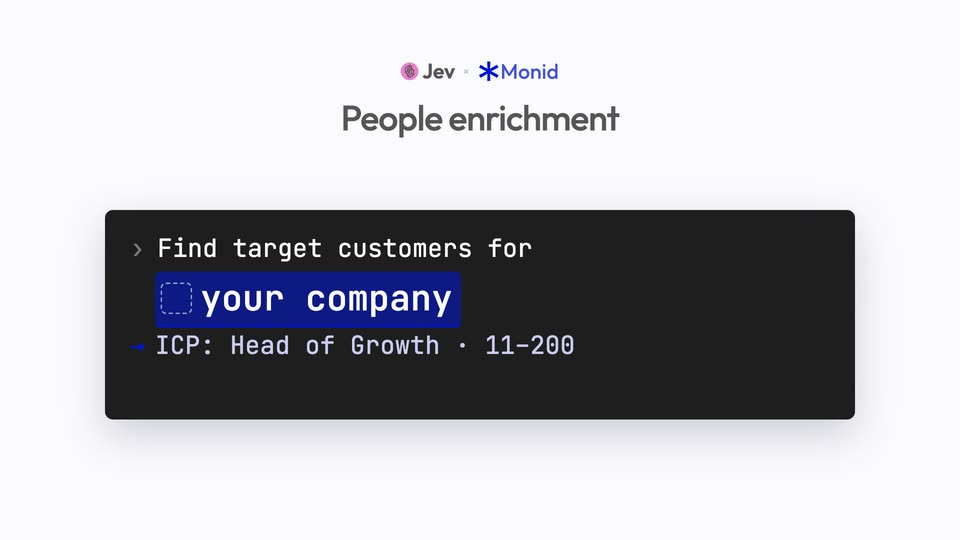
A dark terminal bar on a white background types the prompt line, then company chips for Vercel and Anrok flash in before settling on a highlighted your company tag. A second line types the ICP details, and the box expands to fit it.
On-screen text: “Jev x Monid”, “People enrichment”
Techniques: Kinetic type
Camera: Static
A light UI screen shows a dark command bar with 'your company' in blue over a pink spiral logo and gray title 'People enrichment'. The title fades as a bold headline '36 sources of Monid. Jev pi+ +' appears left, with a list of sources and prices filling the frame.
On-screen text: “People enrichment”, “36 sources of Monid. Jev pi+ +”
Camera: Static
A three-column table of data sources fades in from the top under a headline, then indigo selection outlines snap onto the Apollo, ContactOut, and AnyAPI rows.
On-screen text: “36 sources on Monid. Jev picks three.”
Camera: Static
A flat interface lists 36 data sources with prices. Three source cards lift out of the list and slide to the top right while the list fades. The headline changes to 'Full stack, every call priced.' and a blue 'SPENT $0.0005' badge appears top right.
On-screen text: “36 sources on Monid. Jev picks three.”, “Full stack, every call priced.”, “SPENT $0.0005”
Camera: Push in
A flat product interface shows a four-column pipeline. The Found list scrolls and its counter climbs to 1,155 while three source cards on the right update their counts and flip from searching to found. The headline swaps to a second line as the Qualified column fills with checkmarked rows.
On-screen text: “1,155 matches from three sources”, “SPENT $0.0005”, “200 checked by hand? No. Jev reads every one.”
Camera: Pull out
A flat product screen with four pipeline columns, Found, Qualified, Enriched, Scored, on a white background. Name rows fill in and a serif headline swaps three times at the top left while a cost badge ticks up top right. A detail card for one contact slides in, fills with fields, then the scored column sorts by number.
On-screen text: “200 checked by hand? No. Jev reads every one.”, “Only the keepers get paid for”, “Scored. Sorted. Ready to...”
Techniques: Kinetic type, Masking
Camera: Push in
Three columns of contact rows on a white board animate in, names sliding and fit-score numbers ticking up beneath a bold headline. The frame then pulls back to reveal a fourth Found column and a 24 verified leads tag.
On-screen text: “Scored. Sorted. Ready to send.”
Techniques: UI zoom
Camera: Pull out
A white receipt card on a light gray field builds up line by line, monospace cost rows fading in one after another, then a blue total row. The card fades to gray as a large black headline, 99% cheap~ ), pops in centered.
On-screen text: “99% cheap~ )”
Techniques: Kinetic type
Camera: Static
A black headline and gray subhead sit on a light field. Three rounded bars appear left to right: a short blue Monid bar, a taller gray Clay bar, and the tallest light-gray ZoomInfo bar, prices fading in above each. The scene fades as a blue asterisk pops in at center.
On-screen text: “99% cheaper than Clay”, “Even more vs. ZoomInfo”, “$3.76”, “Monid / mo”, “$495”, “Clay / mo”, “$1,250”, “ZoomInfo / mo”
Camera: Static
A light gray card shows the Jev and Monid logos with a tagline below. A dark terminal pill opens from the center and reveals $ set up https://monid.ai/SKILL.md with a blue cursor.
On-screen text: “2,900+ tools. One API key. 0% markup.”, “set up https://monid.ai/SKILL.md”
Techniques: Masking
Camera: Static