0:46
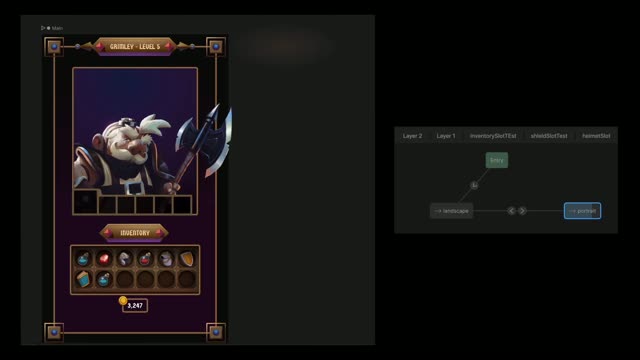
Responsive Layouts have landed
Rive · Design · Oct 2024
Link · Apr 2026 · 0:28 · AI-annotated
Link’s 0:28 launch film runs 10 scenes, about 2.8 s each. The product is on screen from the first frame and 1 feature is revealed. There is no explicit call to action; a voiceover carries the film. The video is one continuous pipeline of beats, each a single UI state revealed by typing, crossfade or blur-to-focus, cut at a brisk 136 bpm pace. Its signature moves are typed monospace text, rack-focus reveals, and a bright green accent that marks every confirmation on the dark dotted grid.
Is this your launch? to your site or press kit.
Rive · Design · Oct 2024
Apple · Hardware · Oct 2026
Resin Technologies · B2B · Oct 2026
A dark green dot-grid background holds a white monospace prompt that types out the install command, with a green URL line appearing beneath it. At two seconds the frame cuts to two icon-prefixed lines announcing account setup and the link-cli install.
On-screen text: “https://1ink.com/skill.md”
Techniques: Kinetic type
Camera: Static
A dark green terminal panel with a faint dotted grid types out a CLI setup log in monospace. Gray lines with green commands and a link.com URL fill the frame, the final line resolving to Waiting for approval.
Techniques: Kinetic type
Camera: Static
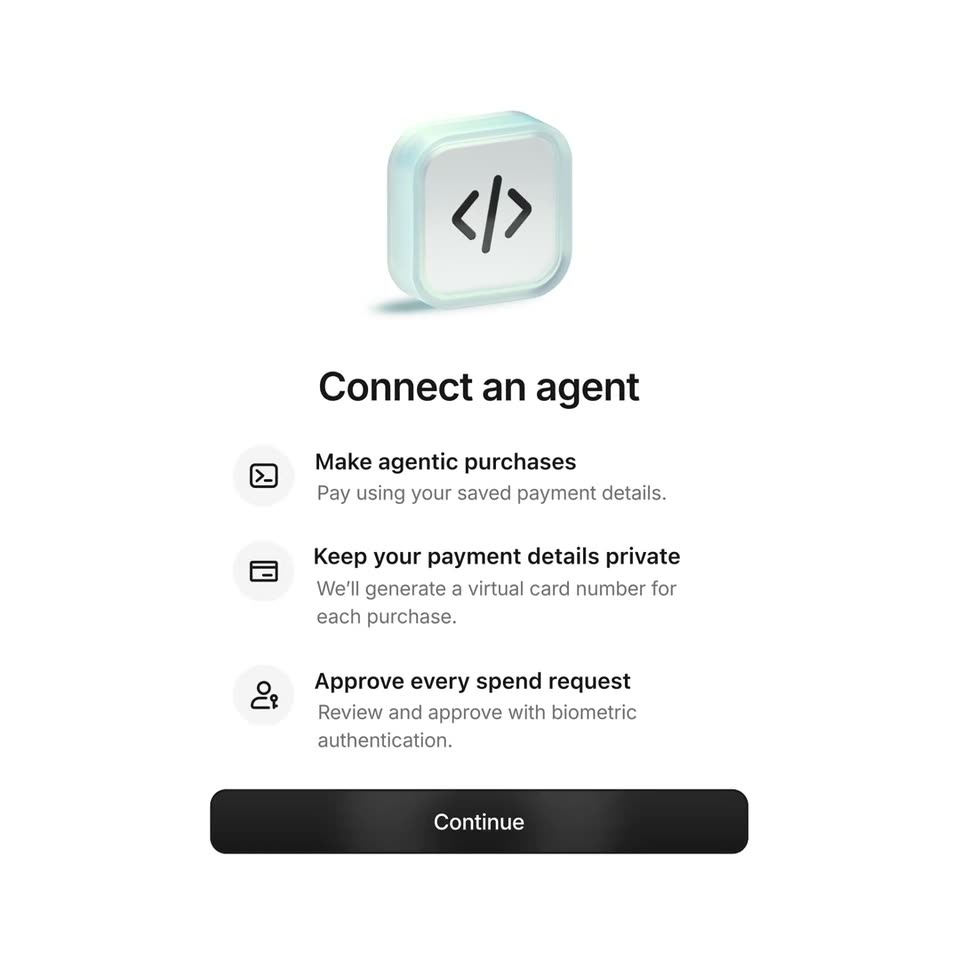
A pale onboarding screen fades in from a crossfade: a frosted-glass 3D icon with a code glyph floats above the title Connect an agent, three icon rows list features, and a black Continue button sits at the bottom. The panel holds, then dissolves out.
Techniques: 3D mockup
Camera: Pull out
A dark green chat interface builds a conversation top to bottom: a user request bubble fades in, the assistant reply follows, then a Summary of changes card draws its bright green border, and a Yes button appears before the whole frame blurs out.
Camera: Pull out
A phone mockup on a dotted dark-green grid starts blurred over a list, then racks into focus to show the lock screen and a notification banner with a green arrow icon at the bottom.
Techniques: 3D mockup
Camera: Static
A white approval card fades in from a ghosted blur at the center of a dark green dotted field, showing a code glyph, a spend request, Triplo and Visa rows, and Decline and Approve buttons; it holds, then dims toward the end.
Camera: Static
A dimmed approval card sits on a dark green dotted grid. A green person icon in a centered rounded square draws a circular ring, then the figure morphs into a checked figure to confirm.
Techniques: Morph
Camera: Static
A green checkmark badge sits over a dimmed spend-approval card, then scales down and rises to the top edge as the card crossfades into a white Triplo confirmation card on a dotted dark-green field.
Techniques: Morph
Camera: Static
A white Triplo receipt card sits centered on a dark green dotted grid. The card, showing a logo, date, $180, status and payment rows plus an agent row, opens soft and blurred, then sharpens and settles into place as the clip progresses.
Techniques: UI zoom
Camera: Pull out
On a dark green dotted background, a green circle stretches into a horizontal pill. A black circle with a white arrow forms on the left and the lowercase word link appears on the right, then the mark holds still.
Techniques: Morph
Camera: Static