1:24
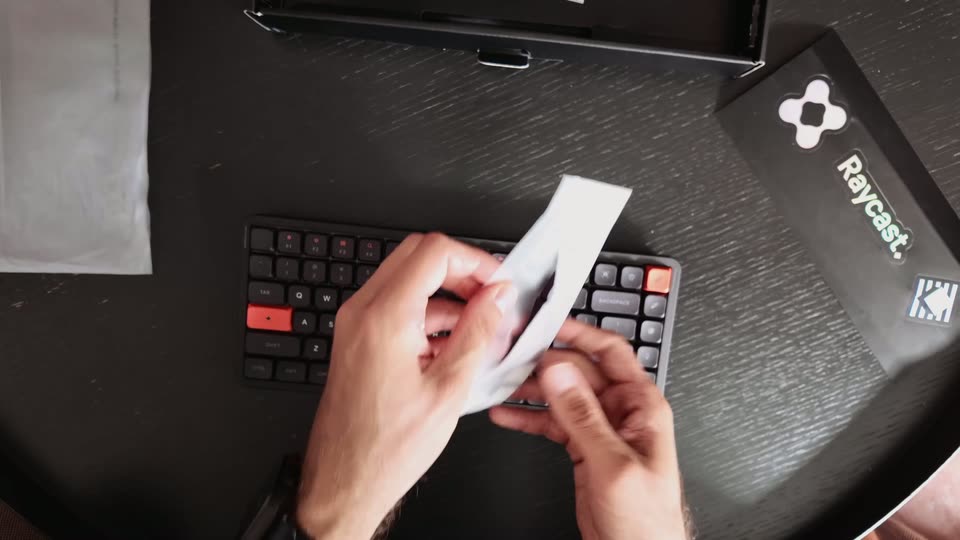
Introducing the NuPhy × Raycast Keyboard
Raycast · Productivity · Aug 2026
Harvey · Sep 2025 · 0:19 · AI-annotated
Harvey’s 0:19 launch film runs 9 scenes, about 2.1 s each. The product is on screen from the first frame and 1 feature is revealed. The call to action lands at 0:15 (80% in), over a voiceover. The video alternates locked-off serif title cards with a centered phone mockup, each element fading in evenly on a plain off-white field with no cuts or transitions. Signature moves are the slow gray-to-black text reveals, the swaying 3D phone, and a word-by-word typed question that streams a legal answer.
Is this your launch? to your site or press kit.
Raycast · Productivity · Aug 2026
Qwen · Aug 2026
The serif wordmark “Harvey” fades in at the center of a plain off-white field, easing from light gray to solid black, then holds on a locked-off frame.
On-screen text: “Harvey”
Techniques: Kinetic type
Camera: Static
On a plain off-white background, the serif wordmark Harvey fades in from light gray to black at center, then the tagline Legal Work, On the Move. fades in beneath it in matching serif. The frame is locked off and the reveal is slow and even, a quiet sign-off.
On-screen text: “Legal Work, On the Move.”
Camera: Static
A black phone mockup on a plain white background sways in 3D, its screen cycling from a dark splash with a serif H to the white Harvey app, where a conversation list slides up beneath the Ask Harvey anything header.
Techniques: 3D mockup
Camera: Static
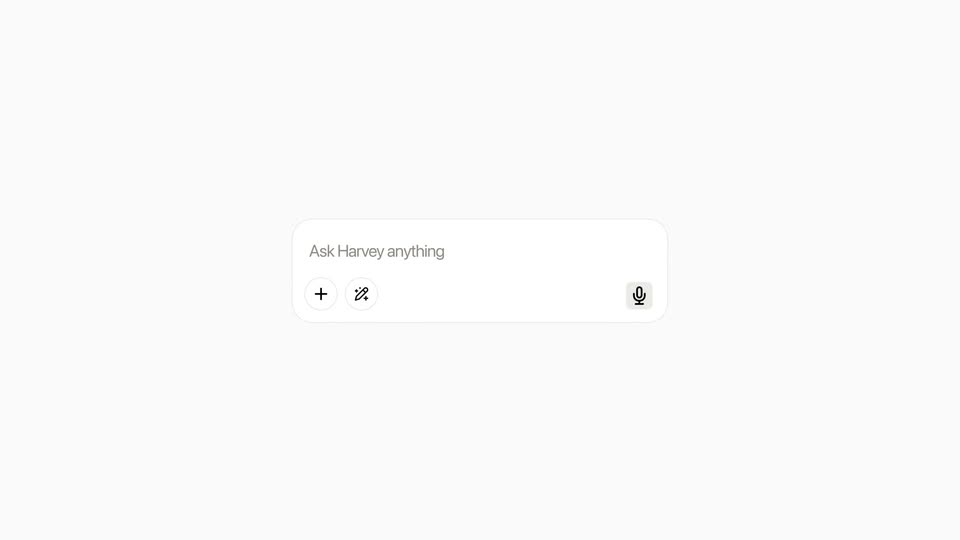
A white rounded input bar with the gray placeholder 'Ask Harvey anything' slides into the center of a pale background. A plus icon and a swap icon sit at the left, a microphone icon at the right.
Camera: Static
A white chat card, centered on pale gray. The placeholder fades and the question 'Where are the Australian Privacy Principles set out, and how many are there?' types in word by word; a purple button switches to a stop icon, then a spinner, above a row of small purple dots.
Techniques: Kinetic type
Camera: Static
A centered phone mockup fades and scales in on a pale gray background. Inside, an AI chat streams an answer: a question card with a purple button collapses to the bottom while body text and a numbered list of thirteen principles fill the screen.
Camera: Static
The headline Work Without Boundaries fades in from pale gray to solid black at the center of a plain off-white background. The type stays locked in place for the rest of the shot.
On-screen text: “Work Without Boundaries”
Camera: Static
A centered “Coming Soon” headline with app store badges fades out on a light background, cross-dissolving into faint “Work Without Boundaries” and “AI Tailored for Law” text.
On-screen text: “Coming Soon”, “Work Without Boundaries”, “AI Tailored for Law”
Camera: Static
A plain off-white frame holds a centered black serif headline, AI Tailored for Law, with a smaller Harvey wordmark below it. The composition stays static for the full shot.
On-screen text: “AI Tailored for Law”, “Harvey”
Camera: Static