1:00
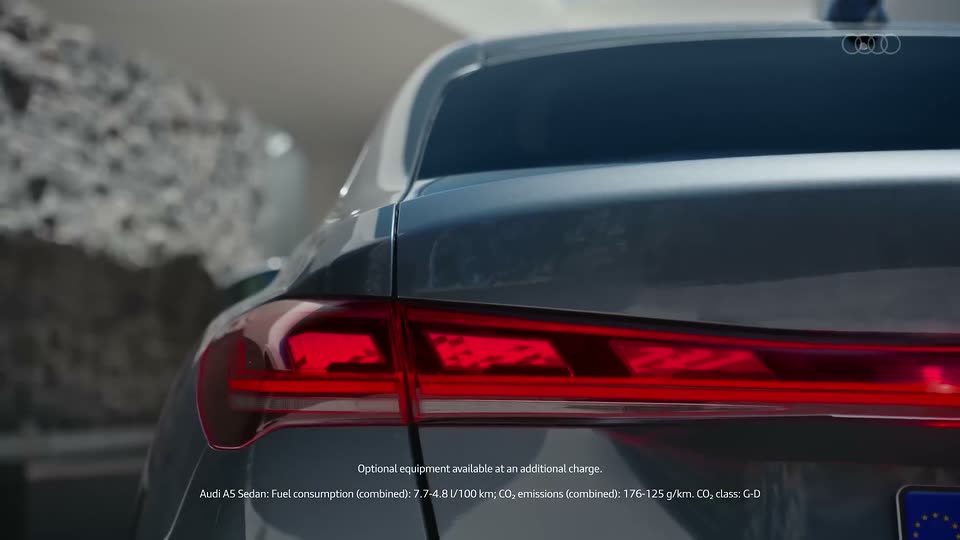

Meet the Audi A5 Avant and Sedan
Audi · Jul 2024
Garmin’s 1:05 launch film runs 17 scenes, about 3.9 s each. The product is on screen from the first frame and 8 features are revealed. There is no explicit call to action. The video opens on the product name over a blurred tunnel, then runs a steady parade of single-feature cards, each pairing a turning 3D dashcam or a live-action shot with a bold outlined headline, and closes on a tagline, a four-model lineup and the logo. Its signature look is the radial zoom-blur backdrop, the choreographed 3D device flips, and outlined type with live video cut through the letters, all held on slow static frames with motion carried inside the shot rather than by fast cuts.
Is this your launch? to your site or press kit.
Audi · Jul 2024
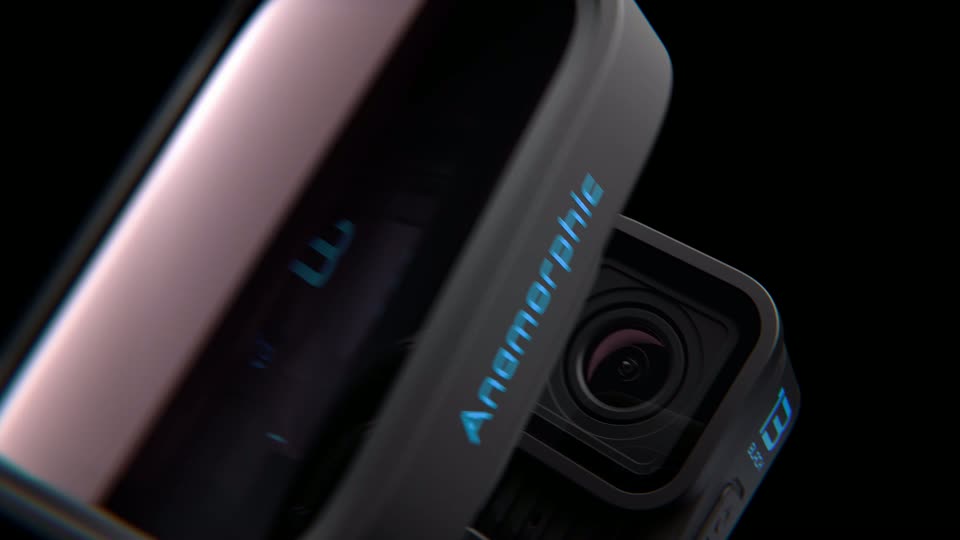
GoPro · Sep 2024
DJI · Hardware · Feb 2016
Films whose music sounds like this one, voice left out
ernd · Electronic, House, Lo-fi Hip-hop, Chillwave
Crème de la Crème · Corporate pop / Upbeat electronic
Adri AI · Corporate electronic
Large outlined title text sits over a motion-blurred tunnel with passing cars, the letterforms cutting a live window into the footage. A 3D dashcam device slides in from the right at the end.
On-screen text: “GARMIN”, “DASH CAM”, “X SERIES”, “TM”
Techniques: Kinetic type, Masking, 3D mockup
Camera: Static
Outlined product name text sits on the left over a motion-blurred tunnel with streaking warm lights. A black Garmin dashcam rotates in 3D on the right, turning from its lens face to a side view showing its screen.
On-screen text: “GARMIN”, “DASH CAM”, “XSE”
Techniques: 3D mockup
Camera: Static
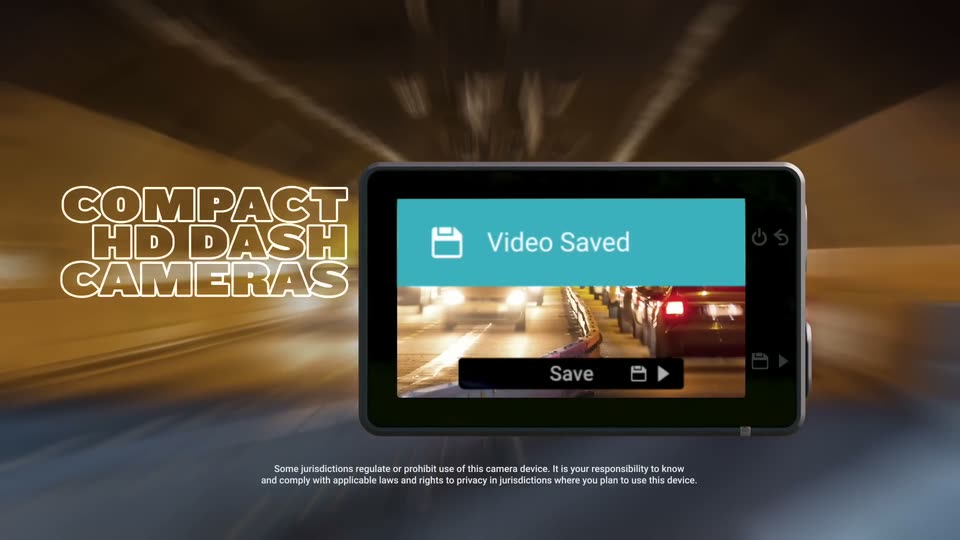
A 3D dashcam mockup hovers over a radially blurred tunnel backdrop, its screen playing tunnel traffic footage. An outlined headline scales in on the left, a save banner pops on the screen, and the device flips to reveal its branded back.
On-screen text: “Some jurisdictions regulate or prohibit use of this camera device. It is your responsibility to know and comply with applicable laws and rights to privacy injur”, “COMPACT HD DASH CAMERAS”
Techniques: 3D mockup, Kinetic type
Camera: Static
A black dashcam render turns from a side profile to a tight front view of its polarized lens against a blurred amber backdrop. Outlined white headline text holds on the left while the camera pushes in on the glass.
On-screen text: “COMPACT HD DASH CAMERAS”
Techniques: 3D mockup
Camera: Static
A 3D dashcam turns from a side angle to face the camera over a motion-blurred highway, its screen playing footage of a white SUV with an open trunk in traffic. An outlined headline block appears on the left, holds, then fades out.
On-screen text: “CAPTURE EVERY DETAIL”, “UP TO 4K”, “ULTRA HD VIDEO”
Techniques: 3D mockup
Camera: Static
A dashcam device floats centered against a radial zoom-blur of a road. Its screen lights up to show a wide-angle view of two cars on a leafy road. A text block sits to the left. The device then rotates in 3D to reveal its back port.
On-screen text: “FROM EVERY ANGLE”, “140-DEGREE FIELD OF VIEW”
Techniques: 3D mockup
Camera: Static
A 3D Garmin action camera spins against a radial motion-blur backdrop, then crossfades to a flat front view as the headline and subline fade in over the device.
On-screen text: “CLEARER - FASTER - WHATEVER”, “RANGEFINDER DISPLAY”
Techniques: 3D mockup
Camera: Static
A silver dash cam with a display floats over a motion-blurred highway at dusk, its screen playing footage of a car with a roof mattress. The unit turns from a three-quarter angle to face the camera, then holds still while the headline sits to the right.
On-screen text: “CLEARER”, “THAN EVER”, “LARGE, BRIGHT DISPLAY”, “Display not available on the Dash Cam Mini 3.”
Techniques: 3D mockup
Camera: Static
A black dash-cam unit floats in 3D perspective over a radially blurred traffic backdrop. Its screen flicks on to a line of cars as the headline block fades in on the left; the frame then dissolves to a hand holding a phone.
On-screen text: “WITH GARMIN CLARITY BUILT-IN POLARIZER”
Techniques: 3D mockup
Camera: Static
A hand holds a phone in a car, its screen showing a dashcam app with a saved street clip and share options. On the right, a white outlined headline fades in above a solid white subline, with small legal text at the bottom.
On-screen text: “TO PROVE WHAT HAPPENED”, “SHARE SAVED CLIPS FROM YOUR PHONE”, “Video sharing requires Wi-Fi® connectivity and a paid Vault subscription, accessible when using the Garmin Drive™ app on your compatible smartphone. Wi-Fi is a2”
Techniques: Kinetic type
Camera: Static
A hand holds a phone showing a dashcam clip and share options, a finger tapping the screen. Outlined white headline and a solid white subline sit at right, fading out as the frame tightens on the phone against a blurred car interior.
On-screen text: “TO PROVE WHAT HAPPENED”, “SHARE SAVED CLIPS FROM YOUR PHONE”, “Video sharing requires Wi-Fi® connectivity and a paid Vault subscription, accessible when using the Garmin Drive™ app on your compatible smartphone. Wi-Fi is a®”
Camera: Static
A black dashcam on the car windshield holds sharp focus while a blurred driver and steering wheel sit behind it. White headline text WITH COMMANDS and HANDS-FREE VOICE CONTROL locks in on the right, with a small language caption along the bottom, as a blue glint sweeps across the word COMMANDS.
On-screen text: “WITH COMMANDS”, “HANDS-FREE VOICE CONTROL”, “Available in English, German, French, Spanish, Italian and Swedish.”
Techniques: Light sweep
Camera: Static
A person holds a smartphone showing a live street view of a white car, the other index finger tapping the screen. The phone is held before a blurred maroon car with a mounted camera. White outlined headline text sits on the left. The shot cross-dissolves in and out.
On-screen text: “GET A LIVE VIEW”, “WHILE YOU'RE AWAY”, “Live View requires Wi-Fi® connectivity, constant power and a paid Vault subscription, accessible when using the Garmin Drive™ app on your compatible smartphone.”
Camera: Push in
A blurred foggy road with glowing headlights sits behind white text: MEMORIES ARE BLURRY, then DASH CAM IS CLEAR, the outlined word revealing a sharp car through its letters. A Garmin dash cam mockup enters from the left, its screen showing the clear car.
On-screen text: “MEMORIES ARE BLURRY”, “DASH CAM IS”, “CLEAR”, “GARMIN DASH CAM™ X SERIES”
Techniques: Kinetic type, Masking, 3D mockup
Camera: Static
A row of black Garmin dash cams slides in from the left across a soft blue backdrop with blurred road lights below. The rightmost unit displays a car on a road in its screen. A white title hovers above the lineup.
On-screen text: “GARMIN DASH CAM™ X SERIES”
Techniques: 3D mockup
Camera: Pan
Four black Garmin dashcams with round mounts line up in a row against a blurred blue background with warm bokeh. The rightmost unit, X310, flips from its screen showing a car to its front lens, joining the others. A white title sits above and model names below each camera.
On-screen text: “GARMIN DASH CAM X SERIES”, “MINI 3”, “X110”, “X210”, “X310”
Techniques: 3D mockup
Camera: Static
A white GARMIN wordmark holds centered on a flat black background, locked off and motionless for the full shot.
On-screen text: “GARMIN”
Camera: Static