0:28
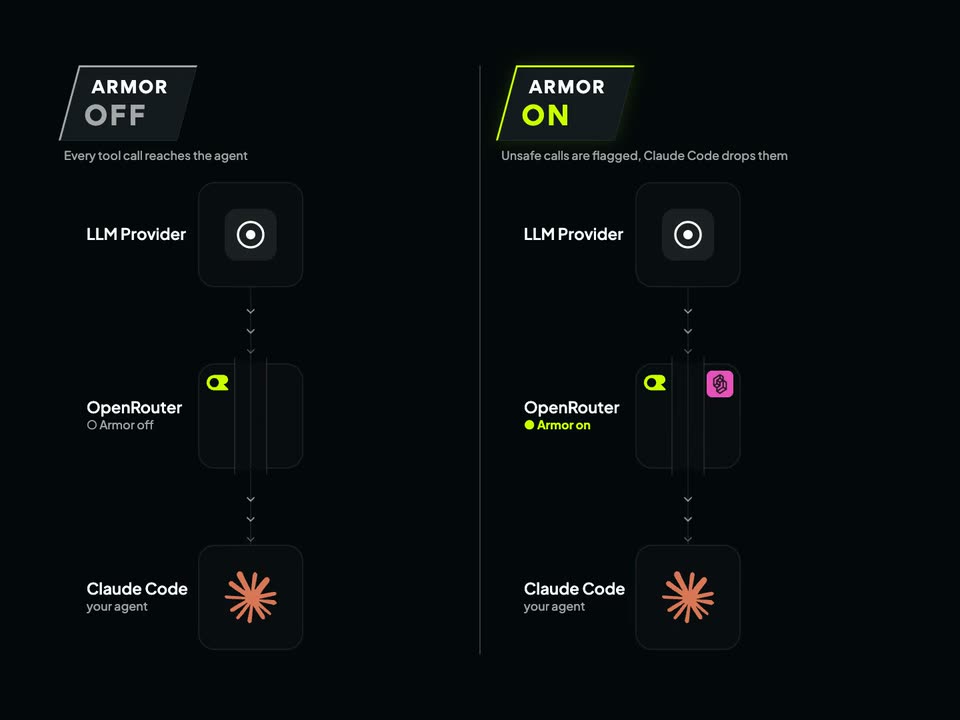
OpenRouter - Today, we are launching OpenRouter Armor in beta. Tool calls allow a
OpenRouter · Oct 2026
Factory · Oct 2026 · 0:18 · AI-annotated
Factory’s 0:18 launch film runs 5 scenes, about 3.6 s each. The product is on screen from the first frame and 1 feature is revealed. There is no explicit call to action. The video is a single feature walkthrough: a collage title card for Delegations gives way to a continuous screen recording of the settings panel, with the cursor driving a four-step configuration wizard. Motion is limited to sliding masks, panel slides, and a gentle settle, keeping the pace steady and the interface legible.
Is this your launch? to your site or press kit.
OpenRouter · Oct 2026
Judgment Labs · Nov 2026
Orior AI · AI · Oct 2026
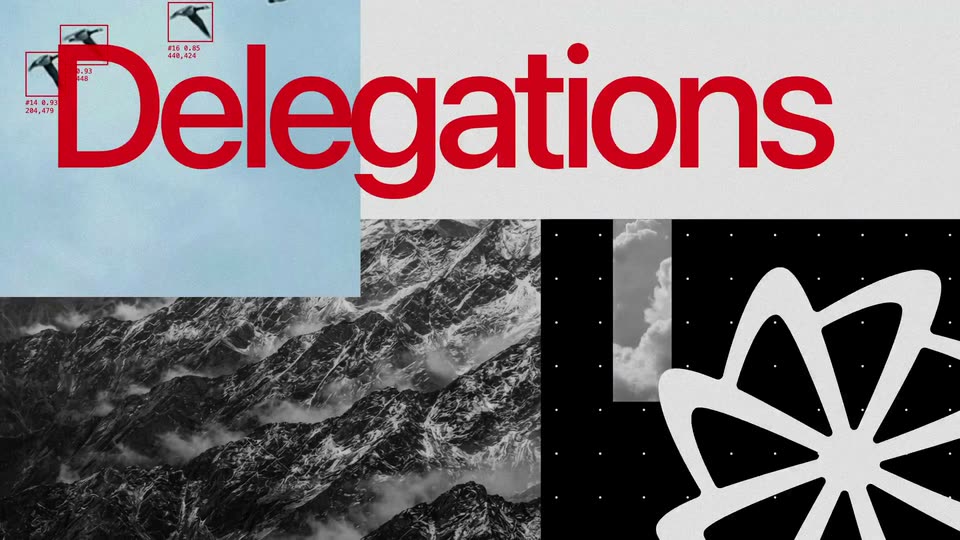
A four-panel collage of sky, river delta, mountains and a black dotted field. The red word Delegations spans the top, a white flower shape fills the corner, then the panels slide into a new arrangement revealing a dark settings panel.
On-screen text: “Delegations”
Techniques: Split screen, Kinetic type
Camera: Static
A dark settings panel sits on a crumpled paper background. White rectangular masks slide off to the left, revealing a list of integrations: Slack, Linear, and Jira, each with a category tag and a Configure button, plus a Delegation Configs section below.
Techniques: Masking
Camera: Static
A dark settings panel sits on a crumpled paper background. A cursor moves to the Edit link and clicks it, and a configuration form slides in from the left, showing name, access, and model fields with Back and Next buttons.
Techniques: Cursor demo
Camera: Static
A dark settings modal with a four-step bar fills the frame. A cursor types a custom instruction, then clicks Next through Plugins, Identity, and Compute, confirming each step. The view zooms out to the full modal, which then fades to reveal a Delegation Apps list.
Techniques: Cursor demo, UI zoom
Camera: Push in
A dark settings panel on a light textured background lists Slack, Linear, and Jira under Delegation Apps, each row with a Configure button, above a Delegation Configs section. The panel drifts down a few pixels and settles into place.
Camera: Pull out