0:42


SHIFT_Improper Payment Detection_RPNA_Video_FINAL
Shift Technology · Jan 2023
ElevenLabs · Jul 2026 · 0:28 · Full motion · AI-annotated
ElevenLabs’s 0:28 launch film runs 8 scenes, about 3.5 s each. The product is on screen from the first frame and 1 feature is revealed. The call to action lands at 0:24 (87% in), over a voiceover. The video is built as a slow walk-through: a word-by-word typographic intro, a step-by-step UI tour of the audiobook wizard, then a floating quote card that plays out the multi-cast result before a held CTA headline. Motion is restrained and consistent, with text building in, panels scaling and sliding, and the grainy gradient drifting continuously underneath.
Is this your launch? to your site or press kit.
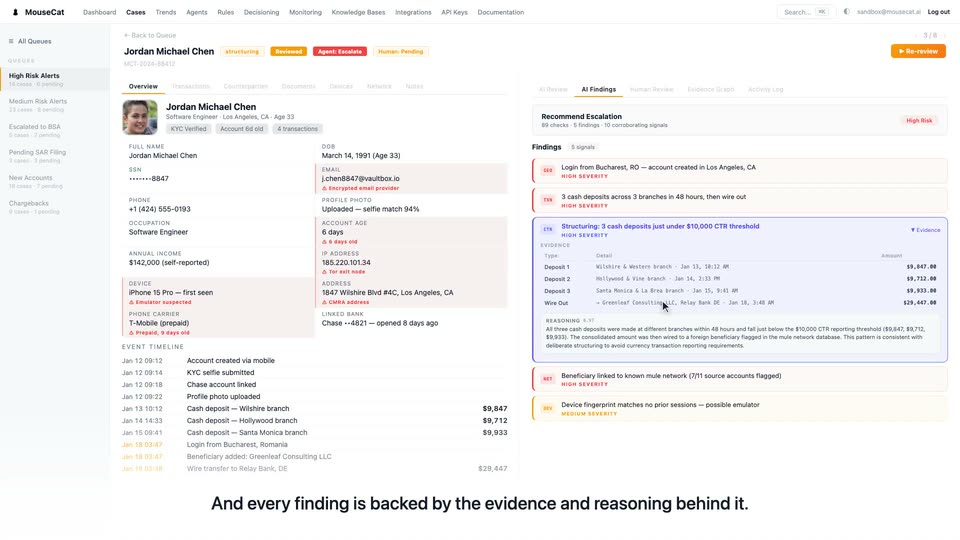
Shift Technology · Jan 2023
MouseCat · B2B · Mar 2026
OpenAI · AI · Nov 2026
Films whose music sounds like this one, voice left out
DJI · Cinematic orchestral and modern electronic
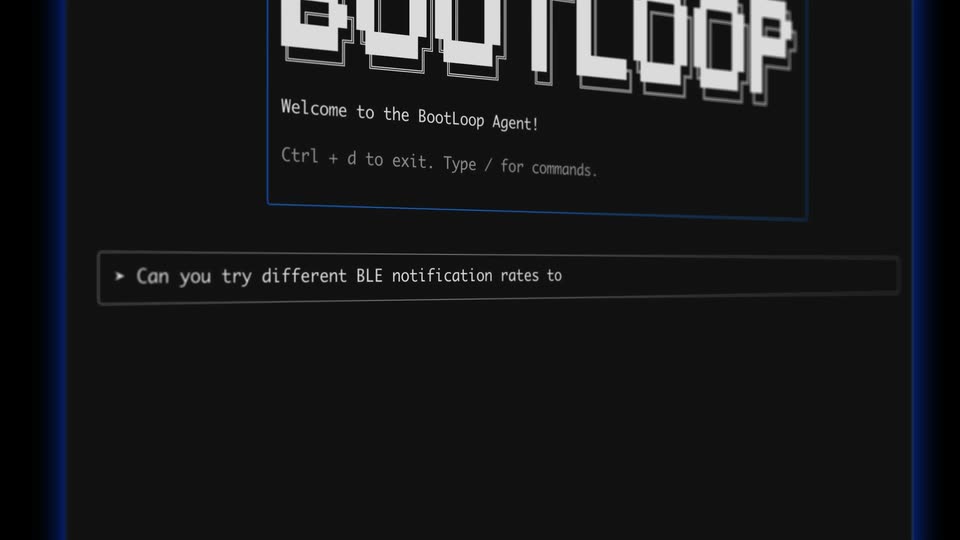
BootLoop · Cinematic electronic
Faraday · Corporate tech launch
On a grainy orange-to-pink gradient, the sentence “Introducing Character casting in Audiobooks” builds word by word in the center, then gives way to the “IIEleven Creative” wordmark, which scales in. A thin white vertical bar drops in at the end.
On-screen text: “Introducing”, “Character”, “casting”, “in”, “Audiobooks”, “IIEleven Creative”
Techniques: Kinetic type
Camera: Static
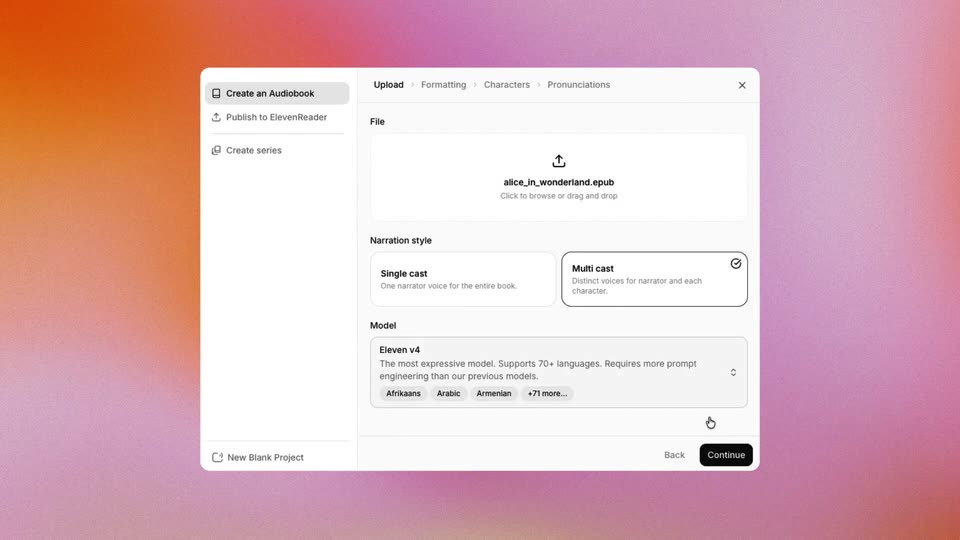
A white audiobook-creation panel sits on a grainy orange-to-pink gradient. A cursor drags an EPUB file chip into the upload box, ticks Multi cast, then clicks Continue, which starts a parsing progress bar.
Techniques: Cursor demo
Camera: Push in
A flat white product window sits on an orange-to-pink gradient. A character list with avatar dots and quoted lines fills the panel while a dropdown offering Multi cast and Single cast is open. A cursor moves and the dropdown closes, leaving the full list visible.
Techniques: Cursor demo
Camera: Static
A flat UI panel showing a pronunciation-rules list (Dinah, Lory, Croquet, waistcoat, Curiouser) sits on an orange-to-pink gradient. The whole panel scales down toward the center over the shot.
Camera: Pull out
A white card on a soft pink-orange gradient begins as a narrow panel with a vertical slider, then widens to reveal an Alice in Wonderland cover on the left and a chapter title with a name on the right.
Techniques: Morph
Camera: Static
A white rounded card floats on a soft orange-to-purple gradient. An Alice in Wonderland cover sits at left while a quote and a speaker label at right fade through three versions in sequence. The card then splits into two panels.
Camera: Static
A rounded white phone mockup holding a quote and the book title slides out of frame over a grainy pink-and-orange gradient, leaving the centered white tagline in place.
On-screen text: “I am older than you, and must”, “know better.”, “Jen Frankie – Entitled & Spoiled”, “Create your Audiobook in IlEleven Creative”
Camera: Static
A white headline reads across the center of a grainy, out-of-focus gradient of pink, orange and yellow. The color field drifts and shifts slowly while the text stays fixed and the frame remains locked off.
On-screen text: “Create your Audiobook in IlEleven Creative”
Camera: Static