1:46
Emir Atli - We raised $50M to build the First AI Revenue Agent. It runs New Busi
HockeyStack · Apr 2026
Cohere · Oct 2026 · 1:34 · AI-annotated
Cohere’s 1:34 launch film runs 26 scenes, about 3.6 s each. The product is on screen from the first frame and 4 features are revealed. There is no explicit call to action. The video alternates typed headline cards with close UI or 3D demos of single features, all floating over drifting frosted glass panels on a near-black field. Its signature moves are the word-by-word text builds, slow camera pans across glowing dark interfaces, and green beam flares that bookend the intro and outro.
Is this your launch? to your site or press kit.
HockeyStack · Apr 2026
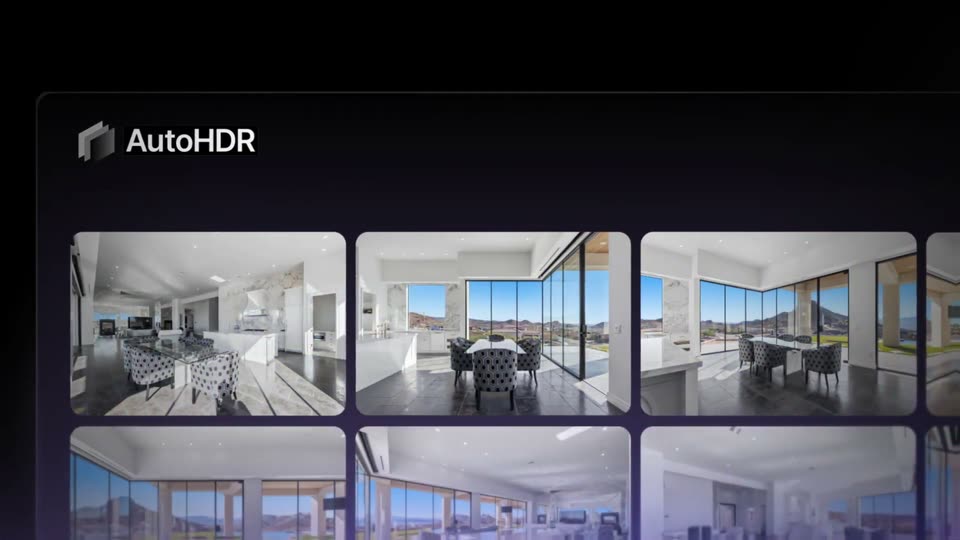
AutoHDR · Aug 2026
A black frame holds translucent keycap-like shapes along the top and bottom edges. White text builds up in the center, flickers with a chromatic glitch, then green light beams flare across the corners.
On-screen text: “Introducing North²”
Techniques: Kinetic type, Light sweep
Camera: Static
Frosted glass panels with glowing edges float above a green-lit ridged base on black. A green beam sweeps across the left as the tagline types out line by line at the lower left, ending with “without compromise.”
On-screen text: “Introducing North 2”, “Empowering enterprises”, “without compromise.”
Techniques: Light sweep, Kinetic type
Camera: Pull out
Translucent ribbed glass panels with glowing edges drift slowly across a black void. On the left, a white headline builds word by word into “Put your company’s intelligence to work.”
On-screen text: “Empowering enterprises”, “without compromise.”, “Put your company’s intelligence to work.”
Techniques: Kinetic type, Parallax
Camera: Static
A dark chat prompt sits center-left on a near-black background. The label types out to read How can I help? beside a dotted circle icon, and the placeholder Ask or create anything fills the input box below it. A large two-line headline lands in the empty top area as the scene ends.
On-screen text: “Illustrative demonstration. No real data used. Customer validation and governance are required.”, “Put your company's intelligence to work.”
Camera: Static
A dark prompt bar on a blurred blue background. A Finance Agent header and a Commercial Customer Credit Data chip pop in, then the prompt is typed word by word; the frame pans right to reveal the finished sentence and the send button.
On-screen text: “Illustrative demonstration. No real data used. Customer validation and governance are required.”
Techniques: Kinetic type
Camera: Pan
A dark chat window floats centered on a blue gradient backdrop with glowing orbs and thin light lines. The AI response types out word by word, then an application card slides in below it, and the window tilts into 3D and blurs at the end.
On-screen text: “Illustrative demonstration. No real data used. Customer validation and governance are required.”
Techniques: 3D mockup
Camera: Pull out
A dark chat panel with a prompt bubble and a response card sits left on a blurred blue gradient with horizontal light streaks and a planet edge at lower right. The panel widens to the right, its card filling the frame as a faint trailing copy dissolves.
Camera: Static
A dark chat panel on the left holds a static prompt and app card while the credit risk dashboard on the right assembles itself: stat tiles count up, a line chart and donut chart draw in, and a bar chart fills from empty to full.
Camera: Static
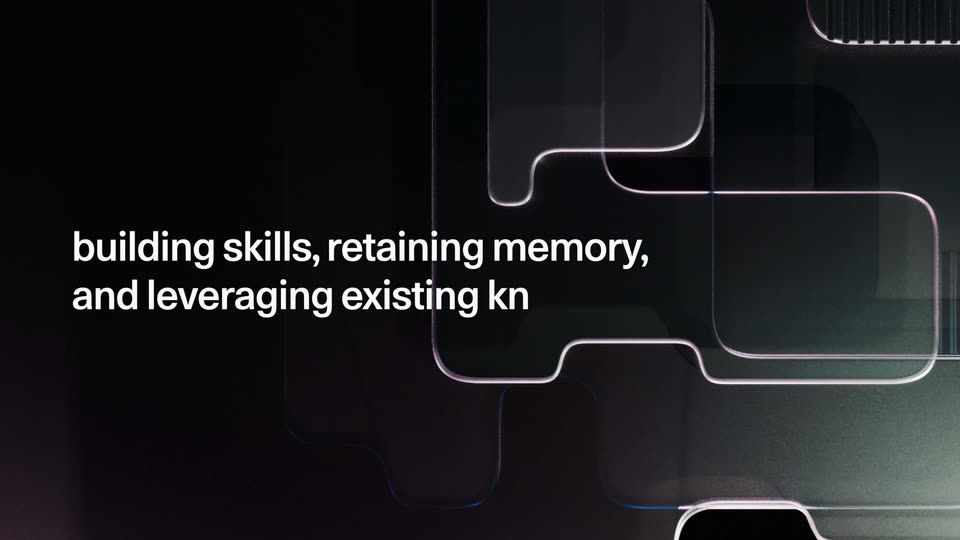
Translucent beveled glass panels drift across a black background as white text appears word by word on the left. The scene then cuts to a close-up of a dark chat input field with a soft glow.
On-screen text: “North is built to learn,”, “building skills, retaining memory,”, “and leveraging existing knowledge.”
Techniques: Kinetic type
Camera: Push in
Locked-off close-up of a dark command input. The field types /ski, a three-item skill dropdown fades in, the first item is picked and collapses into a pill chip, then a prompt line types out and the return key lights up white before the box fades.
On-screen text: “building skills, retaining memory,”, “and leveraging existing knowledge.”
Camera: Static
A dark input panel showing the placeholder “Ask anything or type @ to reference files” and a Command A+ label fills the lower frame. The camera pulls back to reveal a white dashboard card with a red bar chart on the right.
Techniques: UI zoom
Camera: Pull out
Split view of a dark AI chat panel and a light dashboard card. The dashboard, with metric tiles, line and bar charts and a donut, settles in from a zoomed-in state, then its content fades to a gray skeleton while the chat logs the update.
Techniques: UI zoom, Split screen
Camera: Pull out
A dark two-panel interface: a chat column on the left holds prompt bubbles and a generated app card, while the right panel builds a credit-risk report, its paragraphs and five stat cards filling in line by line over a soft blue gradient backdrop.
Techniques: Split screen
Camera: Static
Translucent glassy panels with glowing pink and blue edges drift and overlap on a dark background. White text types in on the left, building the line about intelligent automations from tasks.
On-screen text: “Create intelligent automations from your tasks.”
Techniques: Kinetic type, Parallax
Camera: Pull out
On a dark dotted grid, a prompt box under the heading 'What should your automation do?' fills as text types out: 'Build an automation that evaluates and reviews our commercial customers' credit risk'. The return key then flashes white.
On-screen text: “Create intelligent automations”, “from your tasks.”
Techniques: Kinetic type
Camera: Static
A dark workflow graph builds top to bottom on a blue gradient: a Risk Analysis node scales in, a connector line drops to a Generate Report node, then a Committee Decision node that branches into Approve and Decline report cards. The frame pans down to follow each new node.
Techniques: UI zoom
Camera: Static
A dark blue gradient backdrop with faint glowing lines. A black rounded pill bar sits centered, its left edge showing a white three-node icon, while the white label types in from left to right next to it.
On-screen text: “Commercial Credit Risk Assessment”
Techniques: Kinetic type
Camera: Static
A close-up of a dark command bar types a scheduling command letter by letter, then the frame pulls back to reveal the full credit-risk dashboard, a line chart, and the action buttons.
Techniques: UI zoom
Camera: Pull out
A dark two-panel interface sits over a glowing blue abstract background. On the left a chat message types itself out line by line, while the right panel's scheduling form fields appear one after another and the Friday day option highlights.
Camera: Static
Layered dark glass panels with glowing pink and teal edges drift slowly in depth on a black background. White captions type in word by word, first reading about monitor usage, then swapping to a second line about ROI and team adoption.
On-screen text: “Monitor usage down to the agent and user level.”, “Analyze ROI, automations, and team adoption.”
Techniques: Kinetic type, Parallax
Camera: Static
A dark analytics dashboard panel floats in 3D perspective over a blurred blue gradient. The camera pans right across the panel, revealing a green area chart and a blue area chart with tooltips, then tilts down to a stacked bar chart of token spend.
On-screen text: “Analyze ROl, automations,”, “and team adoption.”
Techniques: 3D mockup
Camera: Pan
On a dark teal-to-purple gradient, glowing rounded glass outlines drift slowly left across the left half. On the right, white headline text types in line by line, 'Enterprise-grade security' then 'with built-in guardrails.' The frame stays locked off.
On-screen text: “Enterprise-grade security with built-in guardrails.”
Techniques: Kinetic type, Parallax
Camera: Push in
A dark Guardrails settings card floats in 3D over a blurred blue background, rotating from a tilted angle toward a flat frontal view as its rows of detection options and green Enabled badges step into place, while a two-line headline holds still.
On-screen text: “Enterprise-grade security”, “with built-in guardrails.”
Techniques: 3D mockup
Camera: Push in
A dark settings card floats over a blurred blue gradient, its content scrolling up to reveal three policy rows, each with a green Enabled badge. Below, a PII entity types row shows three checked chips for UK passport, US passport, and US SSN. The card carries a soft white glow.
Camera: Static
A white North wordmark and circular symbol hold center over layered translucent glass panels with thin glowing edges, the panels drifting at different depths while a green beam lights the top, then a superscript 2 pops in after the word.
Techniques: Parallax
Camera: Pull out
A green-to-black gradient with soft bokeh shapes fills the frame. The white headline AI for Empowerment builds in at center, then the Cohere logo mark and wordmark fade in below it.
On-screen text: “AI for Empowerment”, “cohere”
Techniques: Kinetic type
Camera: Static