2:56

Supabase is now GA
Supabase · Developer tools · Apr 2024
Cerebras · Aug 2024 · 0:21 · AI-annotated
Cerebras’s 0:21 launch film runs 13 scenes, about 1.7 s each. The product is on screen from the first frame and 2 features are revealed. There is no explicit call to action. The video repeats one unit: a static gradient title card, a prompt typed into a frosted pill, a fast scrolling answer, and a locked token-speed badge, then closes on the logo. Hold the cards still for about a second, let typing and cross-fading scrolls carry the motion, and reuse the orange badge as the recurring proof point.
Is this your launch? to your site or press kit.
Supabase · Developer tools · Apr 2024
Shopify · Business software · Oct 2026
Riverside · Apr 2024
A soft gradient background runs from dark blue at the top to warm orange at the lower left. White sans-serif text reading “Cerebras Inference makes AI instant” sits centered and holds static for the full shot.
On-screen text: “Cerebras Inference makes AI instant”
Camera: Static
A blurred orange-to-navy gradient holds the Cerebras inference logo above a frosted pill input field, where the prompt “How do I create a website from scratch?” types out character by character, then the tagline “makes AI instant” appears.
On-screen text: “makes AI instant”
Techniques: Kinetic type
Camera: Static
An assistant's step-by-step website guide fills a chat window, its text cross-fading and scrolling so the early steps ghost out while the final steps and tips settle into a clean list; the user query and model name remain locked at the top.
Camera: Static
A blurred sheet of horizontal lines scrolls vertically behind a centered orange-to-red gradient pill. The pill holds a white lightning icon and two lines of white text stating the token speed and model name, locked in place.
On-screen text: “1,837 tokens/sec”, “on Llama-3.1-8B”
Camera: Static
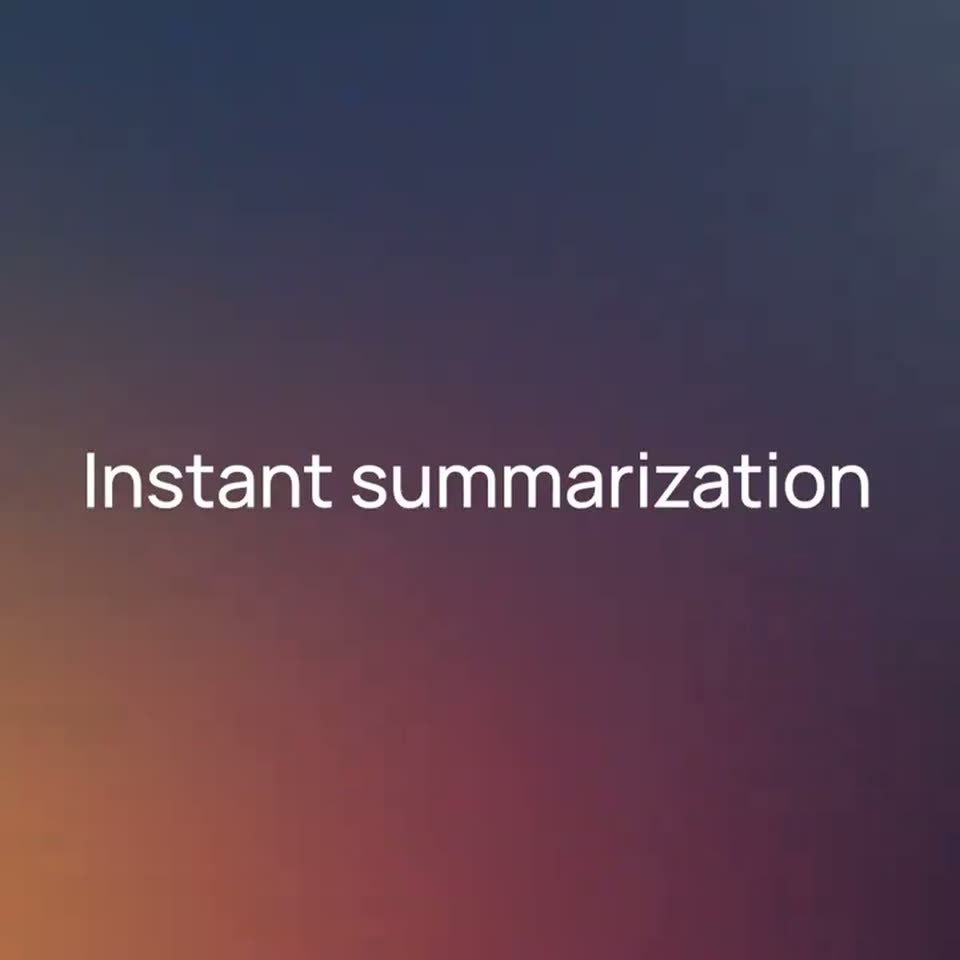
A soft vertical gradient runs from deep blue at the top to warm orange at the lower left. Centered on it, the white headline “Instant summarization” holds a static frame, accompanied by the small stat lines “1,837 tokens/sec” and “on Llama-3.1-8B”.
On-screen text: “Instant summarization”, “1,837 tokens/sec”, “on Llama-3.1-8B”
Camera: Static
On a soft orange-to-indigo gradient, the white cerebras inference logo sits centered above a frosted pill input field. A prompt line fades and slides into the field, ending bright beside a send arrow at the right.
On-screen text: “Instant summarization”, “Explain war and peace in one page”
Camera: Static
A generated one-page essay on War and Peace fills the frame in a light document view. A small gray prompt line, “Explain war and peace in one page,” slides in at the top left and clears as the page settles.
On-screen text: “Explain war and peace in one page”
Camera: Static
A rounded orange-to-red gradient pill with a white lightning icon and the stat text appears centered over a blurred field of horizontal gray lines, then holds on a locked-off frame.
On-screen text: “1,832 tokens/sec”, “on Llama-3.1-8B”
Camera: Static
A white headline, “Instant code generation”, sits centered on a soft gradient that runs from dark blue at the top to warm orange at the lower left. The frame is locked off and the type holds perfectly still for the full shot.
On-screen text: “Instant code generation”
Camera: Static
A blurred gradient backdrop with an orange glow holds the white cerebras inference logo above a frosted pill-shaped input field. The prompt Write the snake game in rust brightens from gray to white beside a paper-plane send icon.
On-screen text: “Instant code generation”
Camera: Static
A locked-off code editor shows Rust source for a snake game, with a short explanatory paragraph and a Cargo.toml snippet below. The panel opens as a double-exposure that resolves into a clean frame, while static captions carry the model name and the user prompt.
On-screen text: “cerebras”, “inference”, “Write the snake game in rust”
Camera: Pull out
A code editor showing generated Rust code fills the frame. A centered salmon gradient pill with a white lightning icon and a throughput stat sits on top. The code blurs into abstract gray lines over the first second while the badge stays sharp and locked.
On-screen text: “1,837 tokens/sec”, “on Llama-3.1-8B”
Camera: Static
The Cerebras inference wordmark with its orange arc mark holds on a dusk blue-to-orange gradient. The tagline Instant AI fades in beneath it, then the whole lockup dims and fades out as a sign-off.
On-screen text: “Instant AI”
Camera: Static