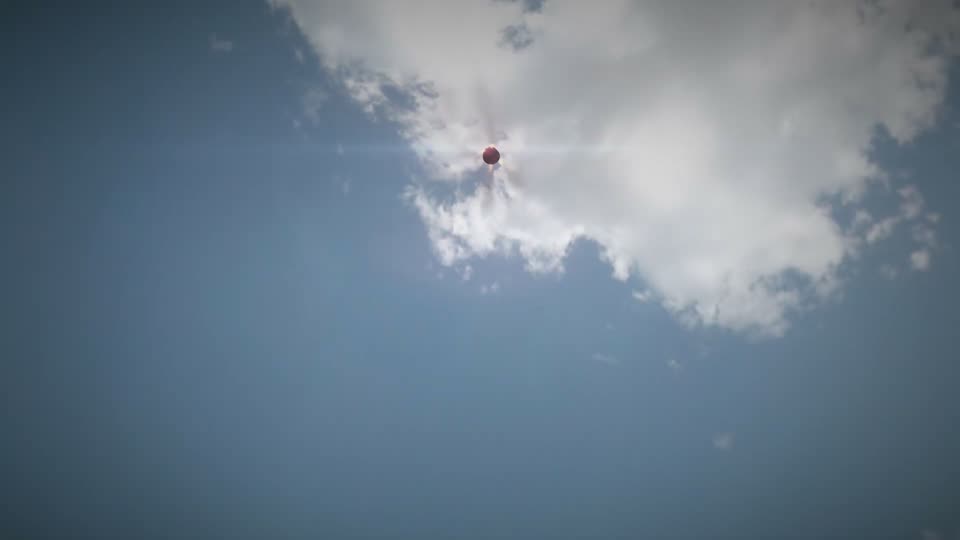
0:41
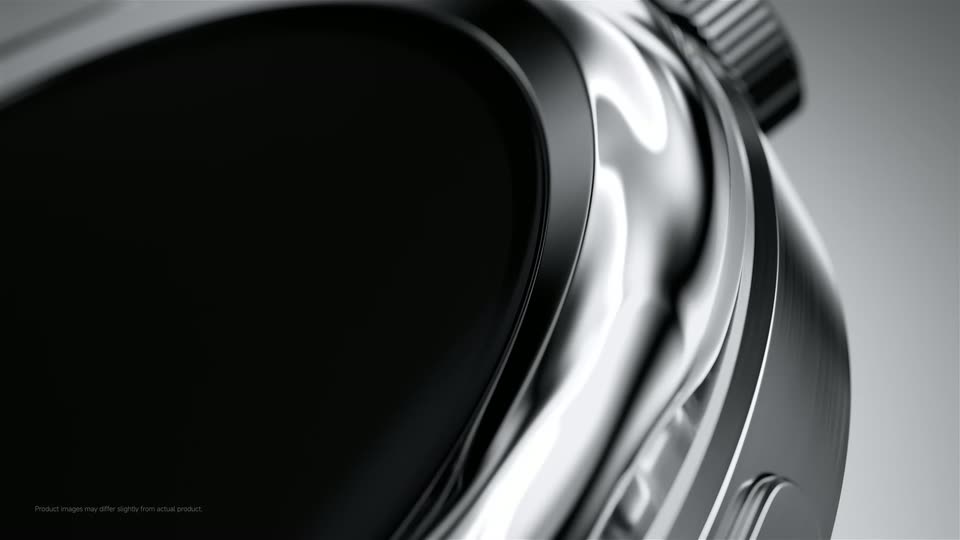

Design | Xiaomi Watch S4
Xiaomi · Mar 2025
Samsung · Feb 2026 · 1:00 · Full motion · AI-annotated
Samsung’s 1:00 launch film runs 26 scenes, about 2.3 s each. The product shows up at 0:55. There is no explicit call to action; a voiceover carries the film. The video is a single continuous 3D design reveal that opens on a black rim-lit silhouette, drifts through bright multi-colorway showcases, and closes on the product name and brand logo. Its signature moves are slow orbital camera passes around the device, rim-light edge tracing, and fog wipes between colorways.
Is this your launch? to your site or press kit.
Xiaomi · Mar 2025
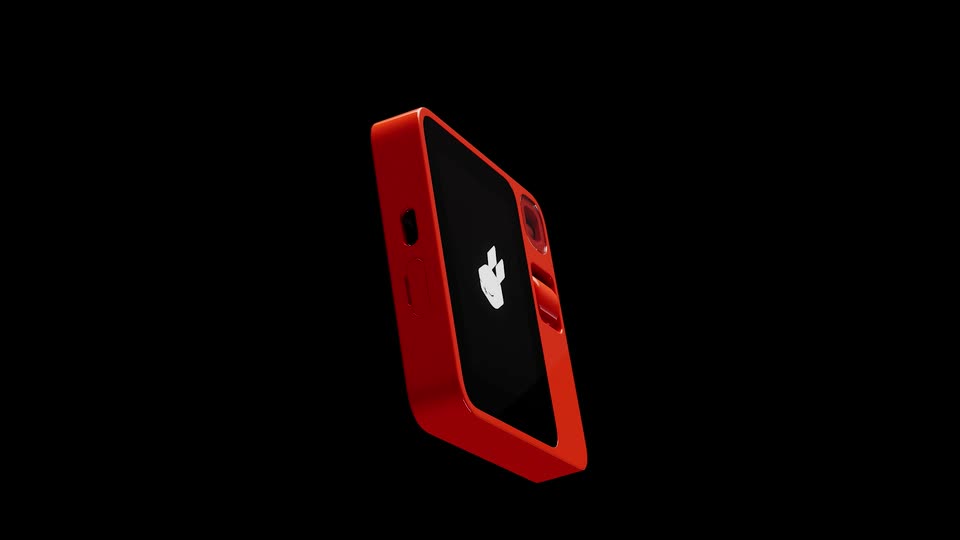
Rabbit · Hardware · Apr 2026
Films whose music sounds like this one, voice left out
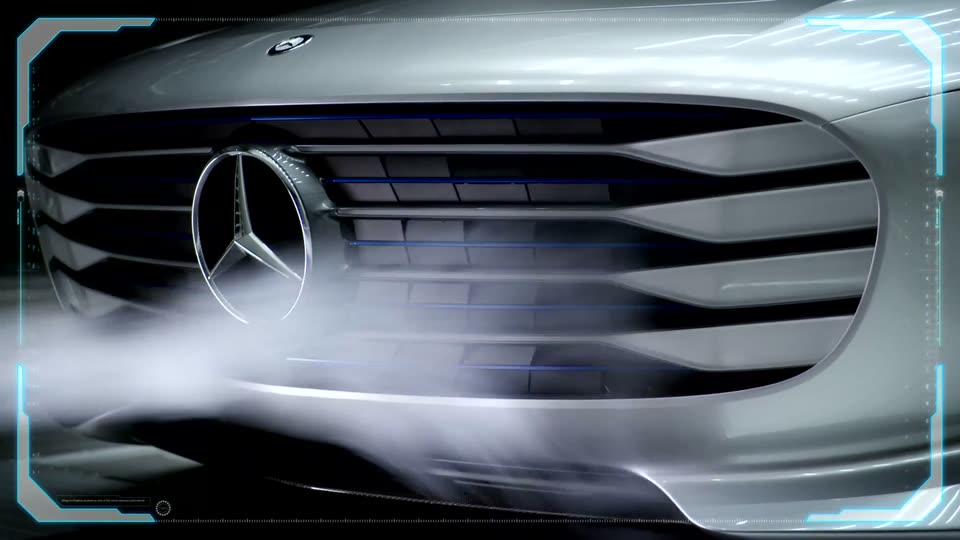
Mercedes-Benz · Cinematic trailer music, hybrid electronic
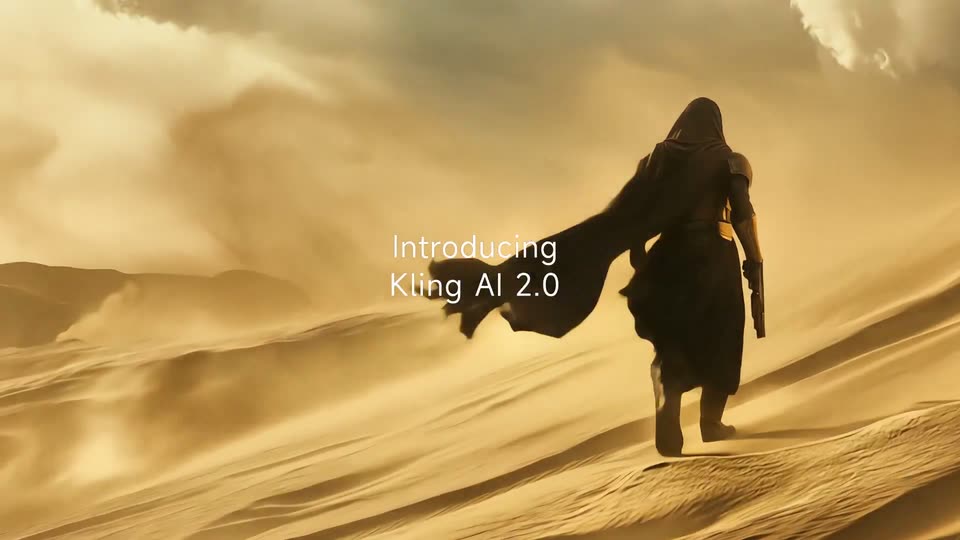
Kling AI · Cinematic trailer music
SpaceX · Electronic, Cinematic Rock
A black frame holds a small gray footnote in the lower left corner. Toward the end, a faint phone silhouette with two circular camera lenses slowly fades into view at center-left, barely lit against the dark.
On-screen text: “*Image simulated.”
Camera: Static
A black smartphone back emerges from darkness, its rounded frame and three stacked camera lenses traced by thin rim light. The device stays centered and still while the outline gains slight definition. A small disclaimer remains in the lower left corner.
On-screen text: “*Image simulated.”
Camera: Static
A black phone back sits centered in darkness, its edge and three large camera lenses traced by a thin rim light. The frame holds still as the silhouette sharpens against the void.
On-screen text: “*Image simulated.”
Camera: Static
A black phone back sits centered on a black field, its triple-lens camera module and two smaller rings traced by a faint rim light along the left edge. The frame is locked off and still.
On-screen text: “*Image simulated.”
Camera: Static
A phone back with three camera lenses sits in near-total darkness, its curved edge traced by a thin bright rim of light. The camera slides along the silhouette, revealing the glowing arc against black.
On-screen text: “1”
Techniques: 3D mockup, Light sweep
Camera: Static
Thin glowing white and blue light lines trace a curved arch on a black field, the bundle slowly rotating while the right tail extends outward. A small gray disclaimer reads *Image simulated. in the lower-left corner.
On-screen text: “*Image simulated.”
Camera: Static
Three glowing rounded device edges stack vertically on black and slide together, merging into a single 3D corner as the background fades to dark gray and a faint diagonal seam appears behind it.
On-screen text: “*Image simulated.”
Techniques: Morph, 3D mockup
Camera: Pull out
A rounded gray device edge rises from the bottom of a pale lavender gradient. A horizontal band of floating 3D hardware, a keyboard, a tablet and abstract components, then fills the middle of the frame in monochrome.
On-screen text: “*Image simulated.”
Techniques: 3D mockup
Camera: Static
A dark tablet sits edge-on in 3D on a pale gradient backdrop. Its internal layers, a battery and a circuit board, begin spread apart and slide together until they form a thin closed profile. The frame stays locked off.
On-screen text: “*Image simulated.”
Techniques: 3D mockup
Camera: Pull out
A pale lavender frame with three circular cutouts floats in 3D perspective on a plain off-white background. The part is angled diagonally across the frame and rotates gently as the camera drifts around it, revealing its beveled edges and depth.
On-screen text: “*Image simulated.”
Techniques: 3D mockup
Camera: Push in
A 3D render of a lavender phone's rear camera module in angled close-up. A translucent glass band slides across the four black lenses and fades away, revealing the module in a locked-off shot.
On-screen text: “*Image simulated.”
Techniques: 3D mockup
Camera: Static
An extreme close-up of the camera lenses pulls back to the full back of a lavender phone, then zooms in again before the device tips over and vanishes into white fog.
On-screen text: “*Image simulated.”
Techniques: 3D mockup
Camera: Pull out
A white tablet in 3D perspective hovers above drifting clouds. The fog thins to reveal its rounded corner and a set of concentric rings on the surface as the device settles into a clear, tilted angle.
On-screen text: “*Image simulated.”
Techniques: 3D mockup
Camera: Static
A white smartphone floats against a soft, cloudy sky, slowly turning in 3D to reveal its triple camera module. The view orbits the device from a low angle, and the lenses sharpen as the rotation settles.
On-screen text: “*Image simulated.”
Techniques: 3D mockup
Camera: Static
A white phone's camera array fills the frame in extreme close-up, its black lenses and silver rings catching the light. The camera slowly orbits the device, drifting past the side buttons and the curved lens hoods against a plain white backdrop.
On-screen text: “*Image simulated.”
Techniques: 3D mockup
Camera: Static
A white stylus and a white cable float on a pale blue-to-cream gradient. The stylus tilts from vertical to a diagonal while the cable swings into a slanted line, the view reframing to a closer angle.
On-screen text: “*Image simulated.”
Techniques: 3D mockup
Camera: Static
A macro shot of a silver phone's bottom edge shows a white USB-C plug withdrawing from the port, then the camera pulls back and the light-blue phone rotates to reveal its back and triple-lens camera array.
On-screen text: “*Image simulated.”
Techniques: 3D mockup
Camera: Pull out
A light blue smartphone rotates on its vertical axis against a plain off-white background, swinging from the triple-lens back to the thin side edge and then to the dark front screen. A small disclaimer caption sits in the lower left corner.
On-screen text: “*Image simulated.”
Techniques: 3D mockup
Camera: Static
A smartphone stands front-on on a plain light gray field, its screen showing a blue and beige S-shaped wallpaper. The device rotates in 3D to the right, exposing the side buttons, while the display dims to a dark blue.
On-screen text: “*Image simulated.”
Techniques: 3D mockup
Camera: Static
A light blue smartphone rotates in 3D on a plain gray background, turning from a side profile to a back view. The camera cluster and the Samsung logo come into view as the device spins.
On-screen text: “*Image simulated.”
Techniques: 3D mockup
Camera: Static
A lavender phone back tilts in 3D against a plain light background, rotating to bring a vertical triple-lens camera module into full view. A smaller white phone sits upright behind it at the start.
On-screen text: “*Image simulated.”
Techniques: 3D mockup
Camera: Pull out
A white smartphone turns slowly in 3D on a pale gray background. A clear glass back panel detaches from the rear and swings off to the right, leaving the vertical triple-lens camera and flash exposed.
On-screen text: “*Image simulated.”
Techniques: 3D mockup
Camera: Pull out
Three smartphones in purple, black, and white stand in a row on a pale gray backdrop, rotating in 3D to show their camera backs, side frames, and front screens. A small disclaimer sits in the lower left corner.
On-screen text: “*Image simulated.”
Techniques: 3D mockup
Camera: Static
Three Samsung phones in purple, blue and white stand on a pale background, backs facing the camera. The shot pushes in from a wide view to a close-up of the triple camera modules, revealing the embossed SAMSUNG wordmark on the blue body.
On-screen text: “*Image simulated.”
Techniques: 3D mockup
Camera: Push in
White bold sans-serif text reading “Galaxy S26 Series” sits centered on a plain black background. The frame stays locked off and the type holds still for the entire shot.
On-screen text: “Galaxy S26 Series”
Camera: Static
The white SAMSUNG wordmark sits centered on a black background, held perfectly still for the whole clip as a sign-off.
On-screen text: “SAMSUNG”
Camera: Static