0:23

Astor | Personal Investing Agent - Astor got a lot better in September. Here's everything we shipped, in
Astor · Fintech · Oct 2026
reMarkable · Nov 2020 · 1:12 · AI-annotated
reMarkable’s 1:12 launch film runs 20 scenes, about 3.6 s each. The product is on screen from the first frame and 6 features are revealed. The call to action lands at 0:58 (81% in), over a voiceover. A launch film built as a chain of single-caption feature beats: a rim-lit 3D reveal on black, then alternating macro product shots and locked-off live-action sketching demos, each feature announced by one line of white text. Near-black backgrounds, shallow depth of field, slow pushes and focus pulls, and clean light sans-serif captions define the restrained, premium style.
Is this your launch? to your site or press kit.
Films whose music sounds like this one, voice left out
Rive · Electronic
SpaceX · Cinematic Electronic
Qantum · Modern electronic corporate background
A black screen holds a faint thin vertical line at center while a line of white text fades in at the bottom, reading “Introducing Marker Plus.” The motion is slow and minimal, just the caption appearing.
On-screen text: “Introducing Marker Plus.”
Techniques: Kinetic type
Camera: Static
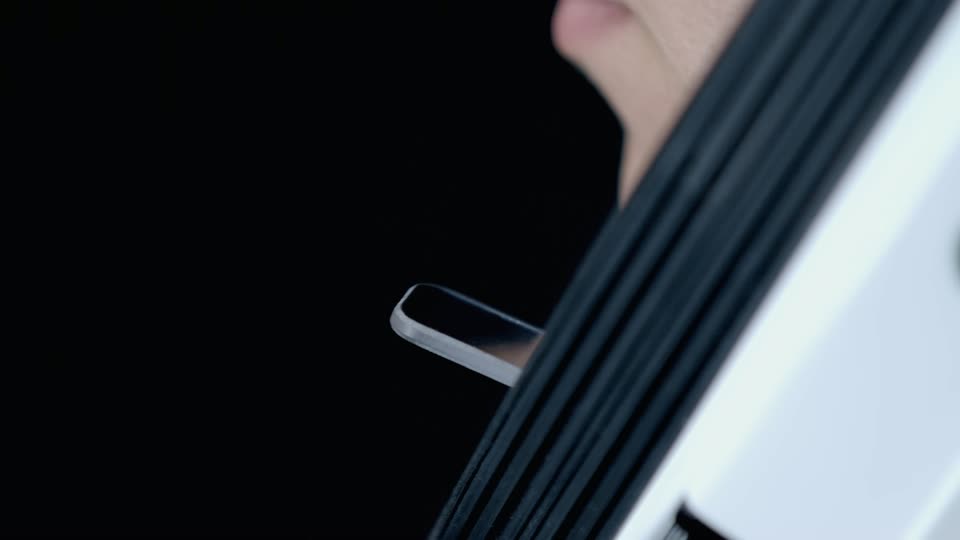
A black stylus stands vertically in the center of a near-black background, its edges traced by rim light. The camera slowly pushes in toward the top, revealing the reMarkable wordmark and a side button, while white captions appear at the bottom.
On-screen text: “Introducing Marker Plus.”, “An unrivaled digital writing instrument”, “with a built-in eraser.”
Techniques: 3D mockup, Light sweep
Camera: Static
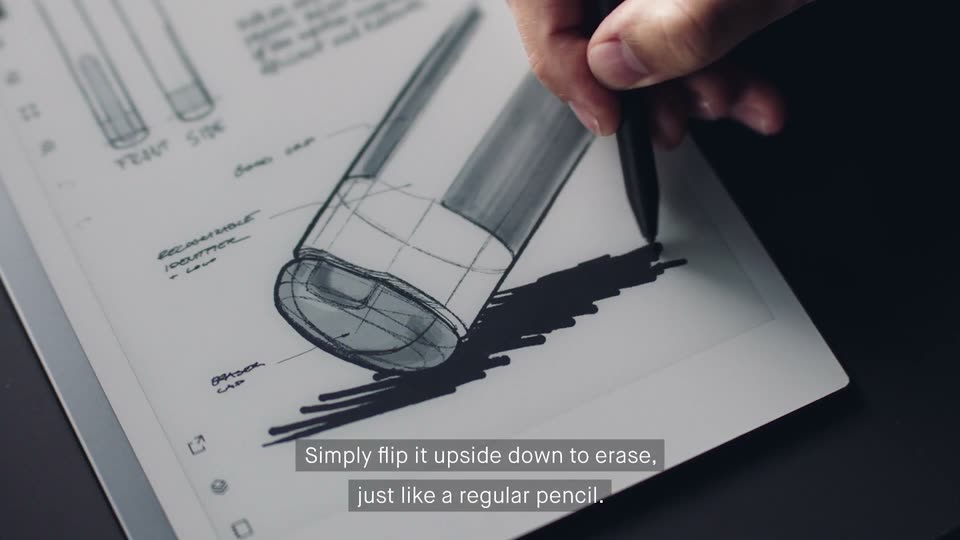
Close-up of a hand holding a black stylus upside down, rubbing the eraser end across a black scribble on a tablet that shows a technical pen sketch. The hand moves the eraser over the ink marks while white subtitles at the bottom explain the motion.
On-screen text: “An unrivaled digital writing instrument”, “with a built-in eraser.”, “Simply flip it upside down to erase,”, “just like a regular pencil.”
Camera: Static
A hand flips a black stylus end over end and rubs the reversed tip across a tablet sketch to erase a stroke. A dark Wacom case rests at the left edge. High-angle close-up, steady framing.
On-screen text: “Simply flip it upside down to erase,”, “just like a regular pencil.”
Camera: Static
A hand holds a black stylus upside down, its brushed-metal eraser end dragging across a chair sketch on a tablet to wipe out a dark stroke. The hand lifts away, the line gone. White captions sit at the bottom.
On-screen text: “Simply flip it upside down to erase,”, “just like a regular pencil.”
Camera: Push in
Extreme macro of a tablet's matte black edge on a dark surface, the corner and a small side label held in shallow focus. A slow focus pull and slight truck sharpen the textured metal as a white caption sits at the bottom.
On-screen text: “With a custom textured, matte black finish, and just the right friction,”
Camera: Static
Close-up of a hand writing GOOD GRIP with a black pen on a stylus sketch, shallow focus on the pen tip, locked-off camera. Bottom captions describe the textured matte black finish and the balanced writing experience.
On-screen text: “With a custom textured, matte black finish, and just the right friction,”, “reMarkabk”, “Marker Plus is designed to deliver a perfectly balanced writing experience.”
Camera: Static
Locked-off top-down shot of a hand holding a black stylus, sketching a device on a white tablet screen, with a dark embossed folio lying to the left on a dark desk. White captions sit at the bottom of the frame.
On-screen text: “Marker Plus is designed to deliver a”, “perfectly balanced writing experience.”
Camera: Static
A hand holds a dark stylus over a tablet lying on a gray desk, adding fine hatching lines to a technical sketch on screen. The shot stays locked-off from a high angle while a two-line caption sits at the bottom.
On-screen text: “Marker Plus is designed to deliver a perfectly balanced writing experience.”
Camera: Static
Close-up of a hand holding a dark stylus, shading the back of a chair sketch on a white tablet. The pen makes short strokes over the drawing while the frame stays locked with shallow depth of field, and a subtitle sits at the bottom.
On-screen text: “Incredibly low latency, and thousands”, “of levels of pressure sensitivity,”
Camera: Static
A hand holds a stylus and shades a pen sketch on a tablet screen, beside a closed dark Wacom case, from a locked-off high angle. Subtitles run along the bottom while the drawing strokes build up on the page.
On-screen text: “Incredibly low latency, and thousands of levels of pressure sensitivity,”
Camera: Static
A hand holds a black stylus over a white tablet, sketching a vehicle design. A vertical ruler graphic with a rising white fill bar sits left of the pen tip, tracking pressure. The hand draws a short dark stroke as the bar climbs.
On-screen text: “Incredibly low latency, and thousands”, “of levels of pressure sensitivity,”
Camera: Static
Close-up of a hand holding a black stylus, sketching on a white tablet covered in drawings and notes. A vertical ruler with a white bar sits at the center of the frame. The camera is locked off, and the hand moves slowly. The caption is static at the bottom.
On-screen text: “Incredibly low latency, and thousands”, “of levels of pressure sensitivity,”
Camera: Static
Locked-off overhead shot: a hand shades a car sketch on a tablet with a black stylus, adding dark strokes to the body, while a closed black Wacom tablet rests beside it on a dark desk. A static white caption sits at the bottom.
On-screen text: “give pencil strokes a familiar,”, “paper-like feel.”
Camera: Static
Close-up of a hand shading a gray panel of a vehicle sketch on a tablet with a black stylus. A white angle arc with a live degree count tracks the pen tip as the tilt changes. A static caption at the bottom explains the feature.
On-screen text: “Tilting allows you to shade,”, “or sketch with broader lines.”
Camera: Static
Close-up of a hand holding a black stylus over a white tablet, sketching a bottle. The hand lifts the pen and slides it toward the tablet edge as a bottom caption explains the magnetic snap.
On-screen text: “Tilting allows you to shade, or sketch with broader lines.”, “The Marker Plus snaps magnetically into place.”
Camera: Static
A hand holds the stylus over a tablet showing pencil sketches of the pen, then slides it along the tablet's right edge and snaps it into place. The tablet rests on a dark surface, and a white caption sits at the bottom center.
On-screen text: “The Marker Plus snaps magnetically into place.”
Camera: Static
Macro shot of a black stylus resting on a dark table, the white corner of a tablet behind it. Focus pulls from soft to sharp, resolving the engraved logo on the pen's body. A small caption holds at the bottom of the frame.
On-screen text: “No charging, or setup required.”
Camera: Static
A black stylus floats in a dark void, rotating to show its side button and engraved logo, then flipping end over end to reveal the tip and settling upright. White captions sit centered at the bottom of the frame.
On-screen text: “Get the most out of reMarkable 2,”, “with Marker Plus.”, “No charging, or setup required.”
Techniques: 3D mockup
Camera: Static
The white reMarkable wordmark fades in from black at center, then a smaller URL line fades in beneath it. The lockup holds steady for a few seconds, then both lines fade out to black.
On-screen text: “with Marker Plus.”, “Learn more at remarkable.com”
Camera: Static