0:59
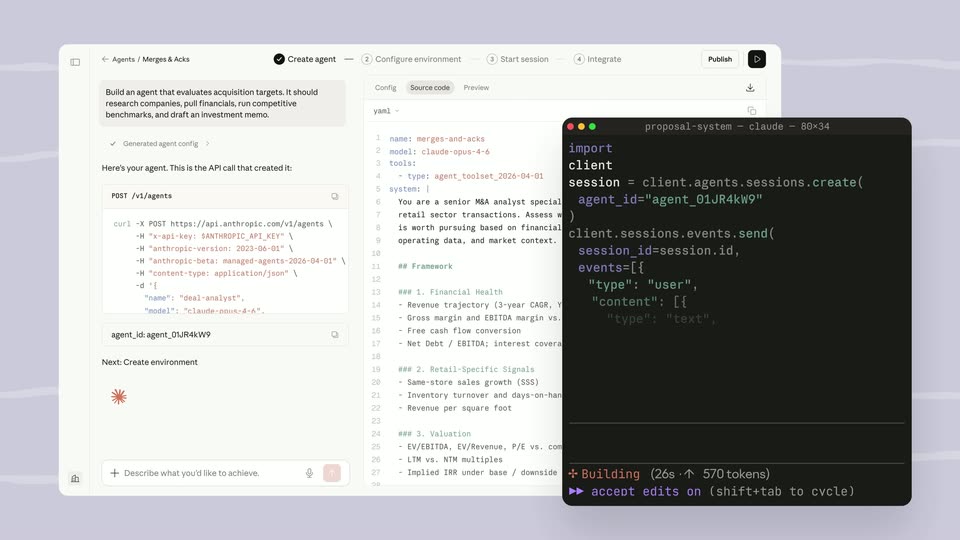

Introducing Claude Managed Agents
Anthropic · AI · Apr 2026
Perplexity · Oct 2023 · 1:10 · AI-annotated
Perplexity’s 1:10 launch film runs 19 scenes, about 3.7 s each. The product shows up at 0:07 and 3 features are revealed. The call to action lands at 1:06 (94% in), over a voiceover. The video opens on a moody montage of three typed user prompts, then cuts to flat white app windows floating over photographic backdrops where a hand cursor runs the Co-Pilot demos, and closes on a 3D fan of desktop and phone mockups before a line-art logo and URL. Its signature moves are the type-on captions, the UI panels that drift and zoom over real-world photos, and the jump from 2D flat screens to a tilted 3D constellation of devices.
Is this your launch? to your site or press kit.
Anthropic · AI · Apr 2026
Aside · Consumer · Nov 2026
Motionfly · Oct 2026
Films whose music sounds like this one, voice left out
Synthio Labs · Modern electronic with orchestral elements
Tutor Intelligence · Modern electronic
Voquill · Cinematic Corporate Tech
Black-and-white profile of a person wearing over-ear headphones, rim-lit by a bright light at left, looking down past a studio microphone. The caption builds word by word across the center of the frame while the subject stays nearly still.
On-screen text: “Help me buy headphones”
Techniques: Kinetic type
Camera: Pull out
A blurred macro shot of a newspaper fills the frame, an orange panel on the left and a blue headline fragment on the right. A thin white line of text types out across the center while the print stays out of focus.
On-screen text: “Give me a summary of today's top news stories”
Techniques: Kinetic type
Camera: Pull out
Two people sit on a wooden pier facing a calm sea beneath a pine branch, while a dark gray line of text types in across the sky. A translucent Perplexity interface then fades in over the scene, its search box echoing the typed prompt.
On-screen text: “Help me plan a trip to Kyoto, Japan”
Techniques: Kinetic type
Camera: Pull out
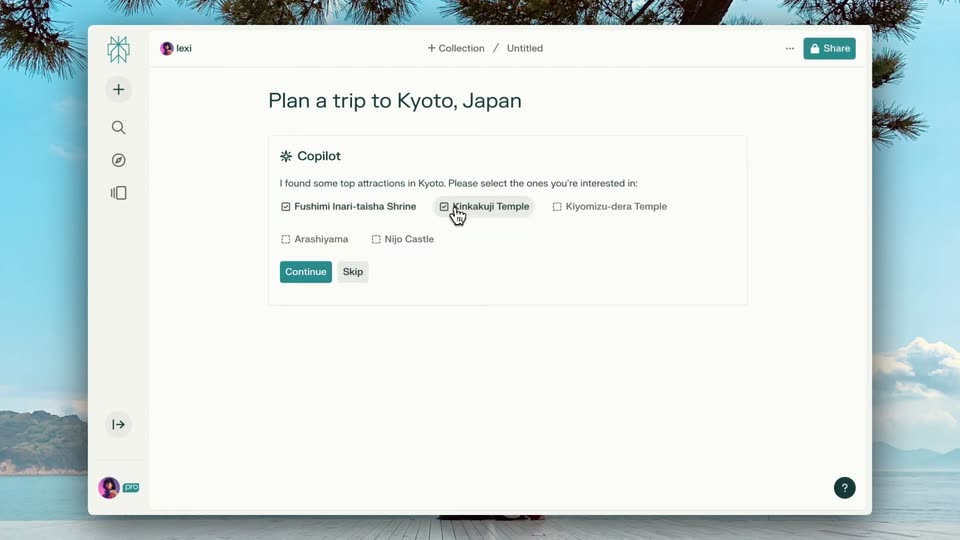
A flat app window floats over a lakeside photo. A cursor flips the Copilot toggle, submits the Kyoto trip query, types
Techniques: Cursor demo
Camera: Pan
A flat white chat panel floats over a coastal photo as the AI answer streams in. The Top Attractions list scrolls up, adding numbered items, while a hand cursor hovers over the text.
Techniques: Kinetic type
Camera: Static
A white product panel fades in over a blurred nature backdrop, its ghosted labels settling into a clean layout with a reading response, search chips, and a grid of source cards. A hand cursor hovers over the first source card.
Techniques: Cursor demo
Camera: Push in
A blank white browser window fills the frame over a photographic backdrop of pine trees and coastal water. A hand cursor rests at the center of the empty page, and a thin horizontal line appears near the top right edge.
Techniques: Cursor demo
Camera: Static
A travel blog article page in a flat browser window, set against a beach with pine branches, scrolls down from the cherry blossom headline and pagoda photo to the Philosopher's Path section. A hand cursor hovers over the content as it moves.
Techniques: Cursor demo
Camera: Pull out
A heavily defocused silhouette of a person in profile fills the frame against a gray backdrop with a bright light on the left. The line “Not what you're looking for?” fades in centered and holds still on a locked-off frame.
On-screen text: “Not what you're looking for?”
Camera: Static
A white note-app window sits centered on a dark desk backdrop, a faint caption reading 'Not what you're looking for?' floating over the article. The view zooms in as the cursor opens the Rewrite menu, picks Copilot, and the page switches to a guided budget question.
On-screen text: “Not what you're looking for?”
Techniques: UI zoom, Cursor demo
Camera: Static
A white Perplexity window on a dark studio set: the cursor checks the $100 - $200 budget box, clicks Continue, and the view scrolls past search chips, source cards, and a headphone answer. It ends on a mint backdrop with a dark 'Where knowledge begins' screen and a phone view.
Techniques: Cursor demo, Split screen
Camera: Static
A dark Copilot search window, tilted in 3D, sits centered on a mint background with a white cursor in the search bar. The bar then swaps to a Copilot option. Phone mockups slide in at the left and right edges, showing a news thread and a meal plan.
Techniques: 3D mockup, Cursor demo
Camera: Pan
A dark Perplexity panel floats center in 3D perspective on a teal field, flanked by angled app screens. A white cursor taps the Copilot button on the Where knowledge begins view, which scrolls up to the answer state.
Techniques: 3D mockup, Cursor demo
Camera: Pan
Three Perplexity UI mockups, a desktop window and a phone, float and scale in 3D over a pale teal background. The bottom window drifts forward to reveal an answer panel and a row of source cards.
Techniques: 3D mockup, Parallax, UI zoom
Camera: Pan
Three phone mockups sit in 3D perspective on a teal field, each showing a dark assistant screen. The left list builds step by step, the center pane scrolls a reading plan, the right pane holds a news summary. A white cursor rests at the right edge.
Techniques: 3D mockup
Camera: Pan
A dark answer panel listing a week-by-week reading plan, beside a dark task sidebar, scrolls up and out of the frame over a plain mint background, ending on a thin gray band.
Camera: Pan
A teal line-art starburst logo sits centered on a near-black background. Below it, the URL www.pplx.ai types out letter by letter in light gray.
On-screen text: “www.pplx.ai”
Techniques: Kinetic type
Camera: Static
A cyan wireframe starburst logo rotates slowly at the center of a near-black frame, its hexagonal outline shifting as it turns. A white URL sits below it, held static.
On-screen text: “www.pplx.ai”
Camera: Static
A teal angular star logo and the URL www.pplx.ai sit centered on a black background, then both fade out to black. The frame stays locked off throughout the sign-off.
On-screen text: “www.pplx.ai”
Camera: Static