1:30
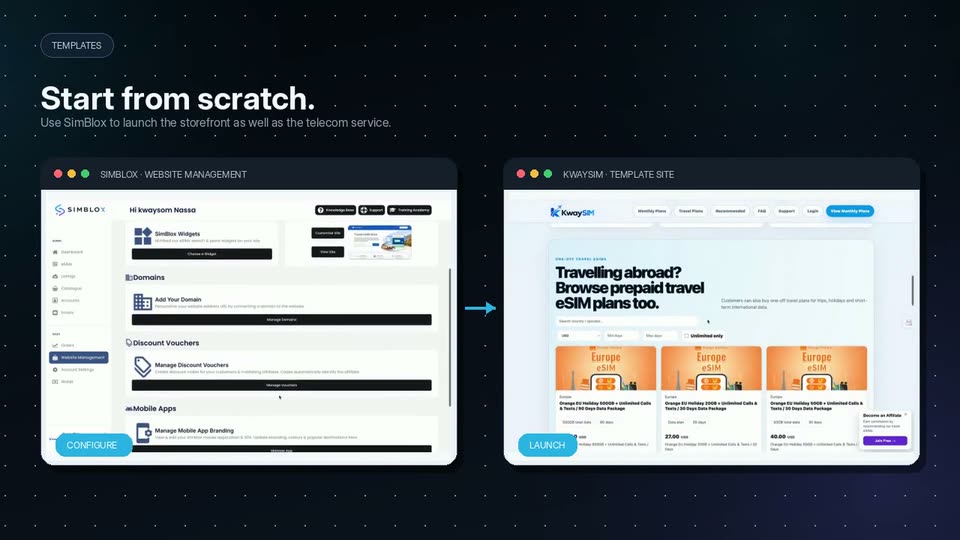
Introducing SimBlox V2.0!
SimBlox · Business software · Oct 2026
OpenAI · Sep 2026 · 0:15 · AI-annotated
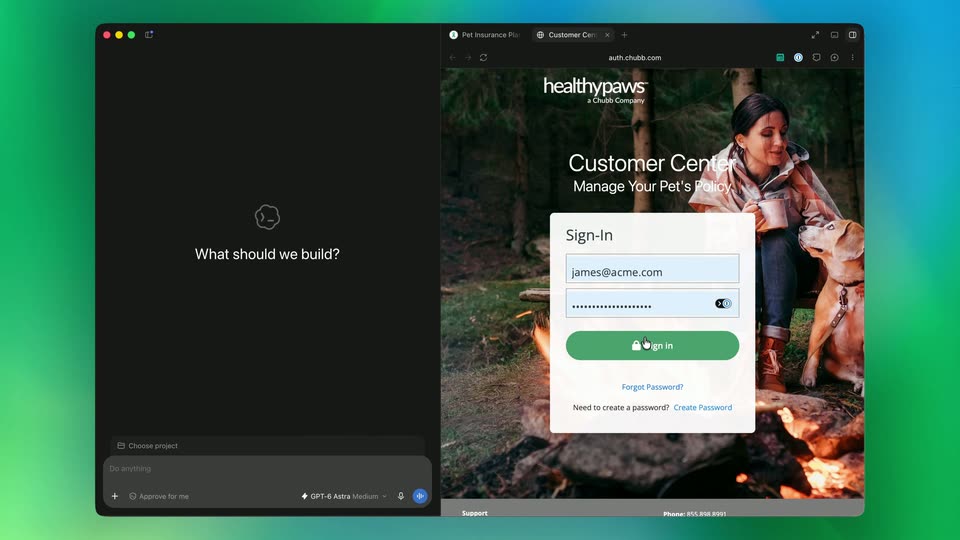
OpenAI’s 0:15 launch film runs 7 scenes, about 2.2 s each. The product shows up at 0:03 and 1 feature is revealed. There is no explicit call to action. A 15 second silent screen capture built as a split screen: a dark agent panel on the left, a live browser on the right, floating over a green to teal gradient. Pacing is brisk with small, snappy UI transitions such as sliding panels, page flips and popups, and the signature move is the cursor executing a full browse to autofill flow.
Is this your launch? to your site or press kit.
SimBlox · Business software · Oct 2026
GitCafe · B2B · Aug 2026
Illume Labs · Healthcare · Jul 2026
A dark browser window sits on a green gradient. The layout reorganizes: a left agent panel with a prompt bar slides in beside a right browsing pane, the URL field fills with a domain, and a cursor rests in the right pane.
Camera: Static
A split view shows a dark AI prompt panel on the left with a paw icon and the question What should we build, beside a browser window on the right displaying a pet insurance site with a man and a dog in the hero image. A cursor moves across the right page.
Techniques: Split screen, Cursor demo
Camera: Static
A dark AI builder window on the left sits beside a browser window on the right showing a pet insurance site with an open Account menu. At the bottom left the project field slides in while a cursor moves down to the magenta Sign In button.
Techniques: Cursor demo
Camera: Static
A dark browser window sits on a green gradient background, split into an AI chat pane on the left and a preview pane on the right. A hand cursor hovers over the empty preview, then a loading spinner appears as a small element begins to render.
Techniques: Cursor demo
Camera: Static
A dark chat panel and a browser sit side by side on a green-blue gradient. The panel shows a cloud icon and the prompt 'What should we build?' above an input bar. The browser page flips from a white insurance site to a dark auth page as the cursor hovers.
Techniques: Split screen, Cursor demo
Camera: Static
A flat window on a green gradient splits into a dark AI chat panel and a browser. The login page brightens, an autofill menu pops up, the email and password fields fill, and a cursor taps the green Sign in button.
Techniques: Cursor demo
Camera: Static
A split desktop window on a green-blue gradient: left pane a dark AI builder with “What should we build?” and an input bar; right pane a browser on a pet insurance sign-in page. A cursor clicks the 1Password icon, opening a dark autofill popup with a saved login.
Techniques: Cursor demo
Camera: Static