0:46
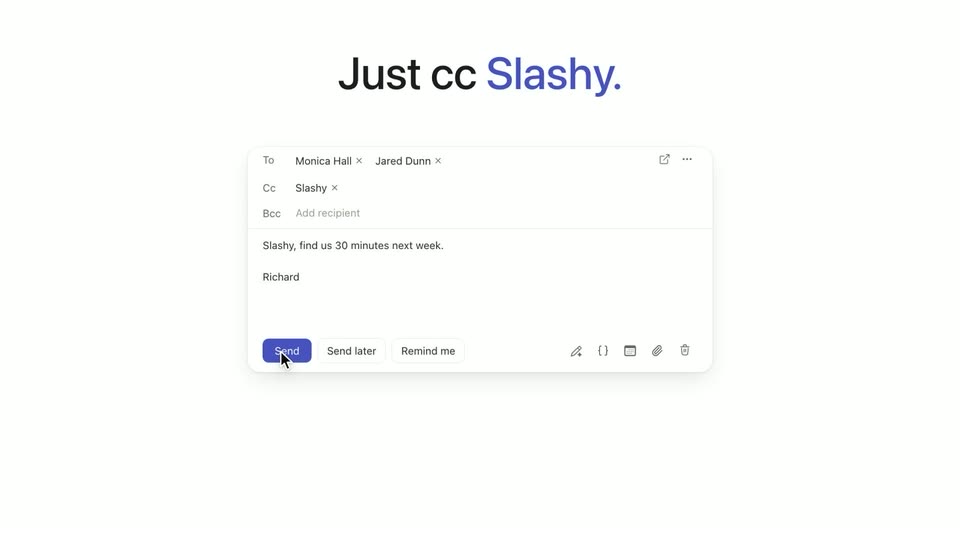

Slashy Scheduling | Just CC Slashy
Slashy · B2B · Nov 2026
Incredible · Oct 2026 · 0:44 · AI-annotated
Incredible’s 0:44 launch film runs 18 scenes, about 2.4 s each. The product shows up at 0:08. The call to action lands at 0:38 (88% in), over a voiceover. A tight hook-to-demo arc: a text-only opening, a logo reveal, one continuous UI demo of voice-driven order entry, then stacked taglines and a URL card. Signature moves are blur-to-focus text resolves, an orange selection highlight that tracks the cursor, and quick scale-and-crop transitions on cream fields.
Is this your launch? to your site or press kit.
Slashy · B2B · Nov 2026
Polygon · Oct 2026
Bold black sans text on a pale cream field resolves from a blur into 'What if your computer', then swaps to 'did the clicking for you?' with 'you?' in rust. A cursor arrow drops in and pulses a click ring, then the line scales up to crop the frame.
On-screen text: “What if your computer”, “did the clicking for you?”
Techniques: Kinetic type
Camera: Static
A vertical list of action labels with line icons scrolls past a fixed orange dashed selection box. The centered label turns orange and sharp while the rest blur, cycling through Open, Search, Copy, Paste, Switch tabs, Fill forms, Repeat. A black cursor sits at the box's right edge.
Techniques: Kinetic type
Camera: Static
A soft blurred coral-orange blob drifts slowly across a cream background. The word Meet holds centered in large cream type, locked in place for the whole shot.
On-screen text: “Meet”
Camera: Static
On a cream background, the orange Arc mark sits centered, then slides left as the word “Incredible” pops in beside it in heavy black type. A larger “Meet” headline is measured on the locked-off frame, and the logo holds as the scene ends.
On-screen text: “Meet”, “Incredible”
Camera: Static
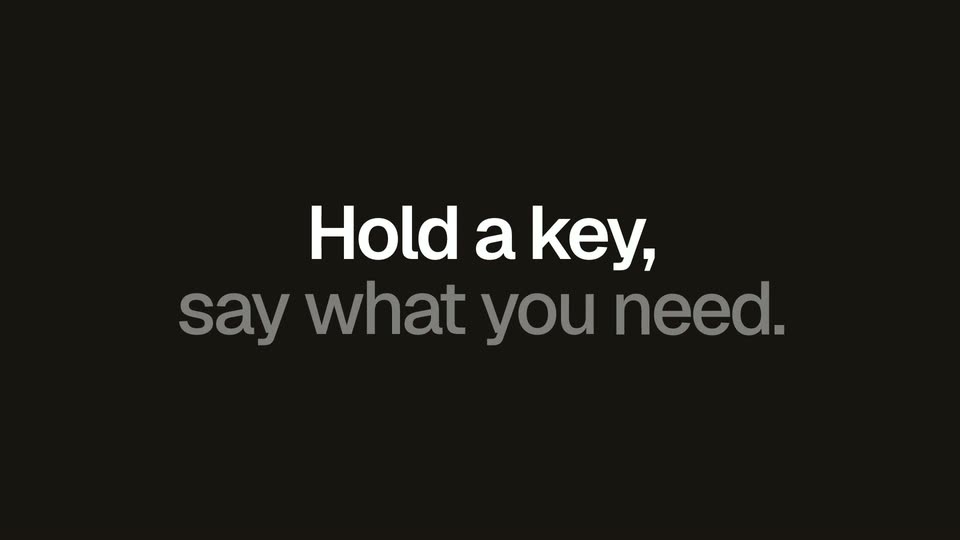
On a near-black field, “Hold a key,” resolves from a soft blur into sharp white type, then “say what you need.” follows beneath in gray. Both lines hold briefly, then defocus and fade out of frame.
On-screen text: “Hold a key,”, “say what you need.”, “Incredible”
Techniques: Kinetic type
Camera: Static
A dark rounded voice-message card sits at the top of a light gray screen, holding a blue orb avatar, an animated waveform and a close button. The transcription types out word by word beneath the avatar while the waveform pulses.
On-screen text: “Hold a key,”, “say what you need.”
Camera: Static
A dark rounded message card floats on a light gray field. It holds a speaker icon, a blue circular avatar, an audio waveform, and a gray transcript line. The card scales down gradually as the transcript finishes with the word POs.
Camera: Pull out
A dark voice-note bubble with a waveform hovers over a dimmed spreadsheet and supplier portal page. The bubble slides up and shrinks as the dimming fades, revealing the two app windows side by side.
Techniques: Split screen
Camera: Pull out
A close-up of a spreadsheet lists eight supplier purchase orders with items, SKUs, quantities and delivery dates. The active cell selection jumps from the Item column to the Deliver by column while a caption scales in.
On-screen text: “Hey Incredible! Enter these orders into our supplier portal and”
Camera: Static
A browser window shows a New order form beside a spreadsheet. A cursor with dark tooltip labels fills the order reference, SKU, quantity and delivery date fields, then clicks a download icon, opening a Recent downloads panel listing PO-2043.pdf.
On-screen text: “Enter PO-2043”, “Attach the PO”
Techniques: Split screen, Cursor demo
Camera: Static
A browser window shows a New order form beside a Recent downloads panel. A cursor moves to the PO-2043.pdf row, which gains an orange outline, and a dark tooltip reading Attach PO-2043.pdf appears beside it.
Techniques: Cursor demo
Camera: Pan
A close-up of a new-order form shows a cursor dragging a PDF into the drop zone and clicking the green Submit order button. The shot zooms out to the full browser window beside a spreadsheet, and the form switches to a green Submitted today confirmation.
Techniques: Cursor demo, UI zoom
Camera: Static
A white notification card with a green icon and a toggle hovers over a blurred desktop. The toggle flips on, the background sharpens into a spreadsheet of orders beside a browser order form, and a dark “All orders entered” pill drops in at the top.
Camera: Static
Two overlapping app windows on a light gray background: a supplier orders spreadsheet with green Entered checkmarks on the left, and a New order form with a submitted orders list on the right. The frame stays locked off, then fades to white at the end.
On-screen text: “New order in Supplier orders”
Techniques: Split screen
Camera: Static
On a plain off-white background, a blurred app screen fades out at the right edge while the black bold line “Hand off the busywork.” holds center. Below it, “Get on with your day.” types in word by word, the final word flashing orange before the whole line settles to gray.
On-screen text: “Hand off the busywork.”, “Get on with your day.”
Techniques: Kinetic type
Camera: Static
The Incredible logo, an orange mark beside a black wordmark, holds centered on a soft cream field. It then clears to a centered black tagline that builds as Say more. is joined by Click less.
On-screen text: “Say more. Click less.”
Techniques: Kinetic type
Camera: Static
On a plain cream background, the centered tagline “Say more.” sits in dark gray as “Click less.” enters word by word in orange. The line gives way to “Try it” in orange, which resolves from a soft blur into focus.
On-screen text: “Say more. Click less.”, “Try it”
Techniques: Kinetic type
Camera: Static
On a cream field with a faint dot grid below, the black headline “Try it for free.” and the orange “incredible.one” wipe in from left to right with a soft edge, then hold still on a locked-off frame.
On-screen text: “Try it for free.”, “incredible.one”
Techniques: Masking
Camera: Static