0:57

The new MacBook Pro with M6 delivers blazing-fast performance and up to 24 hours of battery life.
Apple · Hardware · Oct 2026
Gemini Live · Mar 2026 · 0:57 · AI-annotated
Gemini Live’s 0:57 launch film runs 14 scenes, about 4.1 s each. The product is on screen from the first frame and 4 features are revealed. There is no explicit call to action; a voiceover carries the film. The video is built as a strict alternation: a black two-line title card names one upgrade, then a centered phone mockup on a blue gradient demos it, four times, bookended by a live-action open and a tagline close. Signature moves are blur-in and blur-out text, diagonal light streaks, and a rolling version number, all cut to a steady ~99 bpm.
Is this your launch? to your site or press kit.
Apple · Hardware · Oct 2026
Linear · Productivity · Mar 2026
Apple · Hardware · Sep 2026
A hand holds a smartphone against a blurred gravel path, the screen showing a home screen with a dock and a search bar. A finger presses the floating Ask Gemini pill as the image racks into focus.
Camera: Pull out
A hand holds a smartphone outdoors against a blurred gravel background. The screen shows a dark live interface; a blue gradient wave rises at the bottom while the word Gem fades in at the center.
Camera: Push in
Locked-off black frame. White text reads “Gemini”, then the line reflows into “Gemini Live on” while a blue number rolls in below, flipping from 2.5 to 3.1.
On-screen text: “Gemini Live on”, “2.5”, “3.1”
Techniques: Kinetic type
Camera: Static
On a black background, the blue line “Our Biggest” and white line “Upgrade Yet” blur in and settle, then cut to a single blue line “Faster Response” that holds. The text is centered and the frame stays locked off.
On-screen text: “Our Biggest”, “Upgrade Yet”, “Faster Response”, “Gemini Live on”, “3.1”
Techniques: Kinetic type
Camera: Pull out
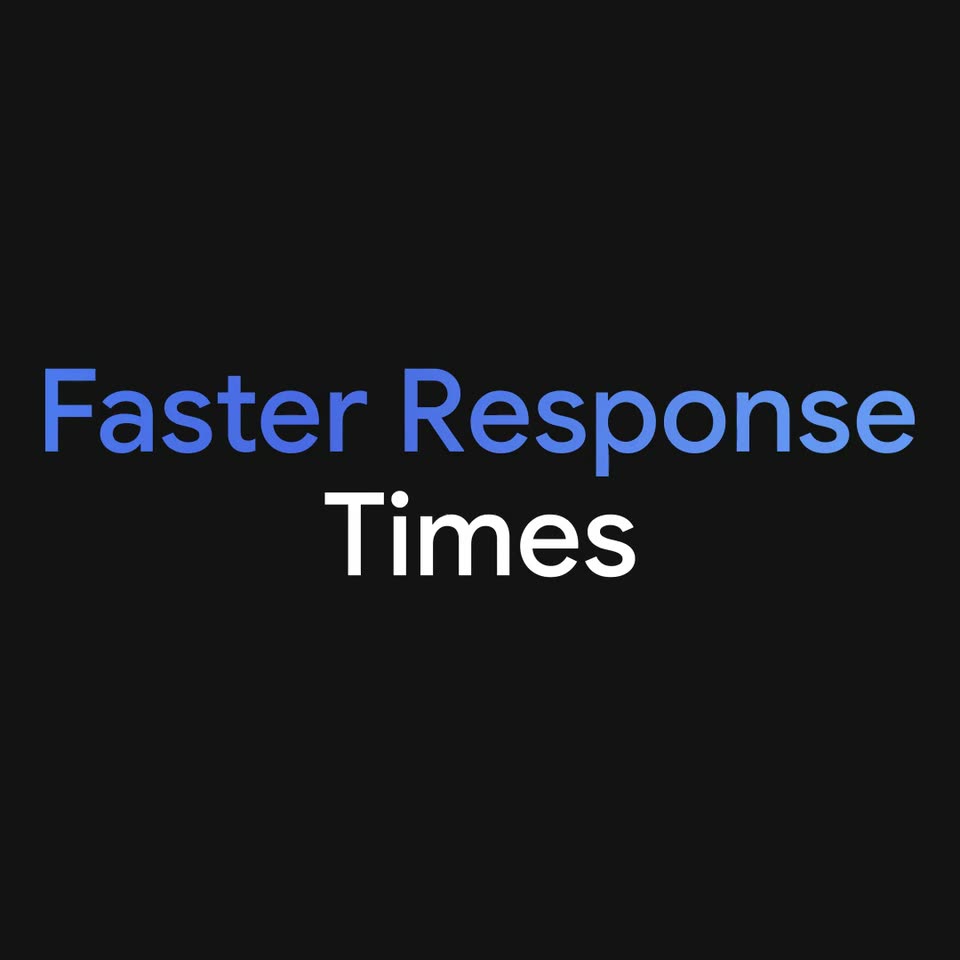
On a black background, the blue headline “Faster Response” fades in, then “Times” appears in white beneath it. The pair holds for a beat, then blurs and streaks off diagonally as the frame zooms out.
On-screen text: “Faster Response”, “Times”
Techniques: Kinetic type, Speed ramp
Camera: Static
A front-facing iPhone mockup sits centered on a blue gradient backdrop. Its Live screen types out a gym conversation, the user prompt first, then Gemini's answer, above an animated audio waveform. The phone eases in from a blur at the start and the scene fades to black.
On-screen text: “Faster Response”, “Times”
Camera: Static
A near-black field holds the two-line title, with “Smarter” in blue above “Responses” in white, fading in as a block. Diagonal light streaks in blue, red and yellow sweep across the dark background behind the still text.
On-screen text: “Smarter Responses”, “Live”
Techniques: Light sweep
Camera: Static
A front-facing phone on a blue gradient settles into a locked-off view. On its dark screen, a transcription types out word by word in the center while a blurred multicolor waveform pulses above a row of control icons.
Techniques: Kinetic type
Camera: Static
A plain black card presents the headline, with 'Longer Context' in blue on the top line and 'Window' in white below. The type opens as a soft blue blur, then focuses and settles into a sharp two-line lockup.
On-screen text: “Longer Context Window”
Techniques: Kinetic type
Camera: Static
A phone mockup spins into a front-facing view over a blue gradient, its screen running a Live call. The transcript types out word by word as the user asks about recipe spices and Gemini answers, with a colored audio waveform pulsing below.
Techniques: 3D mockup, Kinetic type
Camera: Static
On a near-black background, the headline “Improved Language” in white and “Capabilities” in blue fade in from a soft blur to full sharpness, centered and locked off for the rest of the shot.
On-screen text: “Live”, “Improved”, “Language”, “Capabilities”
Camera: Static
A centered headline on black resolves into a 3D smartphone mockup on a dark blue gradient, the same headline now displayed on the device screen. The transition is quick and the frame stays locked on the phone.
On-screen text: “Improved Language Capabilities”
Techniques: 3D mockup
Camera: Static
A 3D iPhone mockup sits centered on a soft blue gradient, its screen dark with a Live call header. Japanese transcription types out mid-screen while white English captions in dark pills swap in at the bottom, translating the spoken query about a quiet cafe near Nakameguro Station.
On-screen text: “Within a 5-minute walk from”, “Nakameguro Station,”, “I recommend a quiet cafe that is”, “easy to visit alone.”
Techniques: 3D mockup
Camera: Static
A centered headline assembles on a black background: The help slides in, then you need, at the, and speed of talk appear line by line in alternating white and blue. Small gray legal text stays at the bottom.
On-screen text: “The help”, “you need”, “at the”, “speed of talk”, “Sequences shortened and screen images simulated.”, “Check responses. Compatibility and availability varies. 18+.”
Techniques: Kinetic type
Camera: Static