0:53

ChatGPT - A preview for Pro users: a new personal finance experience in ChatGPT
OpenAI · AI · May 2026
OpenAI’s 0:50 launch film runs 19 scenes, about 2.7 s each. The product is on screen from the first frame and 2 features are revealed. There is no explicit call to action. The video is built as a chain of locked-off white frames where bold headlines build word by word, each handing off to clean UI mockups that drift in and settle in place. Its signature moves are the word-by-word text reveals, the small rounded cards that ease across the frame, and the recurring blue bar charts and pulsing waveform that punctuate the data.
Is this your launch? to your site or press kit.
OpenAI · AI · May 2026
HeroUI Pro 1.0 · Nov 2026
Legora · Nov 2026
Films whose music sounds like this one, voice left out
BMW · UK hip-hop / trap
Solana · Modern electronic, corporate
Orior AI · Electronic
A plain white card holds a centered black headline that builds word by word: “With”, then “ChatGPT”. The frame stays locked off and the text holds still once the line is complete.
On-screen text: “With ChatGPT”
Techniques: Kinetic type
Camera: Static
A plain off-white background holds the centered black text “With ChatGPT,” which stays static on a locked-off frame.
On-screen text: “With ChatGPT”
Camera: Static
Large black words “now you can” hold the frame over yellow and pink color blocks, the word “can” sliding in from the right. Small white fitness stat cards drift downward in the lower right corner while a column of lab values scrolls up at the top left.
On-screen text: “now you can”
Techniques: Kinetic type
Camera: Static
White UI cards (lab values, health systems with checkmarks, an Activity panel, a Syncing Apple Health card) drift left across a light background while a large black headline in the center changes from “can be” to “better understand and navigate your health.”
On-screen text: “can be”, “better understand and navigate your health”
Techniques: Kinetic type, Parallax
Camera: Pan
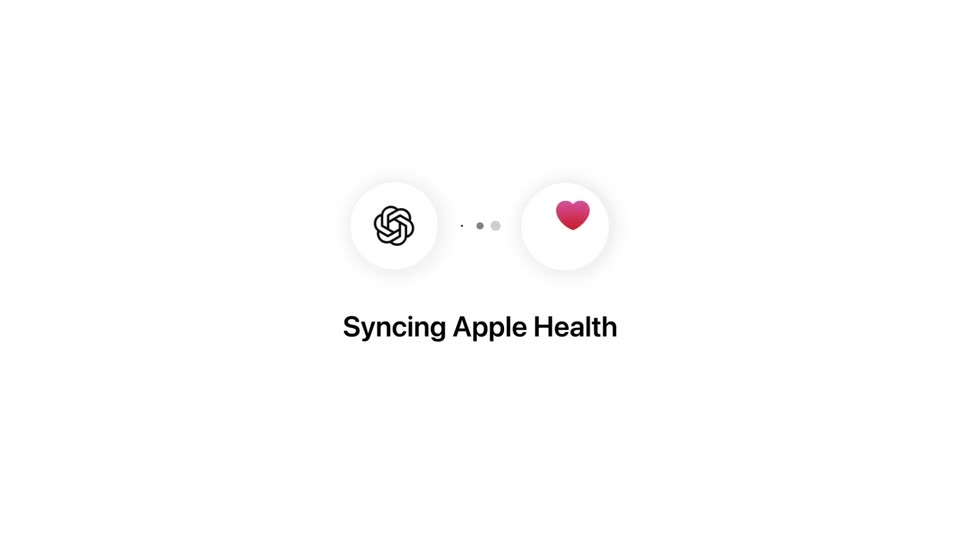
Two white circular icons, a black swirl mark and a red heart, sit side by side on a plain white background. Small gray dots pulse between them as a loading indicator while the caption sits centered below.
On-screen text: “Syncing Apple Health”
Camera: Static
On a plain white field, two circular app icons sit apart with three small dots between them. The icons ease toward each other as the dots collapse to a single dot, while the centered caption below switches from Syncing Apple Health to Syncing Kaiser Permanente.
On-screen text: “Syncing Apple Health”, “Syncing Kaiser Permanente”
Camera: Static
A white rounded card lists six health apps with their icons. The circular plus buttons on the right turn into blue checkmarks down the list. The card cuts to a second panel showing Medications, Conditions and Labs rows with record counts.
Techniques: Morph
Camera: Static
A vertical list of white data cards (activity, devices, steps, medications, conditions, labs) scrolls slowly upward on a plain white background. In the final beat, a large dark gray headline appears at the left, overlapping the list.
On-screen text: “Bring all your”
Camera: Push in
Dark sans-serif text builds line by line at the center of a white background, then a row of light-blue vertical bars pulses like a sound wave to the right of the second line.
On-screen text: “Bring all your health”, “information together”
Techniques: Kinetic type
Camera: Static
A horizontal row of rounded blue bars of varying heights pulses and shifts on a plain white background, reading as an audio waveform. The bars stretch and compress in place while the whole cluster drifts slightly left.
Camera: Static
A white activity card sits on a light gray background. A large blue bar chart at the top right shrinks into small per-row charts as four metric rows populate with counting numbers and slide into place.
Techniques: Morph
Camera: Static
A light product UI scrolls upward to reveal the Health header and tab bar, then settles on the Get started card and an Activity row showing a blue bar chart.
Camera: Pan
A health app screen on the Chats tab swaps its Get started cards for a list of chat prompts that appear one by one, then the Records tab shows a Kaiser Permanente lab card scrolling through values, ending on a bold headline card.
On-screen text: “Get personalized responses”
Camera: Pull out
Black bold sans-serif text on a white background. The line “Get personalized” slides in from the left, then “responses and guidance” wipes in from left to right. Locked-off frame, centered.
On-screen text: “Get personalized”, “responses and guidance”
Techniques: Kinetic type, Masking
Camera: Static
A centered Health permission dialog for ChatGPT settles in from a ghosted, doubled state, then crossfades out to reveal a chat input field holding a typed message and a purple send button.
Camera: Pull out
A light gray chat input bar sits centered on a white background. A message types out word by word beside a purple circular send button with a white up arrow.
Techniques: Kinetic type
Camera: Static
A rounded gray input field on white types out two prompts about prenatal labs and induction, next to a purple send button. The second message slides up into a chat view as a response appears with a numbered list of nine visit questions. A new field begins typing.
Techniques: Kinetic type, UI zoom
Camera: Pan
A rounded gray chat input field sits centered on white while a message types itself out letter by letter, the pill widening as it goes, with a purple circular send button on the right. It cuts to a white frame showing the word Chat in large gray type.
On-screen text: “Chat”
Techniques: Kinetic type
Camera: Static
A black ChatGPT wordmark holds centered on a plain white field, then the knot logo scales up into the same center position and rests still.
On-screen text: “ChatGPT”
Camera: Static