The interface, right away
Showing the screen at once tells people what they are looking at, and it filters for the right audience. It works best if a single action is easy to read.
9% of launch videos · 34 examples from 28 brands · median 5.2 s
A template to adapt
Open on [one screen] and let the cursor do [the one action that shows the value] in under two seconds.
How a video lands here: The opening shows a user interface.
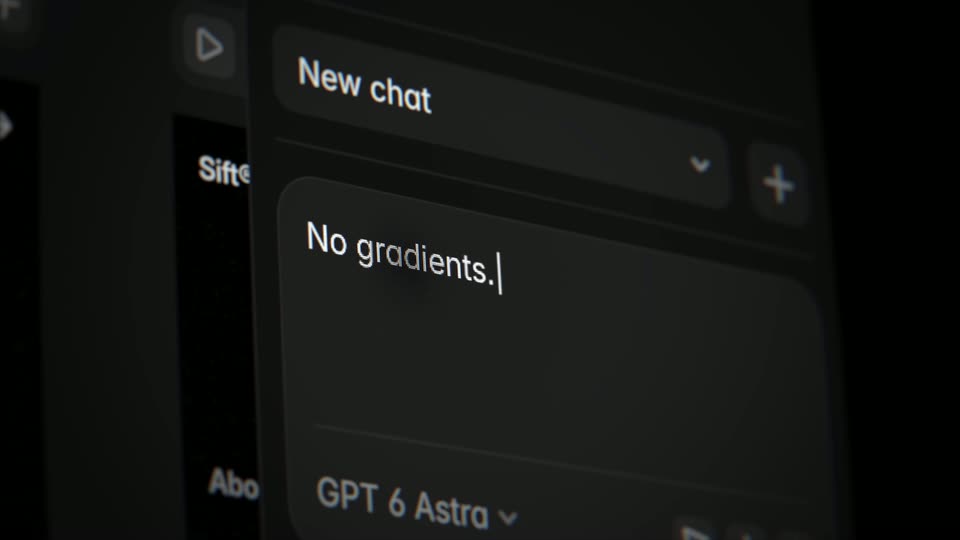 0:00–0:01Framer · Introducing Skills: Teach the Framer Agent to design more like you and your teamClose-up of a dark chat interface. The prompt text types out letter by letter in the input field, a caret blinking at the end. The New chat header and the GPT 6 Astra model selector stay still.
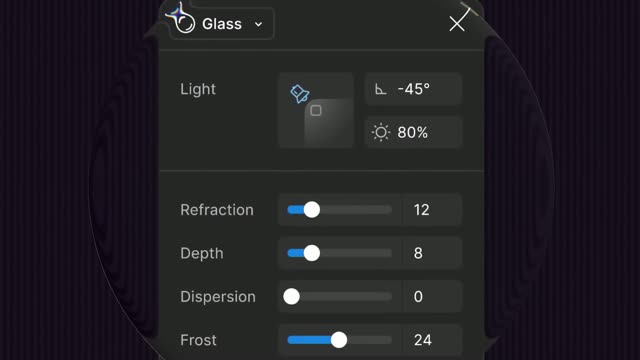 0:00–0:03Figma · Introducing Figma’s new glass effectA dark glass settings panel is revealed through an expanding circular mask while the camera pulls back from a close-up of a toggle to the full card, showing Light controls and sliders for Refraction, Depth, Dispersion and Frost.
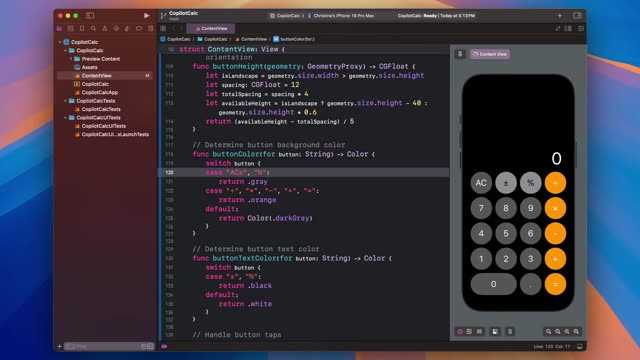 0:00–0:37GitHub · Introducing GitHub Copilot in XcodeA screen recording of Xcode on a colorful gradient background. Swift code for a calculator app fills the editor while a live iPhone preview sits on the right. A cursor edits the button list, the preview updates to add an AC key, and the code scrolls down.
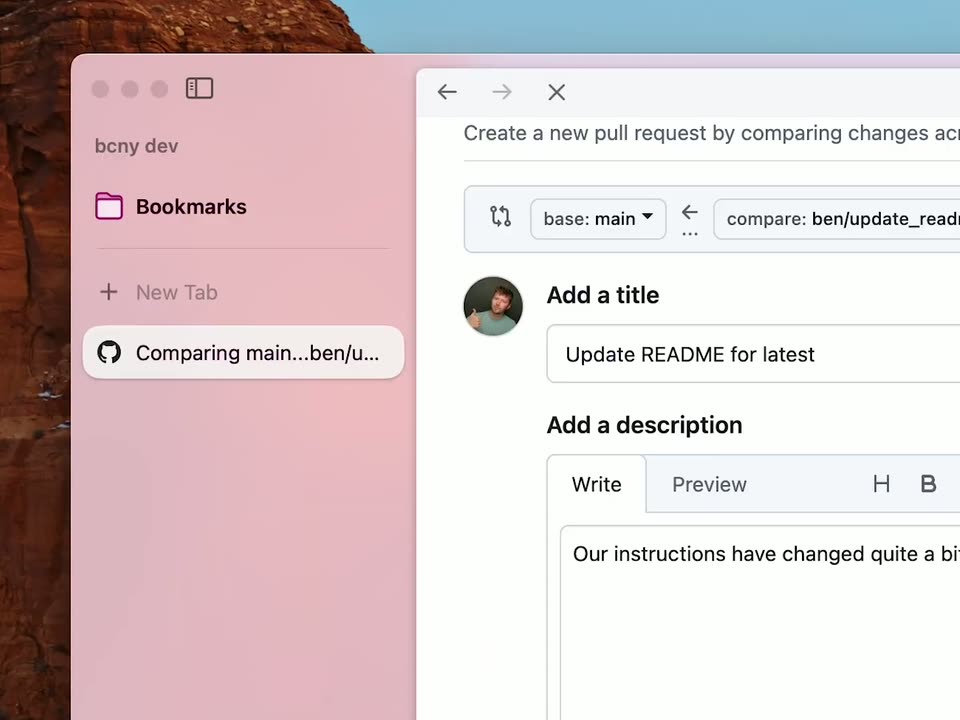 0:00–0:01The Browser Company · Introducing Live Folders in Arc | Your sidebar is aliveA close-up of a GitHub screen holds on a green Create pull request button. A cursor glides in from the left, turns into a hand pointer, and presses the button as the surrounding UI drifts slightly.
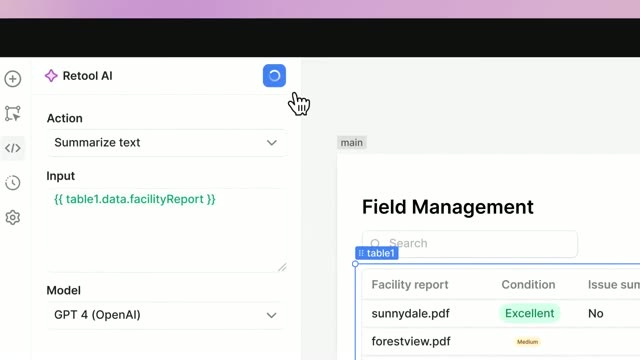 0:00–0:02Retool · Introducing Retool AI—powerful AI building blocksA flat browser mockup of the Retool AI app sits on a pink gradient, then the frame zooms into the interface. A hand cursor clicks the blue play button, which spins into a checkmark as green and yellow condition pills fill the table rows.
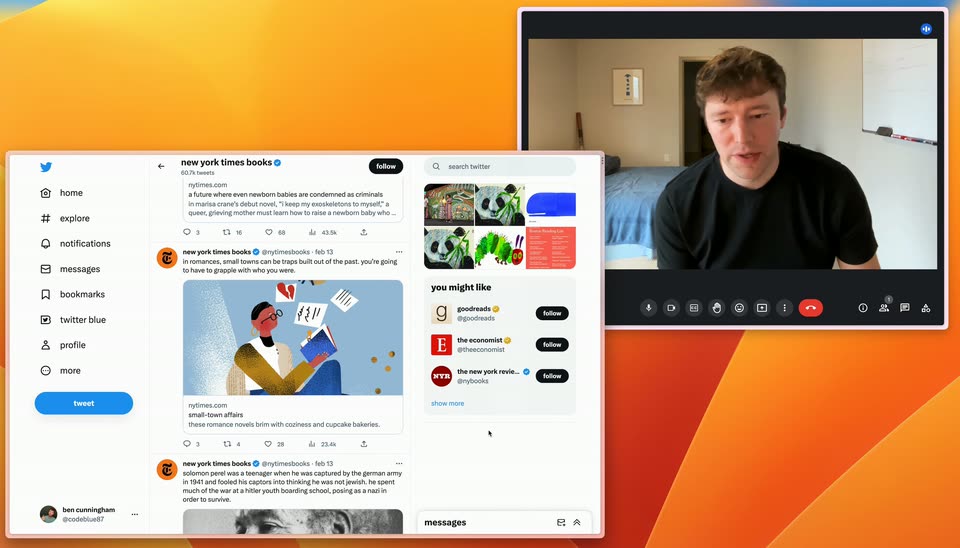 0:00–0:05The Browser Company · Arc Browser | Introducing Peek, with BenA Twitter feed mockup sits at the lower left over an orange gradient, beside a video call window where a man in a black t-shirt talks. The feed then zooms into the Small-Town Affairs post, expanding it into a New York Times article card with a reading illustration.
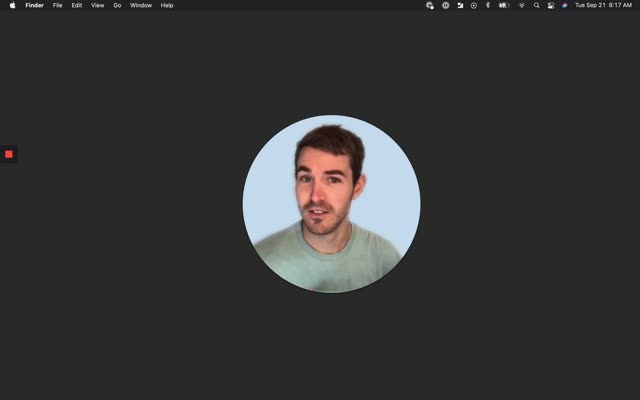 0:00–0:09Loom · Introducing CanvasA dark macOS desktop with the menu bar at top; a circular video of a man in a sage t-shirt talks and gestures against a pale blue background, centered on screen. A small red square sits at the left edge. The frame is locked off throughout.
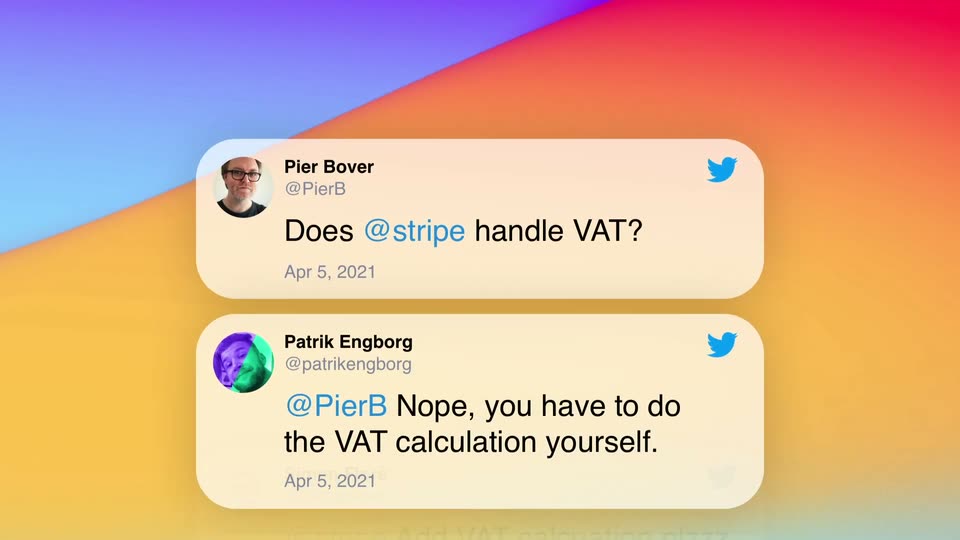 0:00–0:03Stripe · Introducing Stripe TaxThree white Twitter cards slide up and fade in sequentially against a colorful gradient background. The cards stack vertically, revealing a conversation thread.
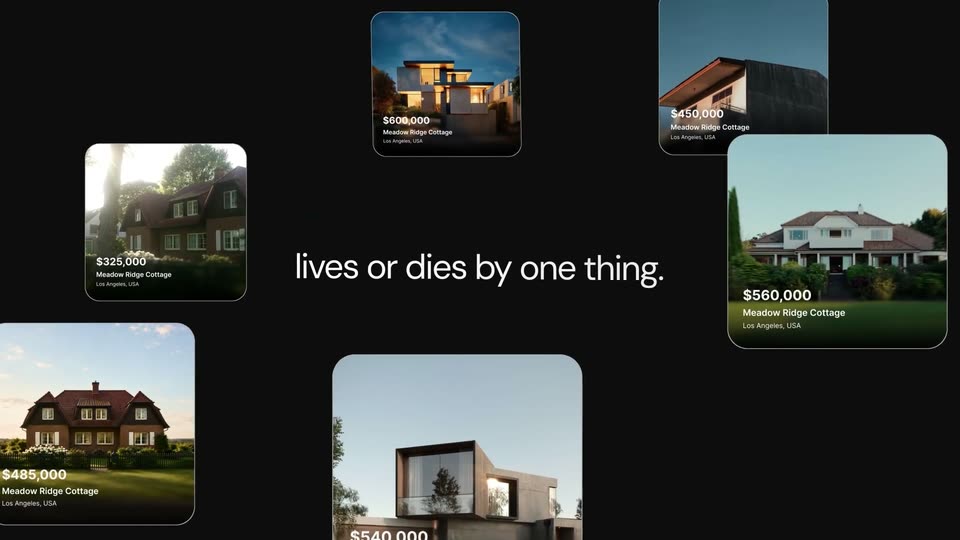 0:00–0:03LandAtlas · Launch Video for LandAtlasReal-estate listing cards start clustered small at center, then scale up and drift apart to fill the black frame. The words “Every” and “land deal” slide in at left and right, then “lives or dies by one thing.” appears across the middle.
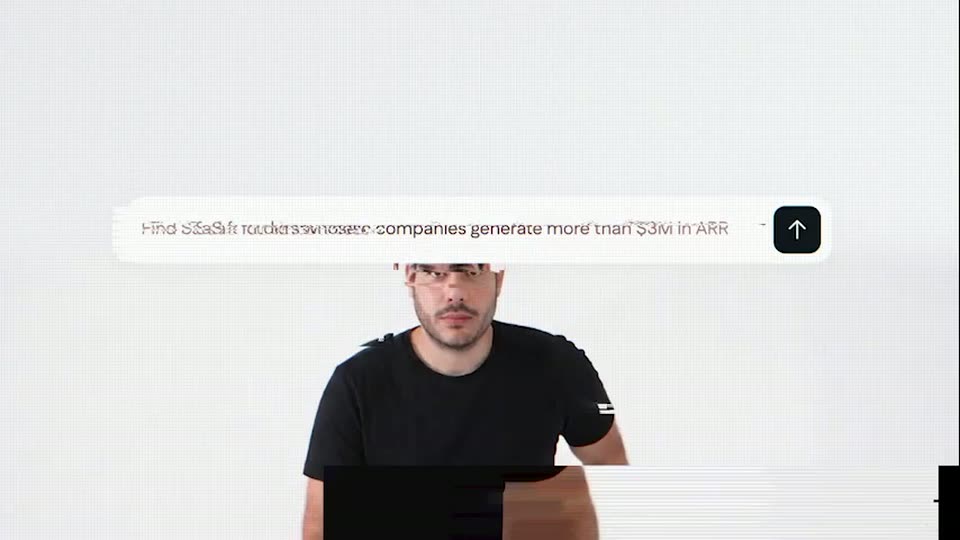 0:00–0:01Gojiberry · She’s your perfect match… and she’s a Sales Director | GojiberryA locked-off close-up of a white search pill on a light gray background. A query is typed inside it while the surrounding line of text scrolls left, and a black rounded button with a white up arrow slides in from the right.
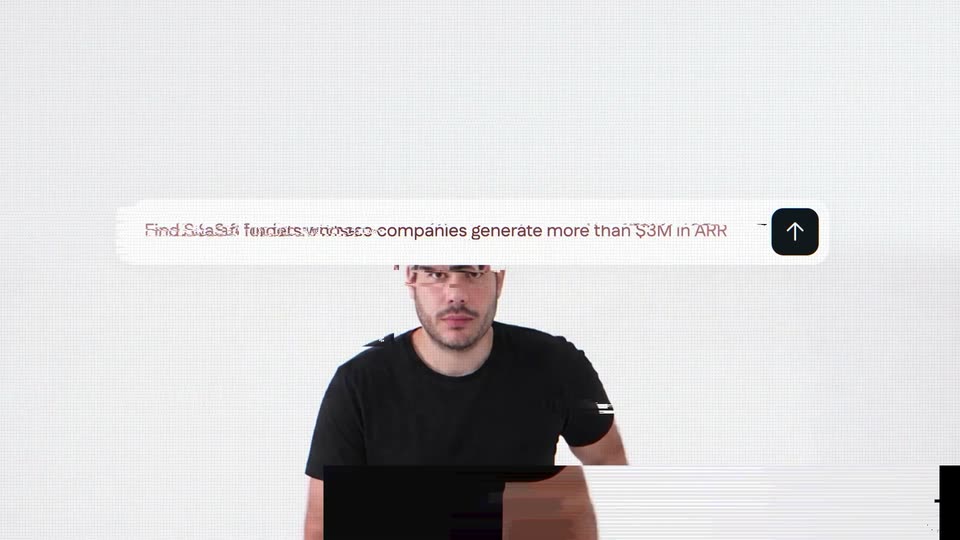 0:00–0:01Gojiberry · Teaser: motion design + acting + AI for Gojiberry | Motion design videoA white rounded input bar on a light gray background. A gray sans-serif prompt about SaaS founders scrolls left as if being typed, and a black rounded button with a white up arrow slides in from the right.
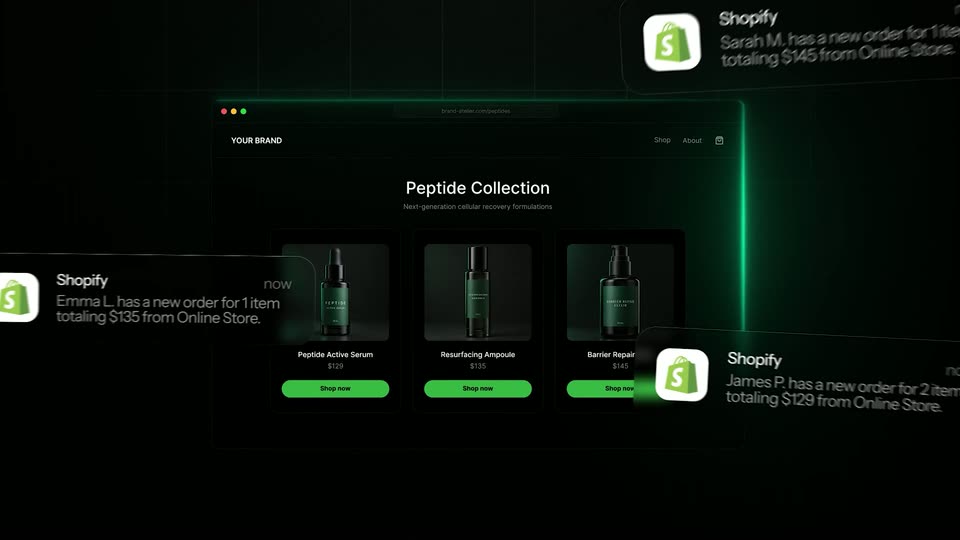 0:00–0:01TagadaRx · TagadaRx motion design video: launch the next Hims & HersA defocused orange glow snaps into a sharp dark browser window outlined in neon green. Inside, a peptide store page shows a retro heading, subtitle, and three product cards with green bottles and green Shop now buttons on a black grid background.
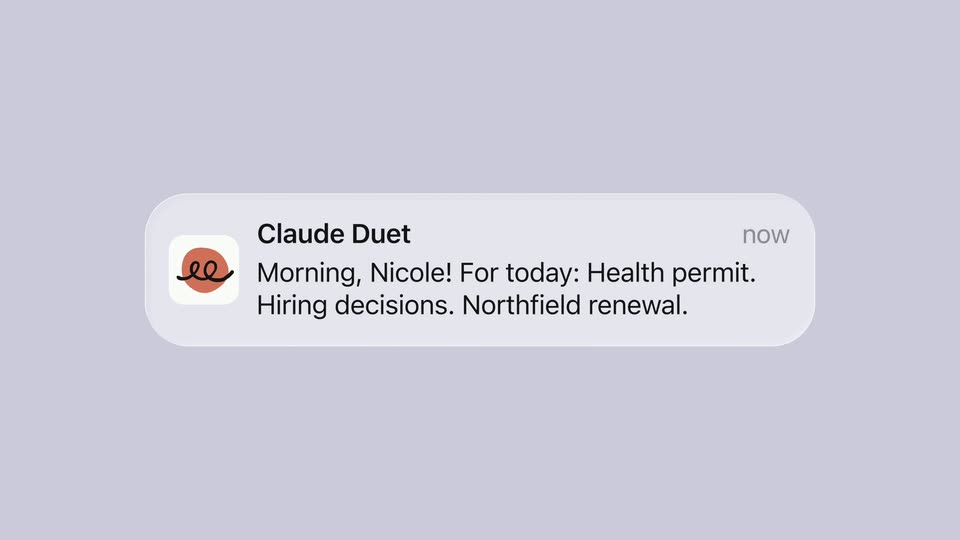 0:00–0:03Claude · Introducing Claude DuetOn lavender, the orange Claude Duet icon expands into a translucent notification: Morning, Nicole! For today: Health permit. Hiring decisions. Northfield renewal. The sender name and now label appear inside the widening card.
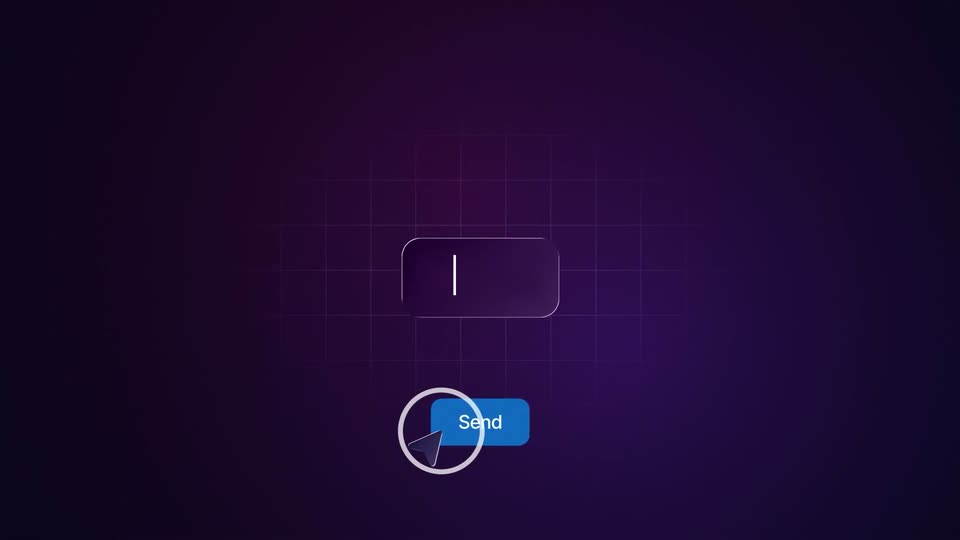 0:00–0:05HeyReach · HeyReach | Scale Your LinkedIn Outreach | Motion Design VideoA glassy purple chat bubble and a blue Send button float on a dark grid. White lines burst from the bubble, then 'Hey' scales down inside it while a cursor taps Send, the tap ring expanding and the message fading out.
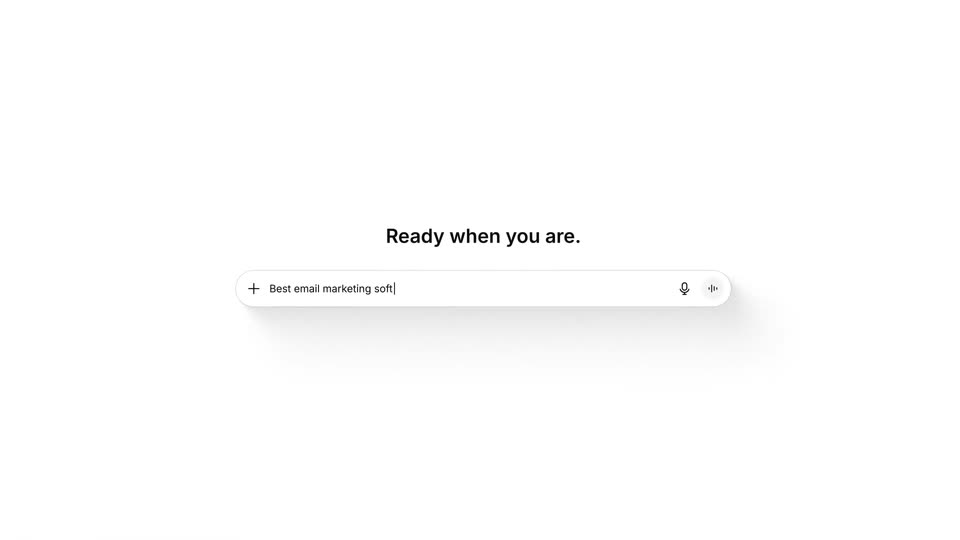 0:00–0:06BabyLoveGrowth · BabyLoveGrowth | Grow Your Traffic with AI | Motion Design VideoA white ChatGPT window card on a light gray background; the line “Ready when you are.” types out above the search bar. The camera zooms into the bar, a cursor moves in and clicks, and “Best email marketing software” is typed, with a suggestion chip appearing.
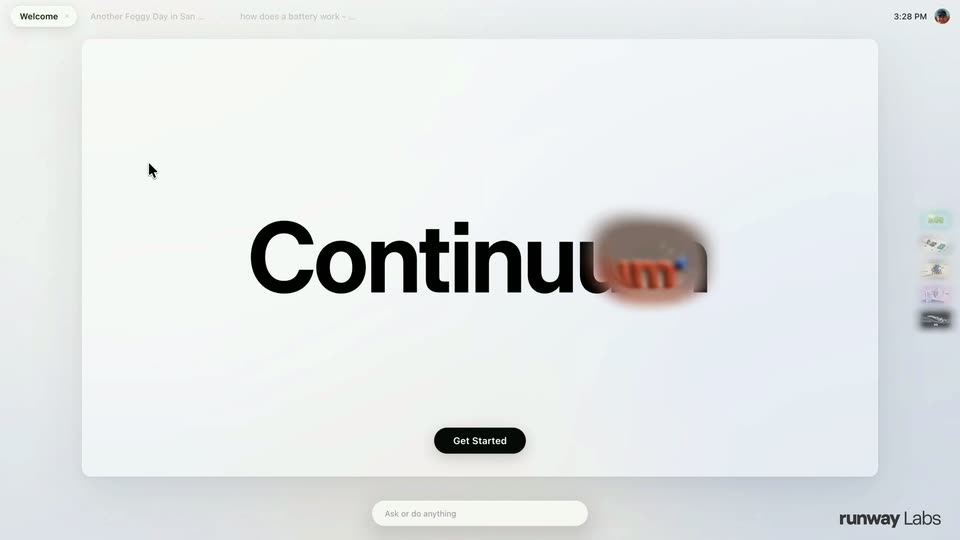 0:00–0:24Runway · Introducing Continuum: A Real-Time Video Operating System | Runway LabsA light product interface shows a white welcome card with the word Continuum in large black type and a black Get Started pill. A soft-edged circular mask drifts left to right across the word, revealing 3D video fills inside the letters: underwater, green terrain, a city, then clay.
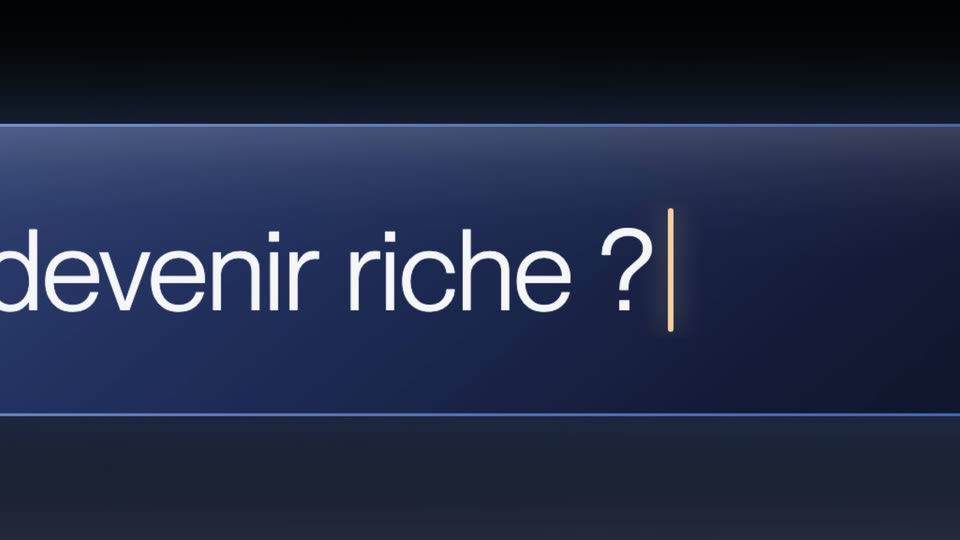 0:00–0:04Finary · Découvrez Finary dans vos IA préféréesA glowing blue comment field sits on a black background. A white cursor clicks it, a caret appears, and 'Comment devenir riche ?' types out letter by letter. The frame zooms into the text and the blue send button as the cursor moves to press it.
 0:00–0:00Framework · Introducing the next gen Framework Laptop 12.A near-black screen showing faint rectangular card shapes flashes to a flat light gray field in a quick cut.
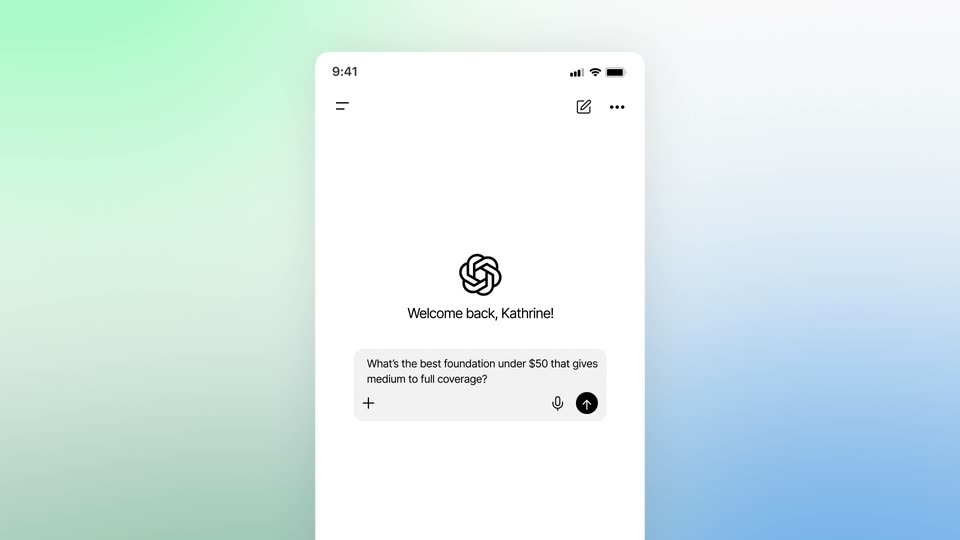 0:00–0:07MFour · SaaS Explainer Video Consumer Intelligence Platform | MFour x MotionCueA soft green-to-blue gradient grid holds the headline “See the entire path to purchase” inside four blue corner markers, the second line scaling in with a green-blue fill. It morphs into a flat ChatGPT phone mockup, whose screen scrolls a makeup recommendation chat.
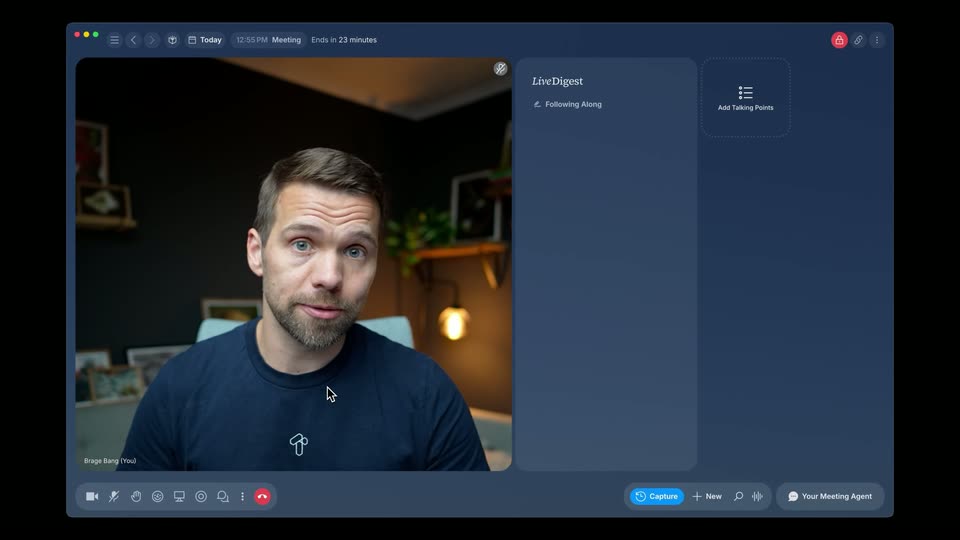 0:00–0:06Tana · Beyond AI Meeting Notes: Meet the New TanaA dark video call window on the left shows a bearded man in a navy t-shirt talking and gesturing, while a LiveDigest panel on the right stays empty until a single bullet point types in at the end. A cursor drifts from the video down to the bottom toolbar.
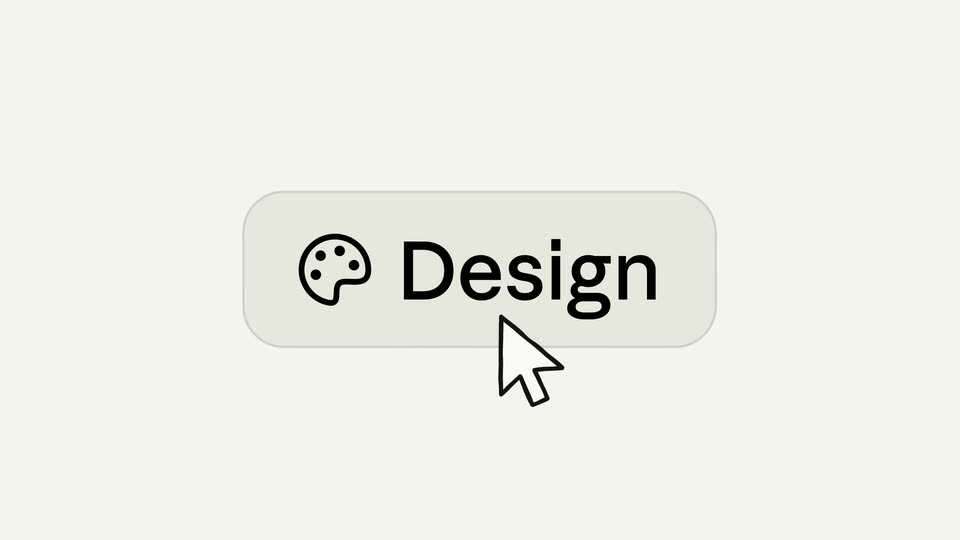 0:00–0:01Anthropic · Introducing Claude Design by Anthropic LabsA cream background holds a rounded pill button with a black palette icon and the word Design. A gray cursor arrow rises from the bottom edge to hover the button, which darkens and gains a thin outline ring.
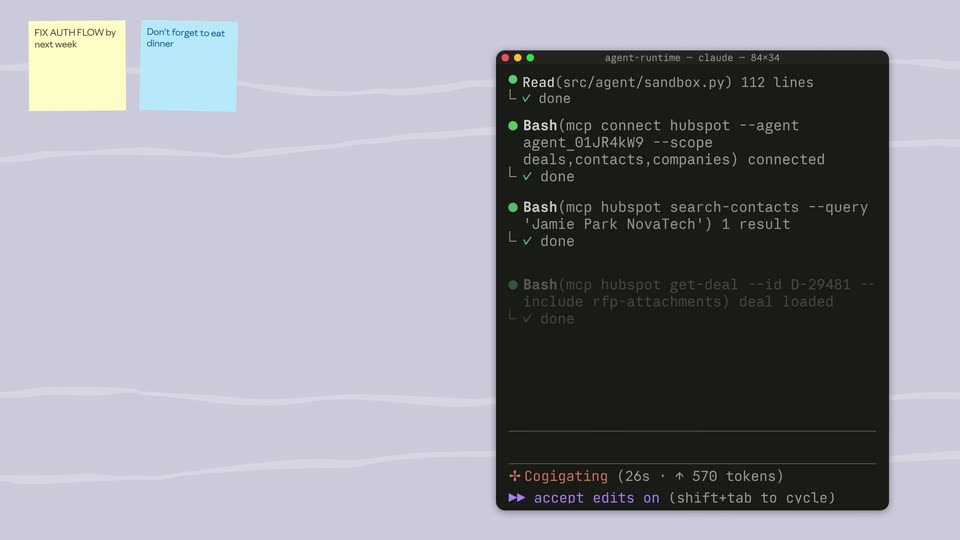 0:00–0:02Anthropic · Introducing Claude Managed AgentsA dark terminal window on the right over a pale lavender background with wavy lines scrolls its log upward as an agent runs commands. A yellow sticky note at top left reads FIX AUTHFLOW by next week, then a blue note slides in beside it.
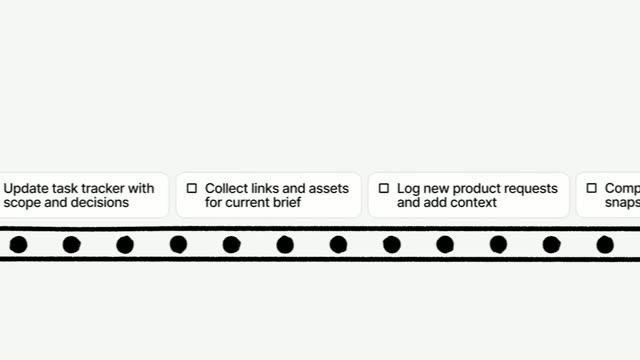 0:00–0:06Notion · Meet Custom Agents: Your 24/7 AI TeamA black film-strip band with round perforations holds a row of white checkbox task cards. The cards slide in from the right, then the row scrolls steadily rightward, new cards fading in at the left edge while the last card exits right, ending in a motion-blur whip.
 0:00–0:04Attio · Introducing Ask AttioA light dashboard fades in showing a greeting, a search field and a meetings list. The camera zooms into the search bar as the query is typed, then the screen transitions to a chat view with the question in a bubble and a Thinking indicator.
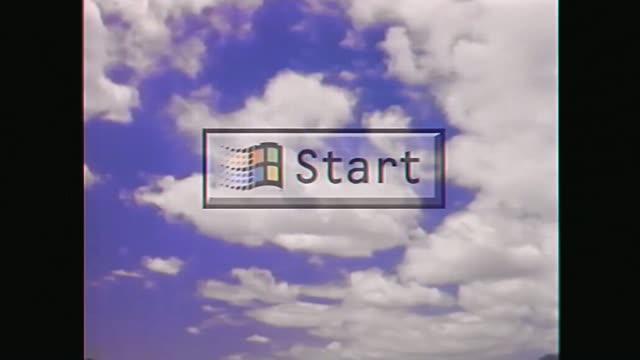 0:00–0:01Raycast · A New Start | Raycast for WindowsA grainy blue sky with drifting white clouds fills a 4:3 frame. A Windows Start button, with the four-color flag and the word Start, fades in at the center and holds still.
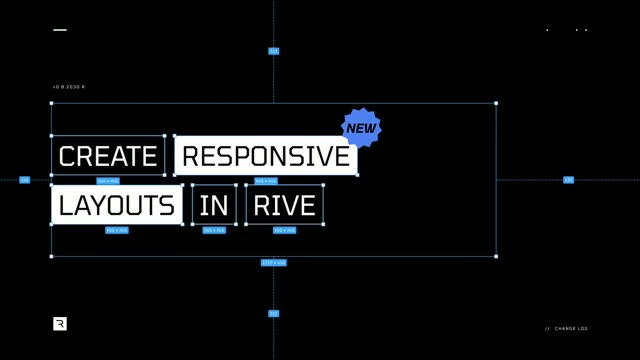 0:00–0:04Rive · Responsive Layouts have landedA dark design-tool canvas with blue selection boxes and dimension tags. White text blocks reflow twice, spelling CREATE RESPONSIVE LAYOUTS IN RIVE. A starburst NEW badge pops in and flashes yellow and purple.
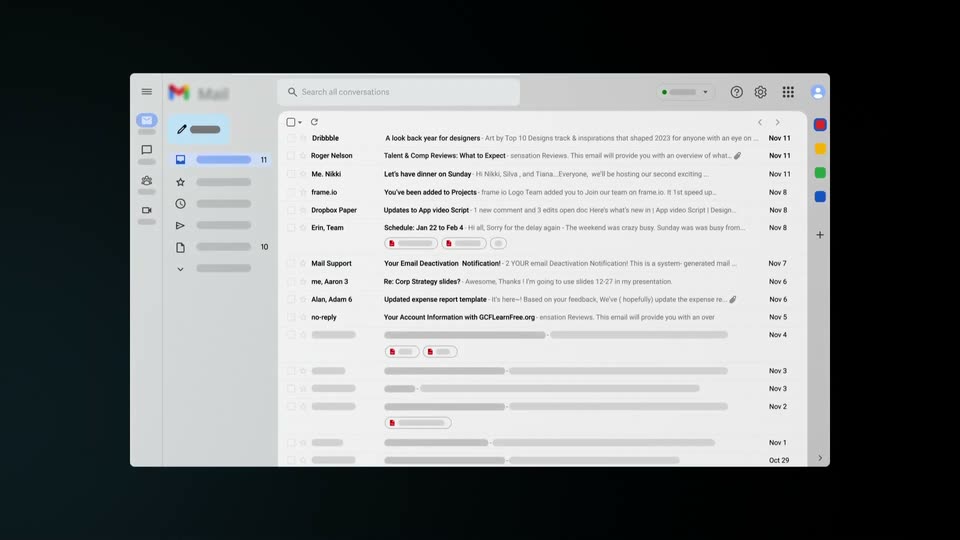 0:00–0:03Superhuman · Introducing SuperhumanA flat email client window slides up onto a dark background, its inbox list populating row by row from top to bottom. The panel settles centered, then a bright white flash sweeps across the frame, blurring the interface.
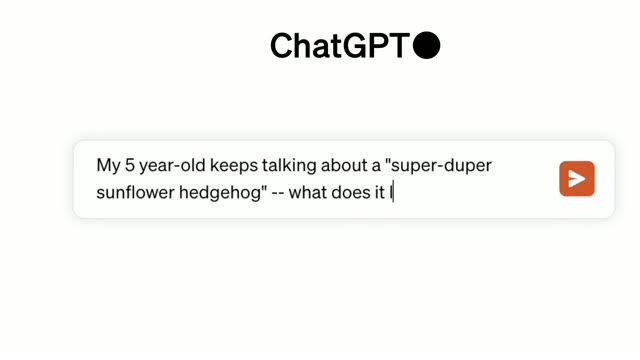 0:00–0:06OpenAI · Introducing DALL·E 3The ChatGPT wordmark sits above a white rounded search bar on a pale background. A prompt types out letter by letter with a blinking cursor, the bar expands to two lines, and the frame zooms in on the field.
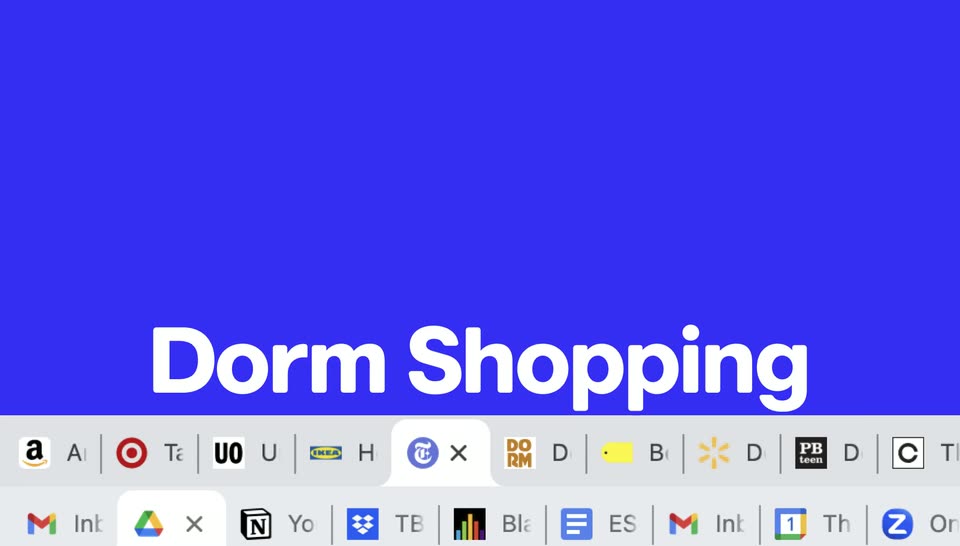 0:00–0:00The Browser Company · Arc for Students | Everything in its right placeA solid blue browser page fills the frame above a strip of open tabs. Large white words, “Classes” then “Dorm Shopping,” pop into the lower center one after another, matching the spoken list of tasks.
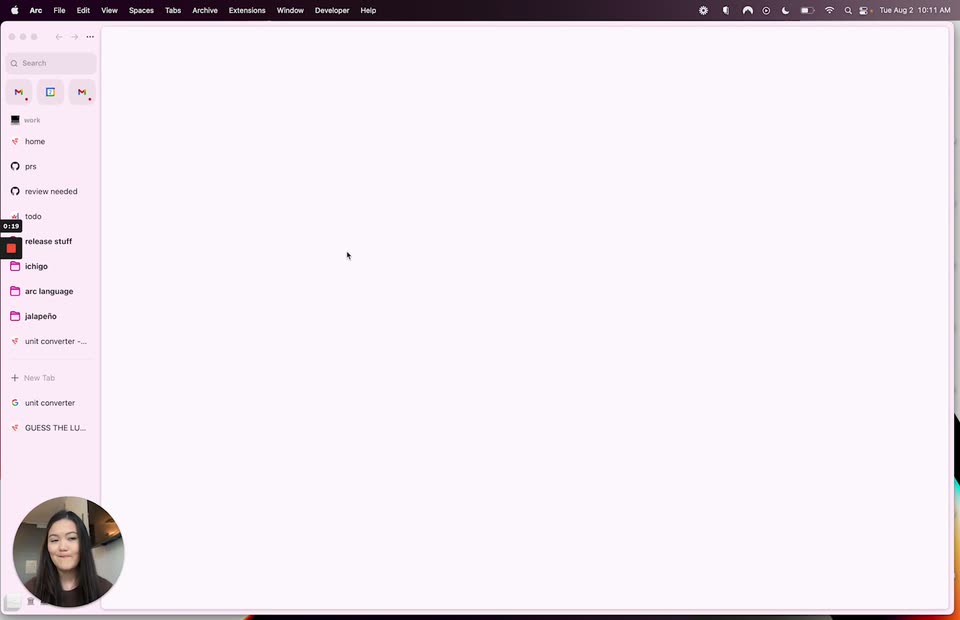 0:00–0:26The Browser Company · Arc Browser | Introducing Live Captures on Easel with RoseyA screen recording of the Arc browser shows a pink sidebar of spaces beside an empty white canvas, the cursor resting in the middle. A small circular webcam in the lower-left corner shows a woman speaking to the camera. The frame stays locked-off for the whole clip.
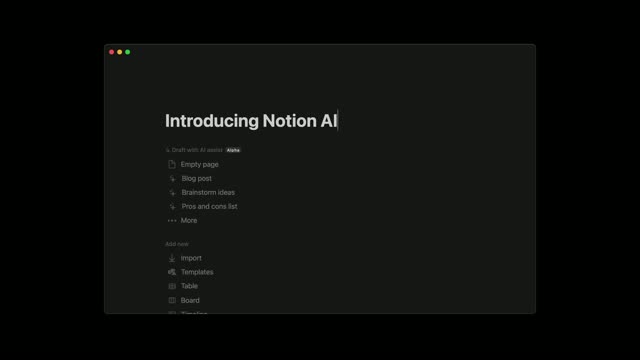 0:00–0:08Notion · Introducing Notion AIA dark Notion window on black shows a command menu under the title field. The 'Untitled' placeholder gives way to 'Introducing Notion AI' typed with a blinking caret; at the end the window blurs and recedes, leaving the headline centered on black.
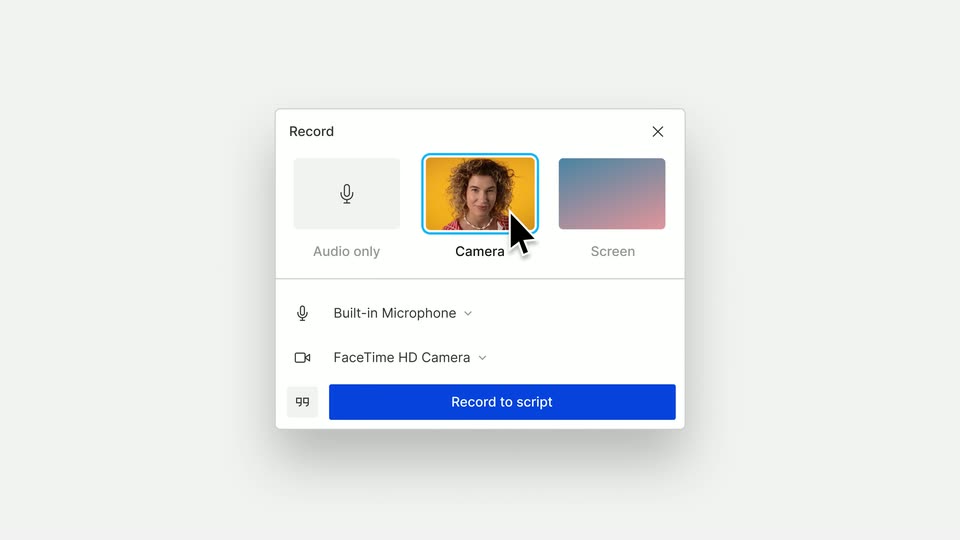 0:00–0:01Descript · The New Descript: A Better Way to Create Video, From Start to FinishA static view of a recording settings modal on a light gray background. A black cursor moves slowly downward, pointing at the camera thumbnail option.
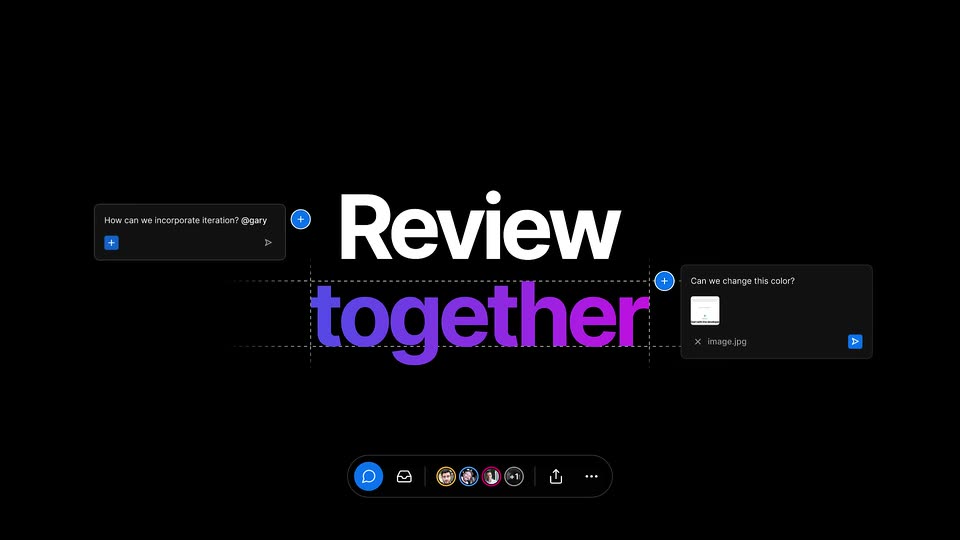 0:00–0:04Vercel · Introducing commenting on Preview DeploymentsOn a black canvas, the word Preview appears in white with a 3D shadow, and together fades in below in purple between dashed guidelines. The word swaps to Review as comment cards slide in from both sides and the presence bar at the bottom fills with avatars.
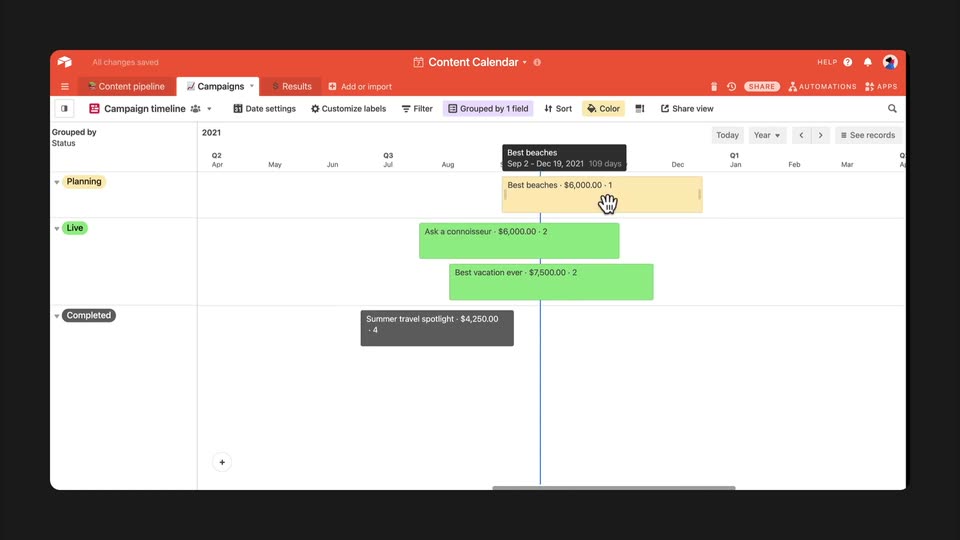 0:00–0:05Airtable · Introducing Timeline View | AirtableA calendar timeline window on a dark background. A cursor drags the right edge of a green bar to extend its range, then grabs a yellow bar and slides it left across the month headers as the view pans, live tooltips updating the dates.