How to animate a product screenshot: what 591 launch videos do with their interface
By Yannis Coulibaly · November 8, 2026 · Measured on 591 launch videos
The short answer
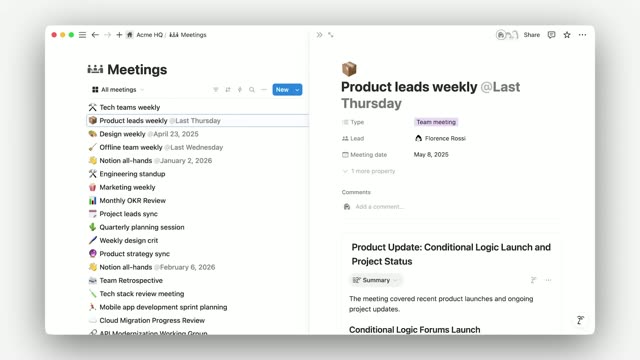
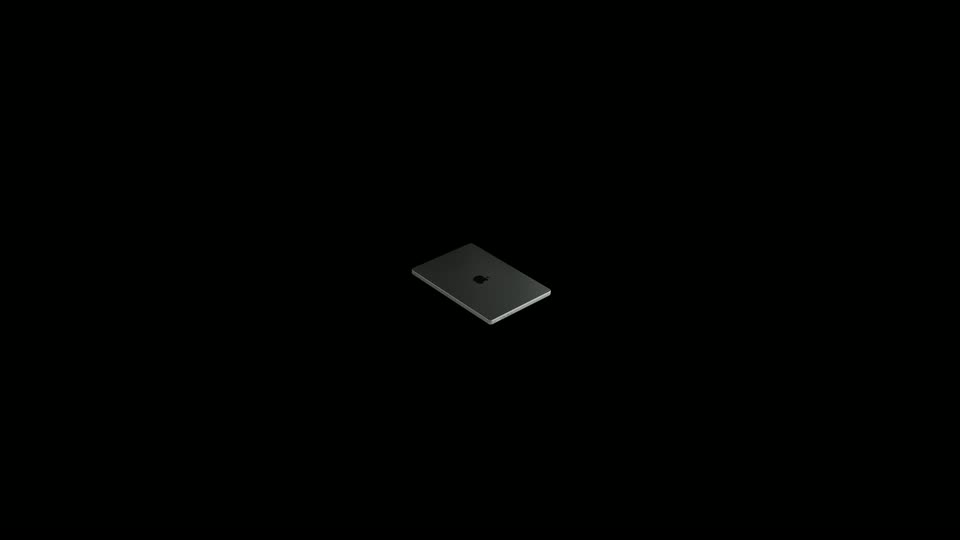
Three moves do most of the work: a 3D mockup (in 69% of films), a zoom into the interface (63%) and a cursor that uses the product (59%). Cursor scenes last 2.5 seconds at the median, and 73% of them reveal a feature.
A static screenshot is the raw material of most software launches. We looked at every scene in 591 launch films that animates an interface, and at the three techniques that do it most often.
- 3D mockup69% · 407 films
- Interface zoom63% · 371 films
- Cursor demo59% · 347 films
| Technique | Scenes | Median scene | Most often |
|---|---|---|---|
| 3D mockup | 2262 | 1.6 s | Feature reveal (54%) |
| Interface zoom | 1230 | 2.8 s | Feature reveal (71%) |
| Cursor demo | 2069 | 2.5 s | Feature reveal (73%) |
The mockup introduces, the cursor demonstrates
3D mockups are the shortest of the three, 1.6 seconds at the median, and the most spread across the story: besides features and demos, they appear in product introductions, problems and hooks. Cursor scenes are longer and almost always show a feature at work. A cursor is how a film says "this is real, and this is how it works".
Zoom and cursor go together
42% of interface-zoom scenes also show a cursor, and a quarter of cursor scenes zoom in. The common pattern is a push toward the part of the screen where the click happens, so the viewer reads the one thing that changes. Mockups pair less often with the others; they are paired most with animated type (15% of mockup scenes).
What brands do
Notion uses a cursor and an interface zoom in every one of its six films. Apple puts a 3D mockup in all 19 of its films. See four house styles, measured.
What this means for your video
Our reading: use a mockup to show the product as an object, then go flat and zoom in when you show it working. Give each cursor action about two and a half seconds: the move, the click and the result. Our product demo guide turns a reference scene into this kind of sequence with your own screenshots.