0:53
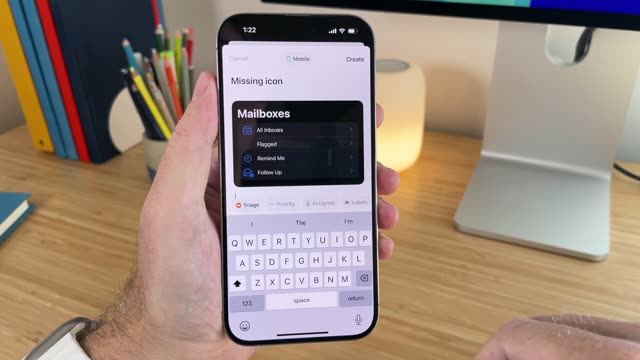

Introducing Linear Mobile
Linear · Productivity · Sep 2024
Loom · Oct 2021 · 1:19
A screen-recording launch video for Loom's Canvas backdrop, built as a single presenter in a circular webcam frame who demos the feature live on a macOS desktop. The structure opens with a before-and-after transformation, walks through use cases, then a step-by-step how-to of backgrounds, text and templates, and closes on a try-it-out sign-off. The signature moves are the locked-off circular portrait, the cursor-driven UI walkthrough, and the snap-swap of colorful template backdrops behind the静止
Linear · Productivity · Sep 2024
Zapier · Productivity · Jan 2025
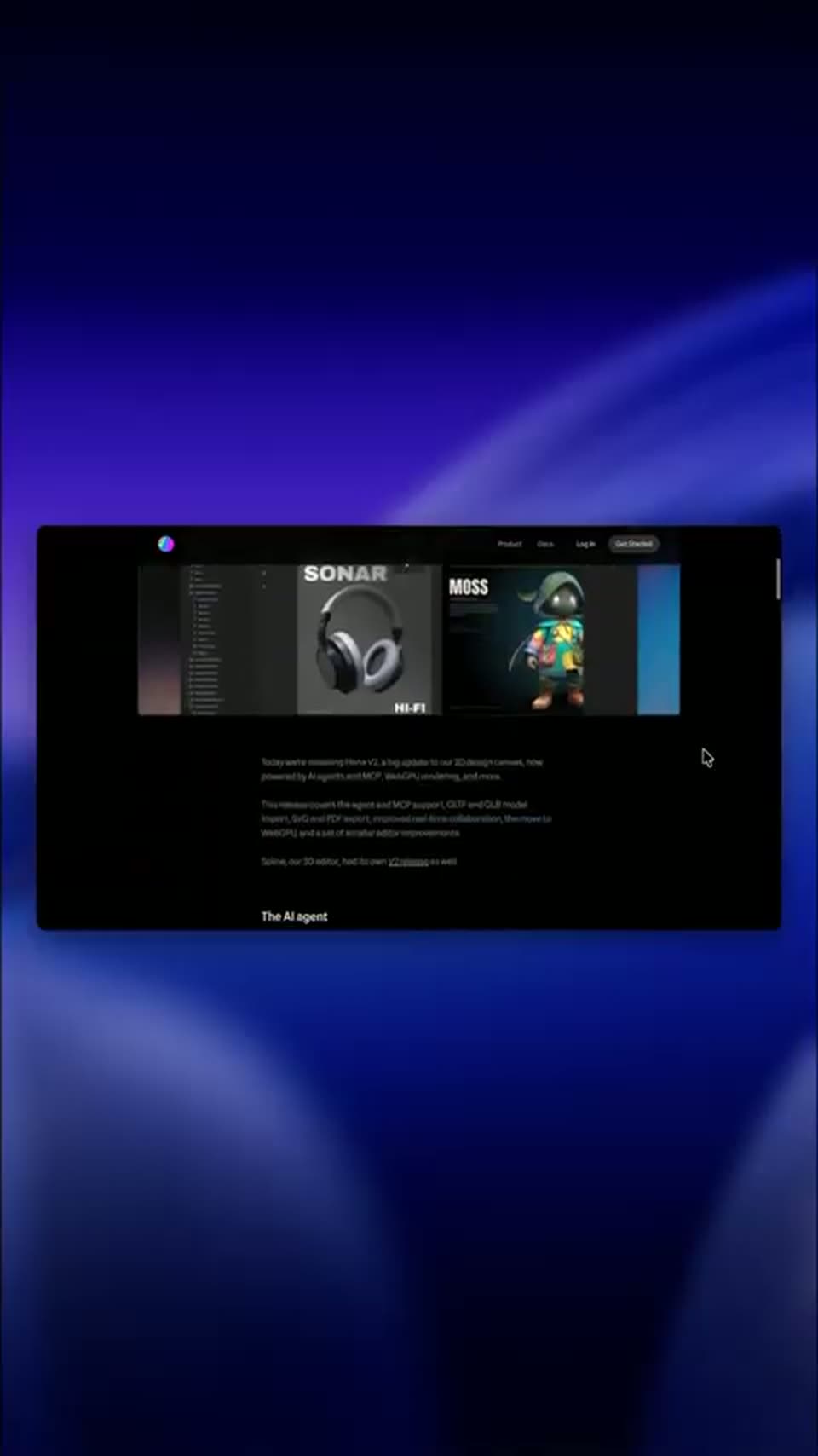
Spline · Design · Sep 2026
A dark macOS desktop with the menu bar at top; a circular video of a man in a sage t-shirt talks and gestures against a pale blue background, centered on screen. A small red square sits at the left edge. The frame is locked off throughout.
Camera: Static
A macOS window shows a dark navy backdrop with a circular video of a man speaking, ringed by a purple starburst and scattered colorful geometric shapes. The shapes stay fixed while the man's head moves as he talks. A small edit button sits at the bottom center.
Camera: Static
A macOS window shows a canvas card with a coral header reading 'Hello' in white brush script, above a white panel with a circular portrait of a talking man and the line 'Hey! I'm George'. A pastel 'Hello' pattern fills the background; the frame is locked off.
Camera: Static
A white card with a blue border sits in a browser over a pink patterned background. A circular video of a man talking plays on the left, beside three lines of black update text under a bold blue Breaking Q4 News headline. Only the man's video moves.
Camera: Static
A dark macOS desktop fills the frame with the menu bar across the top. The cursor glides from the right edge up to the top-right status icons and hovers near the Control Center, while the rest of the screen stays empty.
Techniques: Cursor demo
Camera: Static
On a dark macOS desktop, the Loom recording window sits at the top right. The cursor glides down to the Create a recording canvas button, and a circular webcam preview of a man fades in at the bottom left.
Techniques: Cursor demo
Camera: Static
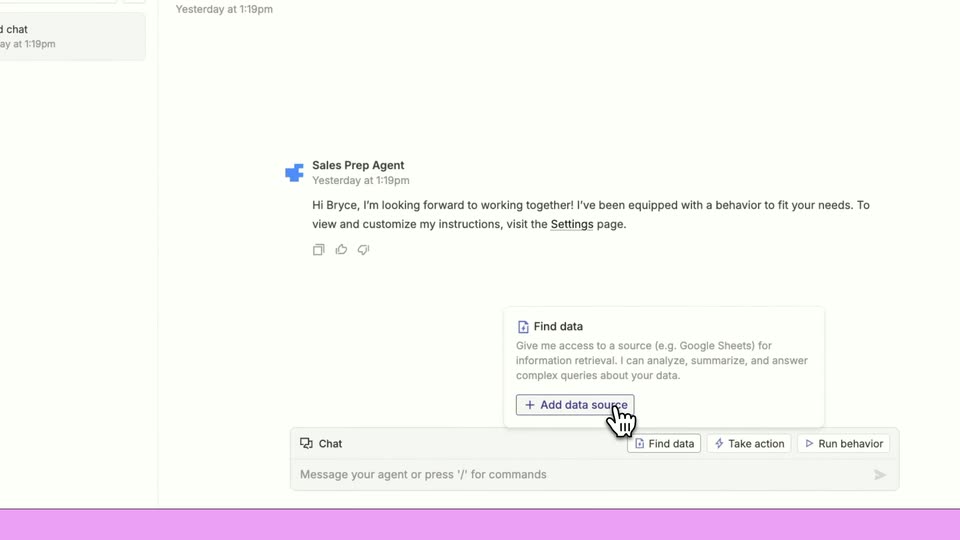
A macOS app window with a white canvas and a circular webcam feed of a man at bottom left. Gray placeholder text 'Click to add text' sits in the center. The cursor clicks the Background button, opening a panel of color swatches and image thumbnails, then hovers over the swatches.
Techniques: Cursor demo
Camera: Static
A settings panel sits over a purple interface. The cursor moves from a blue color swatch to a rainbow image thumbnail.
Techniques: Cursor demo
Camera: Static
A screen recording of the app's white canvas framed by a colorful powder border. A cursor opens the text panel, types Hello world!, sets the font to Slab, Extra large, bold and underlined, then opens the templates panel. A circular webcam feed of a man sits lower left.
Techniques: Cursor demo
Camera: Static
A macOS Message window holds a Templates popup with six greeting cards and a small webcam video of a man. A bottom toolbar offers Background, Text layout, Templates and Start recording. The blank canvas background fills with a green leaf pattern as the cursor moves.
Techniques: Cursor demo
Camera: Static
A macOS app window shows a pink Art Deco canvas with a large vintage 'Click to add text' placeholder and a circular webcam feed of a man at lower left. A Templates modal lists six thumbnails while a cursor hovers over the Breaking News card.
Techniques: Cursor demo
Camera: Static
A slide app window on a pink illustrated backdrop shows a white canvas with a blue title placeholder. A Templates panel of six cards sits below, and the cursor glides from the Breaking News card to the Hello certificate. A round webcam feed of the presenter anchors the lower left.
Techniques: Cursor demo
Camera: Static
The app window fills the frame over a patterned backdrop. A cursor selects a Hello template in the open Templates panel, and the canvas background swaps from white to a coral design with a hand-drawn white Hello and radiating strokes.
Techniques: Cursor demo
Camera: Static
On a dark purple canvas of colorful geometric shapes, a circular webcam feed of a talking man glides from the lower-left corner and scales up to the center, settling inside the purple starburst. A cursor clicks the close button on the Templates panel, dismissing it.
Techniques: Cursor demo
Camera: Static