4:00
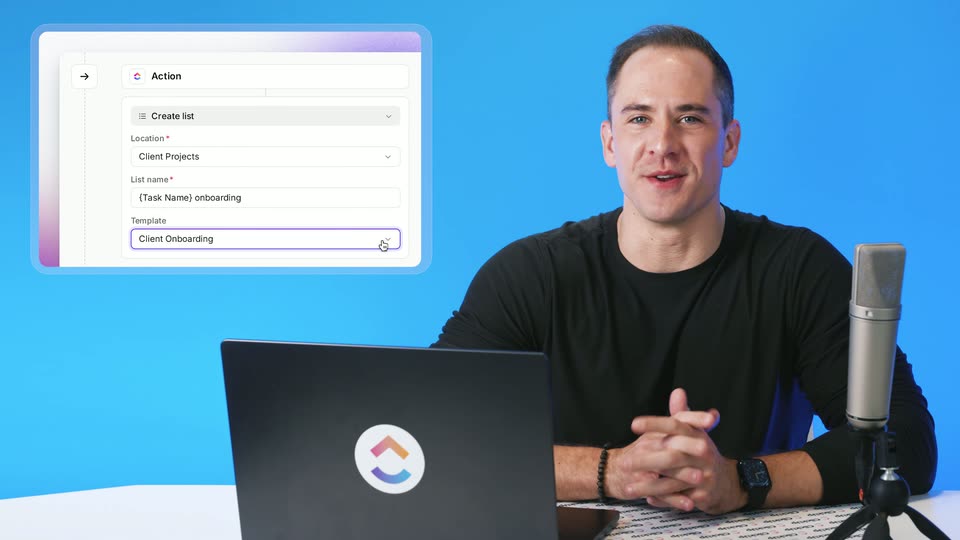

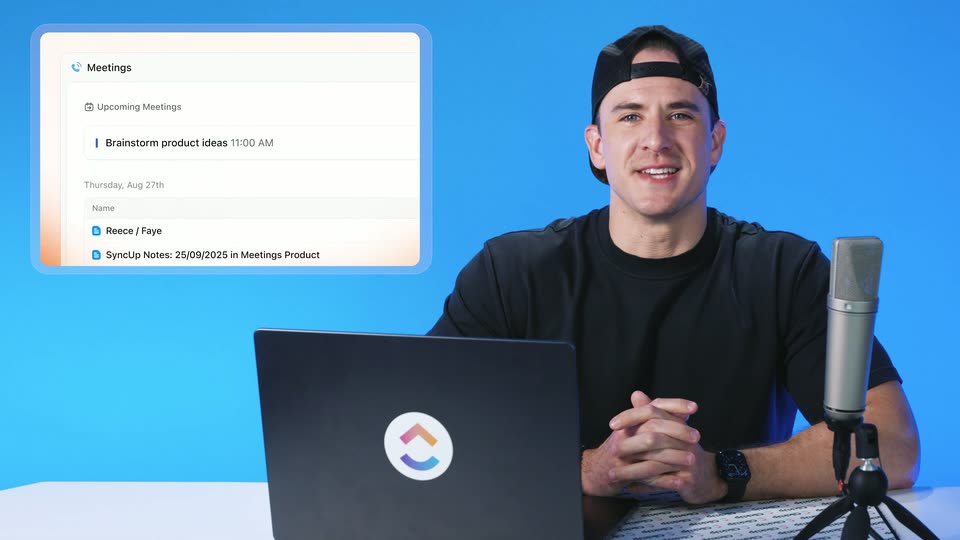
ClickUp Release 4.09: List Templates in Automations, Parent Task Date Sync, and more!
ClickUp · Productivity · Oct 2026
Cursor · Dec 2025 · 2:05 · AI-annotated
The film is a two-shot conversation in a warm home office intercut with locked-off screen recordings of the Cursor editor, so the feature demo plays like a casual walkthrough between two colleagues. Signature moves are the blue selection outline that snaps onto page elements, the word-by-word fill on the pale gray title card, and the rotating hexagonal logo lockup that closes the video.
ClickUp · Productivity · Oct 2026
ClickUp · Productivity · Sep 2026
Microsoft · AI · Mar 2023
Two men sit at a wooden table in a bright home office. The man in a gray blazer talks and gestures toward a laptop with its back to camera, while the man in a denim jacket and black cap listens and glances at him. Locked-off medium shot, steady conversational pace.
On-screen text: “1”
Camera: Static
A light gray card fills in the headline word by word, then cuts to two men seated at a desk, one in a denim jacket and cap, the other in a gray blazer, with a laptop in the foreground.
On-screen text: “A new kind of visual editor”, “inside of Cursor”
Techniques: Kinetic type
Camera: Static
Two men sit at a wooden table in a sunlit office with a bookshelf behind them. The man on the right speaks to camera, then both turn to face each other as he gestures. White name captions fade in at the bottom corners and out again.
On-screen text: “Jason Ginsberg”, “Head of Engineering”, “Ryo Lu”, “Head of Design”
Camera: Static
A man in a dark cap and light denim jacket speaks in a softly lit room with framed pictures on the wall. He glances down and to the side, mid-sentence, in a static medium close-up.
Camera: Static
Two men sit at a wooden table, one in a denim jacket and cap, the other in a gray blazer typing on a laptop. The shot cuts to a 3D laptop on a desk showing a code editor beside a white document.
Techniques: 3D mockup
Camera: Static
A laptop on a wooden desk displays a code editor filled with lines of code, while a hand types on the keyboard. The background is a soft-focus home office with a potted plant and bookshelves.
Camera: Static
A browser window displays the Cursor features page. The cursor moves to the top right corner and clicks, then a blue selection outline snaps onto the header, the Features label, and the main heading one after another.
Techniques: Cursor demo
Camera: Static
A design tool canvas displays the Cursor homepage. The headline element is selected, gaining a blue outline and a component label, while the right panel lists its text settings.
Camera: Static
Two men sit at a wooden table in a home office, a laptop open between them. The man in the grey blazer gestures with one hand while speaking, then turns his head to glance at the man in the denim jacket and cap, who listens with arms crossed.
Camera: Static
A laptop on a wooden desk displays the Cursor homepage inside a design editor with side panels. A hand enters at the bottom and drags the selected headline block upward on the canvas, the blue selection outline tracking the move.
Camera: Static
Two men sit at a wooden table in a warm, book-lined room. The man in the gray blazer works a laptop while the man in the cap and denim jacket looks on. A small caption holds still in frame.
On-screen text: “The best way to build software.”, “Agent”
Camera: Static
A man in a black cap and denim jacket speaks in a bright room with framed pictures, then the shot cuts to a laptop on a wooden desk displaying the Cursor design tool with a document open.
Camera: Static
Locked-off shot of a laptop on a wooden desk showing a design tool editing the Cursor homepage. The right properties panel updates its values and the blue selection outline moves from the hero text to the Cursor logo at the top.
Camera: Static
A design tool view splits a webpage mockup on the left and a layout panel on the right. The cursor taps alignment options in the panel, then clicks Apply at the top right, while the headline slides left into its final position.
Techniques: Cursor demo
Camera: Static
A split view of the Cursor agent interface. The left log types search steps line by line while the right browser preview of the Cursor site highlights page sections with blue outline boxes and class labels.
Camera: Static
A man in a gray blazer types on a laptop at a wooden table while a man in a cap and denim jacket watches. The room behind them holds shelves, books, a lamp and framed art. The shot stays static.
Camera: Static
A locked-off shot of a laptop on a wooden desk beside a potted plant. On screen, a Cursor webpage and a component inspector panel; a chat line highlights in blue while the right panel scrolls down through Design and Appearance settings.
Camera: Static
A flat two-panel interface: an agent chat log with file chips on the left, a text properties panel on the right. A cursor opens the font dropdown, cycles font names that update the field, then opens a color token list and hovers a gray token.
Techniques: Cursor demo
Camera: Static
A man in a grey blazer sits at a home-office desk, looking down and speaking to a laptop. The shot cuts to a steady close-up of the laptop screen, showing a design tool with a website canvas and a properties panel on the right.
Techniques: 3D mockup
Camera: Static
Locked-off shot of a laptop on a wooden desk, a plant blurred behind. The screen shows a design tool editing the Cursor page; the canvas scrolls to the feature columns, then blue outlines snap onto each column as the right panel's layout values change.
Camera: Static
A design-tool screen shows a three-card feature layout on the left with a model-picker dropdown open, while the right properties panel scrolls from margin to layout controls. A cursor slides down and clicks the grid icon, highlighting the selected section with a blue outline.
Techniques: Cursor demo
Camera: Static
A design tool interface fills the frame. A cursor opens a width dropdown in the right Layout panel, then selects the center alignment icon, and the gray prompt panel inside the highlighted card slides to the middle.
Techniques: Cursor demo
Camera: Static
A laptop on a wooden desk shows a design tool editing a website mockup, with a cursor moving to the page header. The shot cuts to a man in a cap speaking to camera.
Techniques: Cursor demo
Camera: Static
A man in a black cap and light denim jacket talks in a cream-walled room hung with framed art, held in a locked-off medium close-up as he shifts his gaze and turns his head to the side.
On-screen text: “Delegate coding tasks so you can”, “0”
Camera: Push in
Two men sit at a wooden table in a softly lit room. The man in a gray blazer talks and gestures with both hands; the man in a black cap and denim jacket listens. A dark laptop stands open in the foreground. Static medium shot.
Camera: Static
A bright room with framed prints on the wall. The shot opens on a man in a gray blazer seen in profile, then shifts to a man in a black cap and denim jacket who speaks and gestures toward him.
Camera: Pan
Over-the-shoulder shot of a laptop on a wooden desk. A person's hands enter the frame and type on the keyboard while the screen shows the Cursor features page scrolling to a model dropdown and a layout panel updating its values.
Camera: Static
A person's hands type on a laptop keyboard in the soft-focus foreground while the screen shows the Cursor website with an open model-selection dropdown and a design properties panel. The shot is a close over-the-shoulder view on a wooden desk with a plant to the left.
Camera: Static
A locked-off medium two-shot shows two men at a wooden table in a warm home office. The man in a gray blazer talks and gestures toward a laptop while the man in a denim jacket listens.
Camera: Static
A code editor and a browser preview sit side by side in a locked-off frame. A white cursor hovers over the page heading as blue component labels pop up above the text.
Techniques: Cursor demo
Camera: Static
A design tool edits the live Cursor page. The inspector panel scrolls, a color dropdown opens and the cursor hovers a blue token, then the canvas scrolls down to the Agent and feature sections.
Techniques: Cursor demo
Camera: Pan
A design tool canvas displays a Cursor landing page. A cursor works in the right panel, adjusting margin and grid settings; the preview's three feature cards rearrange as the layout value changes.
Techniques: Cursor demo
Camera: Static
Two men sit at a wooden table in a warm home office, one in a denim jacket and black cap, the other in a gray blazer. The man on the right speaks and gestures toward an open laptop in the foreground.
Camera: Static
A man in a gray blazer speaks in profile against a wall of framed art. The frame opens to reveal a second man in a black cap and light denim jacket, who then turns toward the camera and speaks, smiling.
Camera: Pan
A black hexagonal mark rotates and shrinks at the center of a pale gray field, then settles to the left as the wordmark CURSOR scales in beside it, forming a centered lockup.
On-screen text: “CURSOR”
Techniques: Kinetic type
Camera: Static