0:17
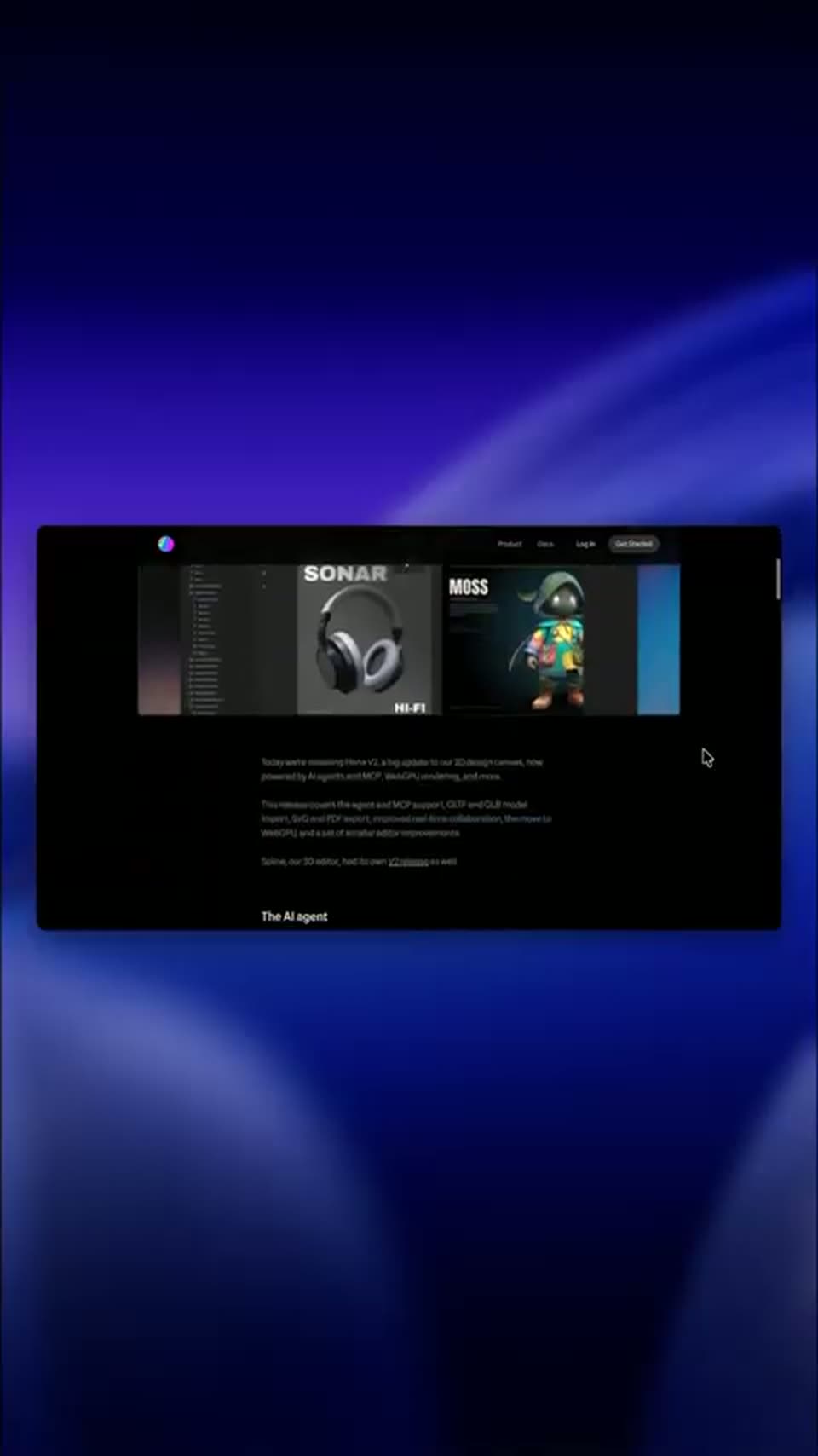

Hana V2 is here to stay 🌸 #3d #3danimation #uiux #productdesign #graphicdesign
Spline · Design · Sep 2026
Zapier · Jan 2025 · 1:09 · AI-annotated
The video alternates the presenter in a home studio with UI screen recordings on a pink to purple gradient, each spoken line handing off to the next feature demo at a steady pace of about one cut per six seconds. Signature moves are the orange block reveal, blur and zoom transitions between interface states, and the sliding underscore in the Zapier wordmark.
Spline · Design · Sep 2026
Supabase · Developer tools · Jul 2025
HeyReach · Oct 2026
The Zapier wordmark, white lowercase letters preceded by an orange dash, sits centered on a black field. The letters fade out over the clip, leaving only the orange dash in the final frame.
On-screen text: “_zapier”
Camera: Static
A man in a patterned shirt sits at a studio microphone before wooden bookshelves, speaking with eyes closed. The shot emerges from an orange block that fills the frame, then the orange tint fades to full color.
Camera: Static
A man in a blue patterned shirt sits centered behind a studio microphone, speaking into it in a home office with wooden shelves, books and a framed picture. He gestures with his hands as he talks.
Camera: Static
A man in a blue patterned shirt speaks into a studio microphone, raising a pinched hand then pointing upward, bookshelves behind him. The shot ends in a fast motion-blur wipe.
Camera: Static
The agents dashboard fades in from dim to full brightness, showing a left list of named agents beside a chat panel. A cursor moves down the list, then the whole screen blurs and zooms out to white.
Techniques: Cursor demo
Camera: Push in
The Sales Prep Agent chat window fills the frame on a pink gradient. The view zooms to the Find data card, where a hand cursor clicks the Add data source button.
Techniques: Cursor demo, UI zoom
Camera: Push in
A white modal lists app tiles in a three-column grid with small icons. A hand cursor glides from the lower right to the Notion tile, which draws a highlight border, and the panel scrolls up to reveal the Add data source header.
Techniques: Cursor demo
Camera: Static
A Notion page on a pink background scrolls upward through a Brand Guidelines document, moving from the biplane banner and brand overview down to color palette, typography and tone of voice, while a cursor sits at the right margin.
Camera: Pull out
A bright pink backdrop frames a white automation-builder window that zooms to fill the screen. A hand cursor scrolls a Gmail action list, pauses on Send Email, a spinner loads, then the list closes and a Gmail: Send Email chip drops into the instruction text.
Techniques: UI zoom, Cursor demo
Camera: Push in
A man in a blue patterned shirt speaks into a black studio microphone, raising both hands to gesture, against a backdrop of wooden shelves holding books, a framed picture and a plant.
Camera: Static
A Zapier homepage fills a browser window on a pink backdrop. The right side crowd photo swaps through dated group shots while a mouse cursor drifts from the headline up to the top right corner.
Techniques: Cursor demo
Camera: Static
Two browser windows sit on a pink background: the Zapier homepage on the left, an empty Zapier Agents window on the right. A cursor drops into the agents window as it scales up and the homepage tilts away.
Techniques: Cursor demo, UI zoom
Camera: Push in
A white Zapier Agents panel slides in from the right over a pink backdrop and a webpage, revealing a list of agents with colored icons. A cursor glides to the first row and hovers over it.
Techniques: Cursor demo
Camera: Push in
A screen recording of the Zapier Agents panel: a cursor clicks Outreach Agent and the panel blurs into a chat-history list that scrolls down to an empty chat and a New input field, while a webpage with a photo of three people scrolls on the left.
Techniques: Cursor demo, UI zoom
Camera: Pan
A product window on a pink background pairs a photo of three people with a chat panel. The panel content switches from an empty chat header to a behavior form with a Run behavior button, while a hand cursor hovers at the bottom edge.
Techniques: Cursor demo
Camera: Static
A chat panel sits right of a scrolling column of team photos. A hand cursor clicks the Run Behavior button, a spinner loads, then an Outreach Agent message with an On demand trigger card appears.
Techniques: Cursor demo
Camera: Pan
Split screen: a Zapier webpage with a video thumbnail fills the left, the Agents chat panel the right. The view reframes from a close crop to the full layout while a cursor hovers over the panel and a 'Just a moment' line appears under the Outreach Agent entry.
Techniques: UI zoom, Split screen, Cursor demo
Camera: Pull out
A chat agent interface sits on a pink gradient. A cursor travels down the sidebar list of draft replies and clicks one entry. The chat pane then refreshes to a new thread showing gray skeleton loading bars.
Techniques: Cursor demo
Camera: Push in
A flat close-up of an agent chat thread, with a completed action card, pulls back into a tilted 3D window. The reframe reveals a left sidebar listing draft email and Slack replies, and a hand cursor hovers over the matching row.
Techniques: 3D mockup
Camera: Pull out
A man in a blue patterned shirt sits behind a studio microphone, speaking to camera and gesturing with both hands. He is framed in a medium close-up against wooden bookshelves and a framed picture, the camera held static throughout.
Camera: Static
A Zapier browser window on a pink background scrolls steadily down the Agent Templates page, passing the hero image and chat panel into a two-column grid of template cards, each pairing an agent title with a short chat transcript.
Camera: Push in
A two-column grid of agent cards scrolls down over a purple-to-pink gradient, each card pairing a sample chat message with a Zapier agent title and one-line caption. The white nav bar with the Zapier logo stays fixed at the top edge.
Camera: Pull out
A Zapier agent-list panel, semi-transparent at first, fades to opaque over a live-action shot of a woman in a green jacket at a laptop, her figure visible through the gaps between the white cards on a pink background.
Camera: Pull out
A man in a blue patterned shirt sits centered behind a black microphone, speaking to the camera in a home office with wooden bookshelves. He gestures with his hands, raising one to point toward the lens as he talks.
Camera: Static
A rust-colored field opens to a near-black background, revealing the rust zapier wordmark. An orange bar in the center resolves into an underscore sliding left of the word and a small block ticking near the a.
On-screen text: “_zapier”
Techniques: Masking
Camera: Static
The zapier wordmark with an orange dash sits centered on a near-black field. The tagline resolves beneath it, then the URL fades in lower. The whole composition dims and fades to black.
On-screen text: “Get started today”, “zapier.com”
Camera: Static
End card on a black background: the Zapier wordmark with an orange dash, the tagline Get started today, and the URL zapier.com hold in the center, then fade out to black.
On-screen text: “Get started today”, “zapier.com”
Camera: Static