0:58

ClickUp Launch Video
ClickUp · Productivity · Sep 2026
Slack · Nov 2023 · 1:12
A single flat UI mockup of a chat app on a warm yellow field, driven by a hand cursor that zooms, detaches, and rescales the huddle window as each feature is introduced in turn. Pacing is slow and even at about 2.5 cuts per minute with soft fades between states, and the signature moves are the huddle card sliding out of the sidebar and the window scaling between floating and fullscreen.
ClickUp · Productivity · Sep 2026
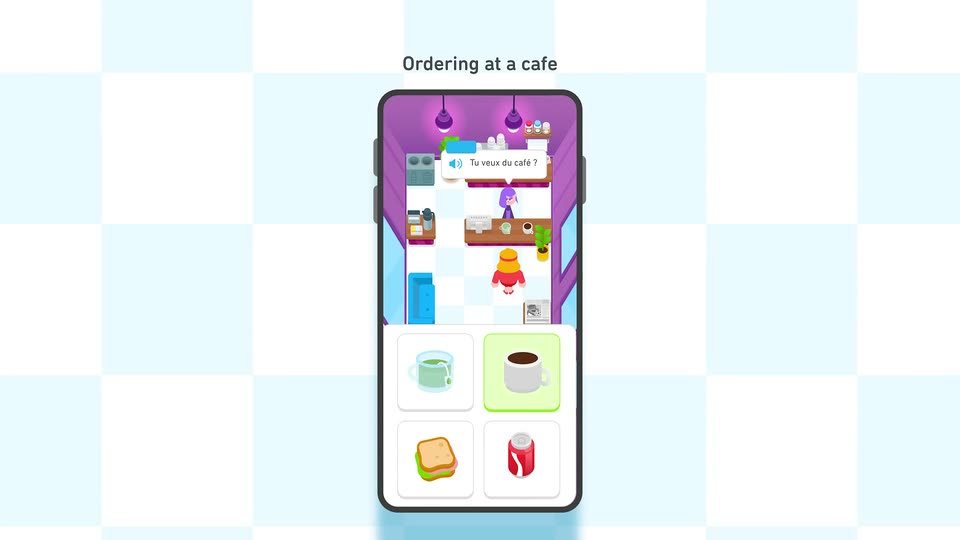
Duolingo · Consumer · Sep 2024
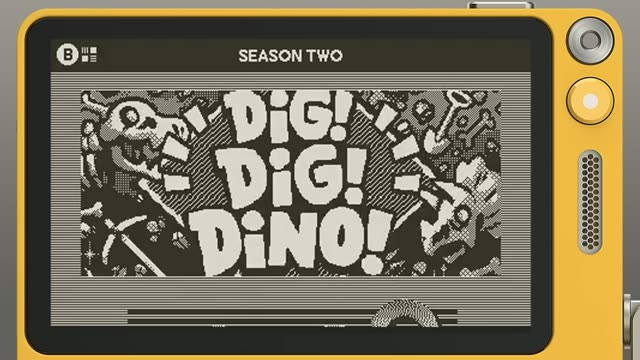
Playdate · Hardware · Jul 2025
A chat application window on a warm yellow background fades in from a washed-out state to full clarity. The left sidebar lists channels with one highlighted, and the main pane shows a header and faint placeholder message lines.
Techniques: 3D mockup
Camera: Static
A flat chat-app window on a yellow background zooms in as two messages type in, then a hand cursor taps the headphone icon. A purple huddle card with participant tiles slides into the sidebar and detaches into a floating video window.
Techniques: UI zoom, Cursor demo
Camera: Push in
A flat huddle panel with three video tiles and a message thread drops into place over a dimmed Slack window. A thumbs-up reaction then pops in under Harry's canvas message.
Camera: Static
A small huddle window floats over a dimmed team chat app. A hand cursor clicks the expand icon, and the window scales up to fill the screen, its content reflowing into a 2x2 grid of three video tiles and a screen share, with a control bar below.
Techniques: Cursor demo, Morph
Camera: Push in
A purple video call window with four participant tiles sits on an olive background. A cursor clicks Add a Topic, a dialog opens, the words Sync on proposal are typed, and Set topic is clicked. A second screen share tile then slides into the grid.
Techniques: Cursor demo
Camera: Push in
A Huddie call window on an olive field shares a design app over a forest photo. A pink circle is drawn around a cube illustration, reaction chips pop in at the right, then the cursor opens the Effects panel, picks Hearts, and red hearts drift across the share.
Techniques: Cursor demo, Particles
Camera: Static
A flat app window shows a huddle with a screen share left and a thread panel right. Messages with a bulleted list and a fist emoji drop into the thread. A cursor clicks the pink Leave button, then the window slides left and shrinks to reveal another window behind.
Techniques: Cursor demo
Camera: Pull out
A flat chat app window on a yellow background scales in. A hand cursor clicks View thread on a huddle message, and a thread panel slides in from the right showing the replies, then the window fades out.
Techniques: Cursor demo
Camera: Pull out
A solid pale yellow field fills the entire frame. No text, logo or other element appears, and the color stays static for the full duration of the shot.
Camera: Static