4:00
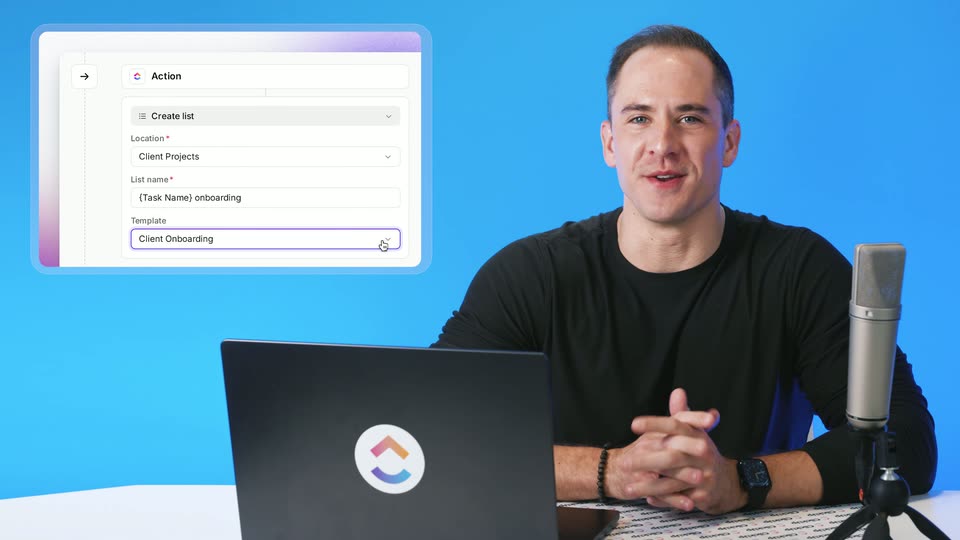

ClickUp Release 4.09: List Templates in Automations, Parent Task Date Sync, and more!
ClickUp · Productivity · Oct 2026
Granola · Jul 2025 · 2:39 · AI-annotated
The video intercuts a locked-off two-shot of the hosts at a wooden table with full-screen screen recordings of Granola, Zapier, Linear and Attio, following two Zapier workflows step by step. Its signature moves are the typewriter-style granola wordmark with a blinking cursor, the recurring shall we granola this? tagline, and the wire fruit bowl that anchors every live shot.
ClickUp · Productivity · Oct 2026
Attio · Business software · Feb 2026
Suno · AI · Oct 2026
A black screen holds the white lowercase word granola centered, with a thin vertical cursor bar at its end. The frame stays locked and static for the whole clip.
On-screen text: “granola”
Camera: Static
A centered dark green granola wordmark sits on a plain off-white background with a light green vertical cursor bar after the final letter. The frame is static while the voiceover introduces the presenters.
On-screen text: “granola|”
Camera: Static
A woman in a white shirt and a man in a gray shirt sit at a wooden table in a bright office, each behind a laptop. The woman speaks and gestures while the man listens. A wire fruit bowl of bananas and apples sits at the right edge. Locked-off.
Camera: Static
A locked-off view of the Zapier editor shows four step cards stacked vertically, linked by purple arrows. A cursor drifts across the dotted canvas, and near the end a horizontal strip of app icons inserts itself between the first and third steps, with the Granola icon highlighted.
On-screen text: “shall we granola this?”
Techniques: Cursor demo
Camera: Static
A notes app window shows a document titled Zapier Launch Video! with a bulleted list. The view zooms in on the heading, then pulls back out. The cursor moves down the list, highlighting lines as it passes.
Techniques: UI zoom, Cursor demo
Camera: Pan
Two people sit at a wooden table, each facing a laptop. The woman in white gestures and speaks; the man in gray looks to camera, then down. A wire fruit bowl with bananas and apples sits at the right edge of the table in a bright, plant-filled office.
Camera: Static
A locked-off screen recording shows a meeting-notes app with a share panel on the right. A cursor glides from the note body into the panel and hovers over the Zapier button. The frame stays static throughout.
On-screen text: “hall we granola this?”
Techniques: Cursor demo
Camera: Static
A woman in white and a man in gray sit at a wooden table in a bright office, each behind a laptop. The woman looks down at her screen; the man faces the camera. A green tagline banner rests on the right laptop lid. Static shot.
On-screen text: “shall we granola this?”
Camera: Static
A wide app view zooms into a share menu as a cursor hovers the Zapier button, a Send tasks to Linear recipe pops up, then the cursor clicks it. The frame pulls back to a confirmation toast at the bottom.
On-screen text: “shall we granola this?”
Techniques: UI zoom, Cursor demo
Camera: Push in
A woman in a white shirt and a man in a grey striped shirt sit at a wooden table, each on a laptop; a green sticker is on the man's lid. A fruit bowl sits to the right. Bright plant-filled office behind. Locked-off frame; they look down and type.
Camera: Static
In the Linear issue list, the empty Active issues state fades out as task rows appear one by one under a Todo group, the count climbing from one to four. A cursor hovers mid-frame, then the view zooms into the growing list of issue titles.
On-screen text: “shall we granola this?”
Techniques: Cursor demo, UI zoom
Camera: Push in
A woman in a white shirt and a man in a gray shirt sit at a wooden table with laptops in a bright, plant-filled office. The woman speaks to camera while the man works at his screen; a wire fruit bowl of bananas and apples sits at the right edge.
Camera: Static
A light Linear workspace shows a sidebar and a five-row issue list. A cursor hovers over the rows, then the screen switches to the detail page of one ticket, revealing its description text and a right-hand properties panel.
Techniques: Cursor demo
Camera: Static
A project issue view displays the title and a multi-line description. The frame zooms in on the description, a text cursor resting at its end, then returns to the full three-panel layout.
Techniques: UI zoom, Cursor demo
Camera: Static
A woman and a man sit at a wooden table in a bright, plant-filled office, each with a laptop; the woman talks to camera while the man types on a laptop bearing a green sticker. The shot cuts to a static Zapier workflow canvas showing two connected steps.
Camera: Static
A static Zaps editor view shows a Granola trigger card connected by an arrow to an Attio action card, with a configuration panel open at right. A cursor hovers at the Granola card's left edge and an Edit tooltip floats above the Attio card.
On-screen text: “shall we granola this?”
Techniques: Cursor demo
Camera: Static
A man and a woman sit at a wooden table in a bright office, each on a laptop. The man types and speaks while the woman looks down at her screen. A fruit bowl sits to the right; plants and colorful chairs fill the background.
Camera: Static
A Zapier workflow screen displays two stacked Zap cards on the left and an open configuration panel on the right. A cursor moves across the Granola Folder field and stops on its resize handle.
Techniques: Cursor demo
Camera: Static
A static shot frames two people at a wooden table in a bright, plant-filled office; the man in a gray polo types on a silver laptop while the woman in a white shirt looks on, a wire bowl of bananas and apples sits to the right.
On-screen text: “shall we granola this?”
Camera: Static
A screen recording of the Zaps editor shows two integration cards, Granola and Atio, linked by a connector, with a settings panel open on the right. A cursor drifts down the connector and hovers over the Atio card while the panel stays still.
On-screen text: “shall we granola this?”
Techniques: Cursor demo
Camera: Static
A man in a gray shirt types on a silver laptop while a woman in white watches, seated at a wooden table in a plant-filled office. The camera slowly pushes in as he speaks, a fruit basket at the right edge.
Camera: Static
A cursor moves down the folder list, clicks the menu beside Muesli Inc and chooses Integrations. A Folder Settings panel opens over the dimmed screen, expanding the Zapier row to show an active Update CRM workflow with a green toggle.
Techniques: Cursor demo
Camera: Pull out
A notes app interface with a left folder sidebar and a Muesli Inc panel sharpens from a soft blur. A black cursor glides down the empty notes area toward the Add notes button.
Techniques: Cursor demo
Camera: Push in
A notes app screen crossfades from a faded folder page to the home view. A cursor hovers over My notes in the left sidebar as a Coming up schedule fills the right panel.
Techniques: Cursor demo
Camera: Static
The view reframes onto a note list as a cursor clicks an add to folder button, opening a dropdown menu. The cursor moves down and hovers over the Muesli Inc option.
Techniques: UI zoom, Cursor demo
Camera: Pan
A man in a gray shirt types on a silver laptop at a wooden table while a woman in a white shirt looks at her own screen, in a bright office with plants and colorful chairs. A fruit bowl sits on the table's edge as the camera slowly pushes in.
Camera: Static
A CRM company record for Muesli Inc shows the Notes tab open, with a meeting summary card on the left and a Record Details panel on the right. A cursor drifts across the note card, pointing at its content.
Techniques: Cursor demo
Camera: Static
A woman and a man sit at a wooden table with laptops in a bright, plant-filled office; the woman talks and gestures while the man looks up from his screen. The frame cuts to black as the word granola types out in white.
On-screen text: “granola”
Techniques: Kinetic type
Camera: Static
The white lowercase wordmark “granola” sits centered on a black background, followed by a thin vertical text cursor. A small tagline “shall we granola this?” is also on screen. The frame is locked off and static.
On-screen text: “shall we granola this?”, “granola”
Camera: Static
The granola wordmark in dark green lowercase sits centered on a plain white background, with a light green vertical bar to its right like a text cursor. The frame is static and locked off.
On-screen text: “granola”
Camera: Static