3:58
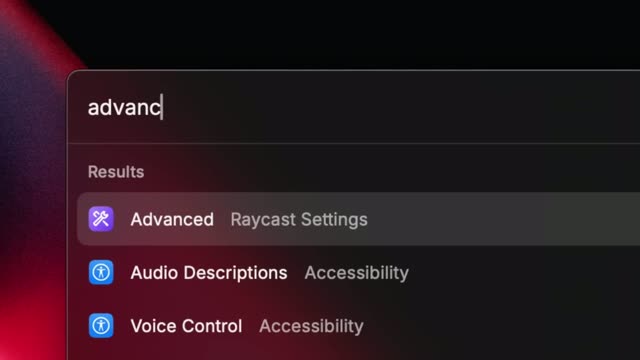

Raycast Just Got You A New Key
Raycast · Productivity · Feb 2025
GitHub · Nov 2024 · 1:22
Structured as a single uncut Xcode screen recording that walks through a four-beat arc (product intro, broken-button problem, suggestion demo, availability close) at a steady conversational pace. The signature move is the persistent split view of scrolling Swift code beside a live iPhone preview, punctuated by zoom-ins on the inline ghost text and the option-key full-suggestion reveal.
Raycast · Productivity · Feb 2025
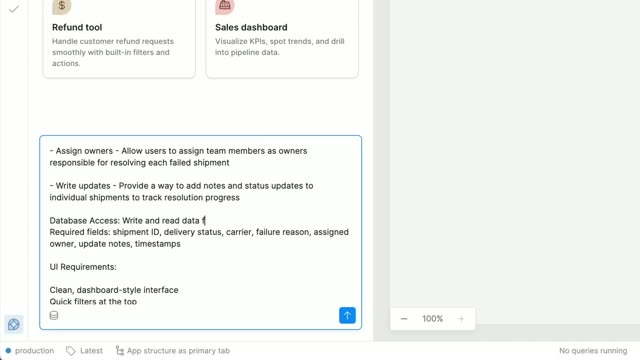
Retool · Developer tools · Oct 2025
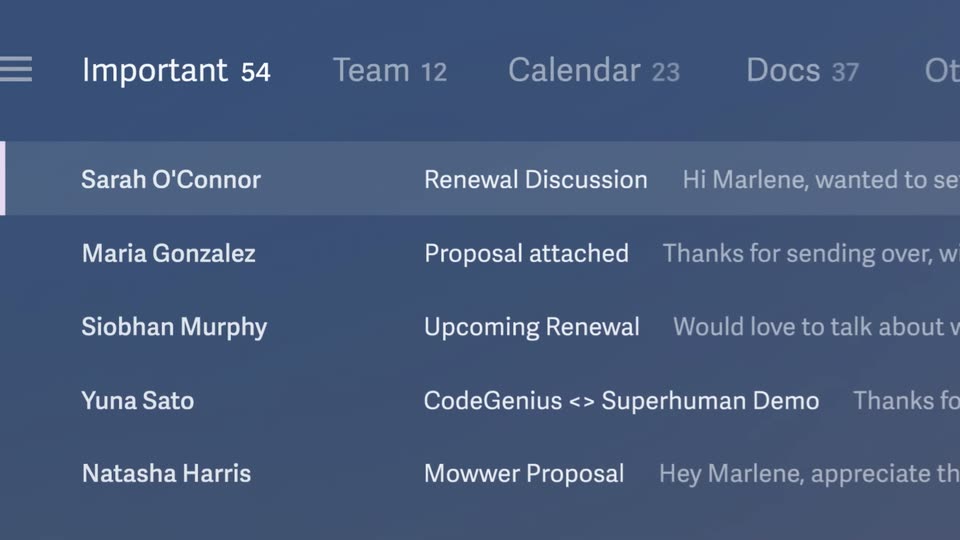
Superhuman · Productivity · Jan 2025
A screen recording of Xcode on a colorful gradient background. Swift code for a calculator app fills the editor while a live iPhone preview sits on the right. A cursor edits the button list, the preview updates to add an AC key, and the code scrolls down.
Techniques: Cursor demo
Camera: Pull out
A code editor with Swift source sits left of a phone simulator running a calculator app. The code scrolls while digits are tapped on the calculator, the display builds to 144 and resets to 0, then the view zooms into the code.
Techniques: UI zoom
Camera: Push in
Close-up of Swift code in Xcode. A Copilot inline suggestion appears on an empty line, a tooltip prompts to hold the option key, and it expands into a three-line preview. The code is accepted and the frame zooms out to reveal the full IDE with a phone preview.
Techniques: UI zoom
Camera: Pull out
Xcode fills the screen: file tree left, Swift code center, live iPhone preview right on a colorful gradient backdrop. Calculator buttons flash as 1, 4, 2 are tapped and the display counts up, then resets to 0, while the code pane and preview shift a few lines.
Camera: Static