0:17
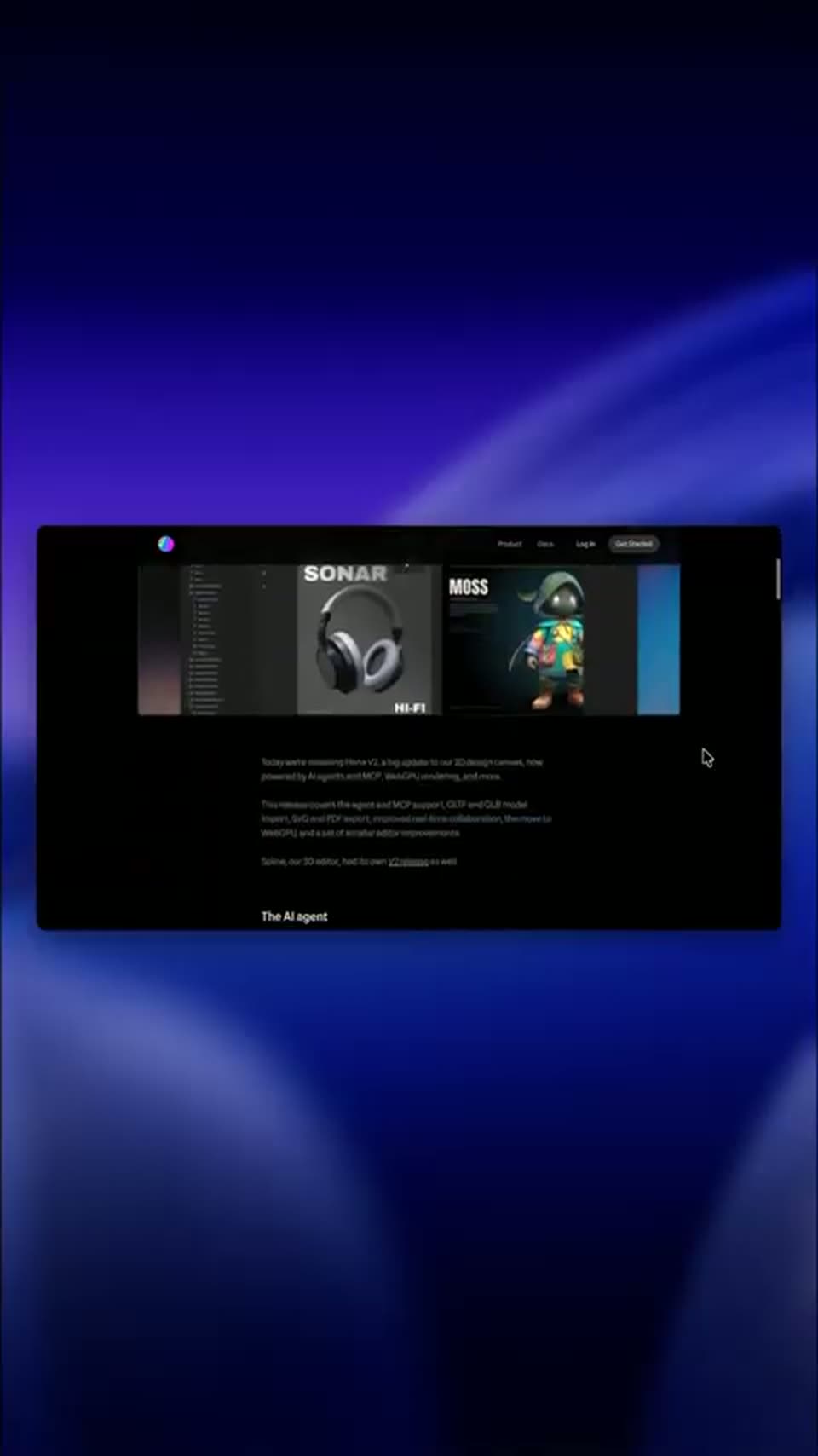

Hana V2 is here to stay 🌸 #3d #3danimation #uiux #productdesign #graphicdesign
Spline · Design · Sep 2026
The video is built as a single continuous story: a dodgeball team sets up a server, then the camera zooms in and out of a dark UI floating on a flat periwinkle field to demo each feature in turn, punctuated by flat vector gags. Pacing is brisk at about five cuts a minute, with the signature moves being the 3D tilt of the app window, the cursor driving every action, and the hard cuts from interface to illustrated couch scenes.
Spline · Design · Sep 2026
Spline · Design · Aug 2026
Adobe · Apr 2025
On a flat blue field, the white Discord mark sits above the headline THIS IS HOW DISCORD WORKS, the words sliding in with a slight stagger. A dark purple box scales in below, its number counting up to 148,000, then tilts as MILLISECONDS (OR LESS) slides in at right.
On-screen text: “THIS IS HOW”, “DISCORD WORKS”, “148,000”, “MILLISECONDS”, “(OR LESS)”
Techniques: Kinetic type
Camera: Static
On a flat blue field, the Discord mark and white headline sit above a tilted dark badge reading 148,000. The badge scales in while the words slide, then the block lifts as a dark interface panel slides up from the bottom edge.
On-screen text: “THIS IS HOW”, “DISCORD WORKS”, “148,000”, “MILLISECONDS”, “(OR LESS)”
Techniques: Kinetic type
Camera: Static
A dark Discord chat window sits on a periwinkle field. The message list scrolls up as new messages arrive, then the window dims and two round icons, a red rocket on teal and a ship on blue, pop in.
Camera: Pan
A dark chat app window floats on a periwinkle field; the white SERVERS headline holds center while three round server icons drift into the left rail. The view zooms into the rail, and a cursor hovers each icon and the plus button, popping name tooltips.
On-screen text: “SERVERS”
Techniques: UI zoom, Cursor demo
Camera: Pull out
A dark chat app window with a server rail; the cursor rests on the green plus icon, showing an 'Add a Server' tooltip. The interface dims as a 'Customize your server' dialog scales in at center, with an upload circle and a name field.
Techniques: Cursor demo
Camera: Static
A white modal window for customizing a server is centered on a dark interface. A cursor moves from the left sidebar to the server name input field and clicks it.
Techniques: Cursor demo
Camera: Static
A close-up of a Discord setup form types “Dodgeball” into the name field as the cursor moves. The view then zooms out to the full modal, where a cartoon logo of a red ball and a blue character fades in beside the field.
Techniques: Cursor demo, UI zoom
Camera: Pull out
A server setup screen shows a heading, a circular avatar of a red ball and a blue character face, and a name field where the word Dodgeball slides in. A cursor arrow hovers at the lower right of the avatar.
Camera: Static
A tight crop on the round server icon and the Dodgeball name field pulls back to reveal the full Customize your server modal. A cursor hovers beside the icon, then rests near the checkbox as the field stays filled.
Techniques: UI zoom, Cursor demo
Camera: Pull out
A Discord window tilted in 3D on a blue backdrop shows an invite modal. A cursor clicks the green Invite buttons for three friends in turn, each flipping to Sent, then moves to the Copy button beside the invite link field.
Techniques: 3D mockup, Cursor demo
Camera: Static
A Discord invite panel close-up shows three members marked Sent above an invite link field. A cursor clicks the blue Copy button; it turns green and reads Copied with a checkmark while the link's blue selection clears.
Techniques: Cursor demo
Camera: Static
A dark Discord invite modal sits on a periwinkle field, the window scaling up while a cursor hovers the Copy button. A green typing bubble pops above, then a fox sticker holding a rolled scroll peeks over the top edge with two paws.
Techniques: Cursor demo, UI zoom
Camera: Pan
A white-outlined cartoon fox holding a brown stick hovers above a dark Discord window, then drops to peek over its top edge as the invite modal fades and the chat list snaps into focus.
Camera: Push in
A dark Discord-style chat window sits on a blue background. The camera zooms into the left sidebar as a cursor slides from the message list to the general channel row, and a blue outline highlights the text channels section.
Techniques: UI zoom, Cursor demo
Camera: Push in
A dark Discord workspace shows a Create Text Channel panel sliding in from the right. A white cursor types dodgeball-chat into the name field, then clicks the blue Create Channel button. The panel fades out and the new channel appears in the left sidebar.
Techniques: Cursor demo
Camera: Pan
A Discord server view with a Create Text Channel modal over the chat. A cursor clicks the plus icon, types tournaments into the channel name field, then moves to and clicks the Create Channel button.
Techniques: Cursor demo
Camera: Static
A dark chat interface shows a cursor clicking the plus icon beside a channel. A create-channel dialog opens, the name field fills with coaches-only, the Private Channel toggle flips on, and the cursor rests on the Create Channel button.
Techniques: Cursor demo
Camera: Static
A dark chat app window floats tilted on a periwinkle background. A cursor clicks channels in the left sidebar, and the message pane swaps between general, dodgeball-chat, tournaments, and coaches-only conversations. The view zooms in as the cursor clicks a yellow role dot, opening a user card for Locke.
Techniques: 3D mockup, Cursor demo, UI zoom
Camera: Pull out
A user profile card for Locke, with a Coach chip, floats over a dark chat list, then closes as the view pulls back to the full server window. The cursor moves to the voice channels, the frame zooms in, and it clicks the plus button, opening a channel creation panel.
Techniques: UI zoom, Cursor demo
Camera: Push in
A dark messaging app shows a left sidebar of text and voice channels beside a chat from user Locke. A create-channel modal sits center-right as a cursor finishes typing 'lounge' in the name field and moves to the Create Channel button.
Techniques: Cursor demo
Camera: Static
A dark chat interface shows a channel sidebar and a conversation about calling a coach meeting. A cursor clicks the plus button next to the voice channels, and a create channel dialog opens over the chat.
Techniques: Cursor demo
Camera: Static
A dark team-chat interface with a create-channel modal open. A cursor types “meeting-room” into the channel name field, clicks Create Channel, and the new channel appears in the sidebar as chat messages populate the feed.
Techniques: Cursor demo
Camera: Pull out
A dark chat interface with a channel sidebar on the left and a message thread on the right drifts right to settle into frame over a pale blue background, a white cursor arrow rests on the right side.
Camera: Static
A Discord window fills the frame: channel list on the left, chat thread on the right. A white cursor slides down from the coaches-only channel to hover over the meeting-room voice channel, where three members are listed.
Techniques: Cursor demo
Camera: Static
A close-up of a dark channel list with a cursor over the meeting-room row zooms out to reveal the whole app window floating on a blue background, showing three avatars in the voice room and a frog avatar in the main video tile.
Techniques: UI zoom, 3D mockup
Camera: Pull out
A dark voice-chat interface sits on a purple background. A cursor moves to the lounge channel and clicks it; the participant tiles rearrange from one large tile with two side tiles into two stacked tiles, and the header updates to lounge.
Techniques: Cursor demo
Camera: Static
A static shot of a dark app interface on a blue backdrop: a cursor rests on the lounge channel in the sidebar, and two avatar cards sit in the main panel.
Techniques: Cursor demo
Camera: Static
A dark Discord-style voice lounge screen with two avatar cards shrinks and fades toward the left as a 3D cartoon scene with a pink character, an open book, and a purple wizard hat fills the frame.
Techniques: 3D mockup
Camera: Pull out
Two flat vector characters sit on a light blue sofa against a solid periwinkle background. The figure on the left wears an orange hoodie and cap, holding a coffee cup. The figure on the right wears a purple hoodie and a large black witch hat, gesturing with a white game controller.
Camera: Pull out
Three flat-illustration characters on a pale blue couch against a solid blue background. A bird-like figure in a green skirt flaps its wings and dances, a woman in a white top sits on the backrest, and a pink character in an orange hoodie pumps both fists in the air. The trio bounces in a looping, energetic animation.
Camera: Static
Two flat cartoon characters scowl on a pale sofa: the pink one holds a laptop showing a pizza, the blue one waves a slice. A hard cut at 4s shows them apart, dejected, laptop and pizza slices scattered on the floor.
On-screen text: “n”
Camera: Static
Two cartoon characters sit dejected on a couch amid pizza boxes. A Discord-style call window fades in over them, showing two waving video tiles, a center avatar, and a cursor near the channel list.
Techniques: Cursor demo
Camera: Push in
A dark app window floats in 3D over a blue background. The camera zooms into the Voice Connected card, and the cursor hovers over the Screen and Video buttons.
Techniques: 3D mockup, UI zoom, Cursor demo
Camera: Push in
A close-up of the video call panel with the cursor on the green Video button zooms out to the full Discord call screen: a cartoon frog holding a score sheet, the channel list, and three participant thumbnails.
Techniques: UI zoom, Cursor demo
Camera: Pull out
A dark video-call screen shows a frog avatar holding a strategy clipboard. A cursor clicks the screen-share button and the center tile zooms onto the board, while three teammate avatars sit in a column at the right.
Techniques: Cursor demo, UI zoom
Camera: Static
A voice channel view shows a shared whiteboard with a red smiley ball and a hand-drawn “New Logo” note circled in blue. A cursor draws a blue arrow from the note to the ball, then moves down and clicks the red disconnect button.
Techniques: Cursor demo
Camera: Static
A dark Discord window in 3D perspective sits on a periwinkle field; a phone mockup of the same app scales up in front as the background blurs. A cursor moves to a voice channel row and a red disconnect button pops in.
Techniques: 3D mockup, Cursor demo
Camera: Pull out
A 3D flip phone with a white sticker outline hovers in front of a blurred Discord interface. It swings from open to closed with a snap, marked by small white motion lines, then a pair of pixelated black sunglasses drops down onto its screen.
Techniques: 3D mockup
Camera: Static
Dark rounded hashtag chips float in a 3D field on a blue background, drifting past the camera at different depths and sizes as the view pushes forward through the cluster.
Techniques: Parallax, 3D mockup
Camera: Pull out
On a flat blue background, a Discord-style window pairs a left column of hashtag channel tags with a right chat panel. A white cursor moves down the tags, and each click swaps the panel to the matching channel's messages.
Techniques: Cursor demo
Camera: Pan
A white Discord mascot logo sits centered on a solid periwinkle background and spins clockwise, blurring as it rotates.
Camera: Static
A violet gradient fills the frame as the white Discord mark rotates into place at top center, then the tagline IS UP TO YOU. scales in beneath it.
On-screen text: “IS UP TO YOU.”
Techniques: Kinetic type
Camera: Static
Flat illustration of a purple-to-pink gradient sky with clouds, a tree at right and a floating island. Centered white text swaps through short phrases while a blue robot bobs up from the bottom edge. The Discord logo hovers above the first line. Locked-off frame.
On-screen text: “IS UP TO YOU.”, “FEEDBACK?”, “QUESTIONS?”, “WANNA SAY HI?”
Techniques: Kinetic type
Camera: Push in
A flat blue robot mascot with a green leaf on its head waves on a dark indigo background while discord.com/college types out below with a blinking cursor. A red dodgeball flies in from the left and knocks the robot flat, where it lies with one arm raised.
On-screen text: “discord.com/college”, “WANNA SAY HI?”, “x”
Techniques: Particles
Camera: Static
The Discord logo lockup sits centered on a flat periwinkle background, the white speech-bubble mark beside the wordmark, with the tagline beneath, all static for the full shot.
On-screen text: “Your place to talk.”, “discord.com/college”
Camera: Static