1:10
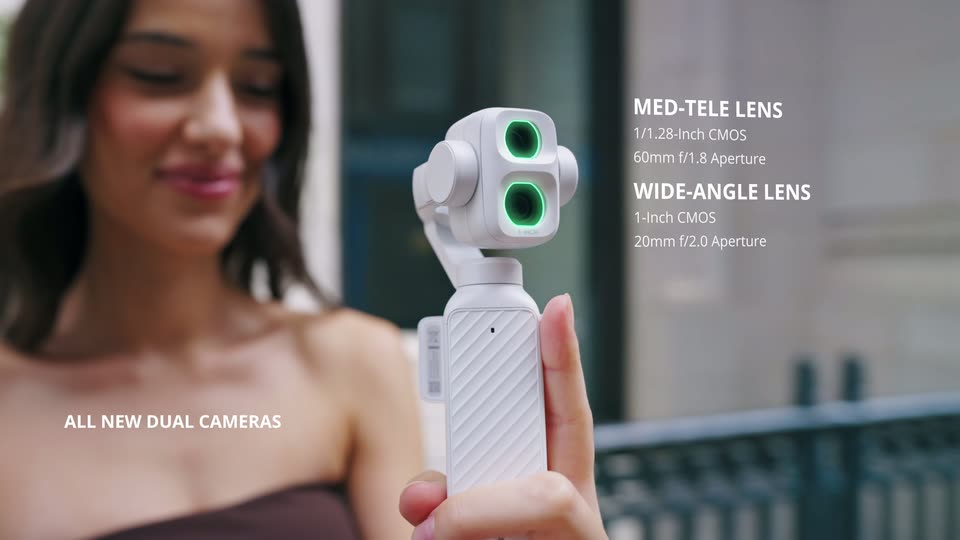

DJI Osmo Pocket 4P is now available in Pearl White—the Dual-Camera Cinematic Pocket Gimbal Camera.
DJI · Hardware · Oct 2026
Cursor · Jun 2026 · 1:14 · AI-annotated
A presenter in a warm living room walks through three use cases of the iOS app, cutting between locked-off talking heads and macro close-ups of a tilting phone screen, then closes on a spinning logo. The look is casual and low-contrast with steady ~108 bpm pacing, frequent cuts, gentle hand-held phone tilts, and a clean white sans-serif title.
DJI · Hardware · Oct 2026
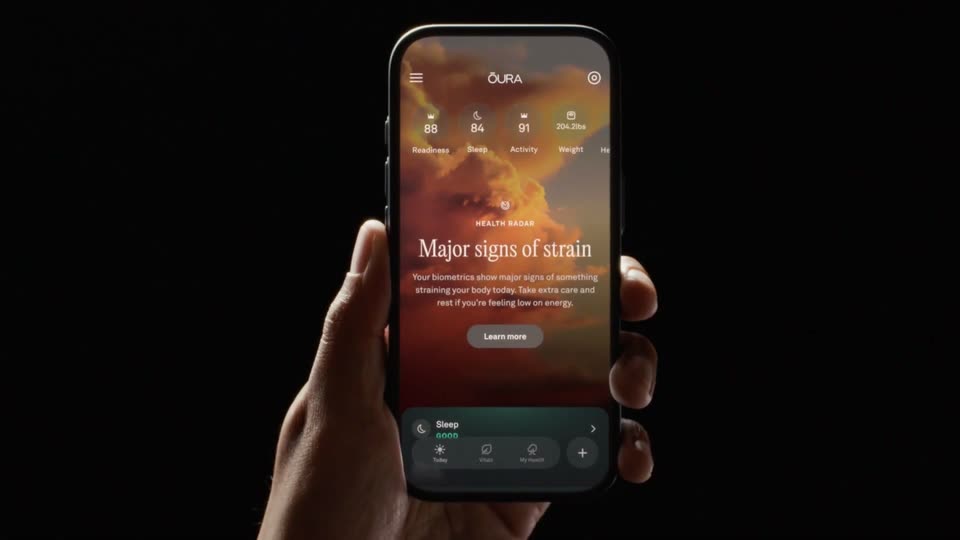
Oura · Hardware · Sep 2026
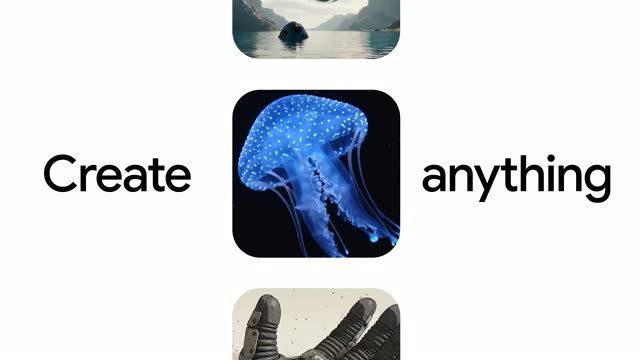
Google · AI · May 2026
A man in a black hoodie sits in a beige armchair in a warm living room, holding a phone upright in one hand. The white title reads across the center of the frame over the shot, which stays static.
On-screen text: “Cursor for iOS”
Camera: Static
A man in a black hoodie drops into a beige armchair in a bright living room, smiling and gesturing with a laptop on his lap. The shot cuts to a hand holding a phone that shows a Cursor pull request screen with checks and file diffs.
Camera: Static
A hand holds a phone to camera, its screen showing a code-review interface with a spinner; the phone swings with motion blur, then the frame opens to a man on a beige sofa gesturing while holding it.
Camera: Static
A man in a black hoodie sits in a beige armchair, holding a phone and tablet on his lap. He smiles and raises three fingers to count, then lowers his hand. A lamp, plant and world map print fill the room behind him.
Camera: Static
A hand holds a smartphone at an angle against a dark, blurred background. The app screen shows a list of repro items that scrolls slowly upward while the phone tilts gently. The person's crossed legs sit out of focus below.
Camera: Static
A hand holds a tilted iPhone in 3D perspective, the screen scrolling through a Cursor docs page with a summary, bullet notes, and walkthrough screenshots. The thumb taps to advance the content.
Techniques: 3D mockup
Camera: Push in
A hand holds a tilted iPhone against a dark, blurred background, showing a pull request screen. A finger taps Mark Ready; the Draft badge turns green to Open and a teal Ready to Merge button appears.
Camera: Static
A man in a black hoodie sits in a beige armchair, holding a phone in his right hand as he speaks. A lit table lamp and a large abstract painting fill the softly lit living room behind him. He looks down at the phone, then glances up while talking.
Camera: Static
A hand holds a tilted smartphone against a dark blurred room, its screen showing a mobile app with a repo list and an open composer field above a keyboard. The thumb taps the screen, nudging the content card upward while the interface stays in place.
Camera: Static
A man in a black hoodie sits in a beige armchair, holding a phone and gesturing as he speaks. The set holds a floor lamp and a small plant. The shot cuts to a tight close-up of the phone in his hand, resting on his lap, its lock screen showing the time.
Camera: Static
A hand tilts a phone upright as its black screen wakes to the iOS lock screen. The white time 5:49 and date slide in over a sunset wallpaper, and a dark Live Activity card at the bottom lists two running tasks with timers.
Camera: Static
A man in a dark hoodie sits in a beige armchair, holding a smartphone in both hands and speaking as he looks at the screen. A lit table lamp and a warm abstract painting stay softly out of focus behind him in a static medium shot.
Camera: Static
Hands hold a phone over a dark lap, the screen showing a repo list with a bottom sheet of options. The right thumb taps the screen near the Ask button, the frame locked off.
Camera: Static
Close-up of two hands holding a smartphone over a knee, showing a chat thread. The left thumb taps the screen and a red oval is drawn around a message. Static camera, dark blurred background.
Camera: Static
A person holds a phone in both hands, a document on screen marked with a red circle. Thumbs tap the on-screen keyboard, typing the comment Tighten up the spacing. The locked-off close-up cuts to a wider shot of the man seated on a couch.
Camera: Static
A man in a dark hoodie sits in a beige armchair, holding a phone and gesturing with his free hand as he speaks. He then looks down at the screen. The softly lit living room has a floor lamp, a small plant and a world map on the wall, all on a locked-off frame.
Camera: Static
Close-up of two hands holding a smartphone; the left thumb taps the on-screen keyboard, typing a slash command into the chat input field while the phone tilts slightly. The screen shows a chat thread above the keyboard against a dark, blurred background.
Camera: Static
A man in a black hoodie sits in a beige armchair, holding a smartphone in one hand and gesturing with the other as he speaks. A table lamp with a cream shade stands to his left against a warm marbled wall. The frame stays locked off.
Camera: Static
A close-up of a hand holding a smartphone in a dim room, the screen showing a repo list and an on-screen keyboard. A second hand gestures at the left edge. The phone tilts gently as the thumb hovers near the screen, the interface text staying static.
Camera: Static
A hand holds a tilted smartphone, its screen showing a repo list and keyboard. A finger taps the display while the other hand points at the keys, the interface staying still on a locked-off frame.
Camera: Static
A man in a black hoodie sits in a beige armchair in a warm living room, gesturing with his hands as he speaks. The shot cuts to a close-up of two hands holding a phone that displays the app over a blue image.
Camera: Static
A hand holds a smartphone in close-up, its lock screen in focus with the time and an orange mountain wallpaper. A second hand reaches in from the left, fingers extended. The frame stays locked off against a blurred room.
Camera: Static
A man in a black hoodie sits in a beige armchair, holding a smartphone and gesturing with his free hand as he speaks. The locked-off medium shot frames a sunlit living room with a floor lamp, side table and wall painting; the phone screen shows a clock at 5:52.
Camera: Static
A man in a black hoodie sits on a beige couch, holding a smartphone in one hand and gesturing with the other toward a fabric-shade lamp. He speaks to camera in a warm living room with an abstract wall behind him.
Camera: Static
A man in a black hoodie sits in a beige armchair, holding an iPhone up with its screen toward the camera. He gestures while talking, then lowers the phone to his lap. A tripod lamp, a plant, and a tan canvas fill the room behind him.
Camera: Static
A small black logo mark sits centered on a plain white field. It spins in place, its hexagonal form with a white triangle cutout rotating from a tilted angle until it lands upright, then holds still.
Camera: Static
The screen holds on black; the brand logo is present but barely visible, a quiet sign-off.
Camera: Static