1:21
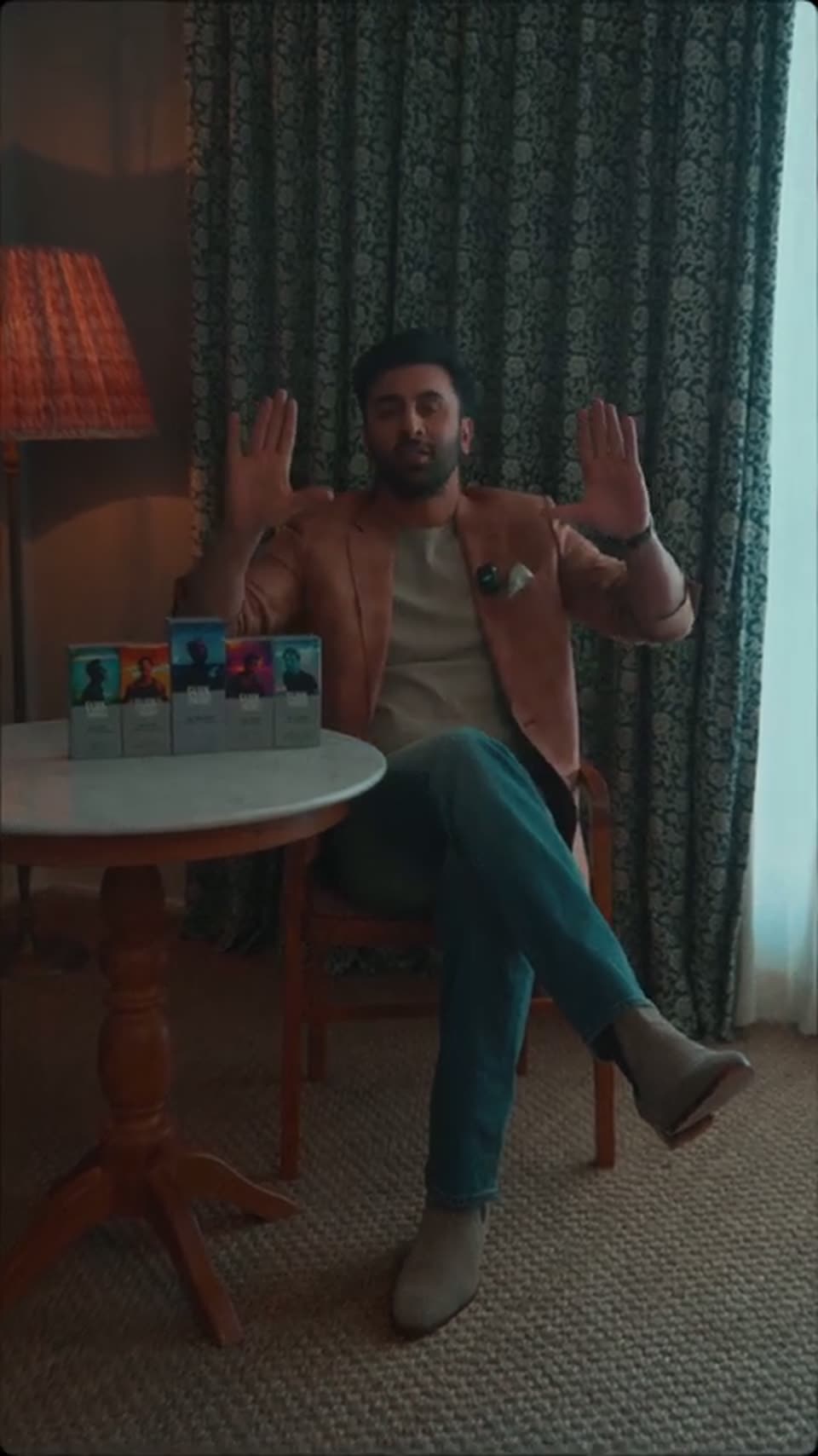
Meet Flux Theory's Founder | Ranbir Kapoor | Stay In Flux #RanbirKapoor #StayInFlux #FluxTheory
Flux Theory · Consumer · Sep 2026
Zapier · Sep 2020 · 0:34
The video is a rapid chain of locked-off text cards, one word or one question per cut, over flat color fields that swap between blue, orange, charcoal, yellow, and cream. Its signature moves are the hard color-field swap and the oversized bold type that fills the frame, with a small search-mark watermark fixed in the lower right corner.
Flux Theory · Consumer · Sep 2026
Airbnb · Consumer · Dec 2020
Eccasion · Nov 2026
A flat blue background holds the word YOU in large white letters at center. A small white magnifying-glass icon with an asterisk sits in the lower right corner. The frame is static and locked off.
On-screen text: “YOU”
Camera: Static
A solid orange field holds the word HAVE in large white bold sans, centered and static, with a small white magnifying-glass logo in the bottom right corner.
On-screen text: “HAVE”
Camera: Static
A dark charcoal card holds the word QUESTIONS in large cream bold sans, centered, with a small white search icon in the lower right corner. The frame is static and locked-off.
On-screen text: “QUESTIONS”
Camera: Static
A flat yellow field holds the word ABOUT in large white bold type, centered and locked off. A small white magnifying-glass mark with a starburst sits in the lower right corner. The frame stays static for the full duration.
On-screen text: “ABOUT”
Camera: Static
Bold white words swap one at a time in the center of a flat blue field: PRODUCTIVITY, then APPS, then a larger ABOUT. A small white line logo, a magnifying glass with an asterisk, stays fixed in the bottom right corner.
On-screen text: “PRODUCTIVITY”, “APPS”, “ABOUT”
Camera: Static
Large white bold words swap in the center of a flat blue field: REMOTE WORK, TECHNOLOGY, NO CODE, WORKFLOWS, SPREADSHEETS, AUTOMATION, each held for a beat. A small white line logo of a magnifying glass with a star sits in the bottom-right corner.
On-screen text: “REMOTE WORK”, “NO CODE”, “WORKFLOWS”, “AUTOMATION”
Techniques: Kinetic type
Camera: Static
A solid orange field holds a large white question in the upper left, with a small white magnifying-glass logo fixed in the bottom right corner. The frame is locked off and the type stays static for the full clip.
On-screen text: “How can I automatically post my Instagram content to Pinterest?”
Camera: Static
A dark charcoal background holds a large white bold question in the upper-left, with a small white circular logo pinned to the bottom-right corner. The frame stays locked and static throughout the clip.
On-screen text: “Can I send leads a personalized message?”
Camera: Static
A plain mustard-yellow frame holds a white question, left-aligned across the upper half, while a small white line icon sits in the bottom-right corner. The shot is locked off with no motion throughout.
On-screen text: “How can I automatically add tasks to my to do list?”
Camera: Static
A solid blue field holds a white three-line question about notifying a team on Google Sheets updates, with a small magnifying glass icon in the lower right. The frame stays locked and still for the full duration.
On-screen text: “Can I notify my team when I update Google Sheets?”
Camera: Static
A solid orange background holds a large white bold question about keeping track of remote communication, left-aligned across four lines. A small white line-art magnifying-glass logo with a star sits in the bottom-right corner. The frame stays static throughout.
On-screen text: “How do you keep track of all the communication that comes at you when you work remotely?”
Camera: Static
The ZAPIER wordmark in large cream letters holds center on a flat dark gray field, with a small white magnifying-glass-and-asterisk mark sitting in the lower right corner. The frame is locked off and the mark stays static for the duration.
Camera: Static
A solid yellow background holds the word HAS in large white bold type at center. A small white line-drawn magnifier with an asterisk sits in the bottom right corner. The frame stays locked and static.
On-screen text: “HAS”
Camera: Static
A solid blue field holds the word ANSWERS in large white bold capitals, centered and static. A thin white magnifying-glass icon with an asterisk inside sits in the bottom right corner. The frame stays locked off for the full duration.
On-screen text: “ANSWERS”
Camera: Static
A cream background holds a static left-aligned title card. Large black “Introducing” sits above orange “Ask Zapier”, with a smaller black caption and orange URL below, and a small magnifying glass icon at lower right. All elements remain locked off.
On-screen text: “Introducing”, “Ask Zapier”, “Submit your questions at”, “zapier.com/blog/ask-zapier”
Camera: Static