0:31
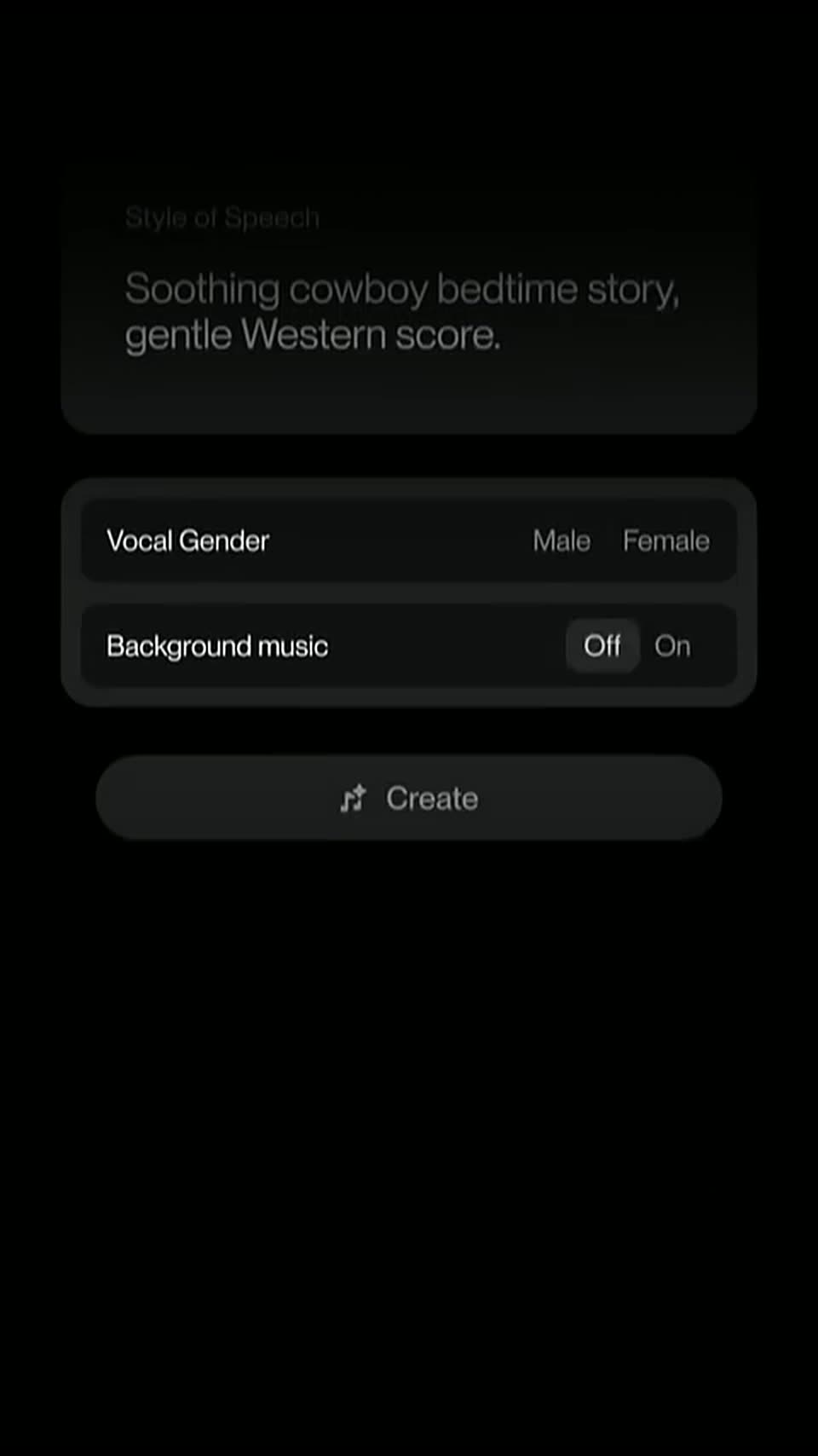

Speech is now in Beta.
Suno · AI · Oct 2026
Superhuman · Feb 2024 · 2:08 · AI-annotated
The video is a feature reel: a brand opening, then five short demos, each introduced by a centered white headline on a pastel gradient and shown inside a floating white email card or phone frame. Pacing is steady at about 6.5 cuts per minute, with the signature move of a headline dissolving into the interface and the interface dissolving back into the next headline.
Suno · AI · Oct 2026
Granola · Productivity · Jul 2025
Superhuman · Productivity · Nov 2023
A small gradient-outlined logo, two stacked angular shapes, fades in at the center of a dark field and holds still.
Camera: Static
On a blurred teal-to-purple gradient, the white wordmark “Superhuman” slides in beside an empty rounded square outline. “ai” fills the square, then “2.0” appears to its right, and the centered lockup holds.
On-screen text: “Superhuman ai”, “2.0”
Techniques: Kinetic type
Camera: Static
On a dark purple gradient, the title “Superhuman ai 2.0” slides in, then three tagline lines fade in and out in sequence: “Imagine waking up to an inbox...”, “where every email...”, “already has a draft reply.”
On-screen text: “Superhuman ai”, “2.0”, “Imagine waking up”, “to an inbox...”, “where every email...”, “already has a draft reply.”
Techniques: Kinetic type
Camera: Static
A white “Instant Reply” headline fades in and scales up on an orange-to-purple gradient, then an email card from Marlene appears, inviting Rahul to speak on an AI panel, ending on a three-dot typing indicator as the caption “already has a draft reply.” fades in.
On-screen text: “Instant Reply”, “already has a draft reply.”
Techniques: Kinetic type
Camera: Static
A white email card sits centered on a soft pink and blue gradient. Quick reply chips fade in beneath the message, the Interested! chip gets outlined, and the card expands to reveal a draft reply with Send, Send later, and Remind me actions.
Camera: Static
Two white email cards stacked on a soft pink-to-lavender gradient. The top card holds an invitation message; the bottom reply card fades in, its text shifting from light gray to black.
Camera: Static
The white title “Auto Summarize” sits centered on a peach-to-violet gradient. An email thread about a panel invite fades out, then a second thread about the ACME Ventures deal fades in behind the locked title.
On-screen text: “Auto Summarize”
Camera: Static
A white email-thread window titled ACME Ventures Deal sits on a pink-to-blue gradient, with a contact card for Paul Teyssier on the right. The view slowly zooms in, pushing the right panel off frame and filling the screen with the message list.
Techniques: UI zoom
Camera: Push in
A white email-thread card on a pink-to-blue gradient scrolls up through several messages, then zooms in on the card header as a one-line deal summary fades in beneath the title.
Techniques: UI zoom
Camera: Push in
An email thread card titled ACME Ventures Deal fades out to a peach-to-purple gradient while the white headline builds in, with M set in a rounded keycap. The card then fades back in as the headline fades out.
On-screen text: “Just hit M for more!”
Techniques: Kinetic type
Camera: Static
A white deal card on a soft pink-blue gradient shows an email thread. The summary line under the title expands to reveal a six-item bullet list, then collapses back to the message body.
Camera: Static
A soft orange-to-violet gradient holds the frame. A translucent email thread card dissolves away, leaving the centered white headline, which then fades as a blank compose window with a blinking caret fades in.
On-screen text: “Turn an idea into an email”
Camera: Static
A white email composer card floats on a soft pink-to-blue gradient. Brief notes are typed into the draft box, which flashes 'Writing...' then expands to reveal a full AI-drafted email; the view scrolls and a cursor clicks Accept.
Techniques: UI zoom, Cursor demo
Camera: Pull out
A flat email draft card on a pink-to-purple gradient fades out, and the white two-line headline “Write with just your voice” fades in centered on the plain background.
On-screen text: “Write with”, “just your voice”
Techniques: Kinetic type
Camera: Static
A smooth orange-to-purple gradient fills the frame behind two centered lines of white text. The title holds still in a locked-off shot with no movement.
On-screen text: “Write with”, “just your voice”
Camera: Static
A phone mockup on a soft pink-to-blue gradient shows an email compose screen. The screen dims as a white AI sheet slides up, then the view reframes to a large centered input pill.
On-screen text: “Write with”, “just your voice”
Techniques: UI zoom
Camera: Static
On a pastel gradient, a rounded note field with a gradient border shows the placeholder “Outline your email in brief notes” beside a floating purple mic icon. The field expands, a sales note is typed line by line, then it collapses into a “Writing...” pill over a phone keyboard screen.
Techniques: Morph, Kinetic type
Camera: Static
A centered phone mockup on a soft pink-to-blue gradient displays a messaging app that types a sales recap line by line, then cuts to an email compose view scrolling the finished message above a keyboard.
Camera: Static
A centered phone mockup on a pink-purple gradient shows a messaging screen, then switches to an email compose view. The large white headline “Improve your writing” stays locked across the frame.
On-screen text: “Improve your writing”
Camera: Pull out
A flat email draft on a pastel gradient. The body text highlights, a cursor clicks the AI button, a Shorten menu opens, and the message rewrites into a shorter version; the cursor clicks Accept and the draft scrolls to the signature.
Techniques: Cursor demo
Camera: Static
A pink-to-purple gradient fills the frame. An email composition card shows, then clears to a large centered headline that fades in line by line. A second email card fades in over the now-faint headline.
On-screen text: “Write in any language”
Techniques: Kinetic type
Camera: Static
A flat email draft on a pastel gradient. The body text is highlighted, a formatting bar and an AI edit panel pop up, a French rewrite request is typed, the draft rewrites itself in French, and a cursor clicks Accept on the result.
Techniques: Cursor demo
Camera: Static
A blurred email draft dissolves into a teal-to-purple gradient as the white Superhuman wordmark and ai badge slide in, then 2.0. The words Write, Reply, Translate and more... fade in one by one, ending on the two-line headline Get 4 hours back every single week.
On-screen text: “Superhuman ai”, “2.0”, “Write”, “Reply”, “Translate”, “and more...”, “Get 4 hours back”, “every single week”
Techniques: Kinetic type
Camera: Static
A soft, out-of-focus gradient of deep purple and blue fills the frame, drifting slowly. The URL SUPERHUMAN.COM holds centered in thin white letters, motionless, as the closing card.
On-screen text: “SUPERHUMAN.COM”
Camera: Static